
Text to Video AI: Write Prompts, Get Videos
Write Prompts, Get Videos
The holy grail of generative AI. You type text. We generate pixels. FlowVideo's text to video ai engine creates high-fidelity videos from simple descriptions, simulating real-world physics and lighting. Imagin it. Type it. Watch it.
Built for transparent creative workflows
Generator Settings
Cost: 60 Credits
1 = Static, 10 = High Action
Text to Video Engine
Enter a prompt and adjust physics settings to start generating.
Introduction
For decades, creating a specific video shot—"A golden retriever jumping into a pool in slow motion at sunset"—required three things: a dog, a pool, and a camera crew. If you didn't have those, you couldn't have the shot.
FlowVideo AI's Text to Video AI breaks this causal link. It does not look up existing stock footage; it hallucinates new reality. By training on petabytes of video data, our model has learned the relationship between words and visual concepts. It knows what "sunset" looks like (orange light, long shadows). It knows what "slow motion" looks like (frame interpolation). It knows how water behaves when a dog hits it (fluid dynamics).
This tool allows you to summon video existence from the void. Whether you need a shot of a futuristic cityscape for a sci-fi film, or a macro shot of a coffee bean roasting for a commercial, you simply describe it, and the AI renders it frame by frame. It is the ultimate creative tool for directors, marketers, and dreamers who refuse to be limited by their physical resources.

Why Use Text to Video AI?
Beyond simple pattern matching. True understanding.
Infinite B-Roll (The Stock Footage Killer)

The Technology: World Simulators

Spatiotemporal Diffusion
The model generates the video as a 3D block of data. It understands that if a character turns their head 45 degrees in Frame 10, they must continue turning in Frame 11. It maintains "Temporal Coherence." It doesn't treating every frame as a new image; it treats the video as a fluid object.

The Physics Engine (Learned vs. Coded)
In video games, physics are coded (Gravity = 9.8). In AI, physics are learned. By watching millions of videos of dropping vases, the AI learns that "Glass shatters when it hits the ground." It learns that "Smoke rises." This allows for realistic simulations of complex phenomena like fire, water, and cloth movement without running a single line of simulation code.
Resolution and Framerate
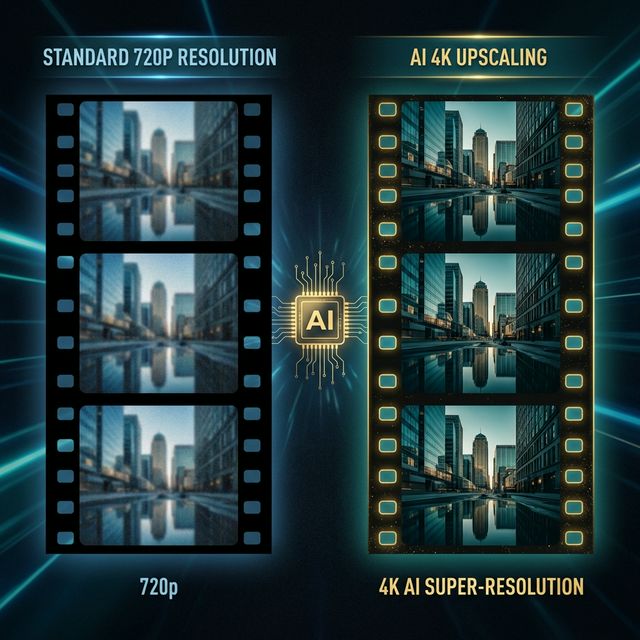
Native 24fps: We generate at the cinematic standard of 24 frames per second. Upscaling: The raw output is 720p. Our integrated "Super-Resolution" module (Real-ESRGAN for video) upscales this to 1080p or 4K, adding distinct detail to textures like skin pores or brick walls.
Step-by-Step Guide: Writing the Perfect Prompt
Subject + Action + Context
Formula: [Subject] + [performing usage Action] + [in Context/Location]. Example: 'A robot' + 'painting a canvas' + 'in a sunlit art studio.'
Add Camera Directions
Keywords: 'Drone view,' 'Close-up,' 'Macro,' 'Wide angle,' 'Tracking shot,' 'Handheld shake.' Effect: 'Handheld shake' adds realism to horror or documentary style shots.
Add Lighting and Style
Keywords: 'Golden hour,' 'Neon cyberpunk,' 'Soft studio lighting,' 'Hard shadows,' 'Film grain,' 'Kodak Portra 400.' Effect: Lighting sets the mood. 'Cyberpunk' triggers blue/pink color palettes.
Motion Control
Slider: Use the 'Motion Bucket' slider. Low (1-3): The video is mostly static, like a cinemagraph (only coffee steam moving). High (8-10): High action. Cars driving fast, people running. (Warning: High motion can cause artifacts/morphing).
Comparison: The Generative Landscape
| Feature | OpenAI SORA | Runway Gen-2 | FlowVideo AI |
|---|---|---|---|
| Access | Closed Beta | Public | Public |
| Resolution | 1080p | 1080p | 1080p / 4K |
| Cost | N/A | Credits | Free / Pro |
| Focus | Demo | Creative | Commercial |
Industry Use Cases
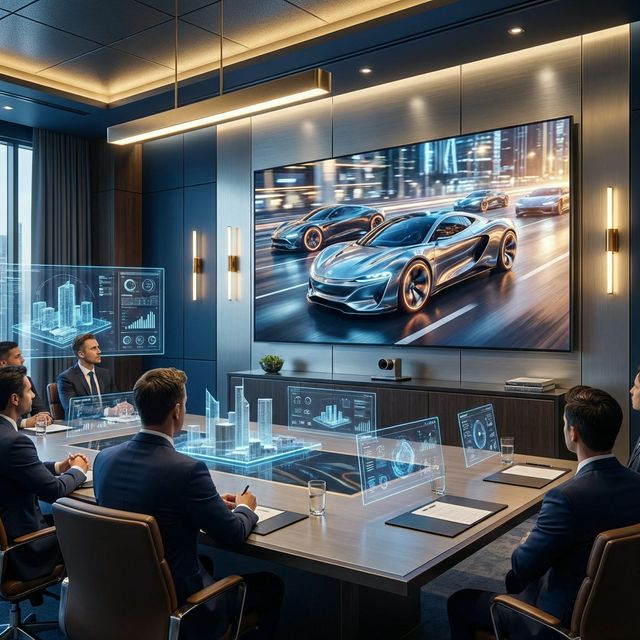
Marketing Agencies
Creating 'Mood Films' for brand pitches. Instead of spending days searching for images to represent 'The future of mobility,' they generate a 1-minute video montage of futuristic electric cars to set the tone for the client meeting.

E-Commerce
Generating product lifestyle videos. 'A bottle of perfume sitting on a rock in a misty river.' It creates a premium look for a product launch without an on-location photo shoot.
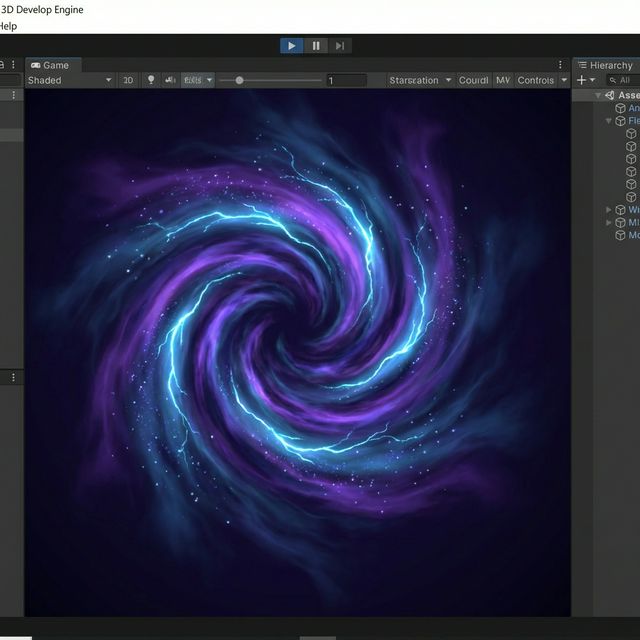
Game Development
Generating animated textures. A developer needs a 'Magic Portal' texture. They prompt 'Swirling purple energy vortex, seamless loop,' and apply the resulting video to a flat plane in Unity.
Verify the workflow before generation
Review the inputs, model, estimated credit cost, output type, and limitations shown on this page.
Troubleshooting Common Glitches
Morphing objects
Motion too high. Lower the Motion Strength slider from 10 to 5. The AI needs to hallucinate less movement to stay stable.
Extra limbs
Complex action. Avoid prompts with complex interactions like 'holding hands' or 'eating spaghetti.' AI struggles with object boundaries. Keep actions simple ('looking,' 'walking').
Blurry face
Subject too far. The AI allocates pixels based on importance. If a person is far away, their face is only 10 pixels. Use 'Close-up' or 'Portrait' prompts to force high-detail faces.
Frequently Asked Questions about Text to Video
Text to Video AI Generation: Prompt Engineering, Physics, and Practical Workflows
Prompt Structure Determines Output Quality
The gap between a mediocre generation and a cinematic one almost always traces back to the prompt. FlowVideo's text to video AI engine parses your input using attention mapping, linking each word to a specific region or attribute in the output frames. A vague prompt like "a city" produces generic skylines. A structured prompt like "aerial tracking shot of a rain-soaked Tokyo intersection at midnight, neon reflections on wet asphalt, shallow depth of field" gives the model enough spatial, temporal, and lighting constraints to produce something visually coherent. Subject plus action plus context plus camera direction is the formula that consistently yields the strongest results. Spending thirty extra seconds on prompt detail saves multiple regeneration cycles.
Learned Physics: How the Model Simulates the Real World
Unlike game engines that code gravity as a constant, the text to video AI model has internalized physics from watching millions of hours of real footage. It knows smoke rises, glass shatters on impact, cloth drapes over edges, and water splashes radially. This learned behavior extends to subtle phenomena like light refracting through a wine glass or hair swaying in wind. The model does not run explicit simulation code. Instead it predicts what the next frame should look like based on the physical patterns embedded in its training data. The result is motion that feels organic rather than procedurally generated, which is why outputs from FlowVideo hold up in professional editing timelines alongside real footage.
Temporal Coherence Across Frames
Early text to video AI systems treated each frame independently, producing flickering artifacts where a character's shirt changed color between frames or a background element teleported. FlowVideo's spatiotemporal diffusion architecture generates the entire clip as a three-dimensional data block where the time axis is modeled alongside height and width. If a character turns their head thirty degrees in frame ten, the model ensures the rotation continues smoothly through frame eleven. This temporal coherence eliminates the uncanny jitter that plagued earlier generators and makes the output usable for actual content production rather than just novelty demonstrations.
Replacing Stock Footage Libraries With On-Demand Generation
Stock footage has two persistent problems: cost and genericism. Licensing a single 4K clip from a premium library can run eighty dollars or more, and the same clip appears in hundreds of other projects. Text to video AI eliminates both issues. You describe the exact shot you need, specifying the actor's wardrobe, the lighting angle, the lens type, and the color grade, then generate a unique clip that no other creator owns. For corporate video teams producing quarterly reports or product launches, this means every visual matches the brand's specific palette and tone without the expense of location shoots or the compromise of using footage that competitors also use.
Resolution Pipeline: From Raw Generation to 4K Delivery
Raw output from the diffusion model renders at 720p and twenty-four frames per second, the cinematic baseline. FlowVideo's integrated super-resolution module, built on a video-adapted enhancement network, upscales this to 1080p or 4K by adding texture detail to surfaces like brick walls, skin pores, and fabric weaves. The upscaling is not simple interpolation; it reconstructs high-frequency detail that the base model omitted due to compute constraints. The final export supports MP4 with H.264 or H.265 encoding, ready for direct upload to YouTube, Vimeo, or any editing timeline. For creators who need raw material for further post-production, a ProRes option preserves maximum quality for color grading and compositing.
Practical Workflow: Concept to Published Video in Under an Hour
A working text to video AI workflow starts with writing three to five structured prompts, one per scene. You generate each clip, review the outputs, and regenerate any that miss the mark by refining the prompt language. Once all clips are approved, you arrange them on FlowVideo's built-in timeline, add transitions, overlay captions or a voiceover track, and export in your target aspect ratio. The entire cycle from blank page to published video typically takes thirty to fifty minutes for a sixty-second piece. Compare that to the traditional pipeline of scripting, storyboarding, shooting, and editing, which spans days or weeks. This compression does not sacrifice creative control; it reallocates time from mechanical tasks to the decisions that actually shape the final product.