
AI Explainer Video Generator
Scripts, Animation & Templates
Confusion kills conversions. If your customer doesn't understand your product in 10 seconds, they leave. Use our animated explainer video generator to simplify the complex. Whether you need to rewrite "Engineer Speak" into plain English or generate a full animation from a template, this tool bridges the gap between your product and your customer.
Built for transparent creative workflows
Explainer Generator
Cost: 70 Credits
Explainer Video Generator
Paste technical content → Simplify → Get animated explainer
Confusion Kills Conversions
We live in the "Economy of Attention." Your SaaS product, your crypto token, or your medical device might be revolutionary, but if it takes a 20-page whitepaper to explain it, nobody cares. You need a bridge.
Historically, creating an explainer video was a fragmented process. You hired a copywriter to simplify the script. Then an illustrator. Then an animator. It took 6 weeks and cost $15,000.
FlowVideo AI's Explainer Generator collapses this entire pipeline into one tool. 1. The Writer: It uses the "Feynman Technique" to translate technical jargon into simple, persuasive scripts. 2. The Director: It allows you to "Remix" successful templates, copying the structure and pacing of viral videos. 3. The Animator: It procedurally generates assets and motion graphics that match your brand colors perfectly.

Why use an AI Explainer Generator? (Deep Dive)
The "ELI5" (Explain Like I'm 5) Engine
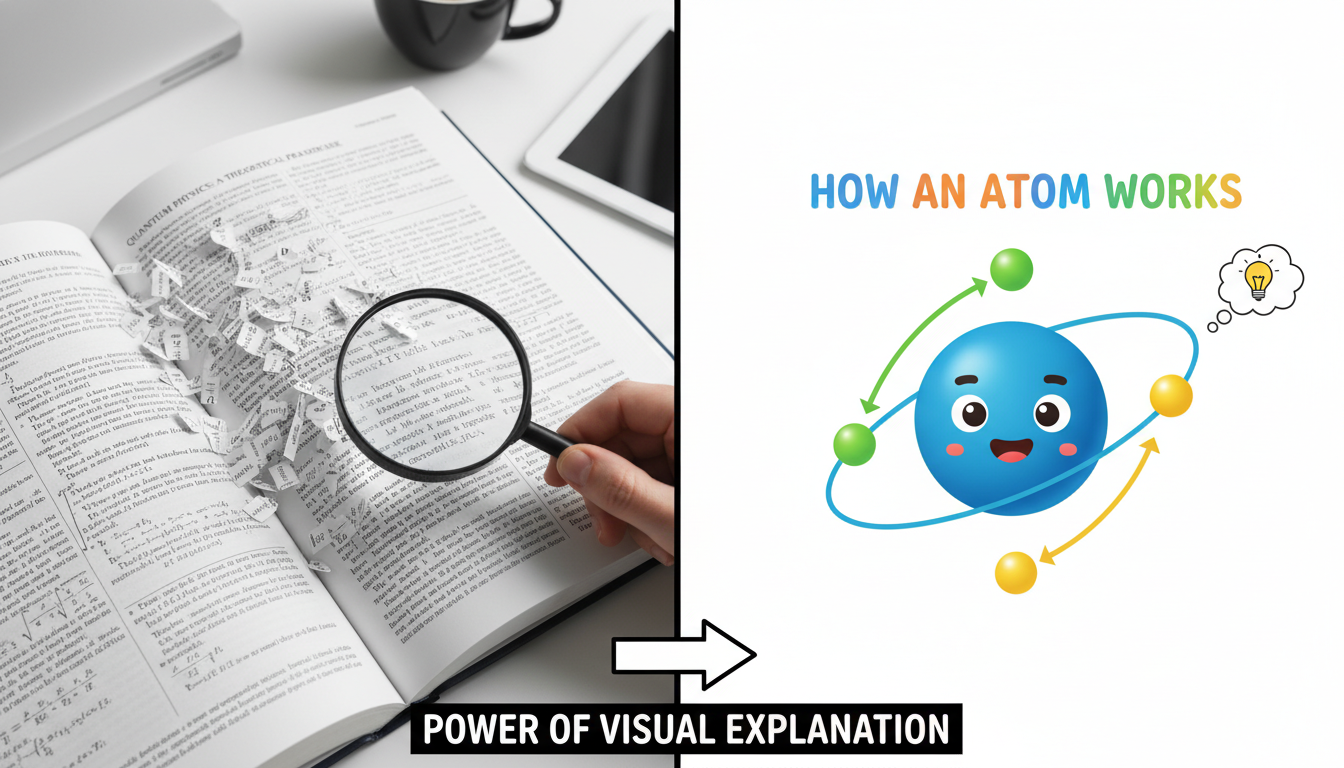
Step-by-Step Guide
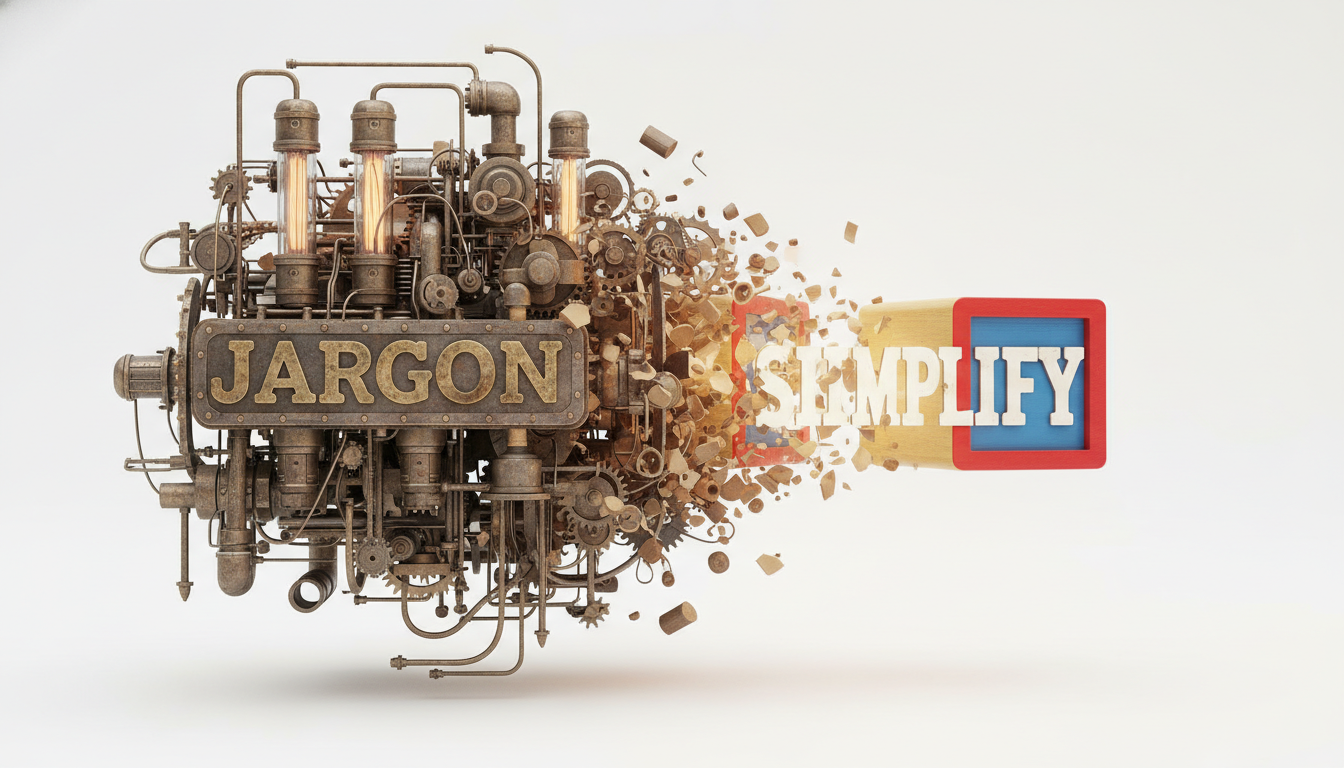
Jargon Buster
The AI identifies complex words and replaces them. It structures the script into the classic "Problem-Agitation-Solution" framework.
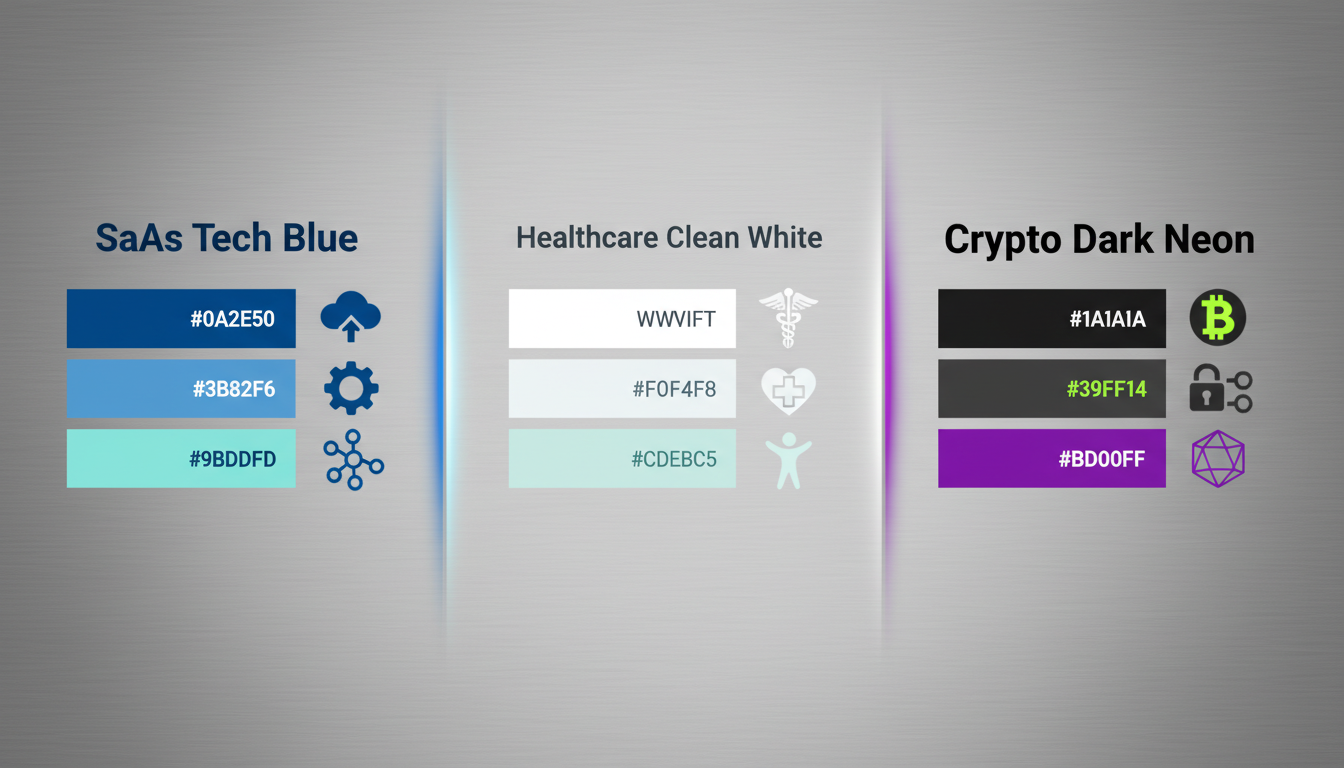
Visual Language Library
SaaS: Isometric, tech-heavy, blue/purple palettes. Healthcare: Clean line art, white backgrounds, reassuring characters. Crypto: Abstract geometry, dark mode, neon accents.
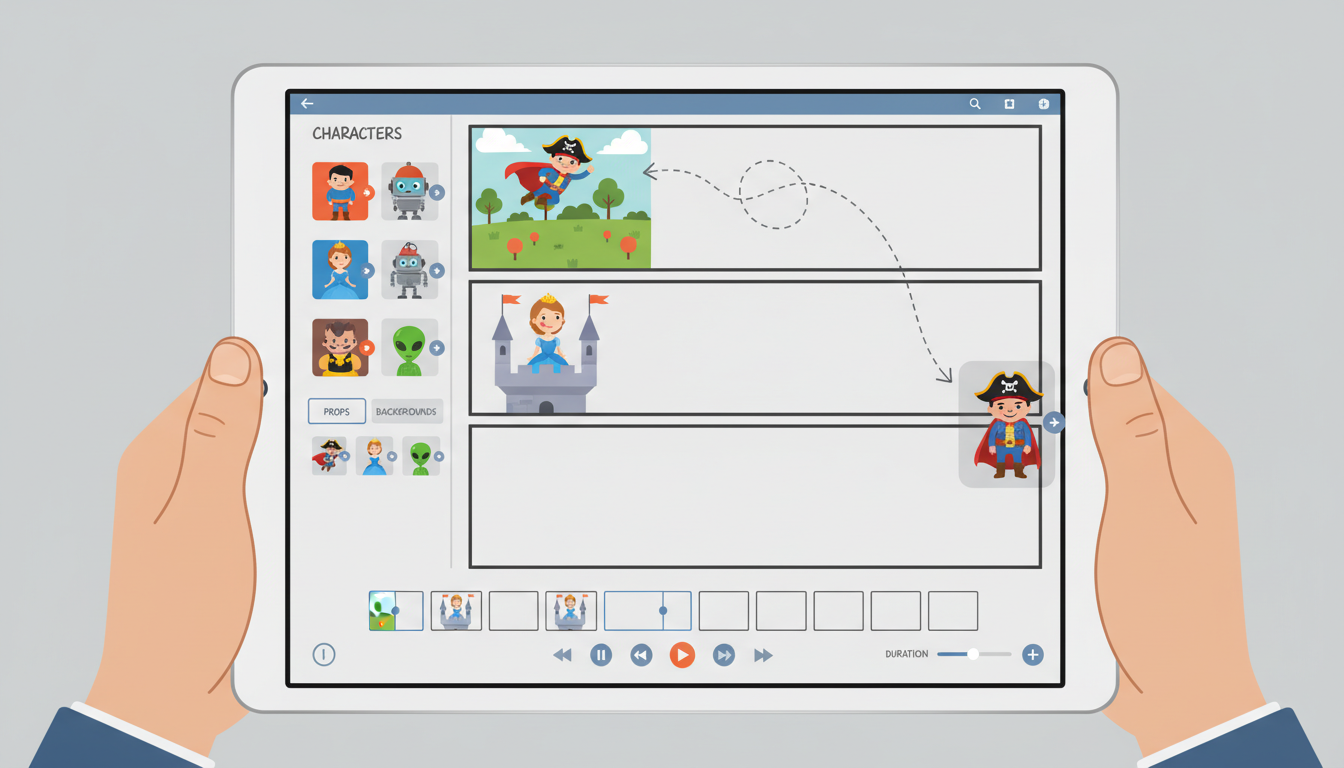
Procedural Animation
The AI presents a storyboard. "Scene 1: Character looks frustrated." Don't like the character? Click "Swap." Change the "Frustrated Man" to a "Confused Robot" instantly using generative fill.
Step-by-Step Guide: From Jargon to Joy
Input & Simplification
Source: Paste your URL, Whitepaper, or dense product spec. Jargon Buster: Click "Simplify." The AI identifies complex words and replaces them. It structures the script into the classic "Problem-Agitation-Solution" framework.
Choose "Visual Language" & Template
SaaS: Isometric, tech-heavy, blue/purple palettes. Healthcare: Clean line art, white backgrounds, reassuring characters. Crypto: Abstract geometry, dark mode, neon accents. Action: Select a template style to serve as the visual foundation.
Script & Storyboard
Review: The AI presents a storyboard. "Scene 1: Character looks frustrated." Customization: Don't like the character? Click "Swap." Change the "Frustrated Man" to a "Confused Robot" instantly using generative fill.
Animation & Audio
Voice: Choose a "Friendly Guide" or "Authoritative Tech" AI voice. Music: The AI auto-ducks the music (lowers volume) when the voice speaks. Render: Export in 1080p or 4K.
Comparison: AI Explainer vs. Agency
| Feature | Design Agency | FlowVideo AI Generator |
|---|---|---|
| Cost | $5,000 - $15,000 | Included in Subscription |
| Turnaround | 4-8 Weeks | 10 Minutes |
| Scripting | Human Writer | AI Simplification Engine |
| Originality | Custom | Procedural (Unique every time) |
| Localization | Expensive Dubbing | One-click Translation |
Industry Use Cases

SaaS Startups
Goal: Homepage Conversion. Video: A fast-paced demo of the problem (Spreadsheets) vs the solution (Dashboard). Result: Placed above the fold to decrease bounce rate.

Healthcare / MedTech
Goal: Patient Education. Video: An animated journey inside the bloodstream showing how the drug works. Friendly, non-gross, scientifically accurate. Result: Used in waiting rooms and on iPads.

Fintech & Crypto
Goal: Trust. Video: Abstract shapes representing "Blockchain security." Result: Explaining the "Why" without getting bogged down in the "How."
Verify the workflow before generation
Review the inputs, model, estimated credit cost, output type, and limitations shown on this page.
Troubleshooting: Common Explainer Issues
Viewer Confusion
Use the "Jargon Buster" filter to rewrite technical terms into plain English.
Boring Visuals
Swap screens for "Abstract Metaphors" (e.g., rocket ship instead of 'speed').
Wrong Style
Switch style from "Cartoon" to "Abstract Line Art" for a premium B2B look.
Generic Assets
Use the "Custom Asset Prompt" to generate unique items (e.g., "A purple robot holding a bitcoin").
Frequently Asked Questions about Explainer Videos
How AI Explainer Videos Turn Complex Products Into Instant Understanding
The six-week bottleneck that killed product launches
Traditional explainer video production follows a painful sequence: hire a copywriter to simplify the script, an illustrator to design assets, an animator to bring them to life, and a voiceover artist to narrate. Each handoff introduces a week of delays and a round of revisions. The total bill lands between $10,000 and $20,000 for a 90-second video. Startups launching new SaaS products or medical devices often skip the explainer entirely because the timeline does not fit their sprint cycle. FlowVideo collapses this pipeline into a single tool. The built-in Feynman Simplification engine rewrites technical jargon into plain language, the procedural animation system generates vector assets that match your brand palette, and the voiceover synthesizer delivers narration in over 50 languages. A video that took six weeks now takes an afternoon.
Why vector assets matter more than you think
Most AI video generators produce raster frames — pixel grids that blur when scaled. Explainer videos need to work on a phone screen and a conference room projector without quality loss. FlowVideo generates SVG-based vector assets for every object in the scene. When you request a server rack or a shield icon, the system outputs a mathematical description rather than a bitmap. A Style LoRA enforces visual consistency: choose Flat Design and every asset shares the same shading language, choose Isometric and everything snaps to a 30-degree grid. The result is a video where every frame looks like it came from the same designer, because mathematically it did.
Template remixing: borrow structure, not content
Starting from a blank timeline is the second biggest time sink after scripting. FlowVideo offers a gallery of high-converting explainer templates. The remix function extracts the structural DNA of a template — its pacing, transition types, and audio build-up curve — then replaces the text, logo, and color scheme with yours. You inherit the rhythm that made the original video effective without copying a single visual element. The approach works particularly well for SaaS onboarding videos, product demos, and investor pitch decks where proven narrative arcs outperform experimental ones.
Dual coding: syncing words and visuals at the millisecond level
Cognitive science research on dual coding theory shows that retention spikes when verbal and visual information arrive simultaneously. FlowVideo enforces this automatically. When the voiceover says the word fast, the rocket animation triggers at that exact millisecond. When the script mentions security, a shield icon appears in sync. The kinetic typography layer ensures that even viewers watching on mute — roughly 85 percent of social media consumers — read the value proposition as animated text on screen. This synchronization is tedious to achieve manually in After Effects but happens by default in the FlowVideo pipeline because the script drives both the audio and the visual timeline from a single source of truth.
Practical workflow for a SaaS product launch
A product manager pastes the technical specification into the Jargon Buster. The AI rewrites it into a Problem-Agitation-Solution script using plain English. She picks the Isometric SaaS template from the gallery and clicks Remix. The system generates a storyboard with six scenes. She swaps the frustrated character in Scene 1 for a confused robot using generative fill, adjusts the brand colors to match the company palette, and selects a professional female voice from the TTS library. The final 90-second video renders in under ten minutes, exports as MP4 and WebM, and embeds directly on the landing page. Total cost: a handful of credits instead of five figures.