
Video Clipping Tool
Corporate Webinars & Training Highlights
In the corporate world, time is the scarcest resource. No executive wants to watch a 60-minute recorded webinar to find the 3 minutes of relevant stakeholder updates. No employee wants to re-watch a full training module to review a specific compliance step. FlowVideo AI's Video Clipping Tool is designed for the high-stakes "Information Extraction" market. It transforms "Raw Video Data" into "Actionable Knowledge Assets." By merging Semantic Audio Analysis with Computer Vision, we automatically identify the thesis statements, the Q&A highlights, and the transition points in your corporate recordings.
Built for transparent creative workflows
Video Clipping Tool
Cost: 40 Credits per clip
Corporate Clipping Tool
Connect your meeting platform → Analyze → Export instructional assets
The "Meeting Debt" Crisis
Companies are drowning in internal video. Every Zoom call, every town hall, every SDR training session is recorded "for later." But "later" never comes because the cost of finding information inside video is too high. This is "Meeting Debt"—value locked in a format that isn't searchable or snackable.
FlowVideo AI's Video Clipping Tool is the solution for: 1. L&D (Learning & Development): Turning an 8-hour seminar into 20 "Micro-Learning" modules. 2. Sales Enablement: Extracting "Perfect Pitch" moments from real client calls to train new hires. 3. Marketing Teams: Slicing up a product launch webinar into LinkedIn "Thought Leadership" clips. 4. Executive Summaries: Consolidating a 3-hour board meeting into a 5-minute "TL;DR" video.

Why Use the Corporate Clipping Tool?
Semantic Topic Modeling (Indexing)

The Technology: Knowledge Asset Extraction
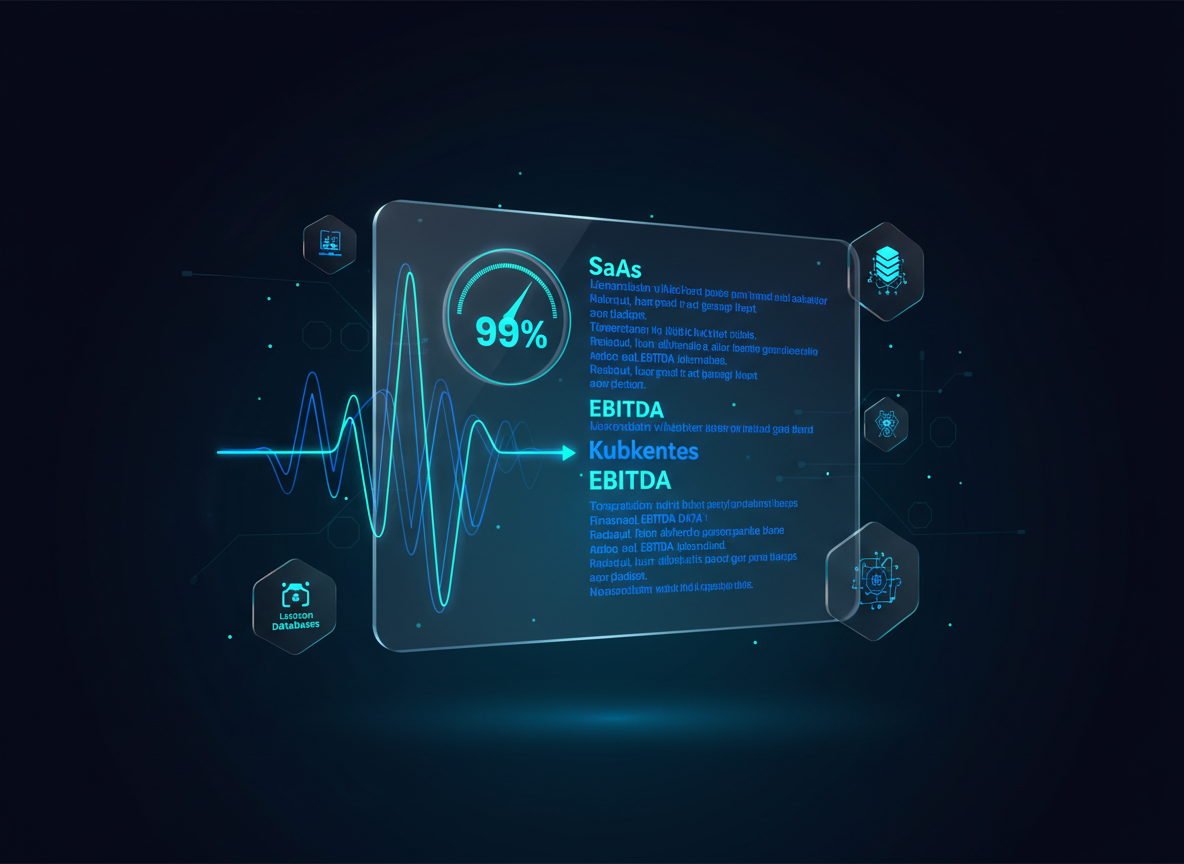
Multi-Track Transcription (Accuracy)
We don't just use a generic whisper model. We use a Domain-Specific Lexicon. Context Aware: If your company uses jargon (e.g., "SaaS," "EBITDA," "Kubernetes"), our AI cross-references your industry to ensure the captions on your clips are 99% accurate before you even touch them.
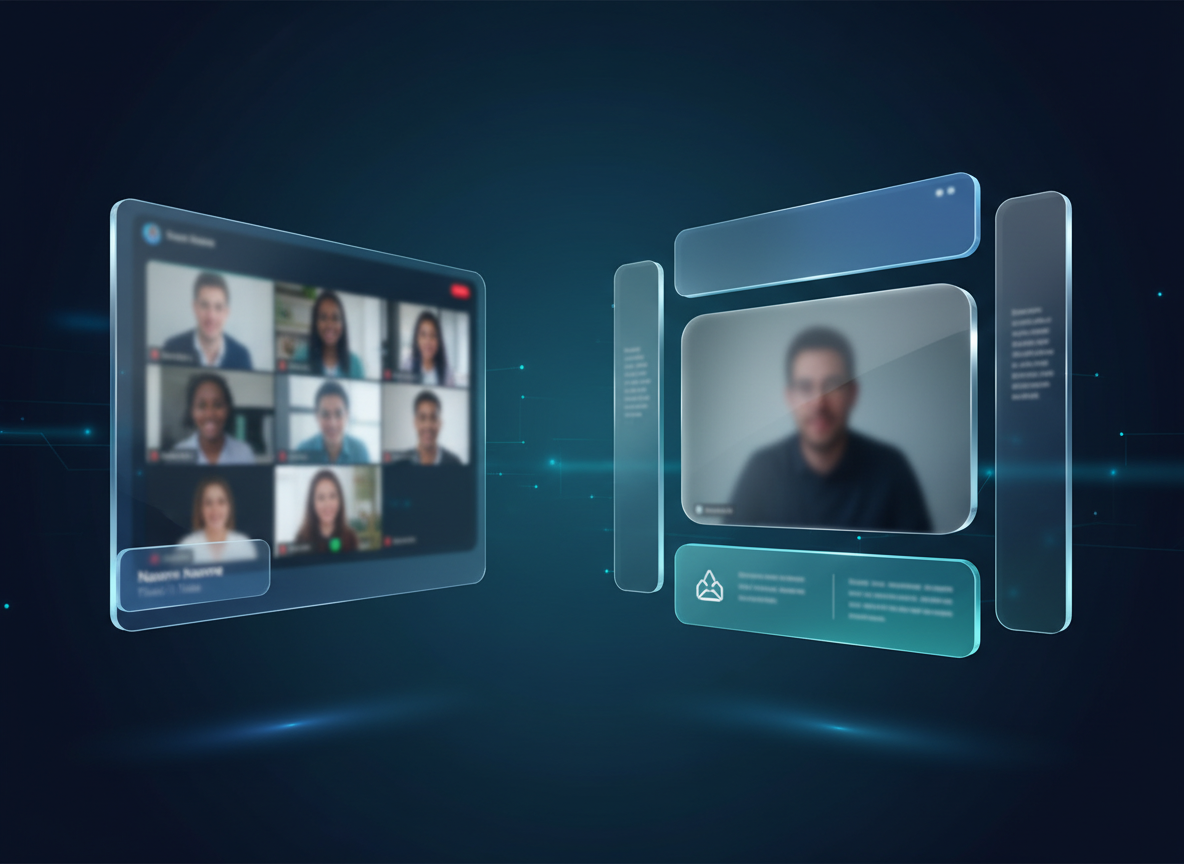
Automated Branding Wrappers
A raw Zoom recording looks unprofessional. The Solution: Every clip is wrapped in a Professional Template. Top Bar: The Topic (e.g., "Compliance Update"). Bottom Bar: Subtitles + Company Logo. Sidebars: Speaker Name and Job Title (pulled from the meeting metadata). Result: A polished video ready for Slack, Teams, or the company wiki.
Step-by-Step Guide: Professional Repurposing
Secure Ingest
Microscope Detail: Upload via secure corporate SSO. We support direct integration with Zoom Cloud, Microsoft Teams, and Google Meet. The video is pulled directly from your history.
Topic Mapping
Action: Click "Analyze Meeting." Microscope Detail: View the Timeline Heatmap. Areas where the AI detected "High Instructional Value" are highlighted in blue. Areas of "General Discussion" are in gray.
Segment Extraction
Action: Select the topics you want. (e.g., "Marketing Strategy," "Feedback Loop"). Microscope Detail: Use the "Smart Padding" feature. It adds 2 seconds of silence before the start and 1 second after the end to ensure no words are "clipped" by abrupt starts.
Instructional Overlay
Action: Add "Call to Action" overlays. Detail: Add a button that says "View Documentation" that appears over the clip. This turns the video into a functional training asset.
Batch Distribution
Action: Export to "Slack Channel" or "LMS (Learning Management System)." Result: The AI prepares an SRT caption file and a high-def MP4 for each segment.
Comparison: Clipping Use Cases
| Feature | General Clipper (TikTok) | FlowVideo Corporate Clipper |
|---|---|---|
| Primary Trigger | Hype / Laughter | Keywords / Visual Changes |
| Layout | 9:16 (Vertical) | 16:9 or 4:3 (Desktop) |
| Branding | Neon / Bold | Clean / Minimalist / Brand Kit |
| Security | Minimal | SSO / Redaction / Private Hub |
| Output | Viral Video | Instructional Asset |
Industry Use Cases

Software Engineering Teams
Content: Sprint Demos. Goal: Slicing a 2-hour demo into feature-specific updates for the Product Manager to review.

Healthcare Training
Content: Medical Lecture. Goal: Extracting the "Side Effects" and "Dosage" sections into reference clips for nurses.

Real Estate Agencies
Content: Legal Compliance Webinar. Goal: Ensuring all agents have watched and "passed" the 2-minute summary of new state laws.
Verify the workflow before generation
Review the inputs, model, estimated credit cost, output type, and limitations shown on this page.
Troubleshooting: Corporate Video Issues
Echo/Low Volume
Apply "Studio Clean" to the whole VOD. It normalizes the different volume levels of 10 different participants into one consistent mix.
Confidential Info
Use the "AI Redaction" tool. Brush over the screen area with sensitive data once; the AI tracks that object and blurs it out across the entire clip.
Low Engagement
Use "Speed Ramping." The AI detects parts with slow speech (fillers) and speeds them up by 1.1x while keeping the pitch natural, making the clip more engaging.
Broken Slide
Use the "Insert Overlay" feature to put a static high-res PDF page over the blurry video segment.