
Online Voice Over Maker Any Celeb: AI Parody Voices
AI Parody Voices
Speak with the voice of legends. Use the world's most advanced online voice over maker any celeb to create parody audio, funny greetings, and viral content in seconds.
Trusted by creative teams at
Celebrity Voice Maker
Cost: 30 Credits
Use CAPS to emphasize. '...' for pause. '-' for interruption.
Audio Preview
Select voice → Enter script → Generate parody audio
Introduction
The human voice is unique, a biometric signature as individual as a fingerprint. It conveys authority, humor, warmth, or sarcasm in ways that pure text never can. For decades, if you wanted a specific celebrity voice for a creative project—say, a movie star to narrate your documentary intro, or a famous politician to star in a comedy sketch—you had two options: hire the actual person (costing millions) or hire a professional impersonator (costing thousands and varying wildly in quality).
FlowVideo AI's "Any Celeb" engine fundamentally changes this creative landscape. We have built a sophisticated AI that can analyze the timbral qualities of complex vocal archetypes—the gravelly rasp of a narrator, the rhythmic flow of a rapper, the staccato cadence of a politician—and reconstruct them synthetically. This online voice over maker any celeb tool effectively puts a Hollywood cast in your browser, available on demand.
Important Disclaimer: This tool is designed primarily for parody, satire, and educational purposes. We respect the "Right of Publicity." Our voices are high-quality impersonations generated by AI models trained on public datasets, not recordings of the actual individuals. We strictly prohibit the use of this tool for non-consensual deepfakes, fraud, or commercial endorsement without the subject's permission.
Whether you are making a viral TikTok meme, a personalized birthday message for a friend, a placeholder track for an indie game, or a narrated YouTube video, this tool removes the physical limits of your own vocal cords. You can sound like anyone, from anywhere, instantly.
Why Use an Online Voice Over Maker Any Celeb?
The Viral Power of Familiarity (Cognitive Dissonance)
The Technology Behind Voice Cloning
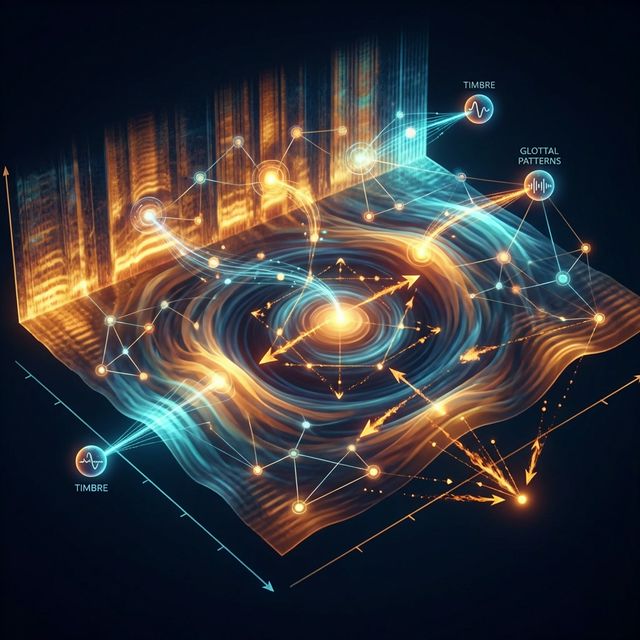
Mel Spectrogram Analysis
Sound is a pressure wave. To a computer, it looks like a "Mel Spectrogram"—a complex visual heat map of frequencies over time. The AI analyzes thousands of hours of speech to learn the specific patterns of a voice constant. It learns that Speaker A always drops their pitch at the end of a sentence (glottal fry), or that Speaker B has a specific rasp (frequency noise) in their vowels. It maps these traits to a "Latent Vector"—a mathematical ID card for that voice.
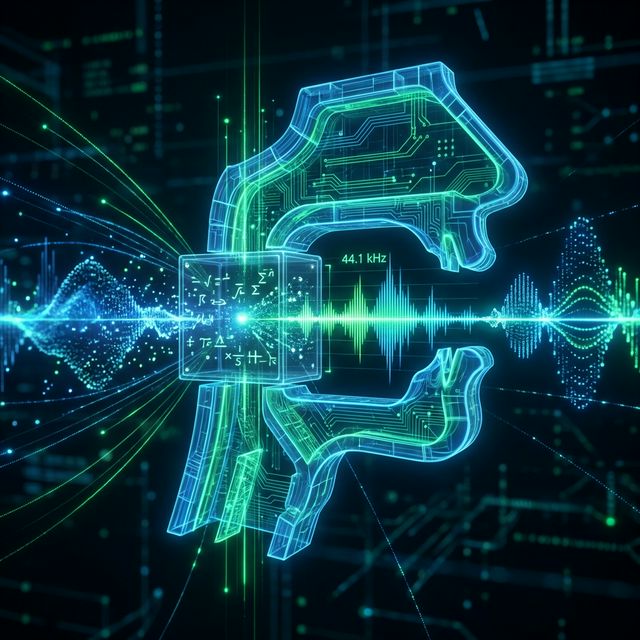
The Vocoder (HiFi-GAN)
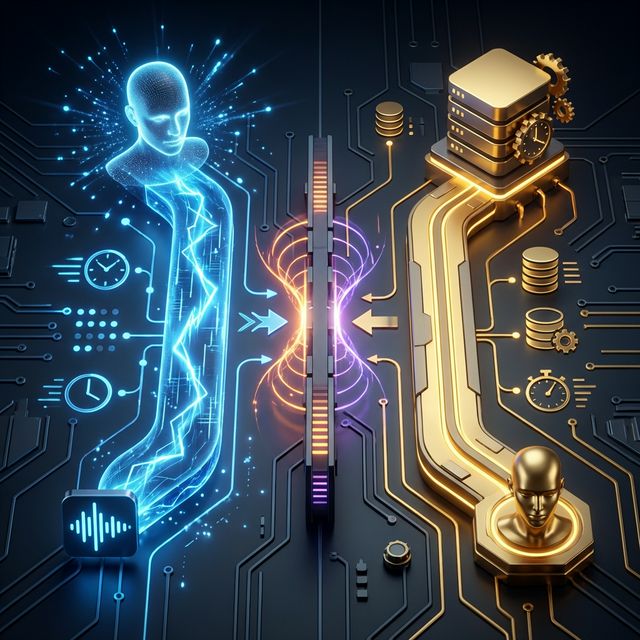
Once the text is processed or the input audio is analyzed, it must be turned back into sound waves. We use a Neural Vocoder (often based on HiFi-GAN or WaveNet). This acts like a digital throat. It takes the mathematical prediction of the speech and generates the raw audio waveform. The quality of the vocoder determines if the voice sounds "human" (with breath, lip smacks, and tonal richness) or "metallic" (like a 90s robot). Our vocoder runs at 44.1kHz for broadcast-quality clarity.
Zero-Shot vs. Fine-Tuned Models
Zero-Shot (Instant Cloning): You upload a 10-second clip of any voice (your friend, a teacher), and the AI clones it instantly. This is fast but lower quality. It might struggle with emotional range. Fine-Tuned (preset): Our "Celeb" presets are fine-tuned. The model has been trained specifically on that voice for hours, resulting in extreme stability and likeness. It won't "break character" even during long sentences or complex words.
Step-by-Step Guide: How to Create a Parody Voice
Step 1: Select Your Voice Avatar
Browse the "Voice Wall." Microscope Detail: We categorize voices by tag and archetype. Politicians: High authority, distinctive cadences, often repetitive. Good for "announcements" or "debates." Rappers: Rhythmic, slang-friendly, punchy. Good for music parodies. Narrators: Deep, soothing, slow. Good for storytelling or documentaries. Cartoons: High pitched, energetic, exaggerated. Good for kids' content. Trend Watch: Look for the "🔥 Trending" tag to see which voices are currently viral on TikTok.
Step 2: Input Your Script (Text Mode)
Type what you want them to say. But don't just type plain text. Microscope Detail: Punctuation Matters: The AI breaths at commas , and stops at periods .. Use an ellipsis ... for a dramatic hesitation. Use a dash - for an interruption. Emphasis: Use capitalization to yell certain words. "I am VERY angry" sounds different than "I am very angry." Phonetics: If the AI mispronounces a name (e.g., "Siobhan"), type it phonetically: "Shi-vaun." Tags: Use tags like [laugh], [clears throat], or [sigh] (if supported by the specific model) to inject non-verbal sounds.
Step 3: Performance (Audio Mode - Recommended)
For the best results, don't type. Act. Microscope Detail: Click the microphone icon. Record your line. Act the Part: If you are doing an impression of a high-energy YouTuber, speak fast and loud yourself. If you are doing a moody narrator, whisper close to the mic. The AI will replace your voice quality, but the rhythm comes from you. This is the secret to all those viral videos—the human performance behind the AI mask.
Step 4: Adjust Settings and Generate
Microscope Detail: Stability Slider: High stability makes it sound consistent but maybe boring/monotone. Low stability adds more "emotion" and randomness but might glitch/crack. Similarity Content: How much of the original speaker's accent to keep vs. your own accent (in Speech-to-Speech mode). Style Exaggeration: Crank this up to make the voice a caricature (good for cartoons).
Step 5: Post-Processing and Export
Download the audio. Microscope Detail: WAV: Uncompressed. Best for editing in Premiere or Audacity. Background Music: Use our built-in mixer to add background music (e.g., "Sad Violin" or "Epic Orchestral") to sell the joke. The generated voice often sounds 2x better with a backing track to hide any digital artifacts.
Comparison: Cloning Methods
| Method | Zero-Shot (Instant) | Fine-Tuned (Preset) |
|---|---|---|
| Input | 10s clip of anyone | Pre-trained hours |
| Quality | Fast but lower | Extreme stability |
| Emotional Range | May struggle | Full character |
| Best For | Quick experiments | Production use |
Industry Use Cases
Memes and Social Media Satire
The primary use case. Creators make "Ai Presidents Gaming" videos where AI voices of Biden, Trump, and Obama argue about which Call of Duty loadout is best. These videos get millions of views because they humanize powerful figures in absurd, low-stakes situations.

Fiverr and Gig Economy
Freelancers use the online voice over maker any celeb to sell "Personalized Greetings." Clients pay $5 to have an "Arnold" style voice wish their dad a happy birthday. It's a booming micro-industry.
Indie Game Development
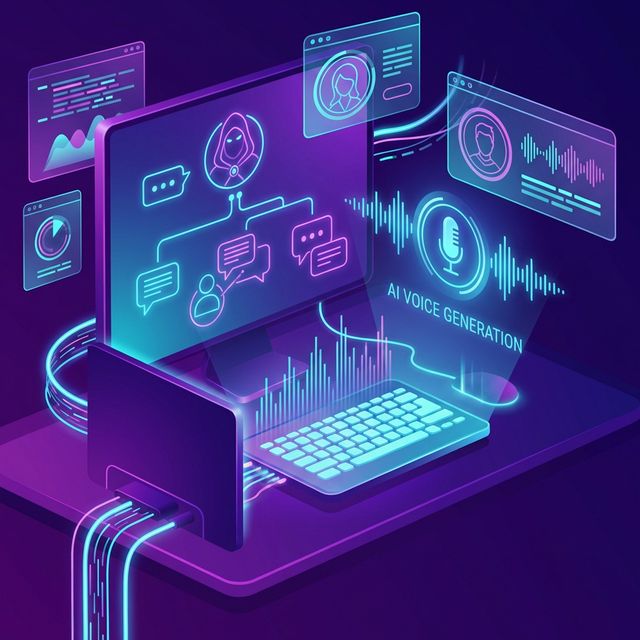
Developers use these voices as placeholders. Instead of hiring actors for a prototype (which is expensive), they generate dialogue to test the flow of the game. Sometimes, they alter the pitch heavily and process it to create unique "Alien" or "Robot" voices for the final game that don't sound like any specific human.

Audiobooks for Personal Use
Users clone their own voice (Voice Lab) to read PDF documents or articles to them while they drive. It is a personalized podcast.
What Users Are Saying
The internet is laughing.
Jake R.
Meme Creator
“AI Presidents Debate got 5M views. This tool literally built my TikTok career.”
Emma S.
Fiverr Seller
“I sell 50 personalized greetings a day. Each takes 30 seconds to make. Pure profit.”
Noah K.
Game Dev
“All my NPC dialogue is AI voiced. Saved $10K on voice actors for the prototype.”
Troubleshooting Voice Issues
The "Metallic" Robot Sound
The sample rate might be low, or the "Stability" is too low. Try regenerating. Adding background music usually hides this frequency.
Mispronunciation
Spell it phonetically. "Eye". Or "Giga-byte" instead of "Gigabyte".
Breathiness
Increase the stability slider.
Frequently Asked Questions about Celeb Voice Maker
Celebrity Voice Overs Made Simple: How AI Parody Voices Are Reshaping Content
The Mechanics of Synthetic Celebrity Speech
Every human voice carries a distinct acoustic fingerprint built from pitch, timbre, cadence, and resonance. When you use an online voice over maker any celeb tool, the underlying model deconstructs those vocal signatures into mathematical representations called latent vectors. FlowVideo AI processes thousands of spectral snapshots to learn how a speaker shapes vowels, where they pause for breath, and how they shift intonation at the end of a question versus a statement. The result is a digital vocal blueprint accurate enough to fool casual listeners yet clearly synthetic when inspected on a spectrogram. This balance matters for parody creators who want recognizable voices without crossing into deceptive territory. The entire pipeline runs in the browser, so there is no specialized hardware requirement on your side. You type or speak, and the vocoder reconstructs the waveform in real time at broadcast-quality sample rates.
Speech-to-Speech Versus Text Input: Choosing the Right Mode
Text-to-speech is the default path most beginners take. You type a script, select a celebrity voice preset, and hit generate. It works, but the output often sounds flat because typed punctuation is a poor substitute for human performance. Speech-to-speech changes the equation entirely. You record yourself delivering the line with real emotion, timing, and emphasis. The AI then swaps your vocal timbre for the target voice while preserving your acting choices. If you whisper, the celebrity whispers. If you shout, the celebrity shouts. This is the technique behind most viral AI voice content on social platforms. Comedians and meme creators record exaggerated performances into their phone microphones, feed them through the online voice over maker any celeb engine, and get results that carry genuine comedic timing rather than robotic monotone. For anyone serious about quality, speech-to-speech mode is the recommended workflow.
Navigating Legal Boundaries for Parody Content
Parody enjoys broad legal protection under fair use doctrines in most jurisdictions. Courts have consistently ruled that satirical imitation of public figures serves a legitimate expressive purpose. However, protection ends where commercial endorsement begins. Using an AI-generated celebrity voice to imply that a real person endorses your product is a violation of right-of-publicity statutes and potentially actionable fraud. FlowVideo AI draws a clear line here. The platform prohibits deepfake scams, defamation, and unauthorized commercial endorsement. The fine-tuned celebrity presets are designed for entertainment, education, and creative experimentation. If you stick to parody sketches, satirical commentary, meme videos, or personal greetings, you operate within safe legal ground. Always add a disclosure label to published content noting that the voice is AI-generated. Transparency protects both you and the people whose voices you reference.
Optimizing Output Quality With Generation Settings
Three sliders shape the character of every generated clip. Stability controls how consistent the voice remains across a long sentence. High stability prevents cracking and pitch drift but can strip emotional variation, making the output sound monotone. Low stability injects expressiveness at the cost of occasional glitches. Similarity determines how closely the output matches the target voice versus retaining traces of your own accent in speech-to-speech mode. Style exaggeration amplifies distinctive vocal traits, turning a subtle rasp into a pronounced growl or a measured cadence into an exaggerated drawl. For parody work, pushing style exaggeration higher creates a caricature effect that audiences immediately recognize as comedic rather than deceptive. Adding background music from the built-in mixer further masks any residual digital artifacts and sells the comedic framing of your piece.
Real-World Applications Beyond Comedy
While memes and satirical sketches dominate the use cases, the online voice over maker any celeb engine has practical applications that extend well beyond humor. Indie game developers use celebrity-style voice presets to generate placeholder dialogue during prototyping, saving thousands of dollars before committing to final voice talent. Podcasters create dramatic re-enactments using distinct vocal archetypes for different historical figures. Language educators demonstrate pronunciation contrasts by generating the same sentence in multiple speaker styles. Audiobook enthusiasts clone their own voice through the Voice Lab feature, then have the AI read long documents back to them during commutes. Freelancers on gig platforms sell personalized greetings using stylized archetypes, building micro-businesses around the technology. Each of these workflows benefits from the same core pipeline: spectral analysis, latent vector mapping, and high-fidelity vocoder synthesis running entirely within FlowVideo AI.