
Free AI Voice Generator: Create Realistic AI Voices
Transform your scripts into lifelike audio with our advanced text to speech ai engine.
AI Voice Generator
Type your text and generate lifelike speech.
Ready to Speak
Enter your text on the left and click Generate. Your audio will appear here.
Free AI Voice Generator: Create Realistic AI Voices
In the rapidly evolving landscape of digital content creation, audio quality is just as critical as visual fidelity. Welcome to Flow Video AI, home to the most advanced ai voice generator on the market. Whether you are a content creator, a marketer, or an educator, the ability to produce high-quality, lifelike narration without expensive recording equipment is a game-changer. Our tool leverages cutting-edge text to speech ai to transform written scripts into immersive audio experiences instantly.
Why Choose Our AI Voice Generator?
When selecting an ai voice generator, you need a solution that balances speed, quality, and accessibility. Flow Video AI stands out as the premier choice for professionals and hobbyists alike. Our platform is designed to handle high-volume requests while maintaining the fidelity of a studio recording.
Features
Discover why content creators trust our technology.
Emotional Intelligence
Our ai voice generator understands context, adding pauses and intonation for human-like delivery.
Multilingual Support
Convert text to speech ai using the languages and voice options available in the selected workflow.
Instant Export
Download your free ai voice generator audio files in MP3 or WAV format instantly.
Features of Our Text to Speech AI
What makes Flow Video AI the leading ai voice generator? It comes down to the sophisticated features embedded within our text to speech ai architecture. We don't just read text; we perform it.
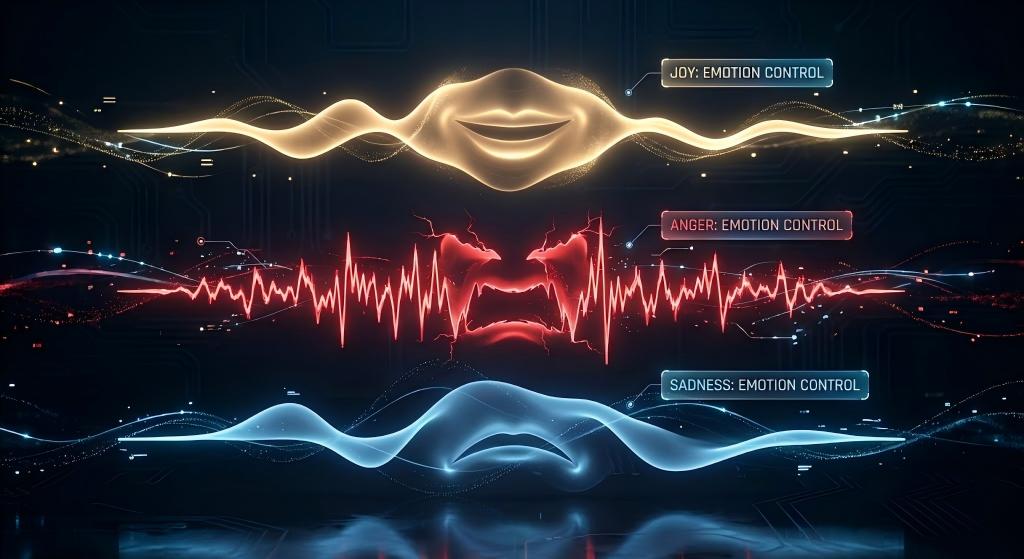
Emotional Control
Most text to speech ai tools sound flat. Ours offers emotional tagging. You can instruct the ai voice generator to read a specific sentence with "Anger," "Joy," "Sadness," or "Whisper." This level of granularity allows for storytelling that truly resonates with the audience.

Multi-Speaker Capabilities
If you are creating a dialogue or a podcast interview, you can assign different voices to different parts of the script within the same project. The ai voice generator seamlessly stitches these interactions together, creating a cohesive conversation without the need for complex post-production editing.

Vast Library of AI Voice Characters
We provide a diverse range of ai voice characters. Whether you need a deep, authoritative voice for a documentary or a high-energy, youthful voice for a TikTok video, our ai voice generator has a character profile to match. This variety ensures that your content never sounds generic.
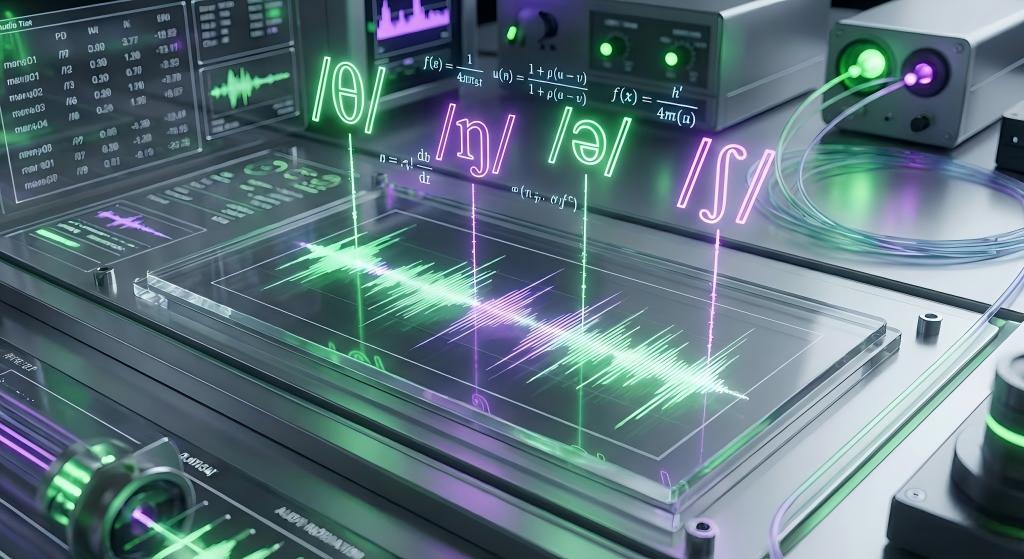
Advanced Pronunciation Editor
Sometimes, text to speech ai struggles with proper nouns or technical jargon. Our ai voice generator includes a pronunciation editor. You can use IPA (International Phonetic Alphabet) or simple phonetics to guide how the AI says brand names or specific terms, then listen to and correct the result before publishing.
How to Use the Free AI Voice Generator
Creating professional audio has never been easier. We have streamlined the interface of our free ai voice generator to ensure that anyone, regardless of technical skill, can produce broadcast-ready audio in three simple steps.
Step 1: Input Your Script
Navigate to the dashboard of the ai voice generator. You will see a text box where you can paste or type your script. The text to speech ai supports long-form content, so feel free to input entire articles or video scripts.
Step 2: Select Your Voice and Settings
This is where the magic happens. The ai voice generator offers a library of diverse voices. You can filter by gender, age, accent, and use case (e.g., "News," "Narration," "Cheery"). * Voice Selection: Choose a persona that fits your brand. * Speed & Pitch: Adjust the sliders if you need the text to speech ai to speak faster or deeper. * Language: Review the languages available for the selected voice and workflow when targeting a global audience.
Step 3: Generate and Download
Click the "Generate" button. In moments, the ai voice generator will process the text and render the audio waveform. You can preview the result immediately. If you are satisfied, use the free ai voice generator export function to download the file in MP3 or WAV format, ready to be edited into your video project.
Use Cases for the Free AI Voice Generator
The versatility of our ai voice generator means it is deployed across dozens of industries. Here is how different sectors are utilizing the free ai voice generator to drive results.
Content Creation (YouTube & Social Media)
Creators use the ai voice generator to produce "faceless" channels. By combining stock footage with text to speech ai, creators can pump out high-quality documentaries or explainer videos daily. The free ai voice generator allows them to test different niches without financial risk.
Corporate Training
L&D (Learning and Development) departments love our ai voice generator. Updating training videos usually requires re-hiring a voice actor. With text to speech ai, updating a safety protocol video is as simple as editing the text script and hitting "render."
Accessibility
The ai voice generator plays a crucial role in making the web accessible. By integrating text to speech ai into websites, companies can offer audio versions of articles for visually impaired users. Our free ai voice generator ensures that accessibility is not a luxury, but a standard.
Advanced Capabilities: AI Voice Cloning & More
For users looking to push the boundaries of creativity, Flow Video AI offers advanced features beyond standard generation. This includes ai voice cloning and professional ai voice over workflows.
Troubleshooting
Common issues and how to fix them.
Frequently Asked Questions
Turning Text Into Broadcast-Quality Speech With Neural Voice Synthesis
Why Audio Fidelity Decides Whether Viewers Stay or Leave
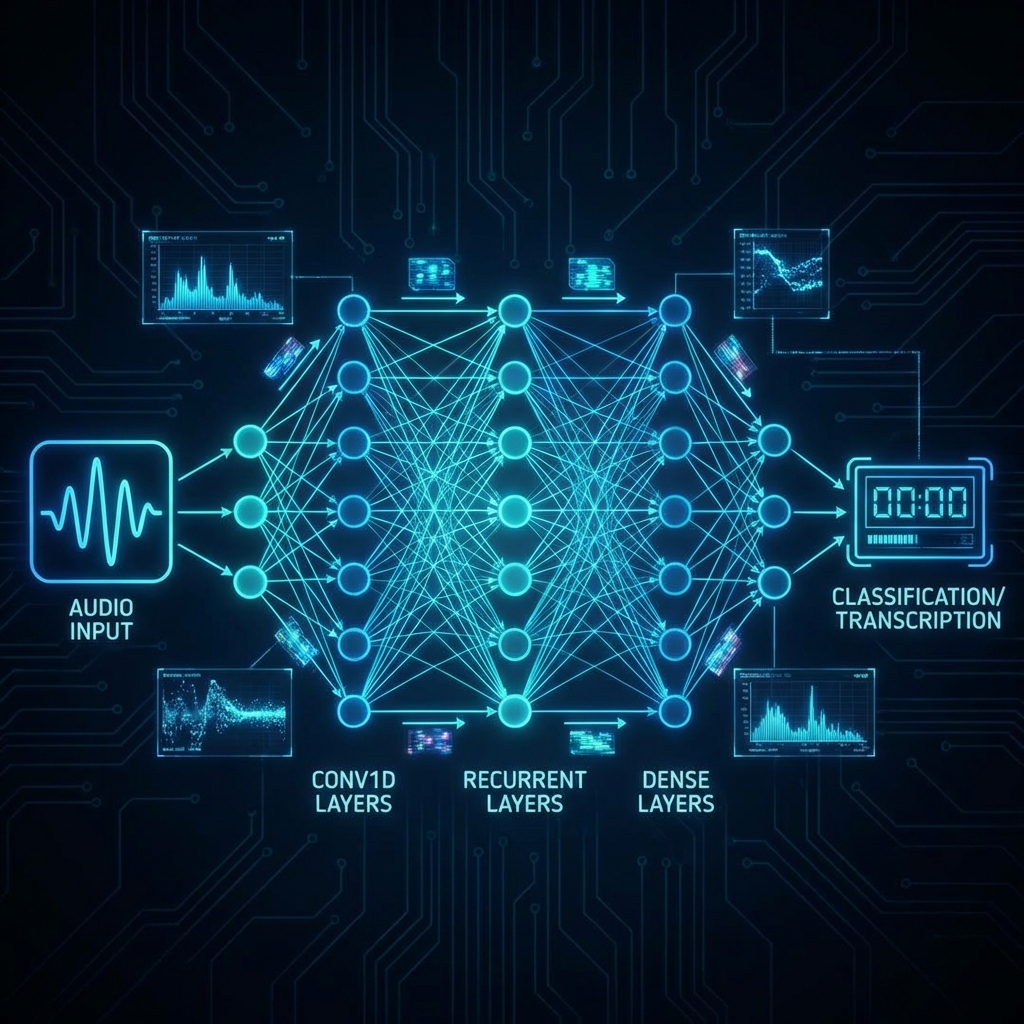
Scroll through any social platform and you will notice a pattern: the videos that hold attention pair strong visuals with equally strong narration. A poorly delivered voiceover signals low production value, and audiences bounce within seconds. That reality has pushed creators, educators, and marketers toward an ai voice generator that can match studio-recorded quality without the studio. Flow Video AI addresses the gap by running every script through a neural synthesis pipeline trained on thousands of hours of natural speech. The result is audio with breath pauses, pitch variation, and contextual emphasis that listeners perceive as genuinely human. Because the text to speech ai engine processes sentences in context rather than word by word, it handles idioms, rhetorical questions, and even sarcasm with surprising accuracy.
Emotional Tagging and Multi-Speaker Dialogue in Practice
One feature that separates this ai voice generator from the competition is emotional tagging. Inside the editor you can mark individual sentences with moods such as anger, joy, sadness, or whisper. The system then adjusts pitch contour, speaking rate, and resonance to reflect that emotion. Pair this with multi-speaker capabilities and you can build a full podcast-style conversation between two or more ai voice characters without ever opening a recording app. Each character retains its own timbre and cadence, so the dialogue feels authentic. Corporate training teams use this workflow to create scenario-based learning modules, while independent podcasters draft entire pilot episodes before committing to a final script.
From Pronunciation Editing to Voice Cloning: The Advanced Toolkit
Technical jargon and brand names can trip up any text to speech ai. The built-in pronunciation editor lets you override defaults using IPA notation or simple phonetic spelling, guaranteeing that product names, medical terms, and foreign phrases are spoken correctly every time. For users who need a consistent personal brand voice, ai voice cloning takes things further. Upload a short sample, and the ai voice generator maps your unique spectral fingerprint to create a general AI media. Once cloned, that voice is available for any future project inside the dashboard, turning hours of manual recording into a few seconds of rendering.
Speed, Cost, and the Free Tier Advantage
Hiring a professional voice actor typically means waiting days for delivery and paying per finished minute. The free ai voice generator tier on Flow Video AI eliminates both barriers. You paste your script, choose a voice profile, and receive broadcast-ready audio in seconds. Exported files come in MP3 or WAV, ready for any editing suite. The free tier resets monthly, giving hobbyists enough runway to experiment with different ai voice characters and tonal styles before scaling up. For teams that need higher volume, paid plans offer unlimited renders with the same neural quality, making the ai voice generator viable for newsrooms, ad agencies, and SaaS products that serve global audiences.
Real-World Workflows Across Industries
E-learning designers pair the ai voice generator with slide decks to produce accessible courses in dozens of languages overnight. YouTube creators running faceless channels combine stock footage with text to speech ai narration to publish daily without ever stepping in front of a camera. Marketing teams A/B test ad scripts by generating multiple takes with different ai voice characters, then measure click-through rates before committing budget to a final cut. Accessibility advocates integrate the ai voice over API into websites so visually impaired visitors can consume articles as audio. Each of these workflows relies on the same core engine, proving that a single, well-built ai voice generator can serve wildly different production pipelines without compromise.
Related Guides
The Future of AI Voice Cloning in Content Creation
Learn how cloning technology is revolutionizing personal branding and video production.
Read Guide →Top 10 Uses for Text to Speech AI in Marketing
Maximize engagement by adding professional narration to your ads without hiring actors.
Read Guide →How to Choose the Right AI Voice Character
A guide to matching voice tones with your brand identity for maximum impact.
Read Guide →