
Corporate Video Maker
Professional Business Videos
A PDF is boring. A PowerPoint is ignored. A video is watched. Transform your internal comms and external marketing with our **corporate video maker**, designed to make every employee look like they have a production studio on their desk.
Built for transparent creative workflows
Corporate Video Maker
Cost: 80 Credits
AI will summarize long scripts. Add punctuation for natural pauses.
Video Preview
Select template → Choose presenter → Enter script → Generate professional video
Introduction
The modern corporation runs on information. But how that information is delivered determines if it is received. "Email Fatigue" is real; the average employee ignores 60% of internal memos. "Ad Blindness" is real; the average prospect scrolls past static LinkedIn posts. To cut through the noise, businesses need to pivot to video-first communication.
But traditional video production is slow and expensive. You can't hire a film crew every time the CEO has a quarterly update. You can't spend $5,000 every time you launch a minor feature. The "Cost per Minute" of video is too high.
FlowVideo AI's **Corporate Video Maker** is the solution. It is a "B2B Production Studio" in a box. It provides a library of "Corporate-Safe" templates—clean lines, blue/white aesthetics, sans-serif fonts—that automatically align with your brand guidelines. It allows you to turn a 3-page memo into a 60-second engaging video summary using AI Avatars and stock footage, democratizing high-end video for HR, Sales, and Marketing teams.

Why Use a **Corporate Video Maker**? (Deep Dive)
The "Trust Velocity" (Sales)

The Technology: Brand-Safe Generation

Semantic Brand Compliance
The AI reads your Brand Guidelines (uploaded as a PDF or URL). Tone Check: It scans your script. If you use slang ("Lit," "Fam") in a video marked "Executive Update," it flags it and suggests professional alternatives ("Exciting," "Team"). Visual Check: It ensures that no stock footage conflicts with your values (e.g., if you are a green energy company, it blocks footage of oil rigs unless the sentiment is negative).

Automated Data Visualization
Numbers are the language of business. Chart-to-Video: Paste your Excel/CSV data. The AI generates an animated Bar Chart or Line Graph that draws itself on screen. Dynamic Labels: The text on the chart is kept editable. If Q4 numbers change, you update the text column, not the pixels. The video re-renders the chart instantly.

Secure Asset Management (SAM)
Corporations have secrets. Watermarking: Every draft is watermarked with the user's ID to prevent leak attribution. RBAC (Role Based Access): The 'Intern' role can create drafts but cannot publish. The 'CMO' role must approve before export. This hierarchy ensures quality control and prevents PR disasters.
Step-by-Step Guide: Making Business Video
Step 1: Select the Template
Don't reinvent the wheel. Town Hall: CEO update style. Large video window, sidebar bullets. Product Launch: Fast cuts, music driven, feature highlights. Testimonial: Quote cards, customer photo, soft music. Training: Whiteboard style, step-by-step numbering.
Step 2: Input Content (Text-to-Video)
Script: Paste your press release or blog post. The AI summarizes it into a script. Speaker: Choose an AI Avatar (Professional attire, reliable voice) to present it. Or record your own voice and use "Hybrid Mode."
Step 3: Customize Branding (The Brand Kit)
One-Click Apply: The background turns to your Corporate Blue (HEX #0055AA). The font turns to your Corporate Sans (Roboto). The logo appears in the top right corner. Sting: Auto-append your standard 3-second animated logo intro/outro.
Step 4: Add Visual Proof (B-Roll)
Stock: Search "Office Meeting," "Handshake," "Server Room." Our library is curated for "Business Professional" looks (no cheesy, high-five stock photos). Uploads: Drag in your screenshots, product mockups, or photos of the new office.
Step 5: Review and Distribute
Comment Mode: Share a link with Legal/Compliance. They click on 0:15 and type "Change this phrasing." Export: Download MP4 or generate an Embed Code for your Intranet/LMS (Sharepoint/Workday).
Comparison: Agency vs. AI Maker
| Feature | Creative Agency | FlowVideo Corporate AI |
|---|---|---|
| Cost | $10,000 / video | Subscription |
| Turnaround | 4 Weeks | 4 Minutes |
| Edits | Expensive | Free |
| Scale | Low Volume | High Volume |
| Quality | Cinema (10/10) | Web (8/10) |
Industry Use Cases
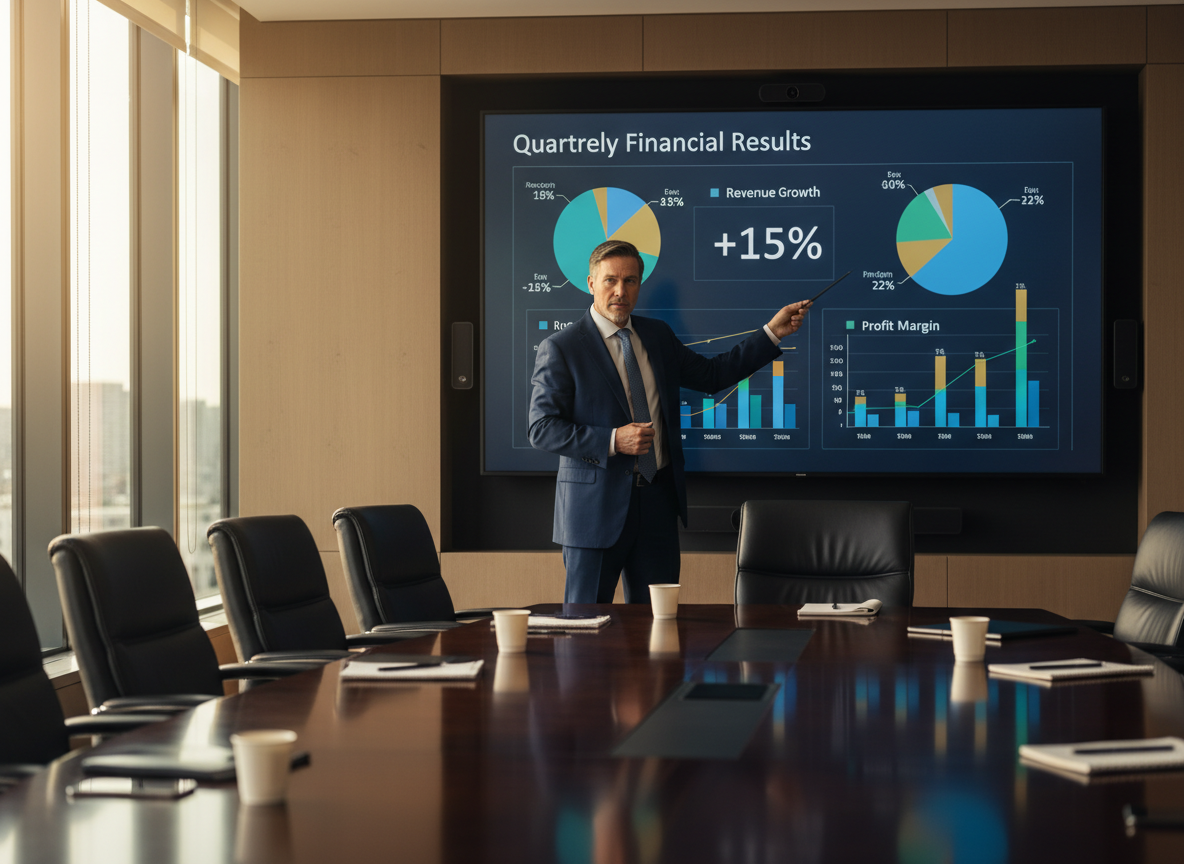
Finance (Quarterly Reports)
Concept: "The Numbers." Format: Instead of a 50-page PDF that nobody reads, the CFO generates a 3-minute video highlighting the key metrics (Revenue, EBITDA, Churn) with animated charts. Result: Investors love the clarity.

Healthcare (Patient Onboarding)
Concept: "What to expect after surgery." Format: A calm, reassuring video explaining the recovery process, sent to the patient's phone. Result: Reduces anxiety and post-op calls.

Software (Feature Release)
Concept: "New in Version 2.0." Format: A screencast video showing the new buttons, with a voiceover explaining the benefit. Result: Adoption rate increases.

Manufacturing (Safety Training)
Concept: "Forklift Safety Protocol." Format: A clear, visual demonstration of the Do's and Don'ts using diagrams. Result: Essential for compliance and reducing liability.
Verify the workflow before generation
Review the inputs, model, estimated credit cost, output type, and limitations shown on this page.
Troubleshooting: Corporate Video Mistakes
Boring
Use **"Pattern Interrupts"** (B-Roll) every 5 seconds.
Unreadable
Use **"Big Text"** templates optimized for mobile viewing.
Bad Audio
Use **"Voice Enhancer"** AI to remove background noise (AC/Hum).
Too Long
Use **"Summarizer"** to cut it down to 3 minutes.