
Text to Talk Avatar
Generate Speaking Characters from Script
Turn scripts into engaging video presentations with diverse AI presenters in seconds. No cameras, no actors, no studio required.
Built for transparent creative workflows
Text to Talk Avatar
Cost: 60 Credits
Use commas for pauses, periods for full stops.
Avatar Preview
Select avatar → Enter script → Watch them speak
Introduction
In the world of video production, the "human element" is often the most expensive and volatile variable. Casting the right actor, setting up professional lighting, managing audio recording, and directing multiple takes to get the perfect delivery can drain budgets and extend timelines by weeks. Yet, audiences fundamentally crave a face to connect with; "faceless" channels often struggle to build the same level of trust and authority as those with a presenter. Enter the **Text to Talk Avatar**.
FlowVideo AI provides a powerful middle ground that combines the efficiency of digital automation with the engagement of a human-like presenter. Our tool allows you to generate professional videos where photorealistic humans, 3D characters, or stylized anime avatars deliver your message directly to the camera. You simply provide the script, and our AI handles the rest—general AI mediaing, facial expressions, head movements, and even distinct personality quirks.
This technology is a game-changer for educators, marketers, HR departments, and independent creators who need to produce high-volume content without a physical studio. Whether you are creating a virtual news anchor for a daily briefing, a corporate trainer for onboarding, or a friendly cartoon guide for a kid's educational app, our **text to talk avatar** system delivers consistent, high-quality results 24/7. It serves as a specialized, character-driven branch of our broader [Text to Video AI](/make/script-to-video-ai) suite.
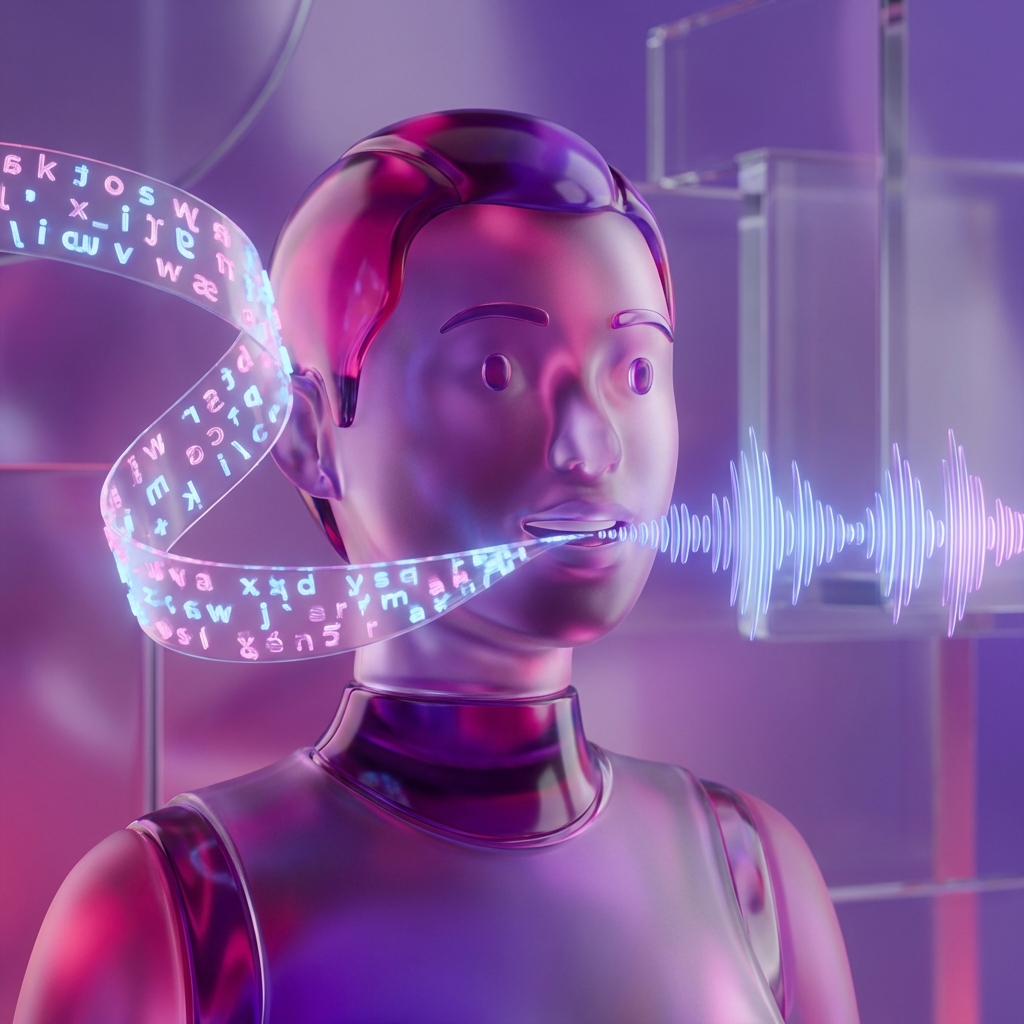
Why Use a Text to Talk Avatar?
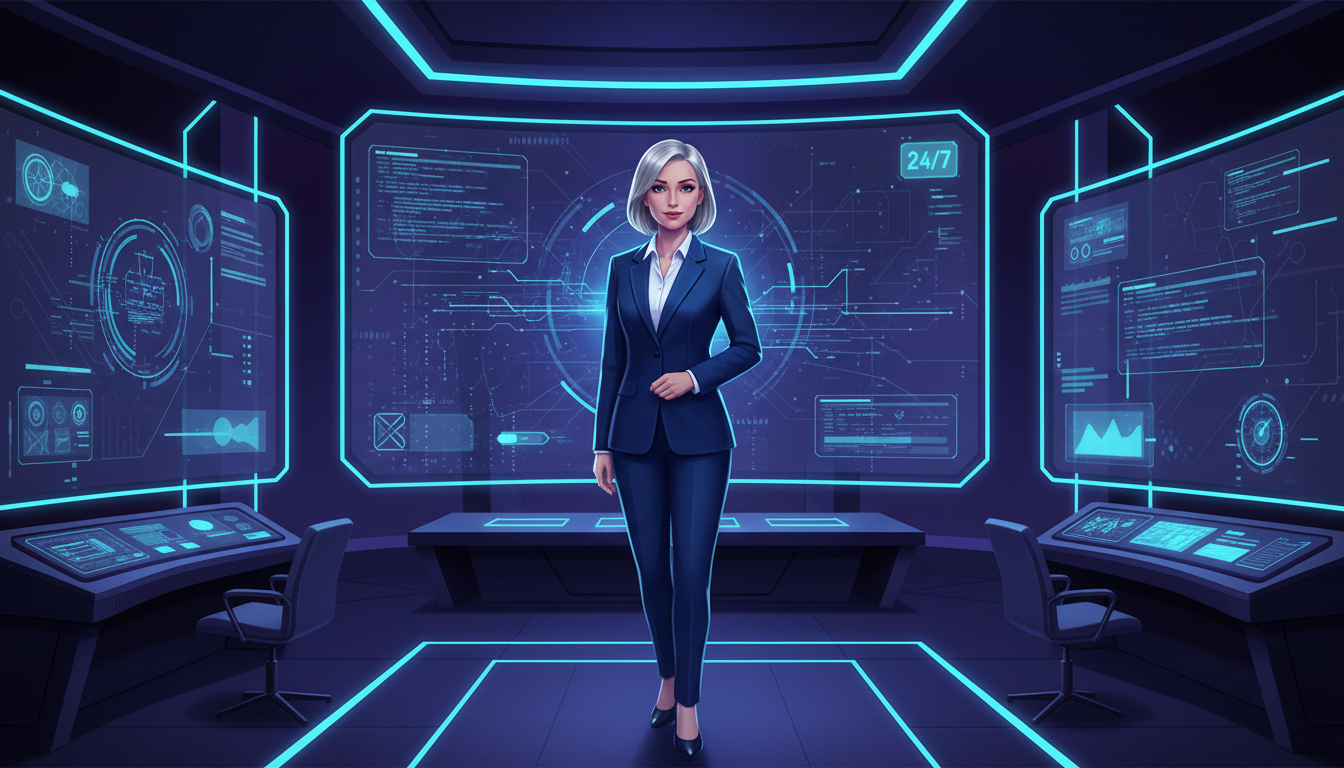
Camera-Ready, 24/7 Reliability
The Technology Behind the Avatar
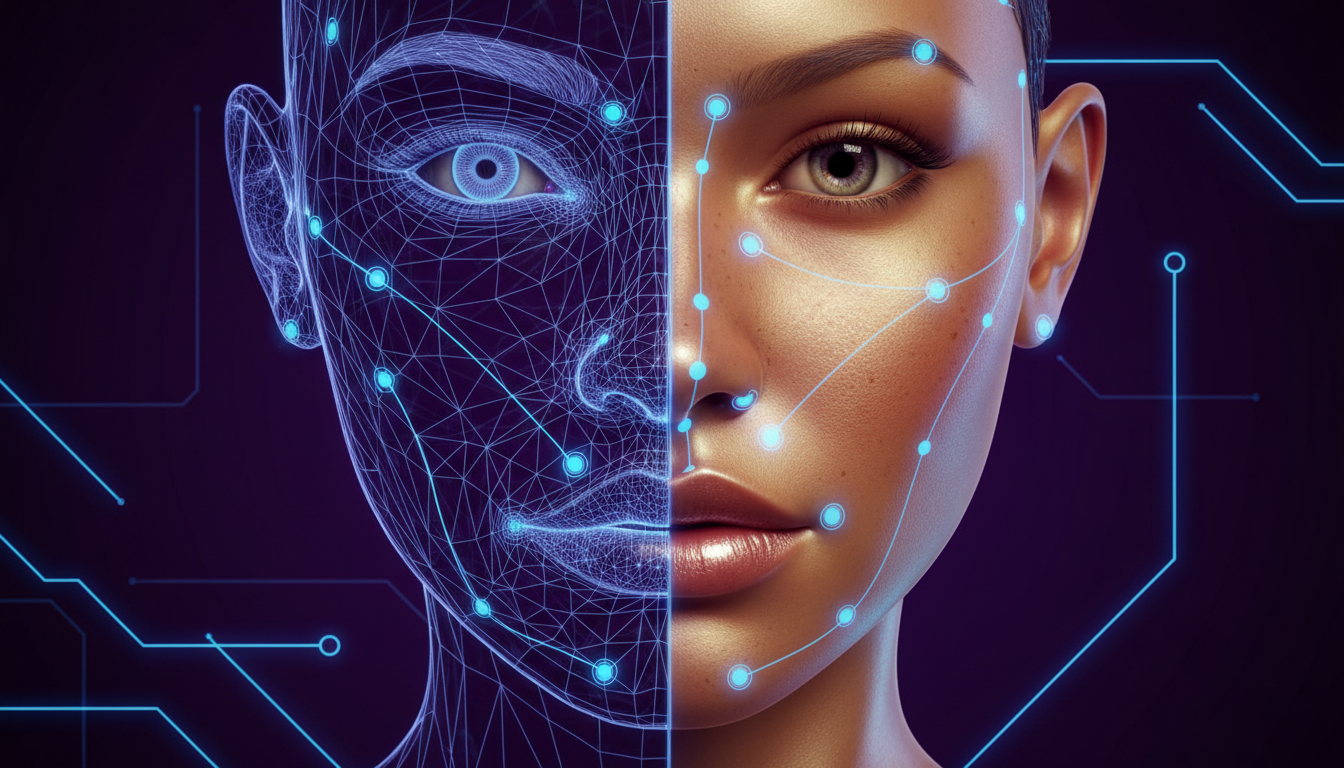
3D Modeling and Skeletal Rigging
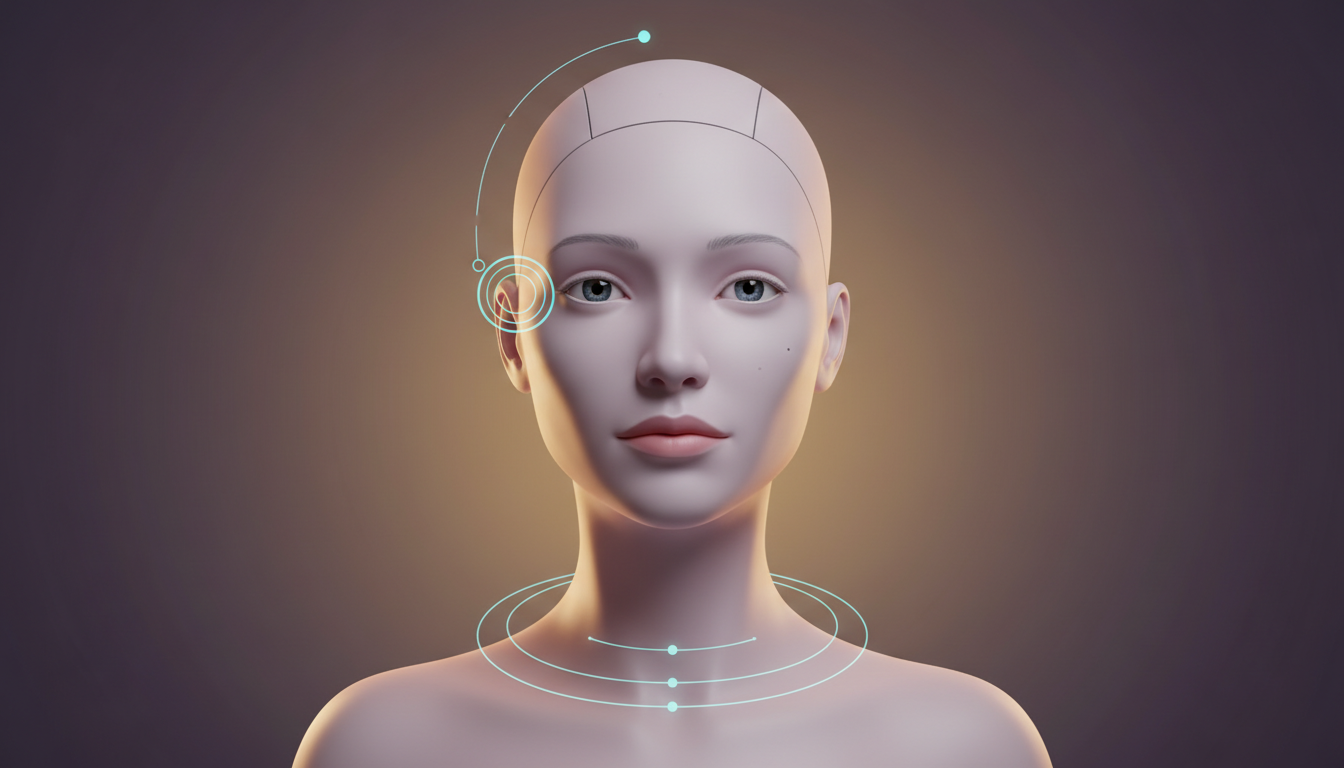
Each avatar in our library starts as a high-fidelity model. Whether it looks like a real human or a cartoon, it is built with a complex "skeletal" structure under its digital skin. This "rig" includes dozens (sometimes hundreds) of control points for the jaw, lips, tongue, cheeks, eyebrows, and eyelids. This structure defines the physics of how the face moves—how the skin stretches when the mouth opens, or how the eyes crinkle during a smile.
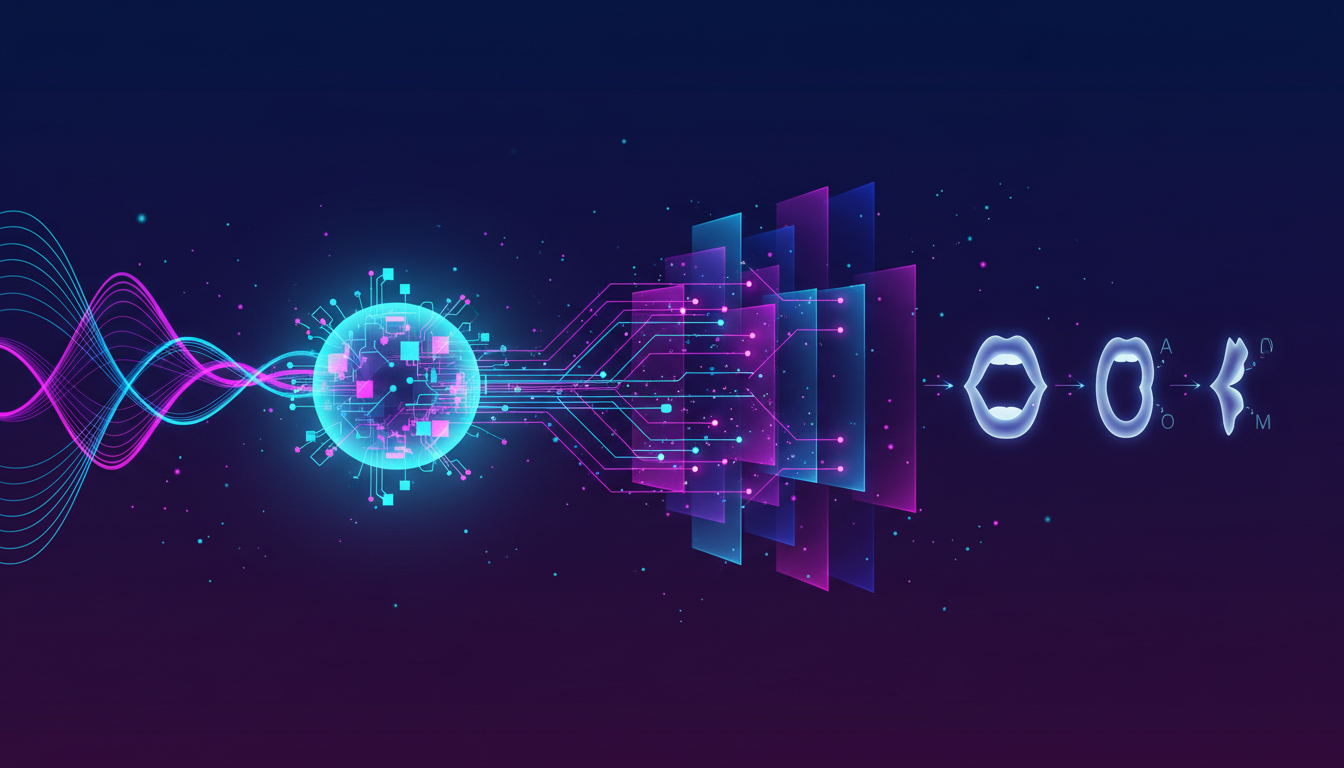
Neural Audio-Visual Mapping
When you input text, our engine first converts it to audio using **Neural Text-to-Speech (TTS)**. Simultaneously, the core AI analyzes the phonemes (sounds) and generates a corresponding "viseme" track—a timeline of visual mouth shapes. The animation engine then drives the 3D rig, moving the control points to match the audio frame-by-frame. Our advanced models also analyze the sentiment of the text. If the script is angry, the avatar's eyebrows might furrow; if it's happy, the corners of the mouth might lift.
The "Idle State" Engine
A statue that only moves its mouth looks robotic and creepy (the "Uncanny Valley"). To combat this, we implement a sophisticated "Idle State Engine." This adds subtle, procedural life-like movements—random blinking, slight head tilts, chest expansion for breathing, and micro-movements of the shoulders. These subconscious cues signal "life" to the viewer's brain, making the avatar feel present and engaging even during pauses in speech.
Step-by-Step Guide: How to Generate Your Avatar Video
Step 1: Select Your Avatar Presets
On the left side of the generator, you will see a grid of distinct avatar presets. Browse through the collection carefully. The choice of avatar sets the tone. Realistic: Best for corporate news, finance, reports, and medical explainers. 3D / Stylized: Best for tech startups, marketing, and apps. Anime / 2D: Best for gaming content, storytelling, and youth-oriented social media. Click on an avatar to preview it. Pay attention to their clothing and background compatibility.
Step 2: Enter and Polish Your Script
Locate the text box labeled "Enter Script" on the right. Type the exact words you want your avatar to speak. You have a limit of 500 characters for the quick generator (unlimited in Workspace). Efficient AI performance relies on punctuation. Use commas `,` to create short pauses (like taking a breath). Use periods `.` for full stops. If you want the avatar to spell something out, write it phonetically or with dashes (e.g., "A.I." or "F-B-I"). Avoid long, run-on sentences, as they can make the avatar sound breathless or robotic.
Step 3: Audit and Select the Voice
Before generating the video, you must ensure the voice matches the face. Click the small "Play" or "Listen" icon next to the script box. This plays a generic sample of the voice currently assigned to that avatar. While the quick generator pairs each avatar with a default "Best Match" voice, in the full Workspace, you can swap it. Ideally, match the age and authority of the voice to the visual. A young, casual avatar shouldn't sound like an elderly news anchor.
Step 4: Generate and Refine
Click the "Generate Video" button to render the final output. The system will take a few moments to compile the 3D rendering and audio synthesis. Once done, you will be redirected to the Workspace editor. Here, you can do crucial post-production: Background Change: Use the "Background" tab to swap the default for an office, a studio, or a solid "Green Screen" green. Positioning: Move the avatar to the left or right to make room for text graphics or slides. Music: Add a subtle background track to fill the silence.
Comparison: AI Avatar vs. Human Actor
| Factor | Human Actor | FlowVideo Avatar |
|---|---|---|
| Availability | Schedules/Bad days | 24/7 Ready |
| Consistency | Variable energy | Always on-brand |
| Languages | 1-2 max | 50+ with general AI media |
| Updates | Reshoot required | Edit text only |
| Cost | $500-5000/day | Included |
Industry Use Cases
Corporate Learning & Development (L&D)
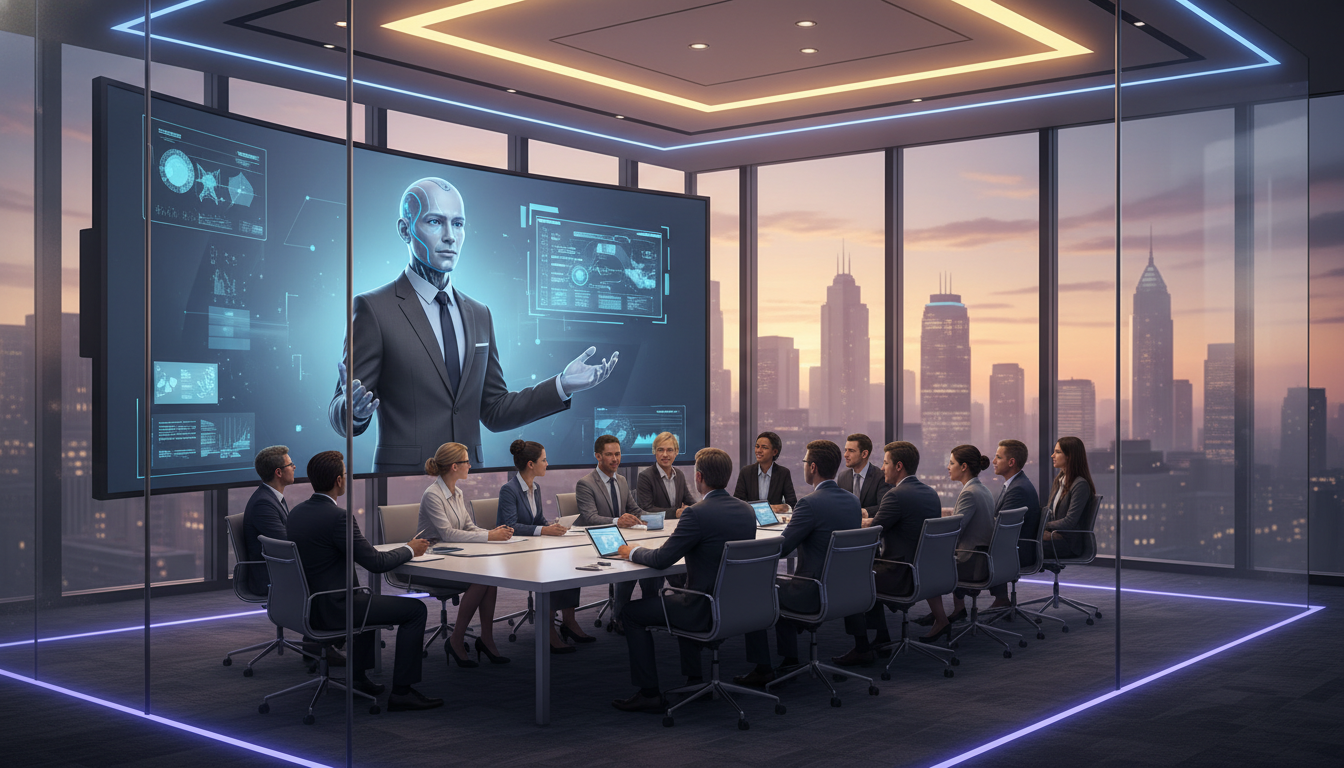
HR departments use avatars to deliver mandatory compliance training, cybersecurity updates, or diversity workshops. It is friendlier than a text document and 90% cheaper than hiring a human trainer for every session. Employees are more likely to watch a 2-minute update video than read a 5-page PDF memo.

News and Weather Updates
Automated news channels use avatars to read RSS feeds, creating 24-hour news cycles without a human crew. Hyper-local news stations can generate weather reports for dozens of small towns individually using the same avatar instantly.
Children's Entertainment
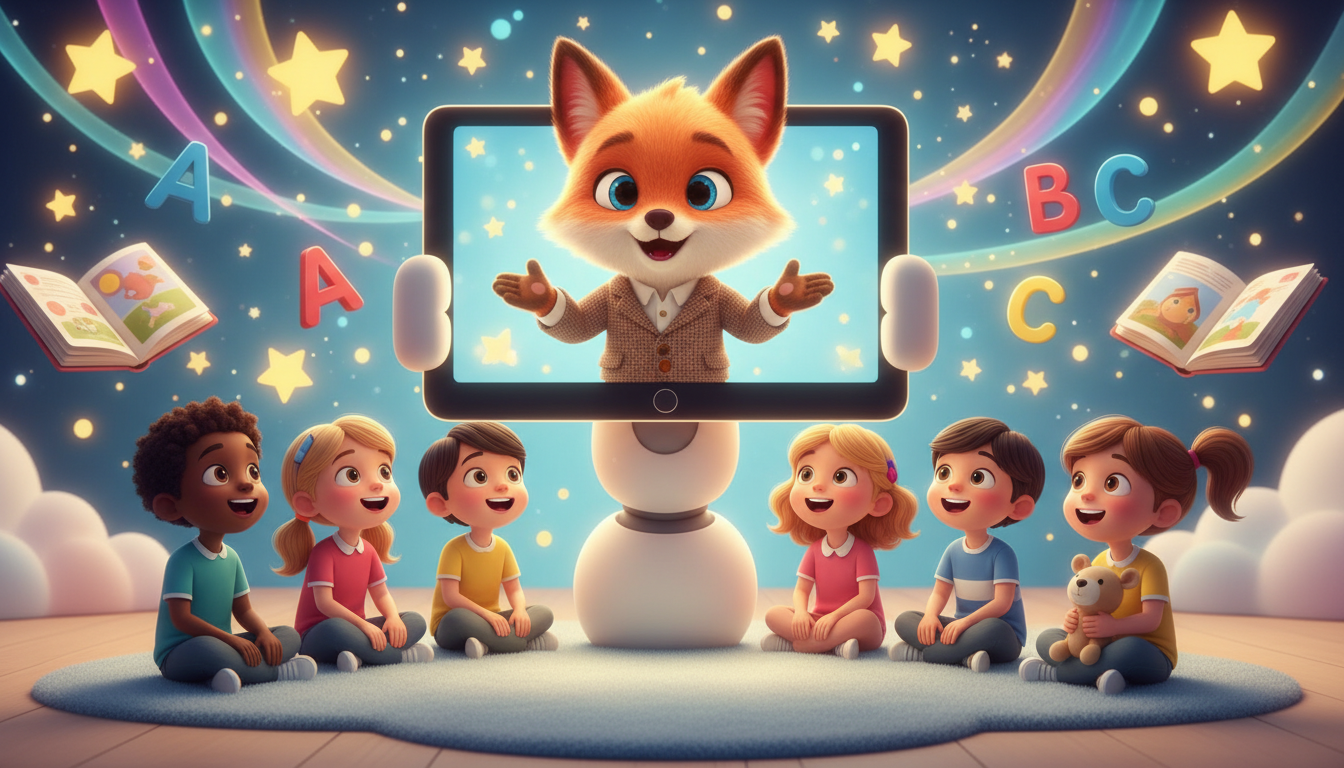
Creators can build entire animated series using 3D avatars, telling stories and teaching lessons. The "Cartoon" avatars are perfect for retaining the attention of younger demographics on platforms like YouTube Kids.
E-Commerce Managers
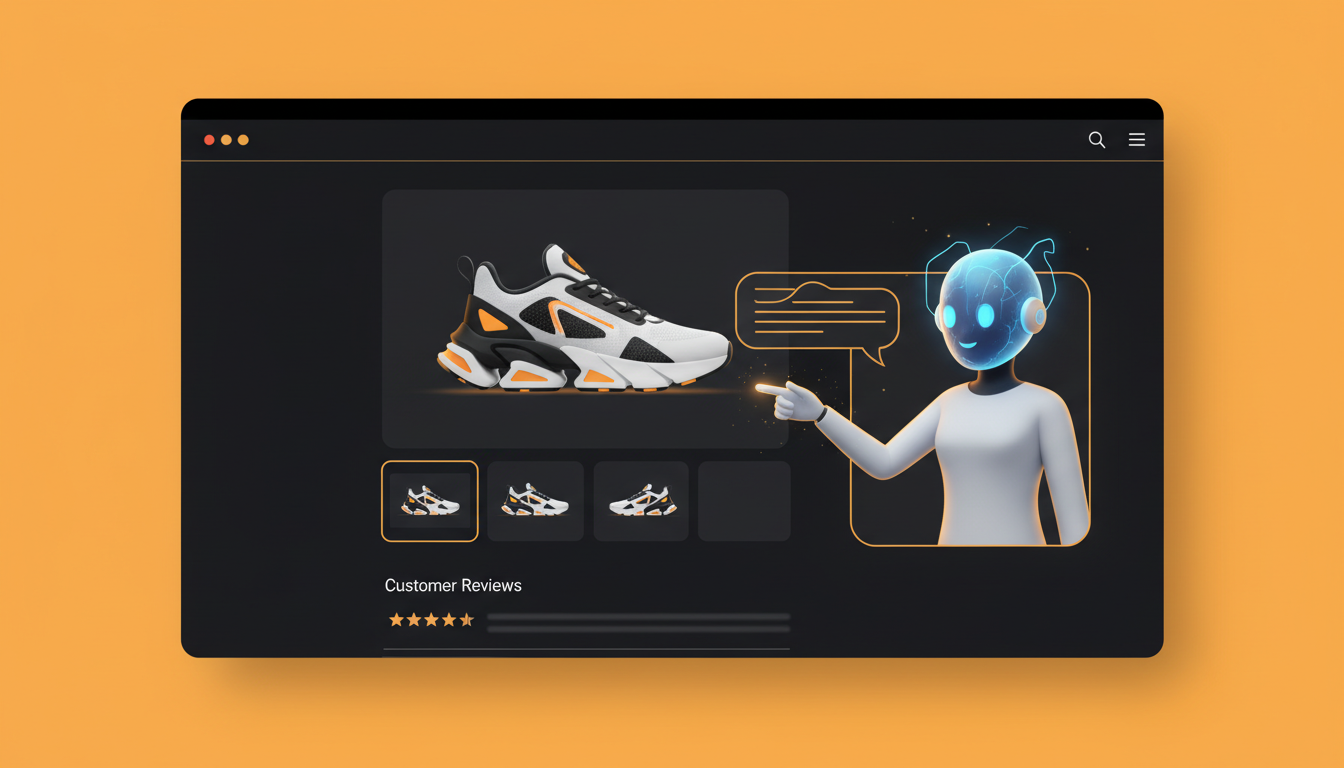
Product pages with video convert better. Store owners use avatars to act as "Virtual Sales Assistants," explaining product features, sizing guides, or return policies in a friendly, conversational manner directly on the product page.
Verify the workflow before generation
Review the inputs, model, estimated credit cost, output type, and limitations shown on this page.
Avatar Troubleshooting
Robotic Delivery
Add more punctuation. Use contractions. Enable 'Natural Pause' mode.
Dead Eyes
Enable 'Eye Contact Mode' that adds subtle gaze variations and blinks.
Wrong Tone
Switch voice model from 'Corporate' to 'Casual' or vice versa in settings.
Frequently Asked Questions about Text to Talk Avatar
Text to Talk Avatar Technology: From Script to Screen in Under Five Minutes
The Production Bottleneck That Digital Presenters Solve
Video content with a visible presenter consistently outperforms faceless alternatives in engagement metrics, watch time, and conversion rates. The problem has always been cost and logistics. Hiring on-camera talent, booking studio time, managing wardrobe, and editing retakes can push a single two-minute corporate video past the five-figure mark. A text to talk avatar removes every one of those line items. You write a script, pick a digital character, and the platform handles general AI mediahronization, facial expressions, and head movement automatically. The output is a broadcast-ready video clip featuring a presenter who never misses a cue, never needs a second take, and never sends an invoice. For teams producing weekly or daily content, the savings compound fast.
Matching the Right Avatar Style to Your Brand Voice
FlowVideo AI offers three broad avatar categories: photorealistic humans, stylized 3D characters, and anime-inspired figures. Each category serves a distinct communication purpose. Photorealistic avatars are suited for finance briefings, healthcare explainers, and corporate onboarding where credibility matters. Stylized 3D characters work well for tech product demos, SaaS walkthroughs, and startup pitch decks where a modern, approachable aesthetic is desirable. Anime avatars attract younger demographics on platforms like YouTube and TikTok, making them ideal for gaming commentary, fan content, and educational channels aimed at children. The text to talk avatar selection panel lets you preview each option before committing, so you can audition multiple looks in seconds rather than scheduling casting calls. Clothing, background compatibility, and default voice pairing are all visible in the preview, reducing guesswork.
Script Optimization: Small Tweaks That Improve Delivery
The quality of your avatar video depends heavily on how you write the script. Punctuation is not decorative here; it is functional. Commas introduce breath-length pauses. Periods create full stops that reset cadence. Dashes and ellipses can simulate hesitation or dramatic timing. Contractions sound more natural than their expanded forms, so writing "you're" instead of "you are" produces a conversational rhythm. FlowVideo's text to talk avatar engine also responds to sentence length. Short, punchy sentences deliver emphasis. Longer sentences risk sounding monotone if they lack internal punctuation. For acronyms, separate each letter with periods or dashes so the TTS engine spells them out rather than attempting to pronounce them as words. These small adjustments take seconds to implement but dramatically improve the perceived naturalness of the final output.
Behind the Curtain: Phoneme Mapping and Idle Motion
The rendering pipeline involves two parallel processes. First, the neural text-to-speech engine converts your script into an audio waveform while simultaneously generating a phoneme timeline. Each phoneme maps to a corresponding viseme, which is a specific mouth shape rendered on the 3D facial rig. The animation engine drives jaw position, lip curl, tongue placement, and cheek tension frame by frame. Second, the idle state engine overlays procedural micro-animations: random blink intervals, subtle head sway, chest expansion for simulated breathing, and occasional shoulder shifts. These idle motions prevent the uncanny valley effect that makes purely mouth-animated characters feel lifeless. The combined result is a text to talk avatar that appears present and attentive rather than robotic, even during long monologues.
Practical Deployment: From HR Training to Automated News Desks
Corporate learning and development teams are among the heaviest adopters. Compliance training, cybersecurity briefings, and onboarding walkthroughs are produced in hours instead of weeks. The avatar can be regenerated instantly when regulations change, eliminating the need to reshoot with a human trainer. News organizations use the same technology to create automated anchor desks that read RSS feeds around the clock, generating localized weather and market reports for dozens of small markets simultaneously. E-commerce managers embed avatar explainer videos on product pages, where a friendly face describing sizing guides or return policies has been shown to lift conversion rates significantly. Content creators who prefer anonymity build entire YouTube channels around a consistent digital persona, growing audiences without revealing their identity. Each of these workflows starts the same way: type a script, choose an avatar, and click generate.