
Create Funny Videos
AI Video Effects Tool
Turning a boring video into a hilarious one used to take a comedian. Now, it just takes an algorithm. Create funny videos that get shared in every group chat using our suite of comedy-focused AI effects that distort reality for maximum laughs.
Trusted by creative teams at
Comedy Effects Studio
Cost: 25 Credits
Comedy Preview
Upload video → Choose effects → Create viral comedy
Introduction
Why do we share videos? 80% of the time, it's because they make us laugh. Humor is the strongest social currency. But creating comedy is notoriously difficult. "Being funny" requires timing, distortion, and surprise.
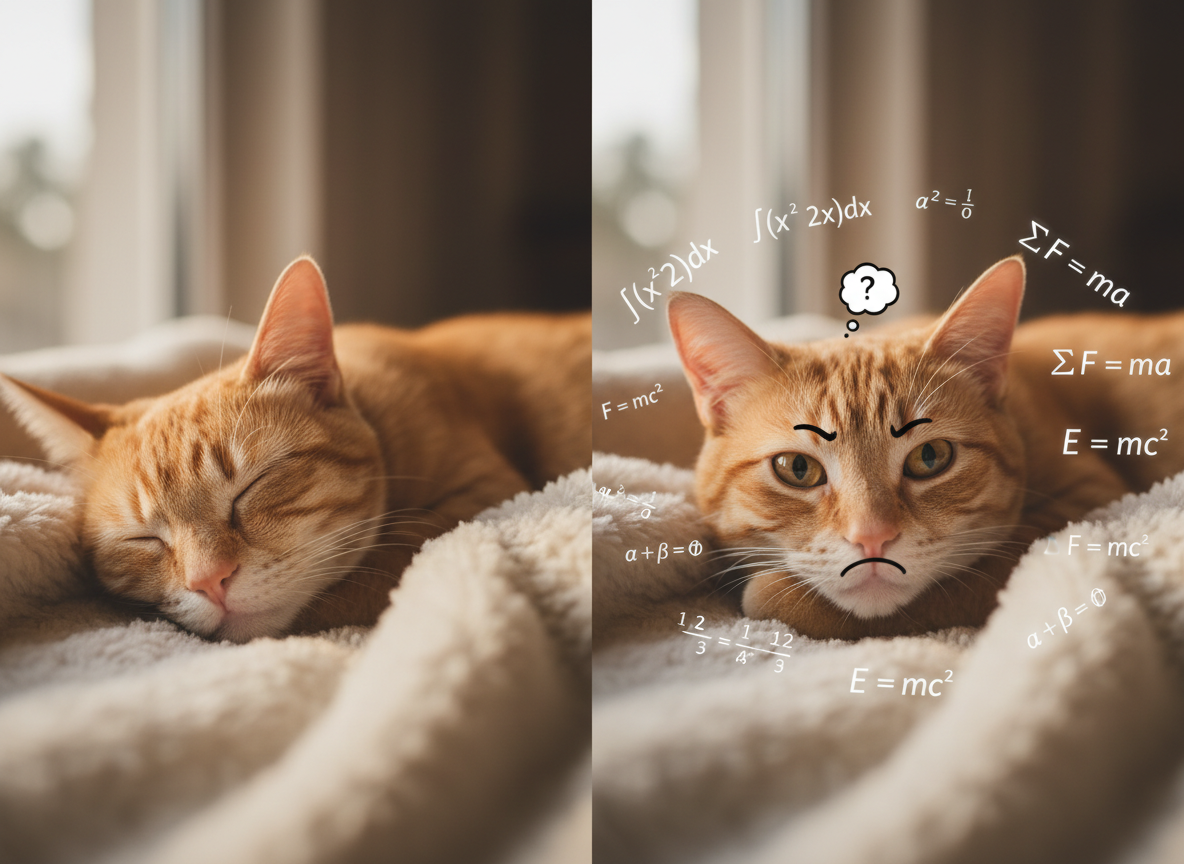
FlowVideo AI's Create Funny Videos tool is a "Comedy Engineering" platform. It allows you to mechanically insert humor into any footage without needing to be naturally funny. It uses Face Detection to apply "Big Head Mode" (bobblehead effect). It uses Voice Modulation to turn a deep voice into a "Chipmunk" or "Demon." It uses Audio Intelligence to insert a "Vine Boom" sound effect exactly when someone falls over. It democratizes the art of slapstick, giving you the digital props to turn a mundane office video into a viral skit. A video of your cat sleeping is boring. A video of your cat sleeping with the "Thinking Math" overlay and "Inception Foghorn" sound is viral gold.
Why Create Funny Videos? (Deep Dive)
Incongruity Theory (The Clash)

The Technology: Mesh Distortion and Synthesis
3D Face Mesh Tracking
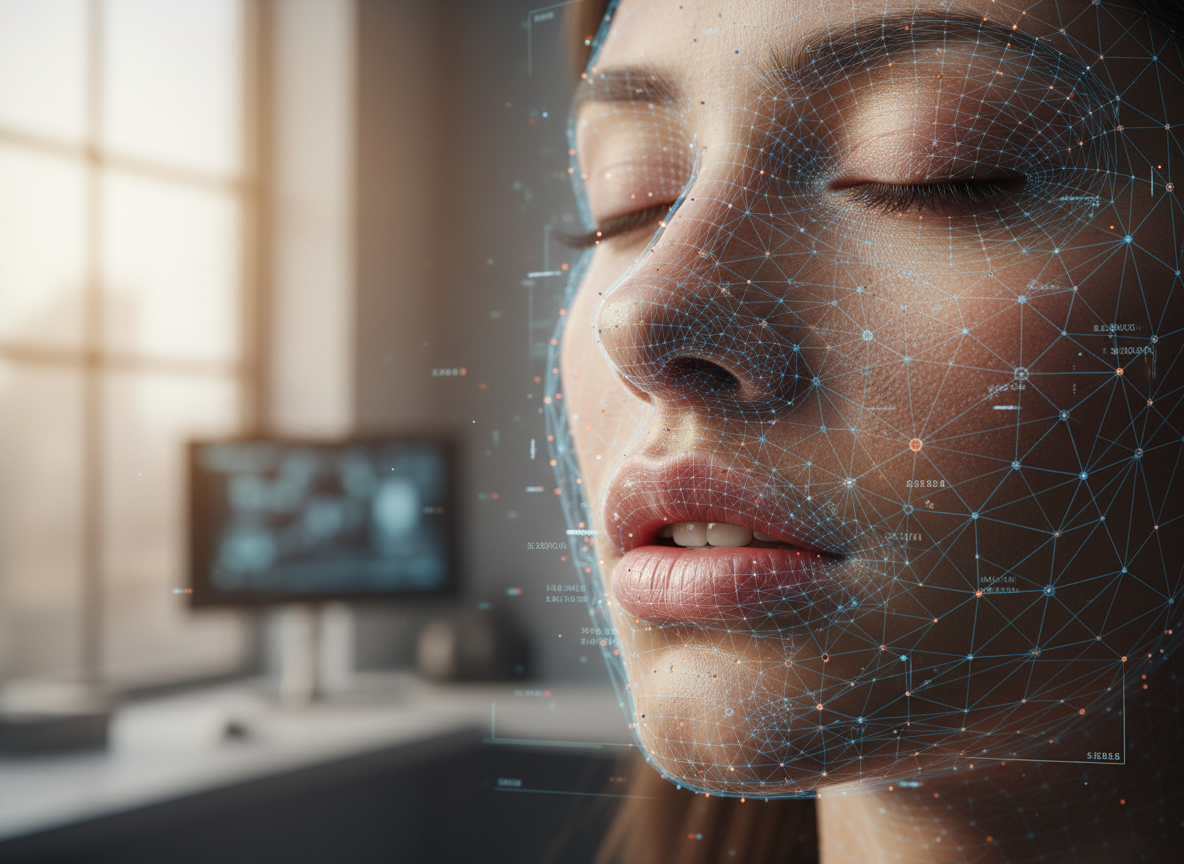
To apply a "Big Mouth" filter, we first map the face in 3D space (using 468 landmarks via MediaPipe). The Anchor: We identify the lips, eyes, and nose with sub-pixel precision. The Distortion: We apply a radial distortion algorithm centered on the mouth. The Stability: The challenge is keeping the teeth looking like teeth while stretching them. Our model uses "Structure Preservation" to ensure the distorted face still looks photorealistic, not glitchy. It tracks rotation so the filter sticks even if the person turns their head.
Formant Shifting (Voice Change)
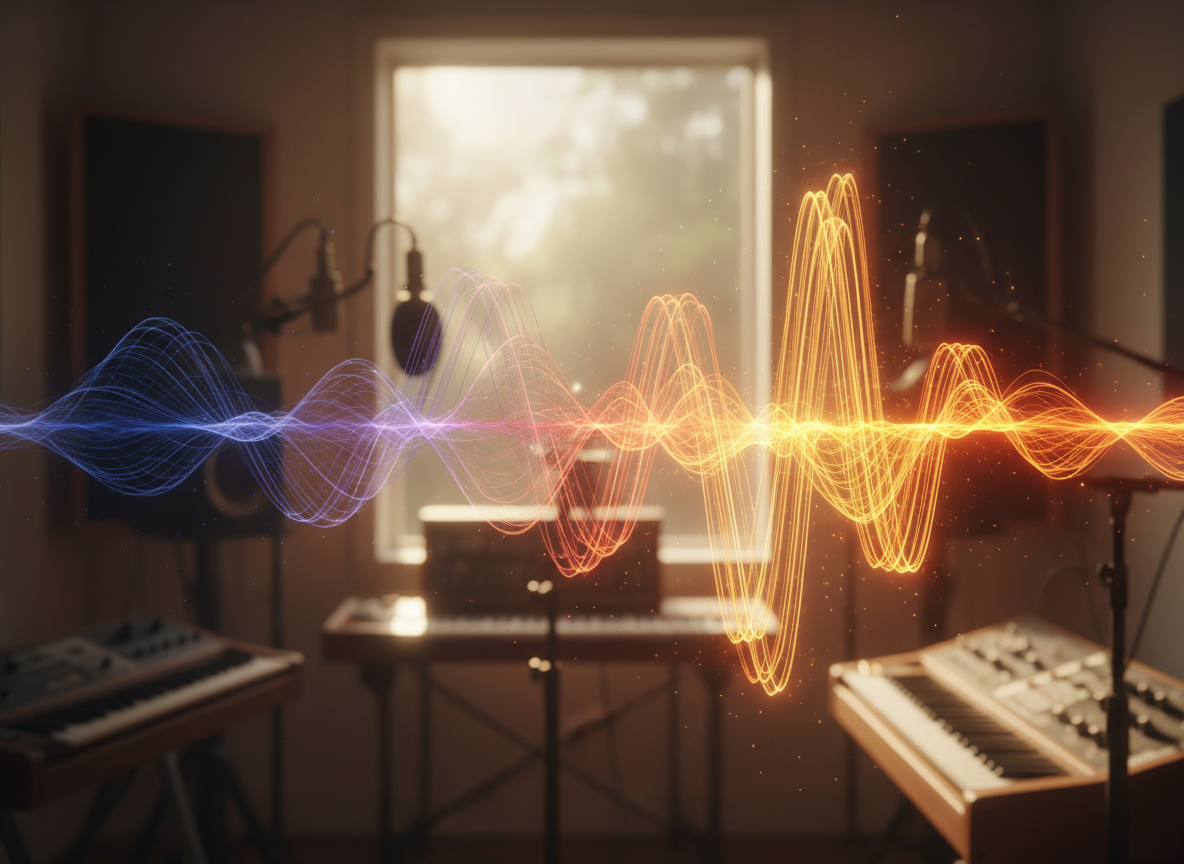
Changing the pitch isn't enough; you just sound like a fast tape recording. The Shift: We shift the "Formants" (the resonance frequencies of the vocal tract) independently of the pitch. The Result: We can make you sound like a giant (Deep resonance, large vocal tract) or a baby (Small resonance, small vocal tract) while keeping the speed of speech (Duration) normal. This is "Timbre Modification."

Object Removal (The Fail Fix)
Sometimes a video is funny because of what isn't there. In-Painting: You can remove the chair someone sat on, so it looks like they are squatting on air. This "Invisible Object" prank is a classic visual gag enabled by our generative fill technology.
Step-by-Step Guide: Engineering a Laugh
Step 1: Upload the "Straight Man"
Comedy requires a setup. Source: A video of a friend talking seriously, a pet sleeping, or a baby eating. Context: The more normal the source video, the funnier the distortion will be.
Step 2: Apply Face Filters (Visual Gag)
Big Head: Increases head size by 200%. Instant bobblehead. Cry Face: The viral filter that makes someone look tragically sad even when they are laughing. Anime Eyes: Giant, sparkling eyes and blush on a bearded man. A classic mismatch.
Step 3: Modulate the Audio (Auditory Gag)
Helium: High pitch. Classic. Robot: Monotone, metallic ring modulation. Auto-Tune: Force their off-key singing to be pitch-perfect (or horribly wrong) for comedic effect.
Step 4: Add Sound Effects (The Punchline)
Library: Search "Fart," "Boing," "Crickets" (for awkward silence), "Airhorn," "Bruh." Placement: Drag the sound wave to align exactly with the action. Timing is everything. The sound must hit the frame the event happens.
Step 5: Zoom and Pan (Editing Gag)
Crash Zoom: Rapidly zoom in on a small detail (e.g., the cat's confused face) at the end of the clip to emphasize the reaction. Export: Save as MP4 for TikTok or GIF for WhatsApp stickers.
Comparison: FlowVideo vs. Snapchat Filters
| Feature | Snapchat / TikTok Filters | FlowVideo Funny Maker |
|---|---|---|
| Use Case | Live Recording | Post-Production (Existing Video) |
| Quality | Low (Real-time) | High (Rendered) |
| Control | None (Preset) | Full (Adjust distortion amount) |
| Audio | Basic Pitch | Advanced Formant/Auto-tune |
| Length | 15s | Unlimited |
| Privacy | Public | Private |
Industry Use Cases

Marketing (The "Pattern Interrupt")
Concept: CEO with a potato filter. Context: A video of a CEO talking about Q4 earnings using a Potato face filter. Result: It gets 10x the views of a normal update. It humanizes the brand. It shows they don't take themselves too seriously.

Pet Influencers
Concept: "Talking Dog." Filter: "Human Mouth" overlay on a dog. Audio: Voiceover pitching a "Squirrel Alert System." Result: Gold. Highly shareable.

Event Photobooths
Concept: "Time Machine." Filter: Guests record messages for the couple using the "Old Age" filter ("Here is us at your 50th anniversary"). Result: A hilarious keepsake that is better than a guestbook.

Internal Communication
Concept: "The Roast." Filter: Roasting the boss (with permission). A retirement video where the boss is edited into famous movie scenes using face swap.
What Users Are Saying
Comedy gold.
Alex T.
Content Creator
“My 'CEO Potato' video got 2M views. Made in 5 minutes.”
Jamie L.
Party Host
“Photo booth with aging filter. Every guest wanted one.”
Ryan M.
Pet Account
“Talking dog videos get 10x engagement. This tool is essential.”
Troubleshooting: When Funny Fails
Not Funny
Use "Beat Edit" to trim the silence before the punchline. Tighten the cut.
Too Distorted
Use "Stable Mesh" mode for cleaner tracking on fast movement.
Audio Clipping
Use "Auto-limit" to prevent the "Ear Rape" effect (unless intentional distortion is the goal).
Copyright Strike
Use our "Parody Safe" music library to dodge the algorithm.
Frequently Asked Questions about Funny Videos
How to Create Funny Videos That Actually Get Shared in 2025
Why Most Funny Videos Fall Flat (And How to Fix That)
Scroll through any social feed and you will notice a pattern. The videos people actually share are not the ones with the highest production value. They are the ones that land a joke in under ten seconds. The problem most creators face when they try to create funny videos is not a lack of humor. It is a lack of tools. Timing a sound effect to the exact frame where your friend trips over the dog requires precision editing that most phone apps simply cannot deliver. FlowVideo addresses this gap by giving you frame-level control over face filters, voice modulation, and sound effect placement, all inside a browser. No downloads, no timeline expertise, no comedy degree required.
Face Filters That Go Beyond the Usual Snapchat Fare
Most people associate face filters with dog ears and flower crowns. FlowVideo takes a different route. The platform uses a 468-point 3D face mesh to apply distortions that track through head rotations and fast movement. Big Head mode inflates craniums by 200 percent for an instant bobblehead look. Cry Face forces a tragic frown onto someone mid-laugh. Anime Eyes drops sparkly cartoon pupils onto a bearded adult. The comedy comes from the mismatch between context and effect, a principle psychologists call incongruity theory. You do not need to write a joke when the visual contrast does the work for you. These filters render in high quality rather than real-time, so the output looks polished enough to post on any platform without the usual filter blur.
Voice Changers That Sound Like Real Characters, Not Broken Tape
Pitch shifting alone produces that chipmunk-on-fast-forward sound everyone recognizes and nobody finds funny anymore. FlowVideo uses formant shifting to modify the resonance of the vocal tract independently from pitch. The result is voice effects that sound like distinct characters. A helium voice that still speaks at normal speed. A robot monotone with metallic ring modulation. A giant rumble with deep chest resonance. When you create funny videos with proper voice manipulation, the audio sells the gag as much as the visual. Pair a serious corporate monologue with the baby voice preset and you have a clip that writes its own caption.
Sound Effects and the Science of Comedic Timing
Professional comedians talk about the beat, the precise pause before a punchline that makes an audience lean in. In video editing, the equivalent is placing a sound effect on the exact frame an event happens. FlowVideo includes a searchable library of effects ranging from the classic boing and airhorn to the Vine Boom and cricket chirps for awkward silences. You drag the waveform onto the timeline and snap it to the action. The platform also offers a Beat Edit feature that automatically trims dead air before punchlines, tightening your cuts the way a professional editor would. Timing is arguably the hardest part of comedy. Automating it removes the biggest barrier between you and a genuinely funny video.
From Group Chat to Brand Strategy: Where Funny Videos Perform Best
Funny content is not just for personal entertainment. Marketing teams use FlowVideo to create funny videos for social campaigns that outperform polished ads by a wide margin. A CEO delivering quarterly results through a potato face filter gets ten times the engagement of a standard update. Pet accounts overlay human mouths on dogs for talking animal skits that rack up shares. Event planners set up digital photo booths where guests record messages through aging filters, producing keepsakes that beat any guestbook. The common thread is that humor humanizes the message. People trust brands that do not take themselves too seriously. Whether you are building a personal following or running a corporate account, comedic video content consistently outperforms straight informational posts in both reach and retention.