
Whiteboard Video Maker Free: Doodle Explainer Videos
Doodle Explainer Videos
The human brain loves to watch things being drawn. It is hypnotic. It is clear. Leverage this "Doodle Effect" to teach, sell, and persuade with our whiteboard video maker free, turning complex scripts into simple, engaging visual stories.
Built for transparent creative workflows
Whiteboard Maker
Cost: 45 Credits
Keep sentences short. Leave pauses for drawing time.
Whiteboard Canvas
Enter script → Select canvas style → Watch the hand draw your story
Introduction
In a world of high-gloss 3D animation and frenetic TikTok cuts, the humble Whiteboard Video (or "Doodle Video") remains the king of education and B2B conversion. Why? Because it unfolds in real-time. When you watch a hand drawing a concept, your brain follows the line. You are not just seeing the final image; you are seeing the *process* of creation. This keeps the viewer's attention locked on the screen, waiting to see "what happens next."
This format, popularized by channels like *RSA Animate* and *MinutePhysics*, used to require a real artist, a camera rig, and days of filming.
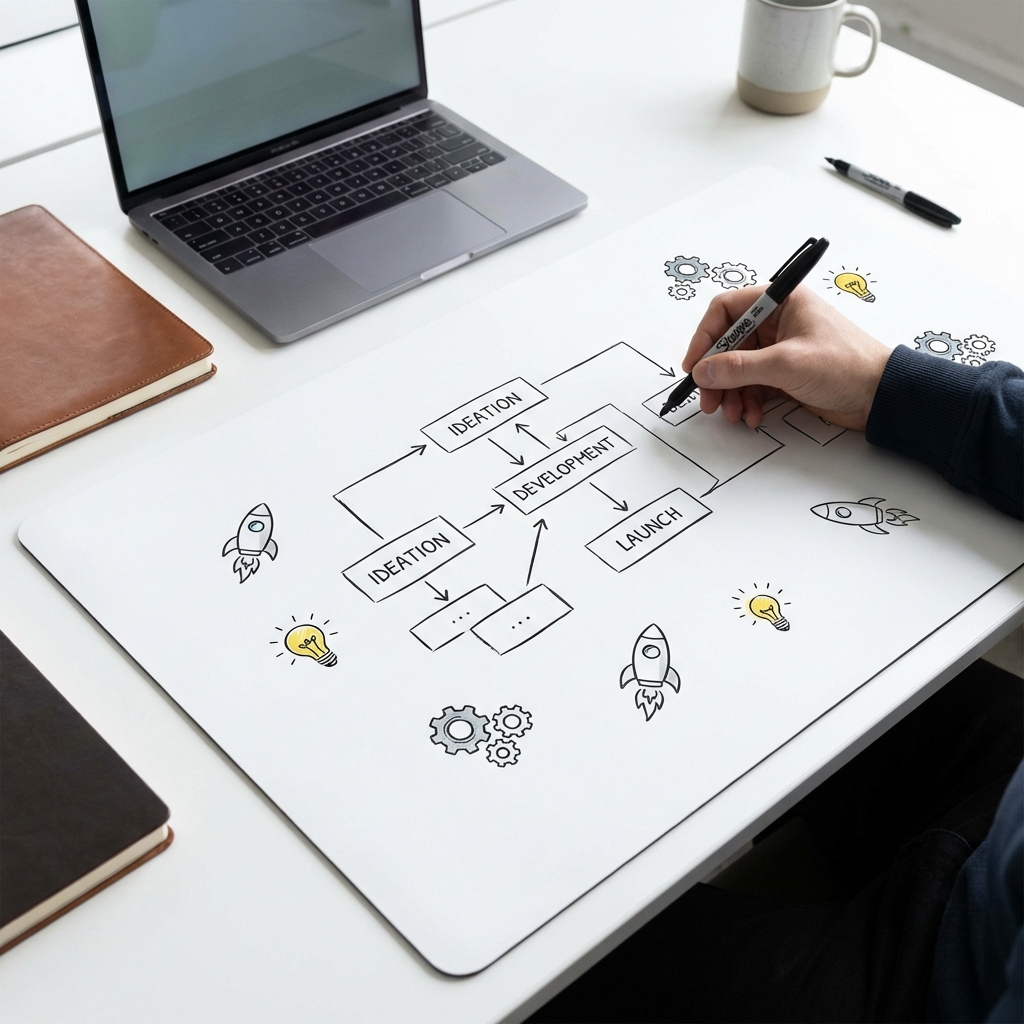
FlowVideo AI's Whiteboard Video Maker Free digitizes the artist. It uses a library of 100,000+ vector "Doodles" (SVGs). You type a sentence: "The rocket flies to the moon." The AI instantly finds a doodle of a rocket and a moon. It then mathematically calculates the path for a photorealistic "Virtual Hand" to draw them. It syncs the drawing speed to your voiceover. It creates a studio-quality explainer video in minutes, not weeks.
Why Use a Whiteboard Video Maker? (Deep Dive)
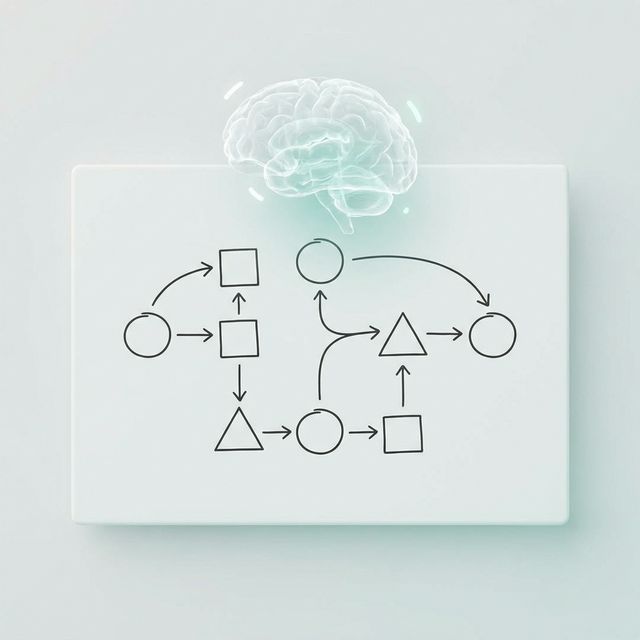
The "Cognitive Load" Theory (Simplicity)
The Technology: Vector Path Animation
SVG Path Tracing
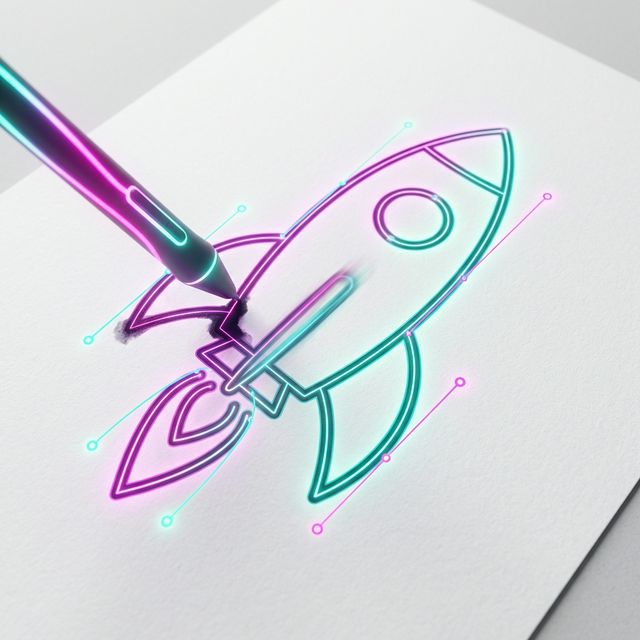
We don't just fade the image in. That looks fake. The Coordinates: An SVG (Scalable Vector Graphic) is made of math. `<path d="M 10 10 L 50 50" />`. The Simulation: Our engine instructs the "Hand" to follow these coordinates. It varies the speed (slowing down at corners, speeding up on straight lines) to mimic human motor control. The Ink Flow: We simulate the ink bleeding slightly into the paper texture for maximum realism.
Semantic Icon Search (Auto-Match)
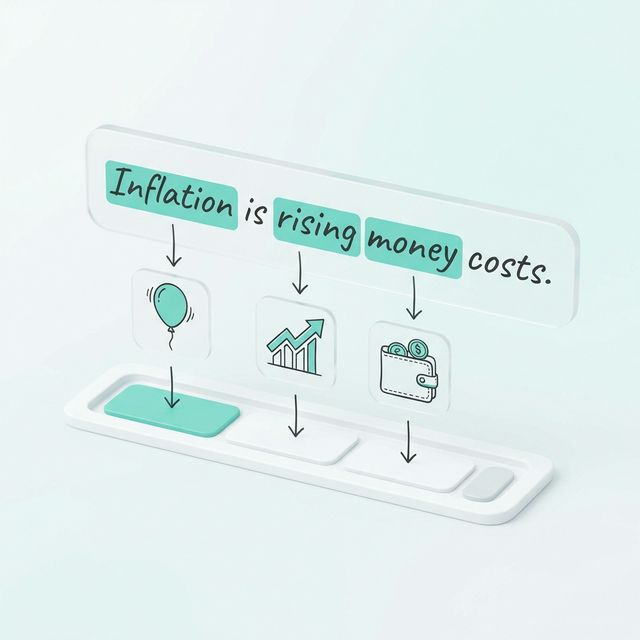
You script: "Inflation is rising." The Association: The AI's NLU (Natural Language Understanding) scans the script. It triggers associations: "Balloon expanding," "Wallet shrinking," "Graph going up." The Selection: It picks the most relevant icon from the library and places it on the timeline at the exact second the word "Inflation" is spoken.
Hand Variation (Biometrics)
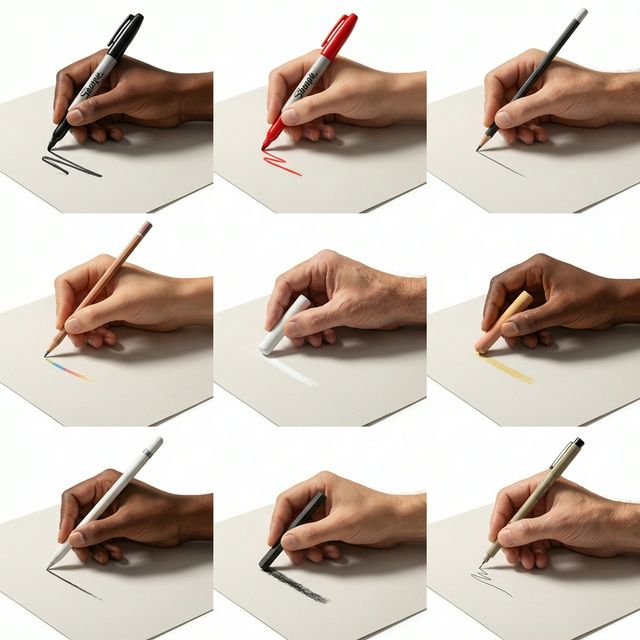
To prevent the "Robot Hand" uncanny valley effect: Library: We have scanned real hands in 4K resolution—Male, Female, Diverse Skin Tones, Holding Sharpies, Holding Pencils, Holding Chalk. Micro-Movements: The hand rotates slightly and casts dynamic shadows on the paper based on where it is on the screen (Top Left vs Bottom Right).
Step-by-Step Guide: Drawing Your Story
Input the Script
Content comes first. Length: Keep sentences short. "This is Bob. Bob is sad." (Visual: Draw Bob with frown). Pacing: Leave pauses. The drawing needs time to finish before the next idea starts. A clear "Audio-Visual Sync" is critical.
Choose the "Canvas"
It doesn't have to be white. Whiteboard: Classic marker on glossy white. (Corporate/Sales). Blackboard: Chalk on slate. (Education/Academic). Glassboard: Neon markers on glass. (Tech/Modern). Notepad: Pencil on lined paper. (Personal/Storytime).
AI Asset Generation
The AI populates the board. Review: The AI suggests an image for every sentence. Search: Don't like the "Rocket"? Click "Swap" and search for "Jet." Custom Draw: (Pro) Upload a photo of your product. The AI "Traces" it, converting it into a sketch line-art version so the hand can draw your actual bottle.
Hand Selection
Who is the artist? Diversity: Select a hand that matches your brand voice or target demographic. Tool: Choose a thick Sharpie for bold points, or a thin biro for detailed diagrams.
Animation Timing
Sync: The drawing must finish exactly when the sentence ends. The AI automatically stretches or speeds up the drawing speed to match the audio duration. Auto-Erase: Our "Erase" function automatically wipes the board clean when the scene changes to make room for new drawings.
Comparison: Whiteboard vs. Live Action
| Feature | Live Action Video | FlowVideo Whiteboard |
|---|---|---|
| Engagement | Passive | Active (Tracking) |
| Production | Expensive ($5k+) | Free / Cheap |
| Editing | Hard | Easy |
| Abstraction | Low (Literal) | High (Concept) |
| Universal? | No (Specific Actors) | Yes (Doodles) |
Industry Use Cases
Insurance and Finance
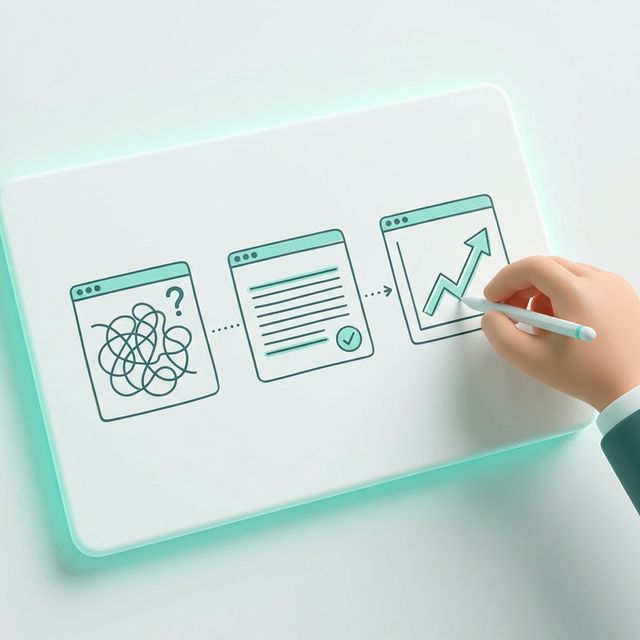
Concept: "Understanding your Deductible." Visual: A hand draws a 'Shield' (Insurance) protecting a 'House' vs a 'Storm'. Benefit: The simplification makes a boring, scary, abstract topic feel manageable and friendly.
Medical Education
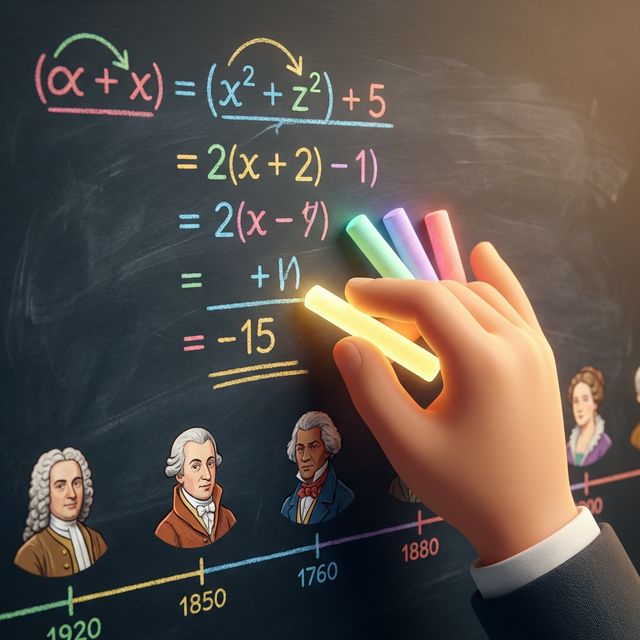
Concept: "How a Virus works." Visual: A hand draws a cell and a spike protein. Benefit: The diagrammatic nature is perfect for showing biological processes without the "Gore" of real medical footage.
SaaS Onboarding
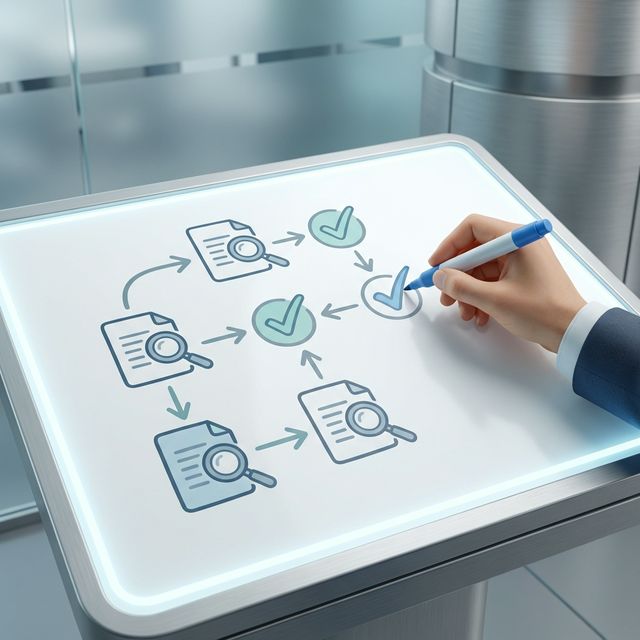
Concept: "Welcome to the Dashboard." Visual: A hand draws a circle around the 'Settings' button on a screenshot of the UI. Benefit: It guides the user's eye physically: "Click here first."
Kickstarter/Venture Capital
Concept: "The Problem vs The Solution." Visual: Scene 1: A character drowning in paperwork (The Problem). Scene 2: The character using your app, smiling (The Solution). Benefit: The stark contrast sells the value proposition instantly.
Verify the workflow before generation
Review the inputs, model, estimated credit cost, output type, and limitations shown on this page.
Troubleshooting: Common Doodle Issues
Too Slow
Use "Instant Draw" (hand slaps the image on) for faster pacing.
Cluttered
Use "Zoom/Pan" to move the camera to a clean spot on the board.
Boring
Use "Visual Metaphors" (AI suggests icons for abstract words).
Robot Voice
Use our "Neural Voice" engine for natural intonation.
Frequently Asked Questions about Whiteboard Maker
Whiteboard Video Maker Free: Doodle Animation for Education, Sales, and Training
The Cognitive Science Behind the Drawing Effect
Watching a hand draw an idea activates a neural response that static slides cannot trigger. The viewer's brain tracks the pen tip, predicting where the line will go next, which creates micro-suspense that sustains attention across minutes instead of seconds. Research in multimedia learning shows that animated hand-drawn visuals improve information retention by up to fifteen percent compared to equivalent static diagrams. A whiteboard video maker free tool translates this cognitive advantage into a production format accessible to anyone with a script. FlowVideo's implementation uses a library of over one hundred thousand vector doodles matched to your script via semantic search, so the drawing unfolds in real time synchronized to your narration without requiring any artistic skill on your part.
SVG Path Tracing: How the Virtual Hand Draws Naturally
A convincing whiteboard animation must simulate the motor control of a real person holding a marker. FlowVideo's whiteboard video maker free engine traces the mathematical coordinates embedded in each SVG doodle and instructs the virtual hand to follow them with variable speed. The hand slows at tight corners and accelerates on straight strokes, mimicking the biomechanics of actual drawing. Ink simulation adds slight bleeding into the paper texture at each stroke endpoint. The hand itself is rendered from 4K scans of real hands in multiple skin tones holding different implements, from fine-tip markers to chalk sticks. Micro-rotations and dynamic shadow casting based on the hand's position on the canvas prevent the uncanny stiffness that cheap whiteboard tools produce.
Semantic Icon Matching: From Spoken Word to Drawn Symbol
You should not have to manually browse an icon library for every sentence in your script. The whiteboard video maker free engine runs natural language understanding on your narration track and triggers visual associations automatically. When the narrator says "cloud computing," the system does not simply search for the word "cloud." It evaluates the context and selects a doodle of a server rack inside a cloud outline rather than a weather cloud. This contextual matching extends to metaphors. A script about "growing your business" pulls a sprouting plant icon, not a literal growth chart. The result is a storyboard that feels hand-curated even though the initial selection was fully automated.
Voiceover Synchronization and Drawing Pace Control
Timing is what separates amateur whiteboard videos from professional ones. If the hand finishes drawing before the narrator finishes explaining, the viewer stares at a completed image with nothing happening. If the drawing lags behind the narration, the visual context arrives too late to reinforce the spoken concept. FlowVideo's whiteboard video maker free engine solves this by analyzing the audio waveform and aligning each drawing sequence to the corresponding sentence boundaries. The drawing pace stretches or compresses to match the speaking rate, and scene transitions trigger on detected topic shifts. You can override any timing point manually, but most users find the automatic synchronization accurate enough to skip this step.
Use Cases Beyond the Classroom: Sales, Onboarding, and Internal Comms
While education is the most visible use case for whiteboard videos, the format performs equally well in commercial settings. SaaS companies use whiteboard explainers on landing pages to compress a complex product pitch into ninety seconds of clear visual storytelling, often doubling conversion rates compared to text-only pages. HR departments create onboarding walkthroughs where policies and workflows are drawn step by step, reducing new-hire ramp time. Internal communications teams animate quarterly results or strategy updates in a format that employees actually watch instead of skimming a PDF. The whiteboard video maker free tool makes all of these production scenarios viable without a dedicated animation team or agency retainer.
Instant Updates Without Reshooting
Live-action explainer videos become outdated the moment a price changes, a feature launches, or a regulation shifts. Reshooting means reassembling actors, equipment, and studio time. A whiteboard video built in FlowVideo updates by editing a single sentence in the script and re-rendering the affected scene. The engine redraws the new icon or text in seconds. This flexibility makes the whiteboard video maker free tool particularly valuable for industries where information changes frequently: fintech, healthcare compliance, and software documentation. You maintain a library of evergreen explainers that stay accurate with minimal maintenance effort rather than depreciating into obsolete content within months.