
Link to Video Generator: Turn URLs into Content
Turn URLs into Content
The internet is full of static pages. E-commerce product listings, real estate Zillow pages, and news articles. But social media (TikTok, Reels) demands video. Bridging this gap manually is tedious. Downloading the JPEG of the shoe, importing it, animating it, ensuring the price is correct... it takes 30 minutes per product. FlowVideo AI's Link to Video Generator automates this conversion. You paste a URL. Our scraper extracts the metadata (Images, Price, Description, Title). Our AI assembles a video ad. It turns a static link into a dynamic asset in 10 seconds.
Built for transparent creative workflows
Link to Video
Cost: 60 credits / video
Start with a Link
Paste any product or article URL. We'll extract the images and build a video capable of viral performance.
Introduction: The "Asset Liquidity" Problem
You have the assets (photos, text) sitting on your website. But they are "illiquid." They are stuck in a static HTML format. You cannot post an HTML link to Instagram. You need a video file (MP4).
This tool provides "Asset Liquidity." It liberates the content from the browser and reformats it for the feed.
For an Amazon Seller with 500 SKUs, this is a superpower. Instead of hiring an editor to make 500 videos, they paste 500 links into our Bulk Processor. The AI reads every listing, grabs the white-background product shots, composites them onto lifestyle backgrounds, adds the "Prime" logo, and renders a 15-second TikTok ad for every single SKU.

Why Use a Link to Video Generator? (Deep Dive)
Structure-Aware Scraping (E-Commerce)
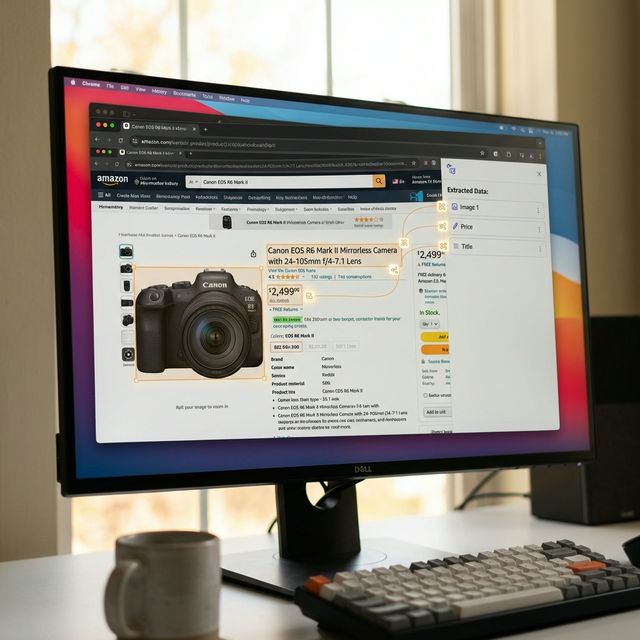
The Technology: From DOM to Pixel

Site-Specific Parsers
Amazon: We strip the white background automatically to put the product in a 3D environment. Shopify: We grab the "Variant" images (Red shirt, Blue shirt) to make a slideshow of options. Real Estate (Redfin/Zillow): We order the photos logically (Exterior first, then Kitchen, then Bedroom) using computer vision scene classification, so the video flow makes sense.
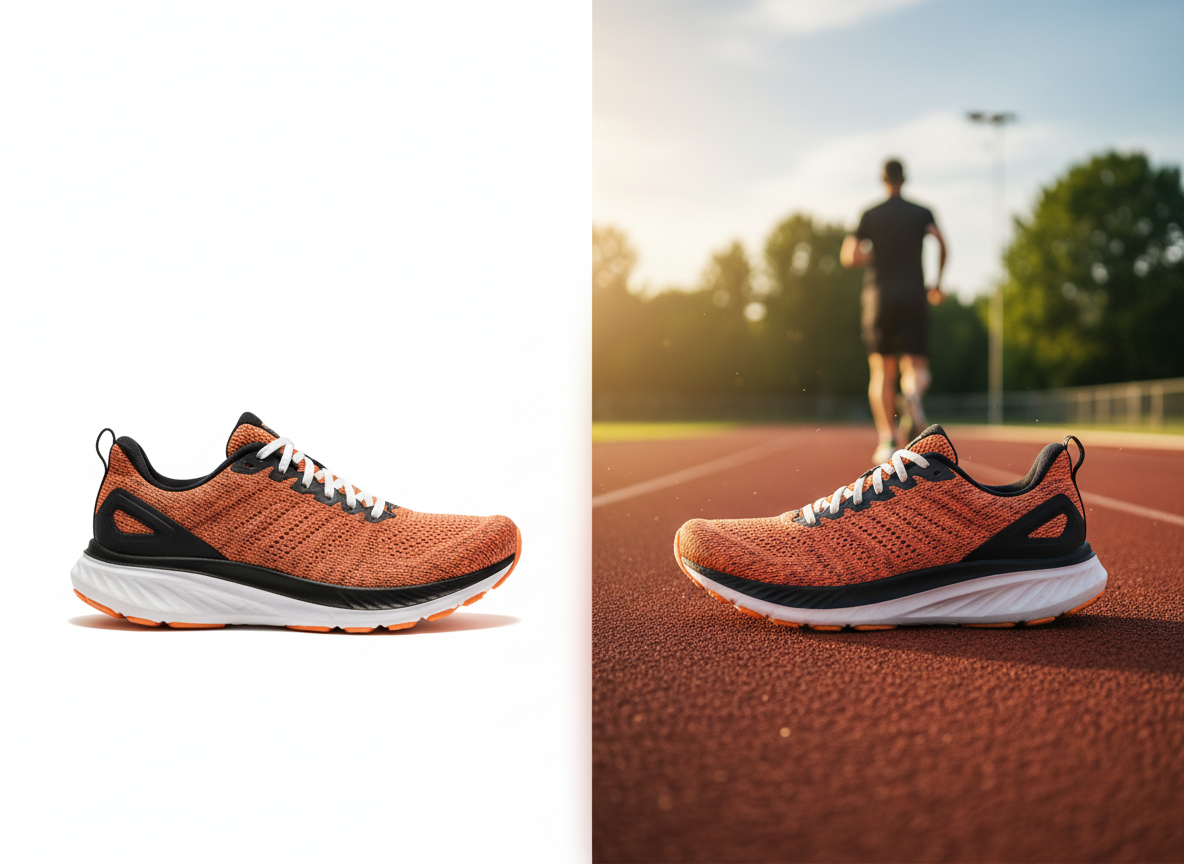
Neural Style Transfer (Backgrounds)
The Upgrade: Most product photos are on boring white backgrounds. The AI: We use diffusion inpainting. The AI takes the white-background shoe URL. It generates a "Running Track" background. It composites the shoe onto the track with realistic shadows. Suddenly, a boring catalog image becomes a lifestyle ad.
Step-by-Step Guide: Amazon URL to TikTok Ad
Ingest
Action: Copy the URL of your product page (Amazon, Etsy, Shopify, or eBay). Input: Paste it into the FlowVideo "Link to Video" box. Click: "Import."
Asset Selection
Review: The tool displays a grid of all images found on the page. Filter: Deselect the low-res images or the picture of the Size Chart. Keep only the high-res product angles. Text: Verify the "Product Name" and "Price" extracted fields. Edit them if you want a punchier hook (e.g., Change "Sony WH-1000XM5 Wireless..." to just "The Best Noise Cancelling Headphones").
Template Choice
Vibe: Select "Promo - High Energy". Format: Select "Vertical (9:16)". AI Action: The system places the photos into the template beats.
Refine
Music: The template comes with generic pop. Click "Swap Music" to choose "Tech Minimal" for a gadget. Voiceover: Add an AI voice reading the product description: "Experience silence like never before..."
Export
Format: 1080p MP4. CTA: Ensure the end card says "Link in Bio" or "Shop Now."
Comparison: Ad Creation
| Feature | Canva | Minta | FlowVideo AI |
|---|---|---|---|
| Input | Manual Upload | Shopify Store Connect | Any URL (Universal) |
| AI Editing | Basic | Automated | Deep Customization |
| Backgrounds | Static | Static | Generative AI (Inpainting) |
| Voiceover | No | No | Yes (TTS) |
| Cost | Manual Time | Monthly Sub | Freemium |
Industry Use Cases

Real Estate Agents
Link: URL of the new listing. Video: "Just Listed!" header. Slideshow of the 5 best rooms. "Open House Sunday" footer. Time: 2 minutes.
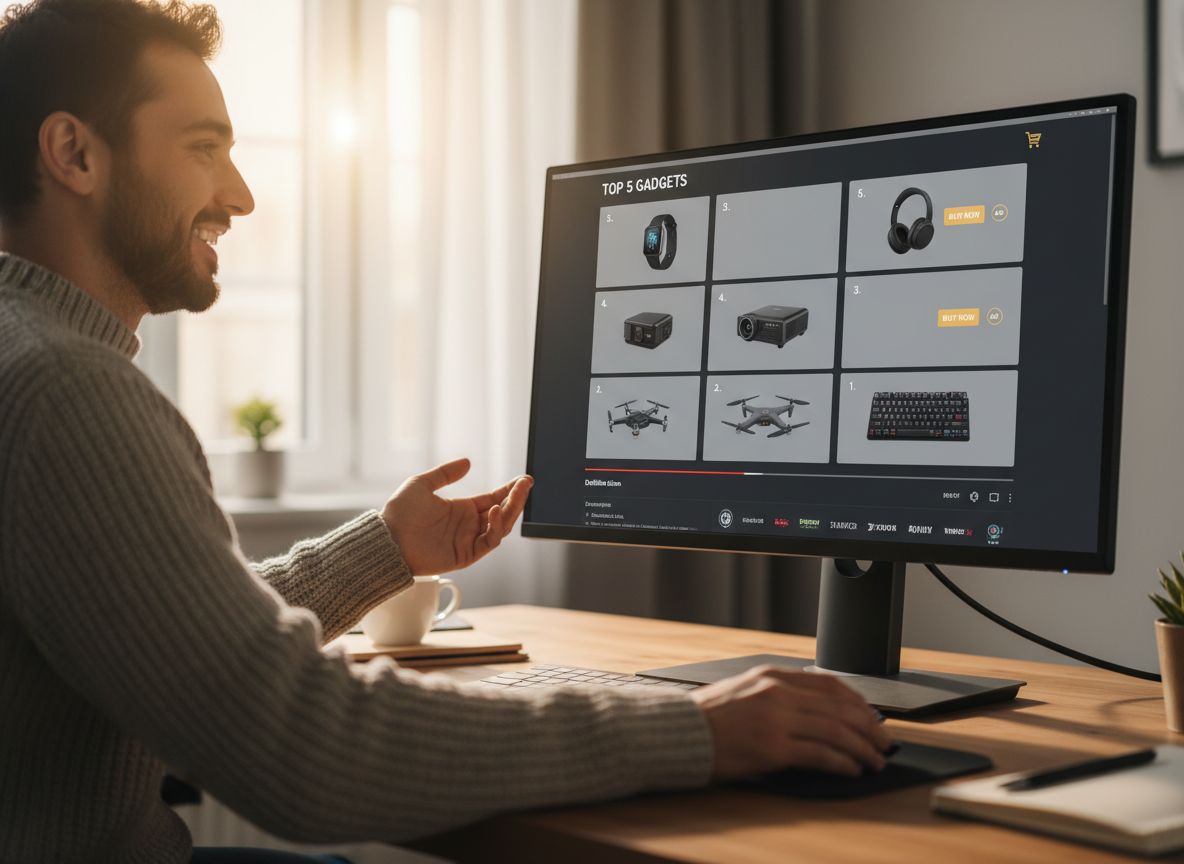
Affiliate Marketers
Link: Amazon Associate link. Video: "Top 5 Gadgets" compilation. Strategy: Create 5 videos for 5 products, stitch them together in the Editor.
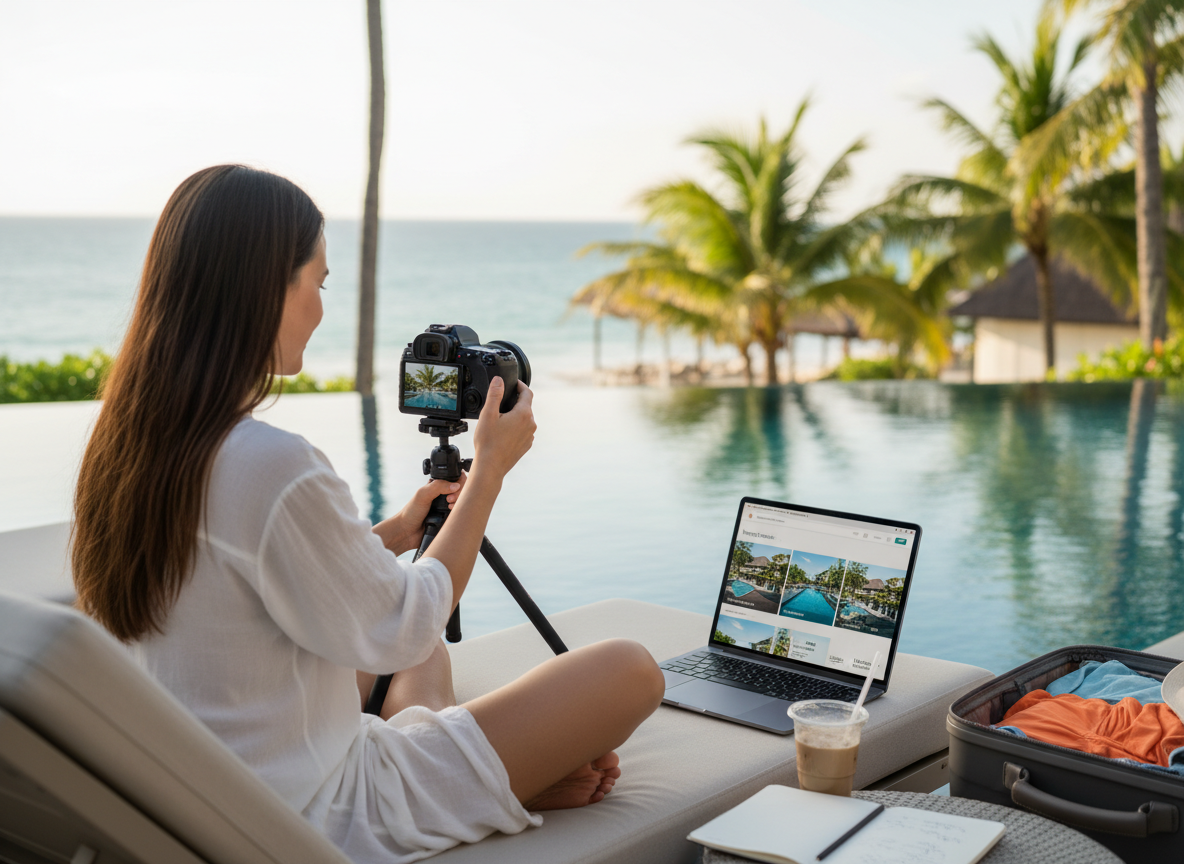
Travel Bloggers
Link: TripAdvisor Hotel page. Video: "Stay here in Bali." Montage of the pool and room photos.
Verify the workflow before generation
Review the inputs, model, estimated credit cost, output type, and limitations shown on this page.
Troubleshooting: Scraping Issues
"Could not parse URL"
Some sites (like Instagram) block scrapers. Use a screenshot instead, or paste the Text content manually.
Blurry Images
The scraper might have grabbed the preview thumb instead of the zoom image. Click "Find HD" to force the scraper to look for the high-res source link in the code.
Wrong Price
Sometimes the discount is applied in cart. Manually click the "Price" text layer and type the correct sale price.
Text Cut Off
Amazon titles are huge. Use the "Summarize Title" AI button to shrink "Generic Brand Men's Shirt Cotton Breathable..." to "Cotton Men's Shirt."