
Article to Video AI
Convert Blog Posts to Viral Videos
Content marketing is a treadmill. You write a brilliant 2,000-word blog post. It gets shared on Twitter once, drives traffic for three days, and then enters the "Content Graveyard." It sits on page 4 of Google, unseen. This is a waste of intellectual capital. What if that text could be reborn? What if it could become a YouTube explainer, a LinkedIn slideshow, and a TikTok tip video? FlowVideo AI's Article to Video tool is the resurrection engine. Paste a URL, and our Large Language Models (LLM) summarize the text, storyboard the key points, select relevant stock footage, and generate a voiceover narration. It turns static text into dynamic video motion.
Built for transparent creative workflows
Article to Video
Cost: 60 credits / conversion
Supports Medium, WordPress, Substack, News sites.
Ready to Visualize
Our AI will parse your article, extract key insights, and match them with semantic stock footage.
The Double Dip Strategy
The modern consumer is bimodal. Half of them want to read (Articles). The other half, drastically growing, want to watch (Video). If you only have text, you are ignoring 50% of the market. However, creating video is expensive. Writing a script takes time. Finding footage takes hours.
FlowVideo AI automates this "Format Arbitrage." Input: A URL (e.g., yourblog.com/5-seo-tips). Process: The AI reads the page. It identifies the H1 (Title) and H2 (Subheaders). It extracts the "Golden Nuggets" (Key facts). Output: A 60-second video where "Tip #1" is shown on screen with a background clip of a computer, narrated by a professional voice.
This is the "Double Dip": You rank on Google for the text article, and you rank on YouTube for the video. You dominate the Search Engine Results Page (SERP) twice with one idea.
Why Use Article to Video AI?
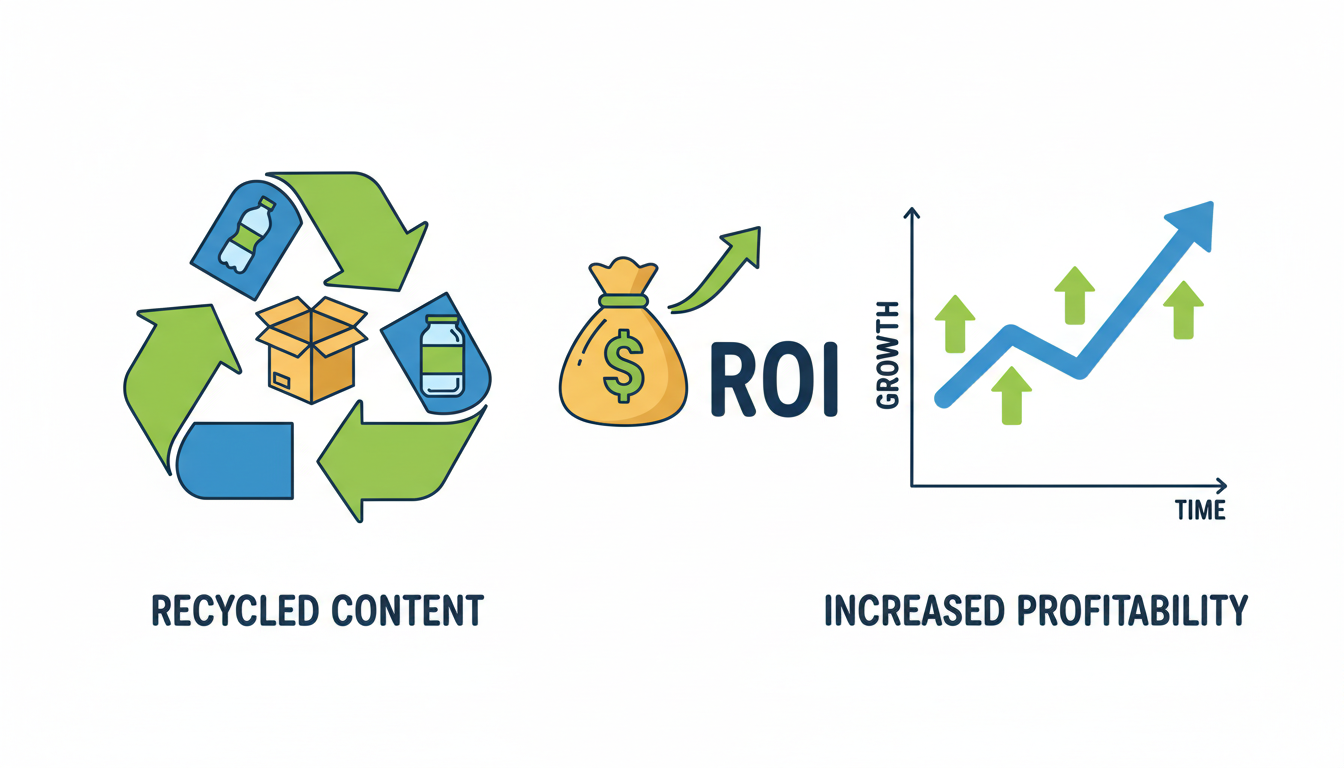
Asset Recycling (ROI)
The Technology: From DOM to MP4

DOM Parsing (The Scraper)
The Step: We don't just copy-paste. We parse the "Document Object Model" (DOM) of the webpage. We look for <article> tags to ignore the sidebar ads and footer links. We identify <blockquote> tags to highlight quotes visually. We download the images embedded in the article to use them in the video.

Summarization Pipelines (LLM)
The Step: A 2,000-word article is too long for a video. It would be 15 minutes long. The AI: We use a summarization model (like GPT-4) to condense the text. Input: 5 paragraphs about the history of coffee. Output: "Coffee originated in Ethiopia in the 15th century." (Concise script). Control: You can set the target length: "Short (30s)", "Medium (2m)", "Long (Full Read)".
Audio Synthesis (TTS)
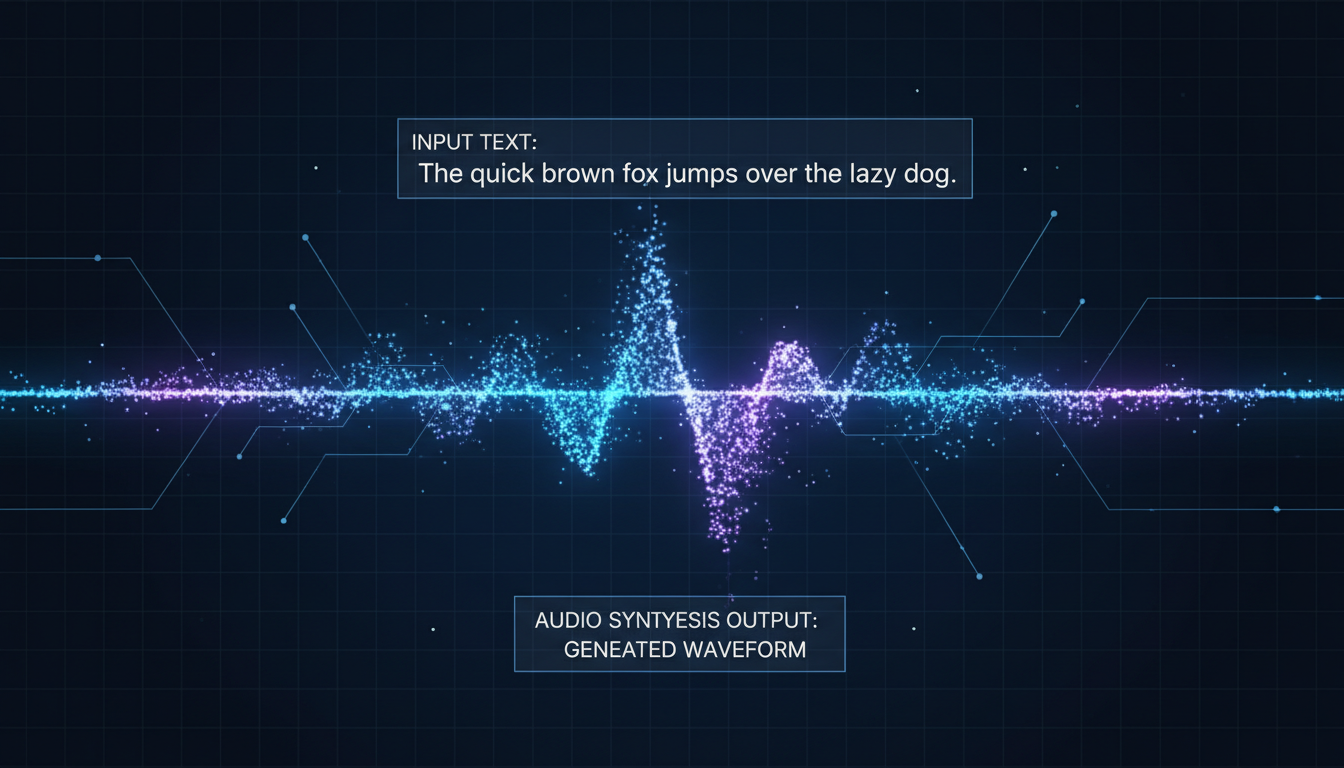
The Step: Converting script to speech. The Quality: We use Neural Text-to-Speech. It breathes. It pauses at commas. It raises pitch at question marks. It is indistinguishable from a human narrator for most informational content.
Step-by-Step Guide: Blog Post to Video
Ingest
URL: Paste the link to your article. Source: Alternatively, paste the raw text or upload a PDF.
The Brief
Format: Choose "Landscape (16:9)" for YouTube or "Vertical (9:16)" for TikTok. Tone: Choose "Educational", "News", or "Marketing". This determines the music and the editing pace. Length: Select "Summary (1 min)".
Script Review
AI Action: The system generates a script on the left and storyboard scenes on the right. Edit: Read the script. Did it miss a key nuance? Edit the text. The video assets will update automatically. Emphasis: Highlight key words in Bold. The AI will put these words on screen as text overlays.
Asset Swap
Review: Watch the preview. Swap: Scene 3 shows a "Dog" but you want a "Cat." Click the "Swap Media" button. Search "Cat" in our Stock Library (Storyblocks/Shutterstock integrated). Click to replace.
Branding & Export
Logo: Upload your transparent logo to the "Watermark" corner. Outro: Add a "Call to Action" slide: "Read the full article at [Link]." Export: Download 1080p MP4.
Comparison: Text-to-Video Tools
| Feature | Lumen5 | InVideo | FlowVideo AI |
|---|---|---|---|
| Summarization | Basic (Extractive) | Basic | Advanced (Abstractive LLM) |
| Asset Library | Stock only | Stock + Generation | Stock + Gen AI + Article Images |
| Voiceover | Robotic | Good | Ultra-Realistic Neural |
| Branding | Templates | Templates | Deep Brand Kit |
| Cost | Expensive Tier | Subscription | Freemium |
Industry Use Cases

News Publishers
Article: "Breaking: Hurricane approaches coast." Video: 30s update with satellite imagery B-roll. Posted to Instagram Stories to drive swipe-up traffic.

E-Commerce Blogs
Article: "5 Ways to style a scarf." Video: A compilation of the product photos from the article, animated with music. Used as a Facebook Ad.

Corporate HR
Article: "New Policy Handbook." (Boring PDF). Video: A friendly 2-minute explainer video summarizing the 3 key changes. Sent to employees via Slack.
Verify the workflow before generation
Review the inputs, model, estimated credit cost, output type, and limitations shown on this page.
Troubleshooting: Conversion Issues
Wrong Images
Use the "Asset Swap" tool. Sometimes "Bank" means "River Bank," sometimes "Money Bank." AI isn't perfect; manual review is required.
Voice Mispronunciation
Use "Phonetic Spelling." If it says "SEO" as "Seo" (one word), write it as "S. E. O." in the script editor.
Too Short
Change the "Summary Density" slider to "Detailed." Or manually paste larger chunks of text from your article into the editor.
Text Overload
Break one long scene into 3 short scenes. Click the "Split Scene" button to spread the text over more visuals.
Frequently Asked Questions about Article to Video
Repurposing Written Content as Video: The Complete Article to Video Workflow
The Content Recycling Problem and Why Format Arbitrage Matters
Most written content has a short shelf life. A blog post peaks in traffic within 72 hours of publication, then decays into obscurity unless it ranks for a competitive keyword. Meanwhile, the same information packaged as video thrives on entirely different platforms with different discovery mechanics. YouTube surfaces content through recommendation algorithms that prioritize watch time, not publication date. A well-structured video version of a six-month-old article can generate views for years. Article to video conversion is format arbitrage, taking intellectual capital you already produced and distributing it through channels your text version cannot reach. The economics are compelling. You spent hours or hundreds of dollars creating the original article. Converting it to video multiplies your return on that investment without requiring new research or original ideas. FlowVideo AI automates the heaviest parts of this conversion: summarization, visual asset selection, voiceover synthesis, and timeline assembly. The result is a production pipeline that turns one piece of written content into assets for YouTube, TikTok, LinkedIn, and Pinterest simultaneously.
DOM Parsing and Intelligent Content Extraction
Converting an article to video is not as simple as reading text aloud over stock footage. The system needs to understand the structure of the source material. FlowVideo AI parses the Document Object Model of any URL you provide, identifying semantic HTML elements like article tags, heading hierarchies, blockquotes, and embedded images. This structural awareness means the tool distinguishes between your actual content and sidebar navigation, footer links, cookie banners, and advertising blocks. It extracts the H1 as the video title, H2 tags as section breaks, and blockquotes as visual callouts. Images embedded in the article become candidate B-roll frames. This intelligent extraction produces a clean content skeleton that maps naturally to a video storyboard. The alternative, manually copying and pasting text into a script editor, loses all this structural context and forces you to rebuild the information hierarchy from scratch.
Summarization Pipelines: Condensing Two Thousand Words into Sixty Seconds
A typical blog post contains far more information than a short video can convey. Reading two thousand words aloud takes roughly fifteen minutes, but social video performs best between thirty seconds and two minutes. The article to video tool uses large language model summarization to identify the core arguments, extract supporting data points, and compress them into a narration script that fits your target duration. You control the compression ratio through length presets: summary mode for thirty-second social clips, standard mode for two-minute YouTube shorts, and full-read mode for long-form narration. The summarization is not mechanical truncation. The LLM understands rhetorical structure. It preserves the thesis statement, retains the strongest evidence, and drops redundant examples. The output reads like a purpose-written script rather than a chopped-up article. This matters because viewers detect when narration feels disjointed or when transitions are abrupt, both of which kill retention metrics.
Semantic Asset Matching: Visual Context Beyond Keyword Lookup
Finding appropriate visual assets for each sentence in a narration is traditionally the most time-consuming part of video production. A keyword-based search for the phrase feeling of isolation might return footage of building insulation, a completely wrong match. FlowVideo AI uses semantic asset matching that interprets the meaning of the narration rather than pattern-matching individual words. When the script says the stock market crashed, the system selects footage of declining charts with red indicators rather than literal car crashes. This semantic understanding extends to tone and emotion. A sentence about childhood nostalgia pulls warm-toned footage with soft lighting, while a sentence about cybersecurity threats pulls dark, high-contrast visuals with technical overlays. The result is B-roll that feels editorially intentional rather than randomly assembled. You can override any automatic selection through the timeline editor, but most users find that the semantic matching produces usable results on the first pass for the majority of scenes.
Neural Text-to-Speech: Narration That Sounds Human
The voiceover layer is where article to video conversion either succeeds or fails as a viewing experience. Robotic, monotone narration immediately signals low production value and triggers viewer abandonment. FlowVideo AI uses neural text-to-speech synthesis that models prosody, the rhythm, stress, and intonation patterns of natural speech. The system pauses at commas, raises pitch on question marks, and emphasizes key terms. It handles complex vocabulary without mispronunciation by analyzing phonetic context rather than relying on dictionary lookup alone. You choose from multiple voice profiles spanning different genders, age ranges, and tonal characteristics. For informational content the distinction between AI narration and a human voice artist is functionally invisible to most listeners. The voice synthesis runs server-side, meaning you do not need powerful local hardware. Processing a two-minute script typically completes in under thirty seconds, making it practical to regenerate narration after script edits without significant workflow disruption.
The Double-Ranking Strategy: Dominating Search Results with One Idea
The most powerful application of article to video conversion is what content strategists call double-ranking. Your original article targets Google organic search. The video version targets YouTube search, which is the second largest search engine globally. Both assets can rank for the same query simultaneously, giving your brand two positions on the search results page instead of one. The strategy compounds further when you embed the generated video back into the original article. Pages with video embeds consistently show higher time-on-page metrics, which Google interprets as a quality signal that improves the text article ranking. This creates a reinforcing cycle where the video improves the article SEO and the article drives traffic to the video. FlowVideo AI makes this workflow economically viable by reducing video production time from days to minutes. You can systematically convert your entire blog archive into video assets, prioritizing articles that already rank on page two or three where the additional engagement signal from video embedding might push them onto page one.