
AI Avatar Maker
Design an Original Character From Scratch
Combine presets, prompts, color, wardrobe, and style controls to create a fictional avatar that belongs to your project—not a copy of an identifiable person.
Built for transparent creative workflows
Avatar Maker
Cost: 40 Credits
Create an original fictional character from presets. Personal photo uploads and recreating identifiable people are not supported.
Avatar Preview
Customize archetype, palette, hair, and outfit → Create an original character
Create a Character, Not a Copy
FlowVideo's Avatar Maker is a design workspace for **original fictional characters, brand mascots, game figures, and clearly synthetic presenters**. Begin with a written idea or a preset archetype, then choose the visual style, proportions, palette, clothing, props, and setting.
The workflow starts from creative direction rather than personal media. It does not analyze biometric traits or derive a character from an identifiable person. Do not submit another person's image, name, or identifying details in an attempt to recreate them.
Save an approved design as a reusable character guide. The same visual decisions can then support profile art, comic panels, 3D concepts, thumbnails, presentations, and original video scenes.
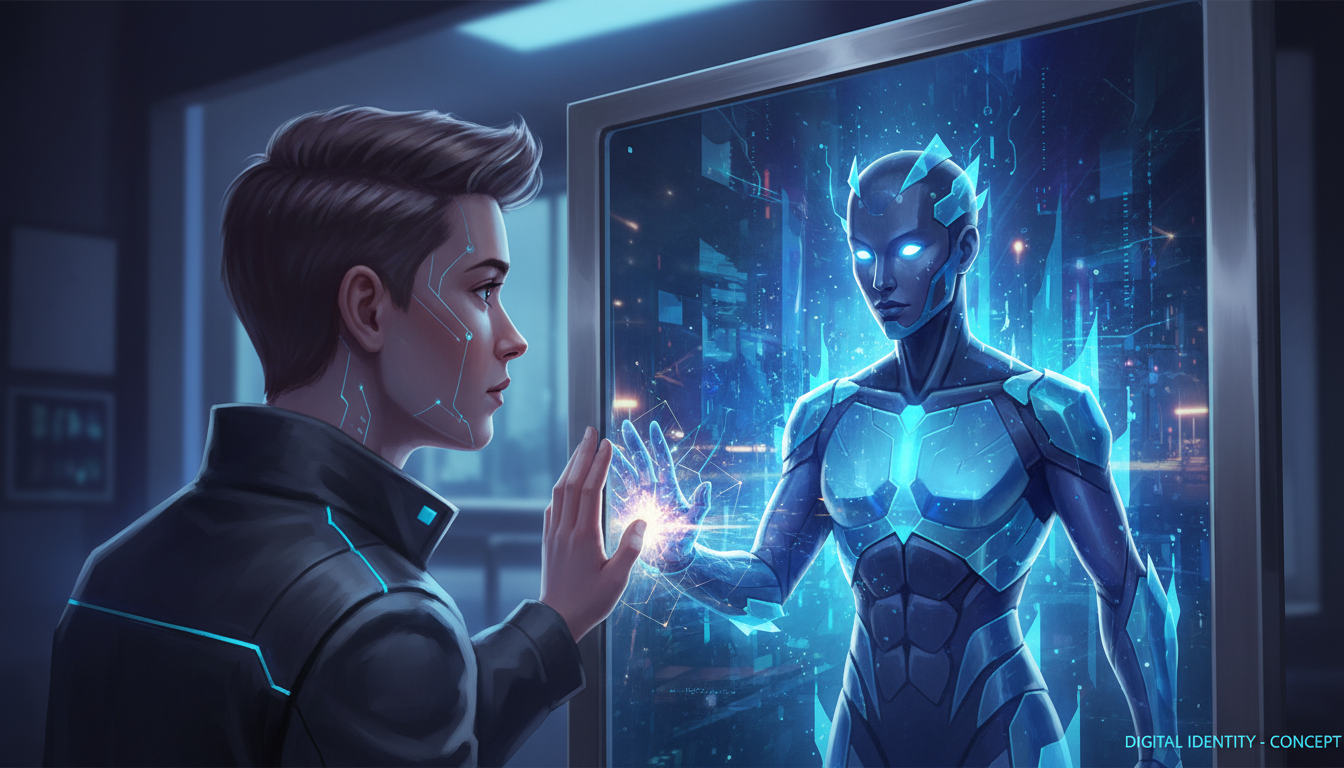
Why Build an Original Avatar?
Own the Creative Direction
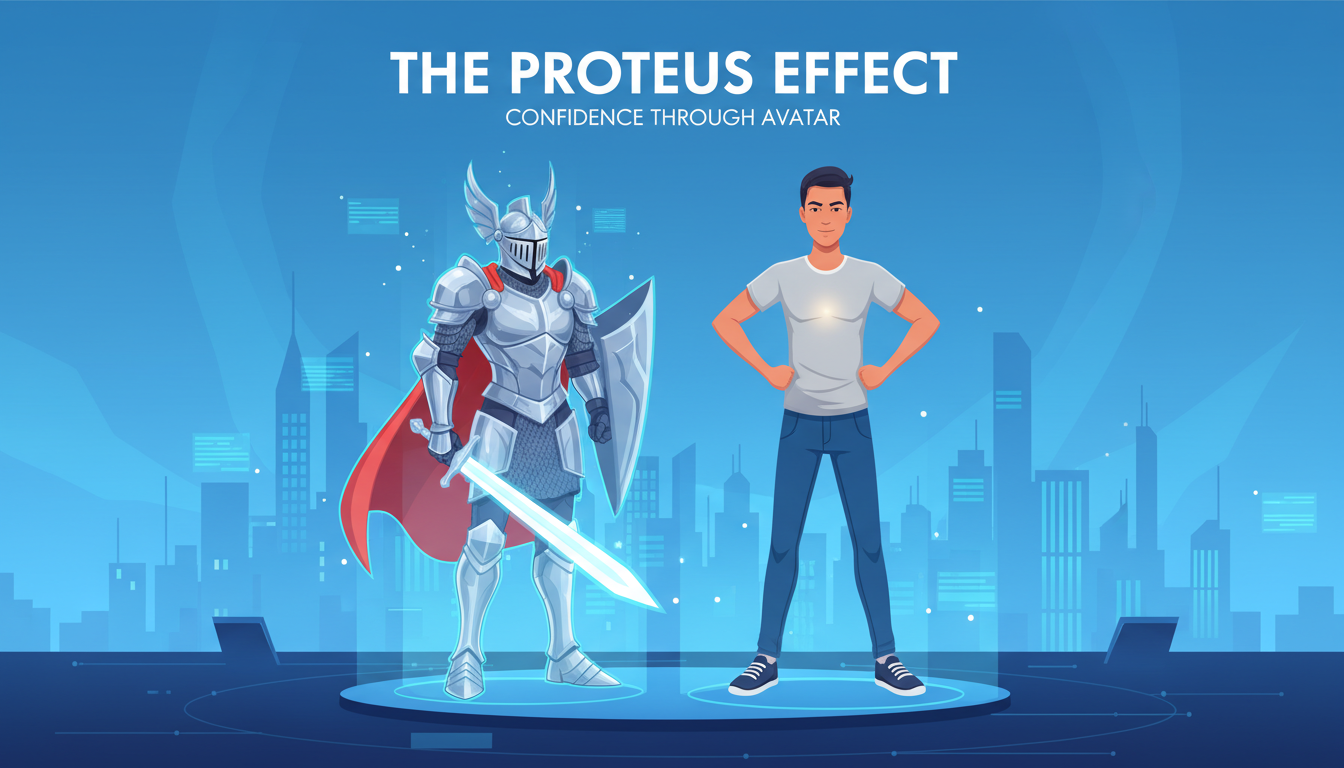
The Original Character Design Stack
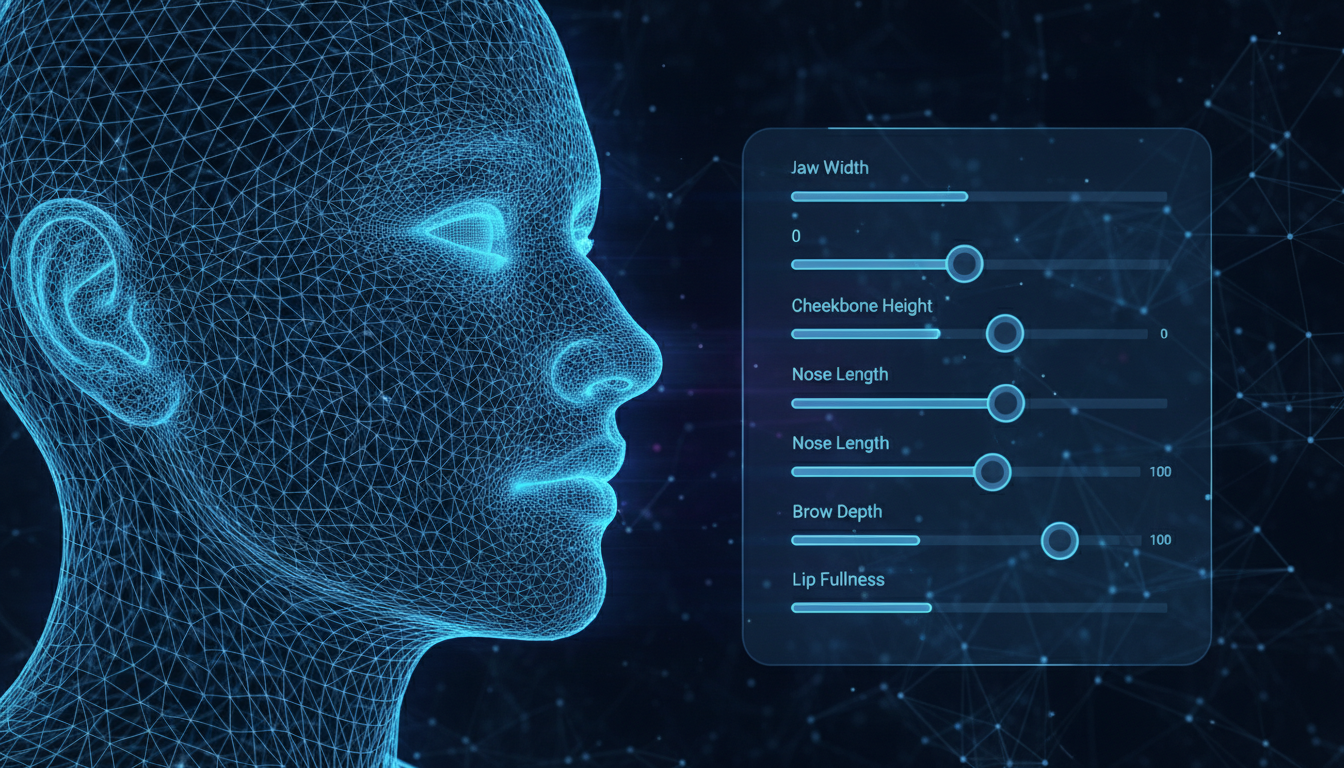
Preset and Prompt Controls
Choose a base style, then describe the character's role, materials, clothing, palette, and environment. Specific art direction produces more coherent variations than broad prompts and keeps the work focused on an original concept.
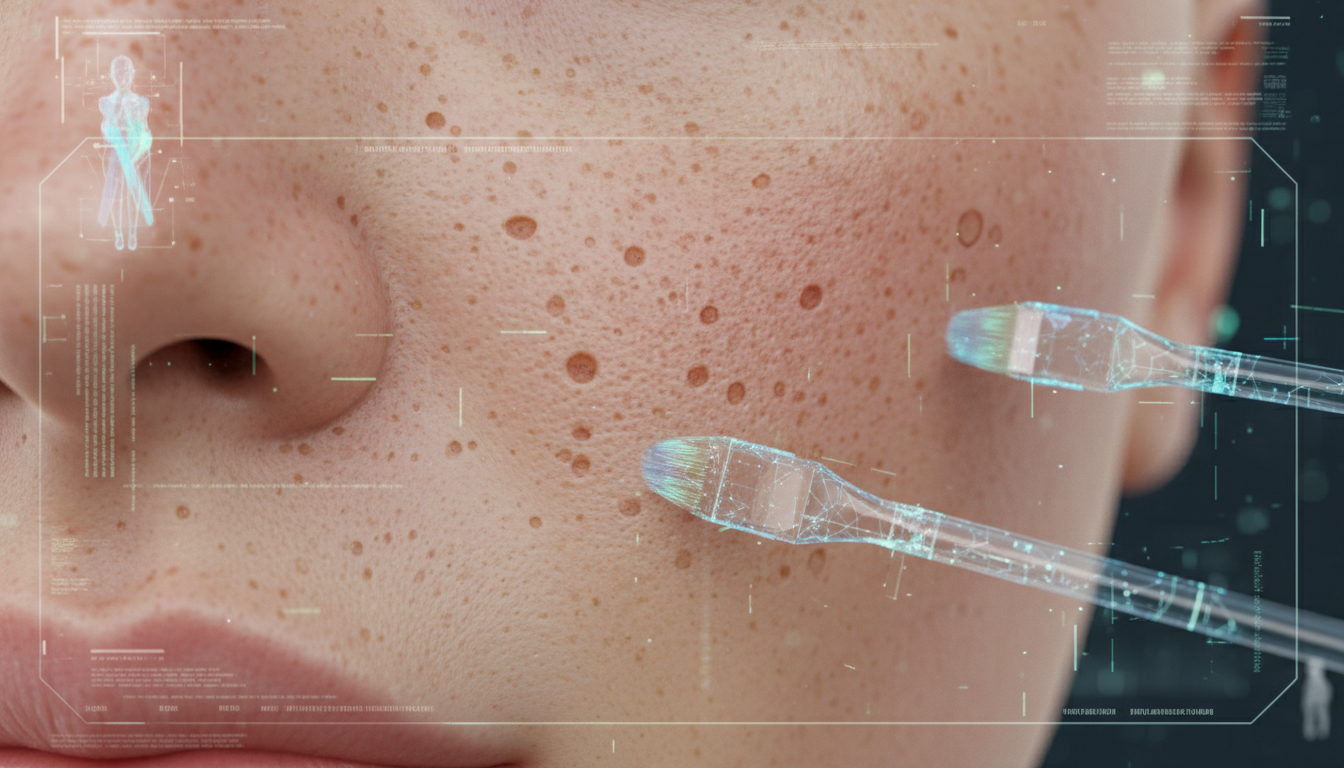
Material and Texture Direction
Develop stylized hair, fabric, armor, accessories, and surface materials that fit the chosen medium. Review small previews first, because the same prompt can behave differently across anime, illustration, toy, and 3D styles.
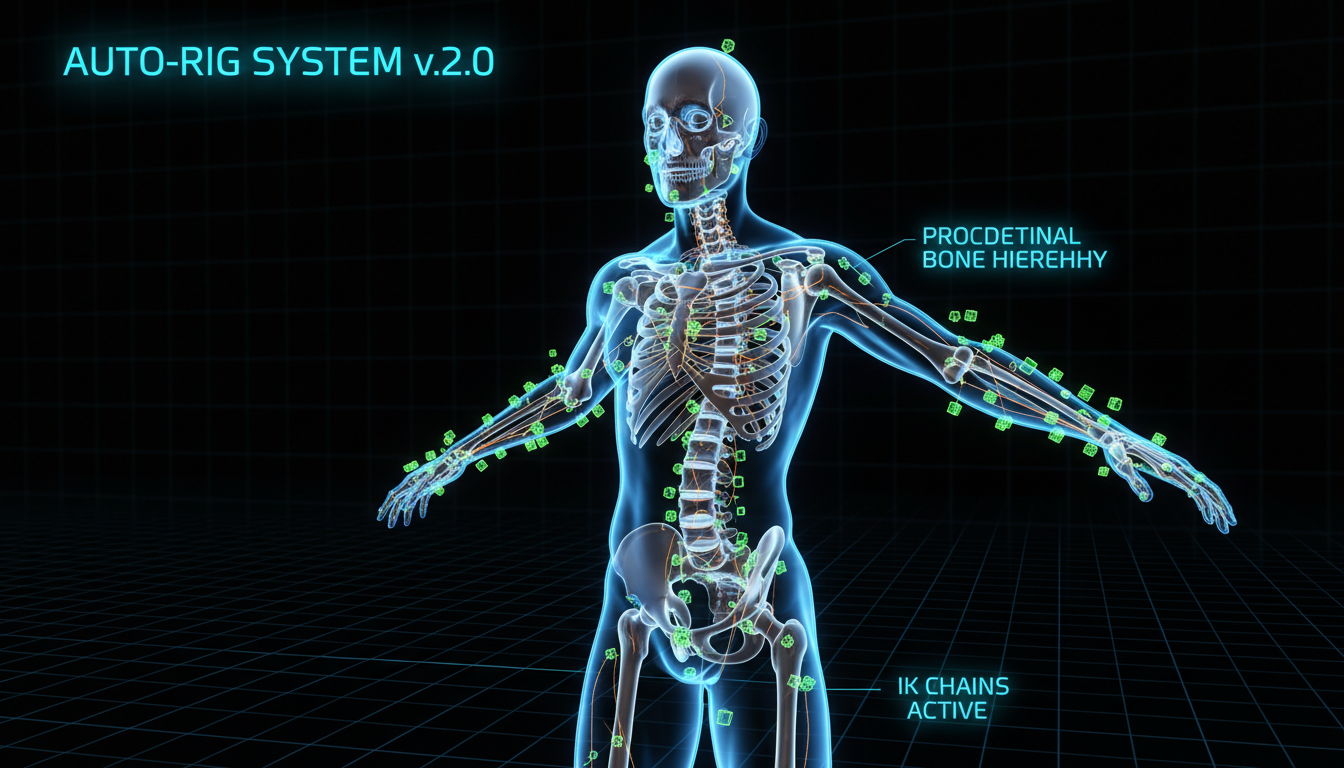
Character Sheets and Reuse
Create front, side, and action references for your approved fictional design. Keep those outputs with the prompt and palette so later images, scenes, or 3D explorations can follow the same creative system.
How to Design an Original Avatar
Choose a Fictional Archetype
Select anime, cartoon, low-poly, robot, fantasy, mascot, or another clearly synthetic style. Decide what the character does in your story or brand before choosing decorative details.
Define Shape and Palette
Adjust the overall silhouette, proportions, colors, materials, and visual energy. Build from presets or your own authorized artwork; do not use a real person's photograph as a target.
Add Wardrobe and Props
Choose clothing, accessories, tools, and symbols that support the character's role. Avoid protected logos or character elements unless you have permission to use them.
Review and Export
Compare the result with your character guide, check originality and rights, then save the approved asset. Available image or 3D export formats vary by workflow and plan.
Preset-Only Creator vs. AI-Assisted Original Design
| Factor | Preset-Only Creator | AI-Assisted Original Avatar |
|---|---|---|
| Starting Point | Fixed menu of parts | Prompts plus controlled presets |
| Style Range | Limited to one product | Multiple original visual directions |
| Consistency | Built into fixed presets | Requires a saved character guide |
| Rights Review | Review platform license | Review prompts, references, outputs, and licenses |
| Best Fit | Quick in-app profile | Mascots, stories, games, and brand systems |
Original Avatar Use Cases
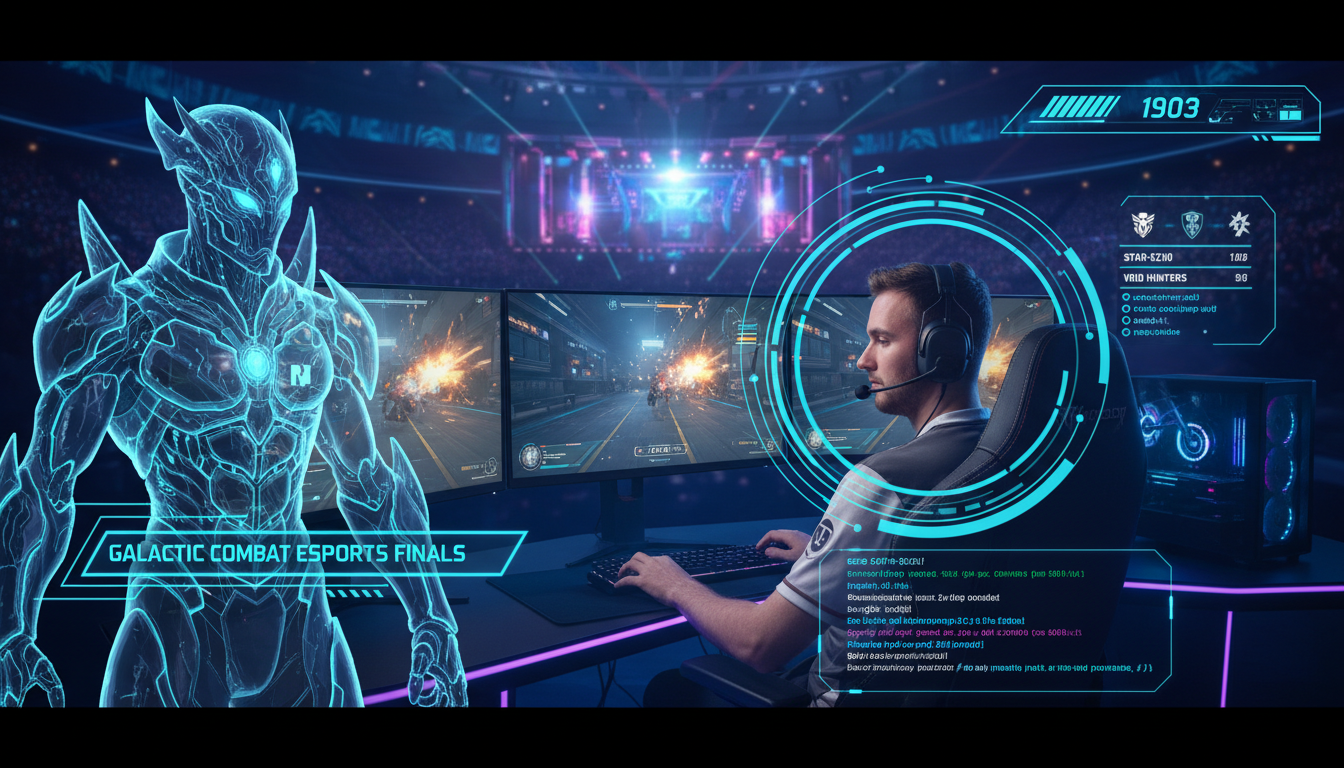
Games and Worldbuilding
Explore original heroes, non-player characters, costumes, props, and faction styles before a final game-art pipeline begins.
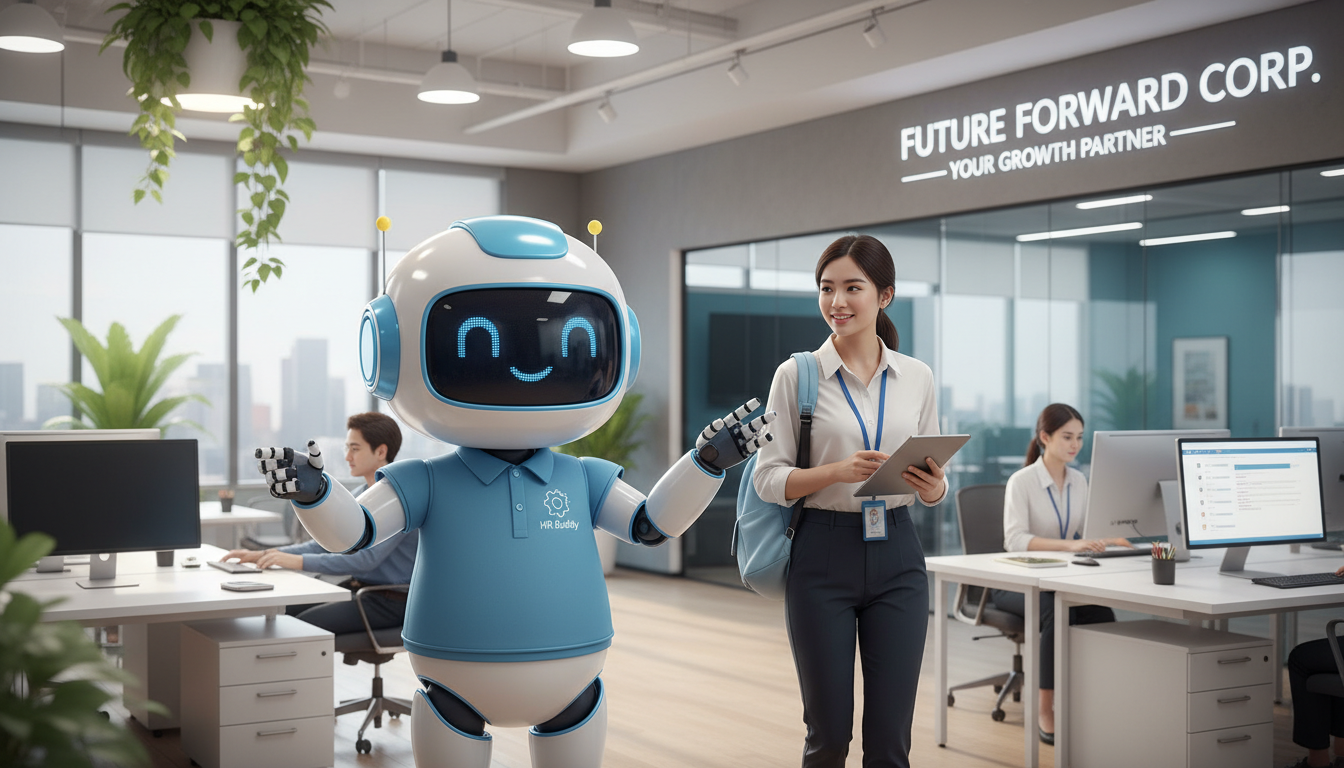
Brand Mascots
Create a fictional mascot that can appear across launch graphics, explainers, social posts, and customer education without representing a real spokesperson.
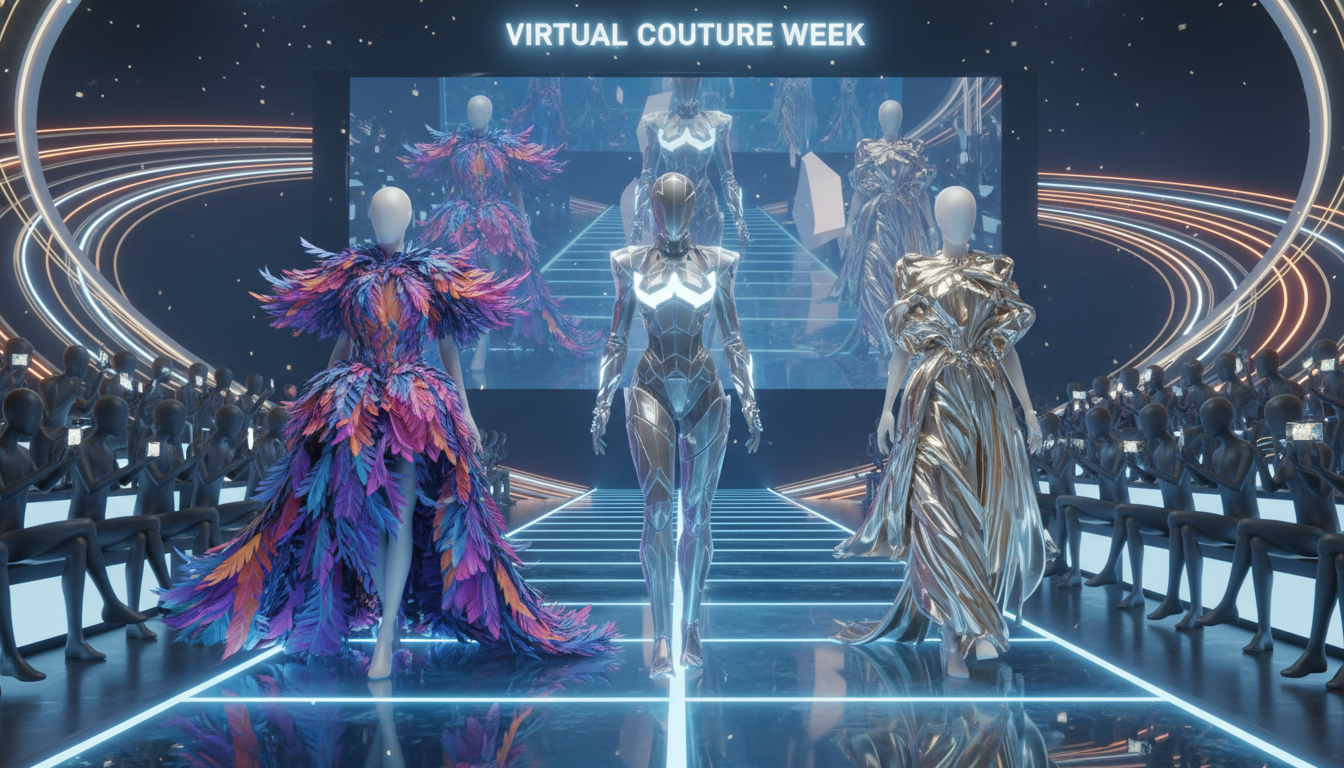
Comics and Story Planning
Develop an original cast and reusable character sheets for comic panels, short stories, animation boards, and pitch materials.
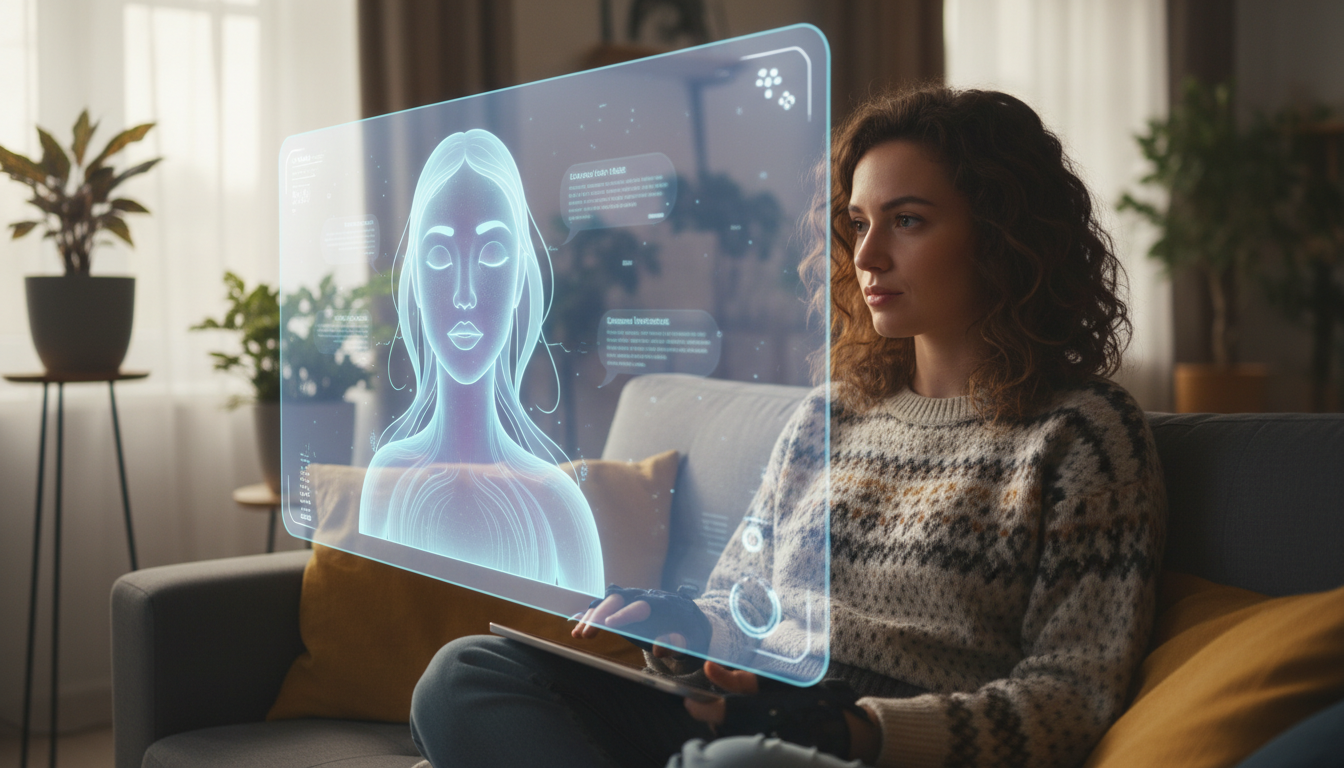
Synthetic Course Guides
Use a clearly fictional character alongside slides, diagrams, captions, and synthetic narration to make instructional content easier to follow.
Troubleshooting Character Design
The design changes between versions
Save the approved palette, proportions, wardrobe, materials, and style terms. Change one variable at a time and compare a small batch.
The character feels too generic
Add a clear story role, silhouette, signature prop, color relationship, and medium instead of naming an existing person or character.
Materials look inconsistent
Use one rendering medium and one lighting direction across the character sheet before exploring alternate styles.
Frequently Asked Questions About Avatar Maker
How to Build an Original AI Avatar
Start With a Role and a Silhouette
An original avatar begins with story and design choices, not a person's photograph. Decide what the character does, how it should feel, and which silhouette makes it recognizable. Add a controlled palette, wardrobe, materials, props, and illustration medium. This gives the generator useful direction without asking it to copy an identifiable person or protected character.
Create a Small Character Guide
Save the prompt and the choices behind an approved design. Record colors, proportions, costume, signature props, preferred environments, and rendering style. Use this guide to review later thumbnails, comic panels, 3D explorations, and video scenes. Consistency is a production practice, not an automatic guarantee.
Use Fictional Avatars Transparently
A fictional avatar can be a useful mascot, story character, or synthetic course guide. It should not be used to impersonate a person or fabricate a customer, employee, expert, or endorsement. Use authorized inputs, label generated media when appropriate, and review the relevant platform and commercial-use terms before publishing.