
Birthday Video Message Free
Collaborative Group Montages
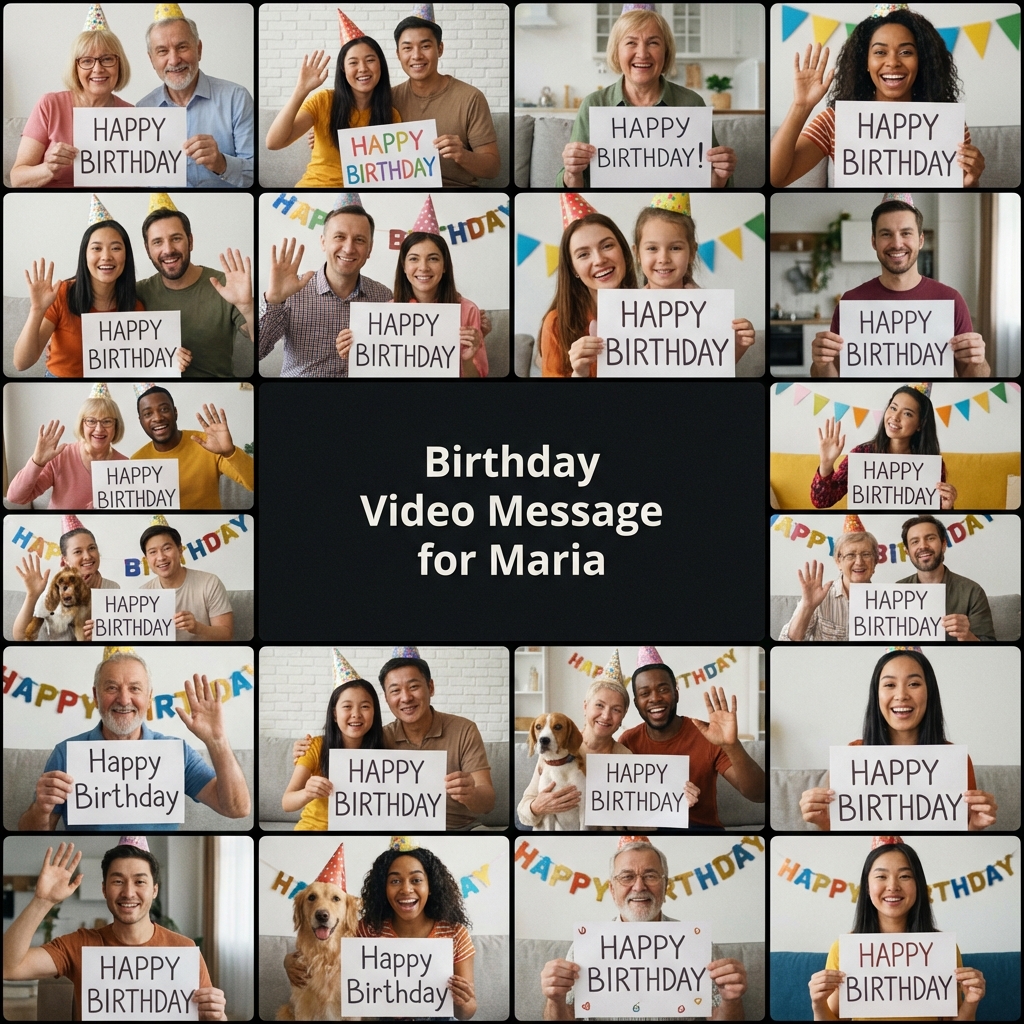
Getting 20 friends to sign a paper birthday card is hard. Getting 20 friends to email you a video file is a logistical nightmare. "The file is too big." "I forgot." "How do I send it?" The organizer spends 10 hours downloading attachments, converting formats, and editing it together. FlowVideo AI solves the Group Video Problem. We provide a "Contribution Link." You send this one link to Grandma, to the college roommates, to the work friends. They click it, record on their phone, and upload. Our AI automatically receives the clips, normalizes the volume, adds a "Happy Birthday" intro, and stitches it into a tear-jerking montage.
Built for transparent creative workflows
Birthday Video Montage
Cost: 50 Credits
Free plan: up to 20 clips
Montage Preview
Configure event → Collect clips → Generate tear-jerking montage
The Digital Greeting Revolution
A text message "HBD" is low effort. A Starbucks gift card is impersonal. But a video of 20 people saying "We love you" is a keepsake that lasts forever. However, the friction of creating these videos has kept them reserved for only the biggest milestones (50th anniversaries, Weddings).
FlowVideo AI removes the friction.
1. No Login for Guests: Grandma doesn't need a FlowVideo account. She just clicks the link.
2. No Editing for Host: The AI arranges the clips.
3. No Cost: It is free for montages under 20 minutes.
We are democratizing the high-effort emotional gift.
Why Use a Collaborative Video Maker?
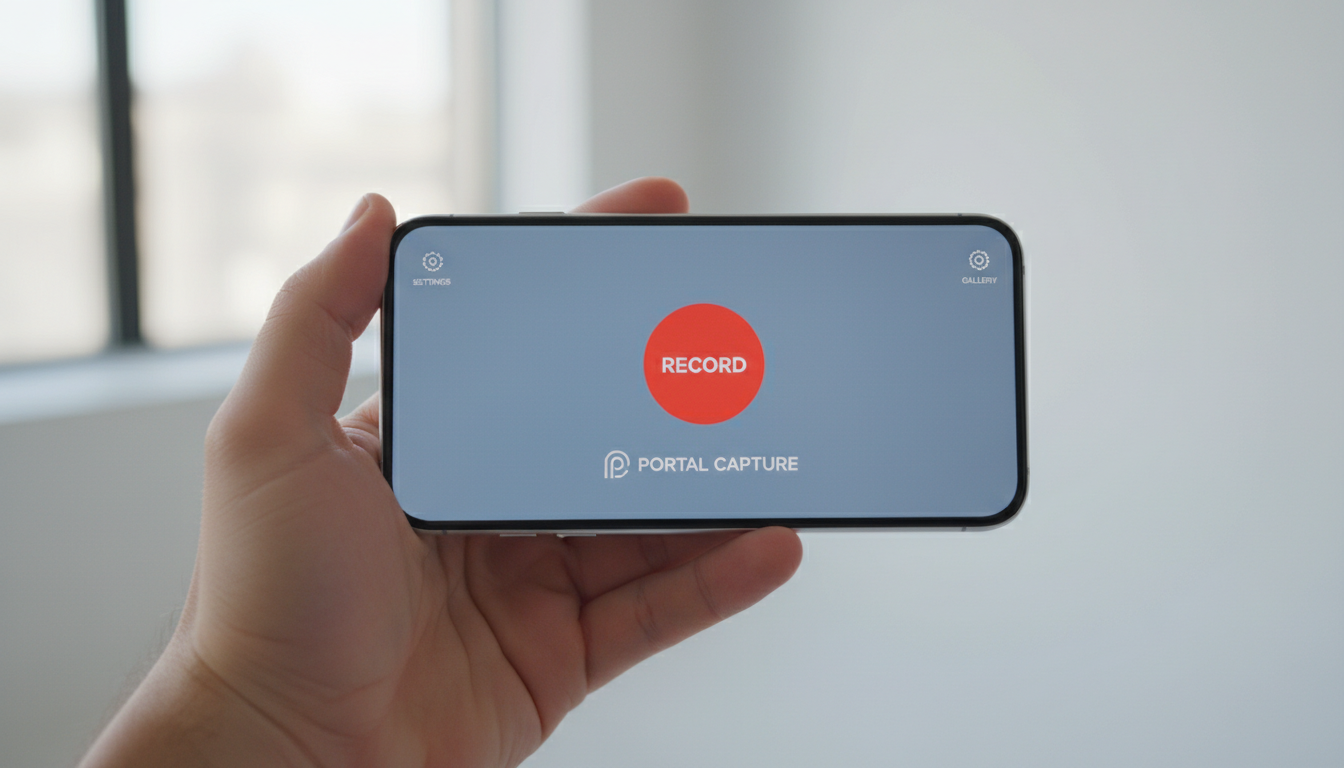
The "Contribution Link" (Ingest)
The Technology: The "Smart Stitch" Engine
Sentiment Ordering
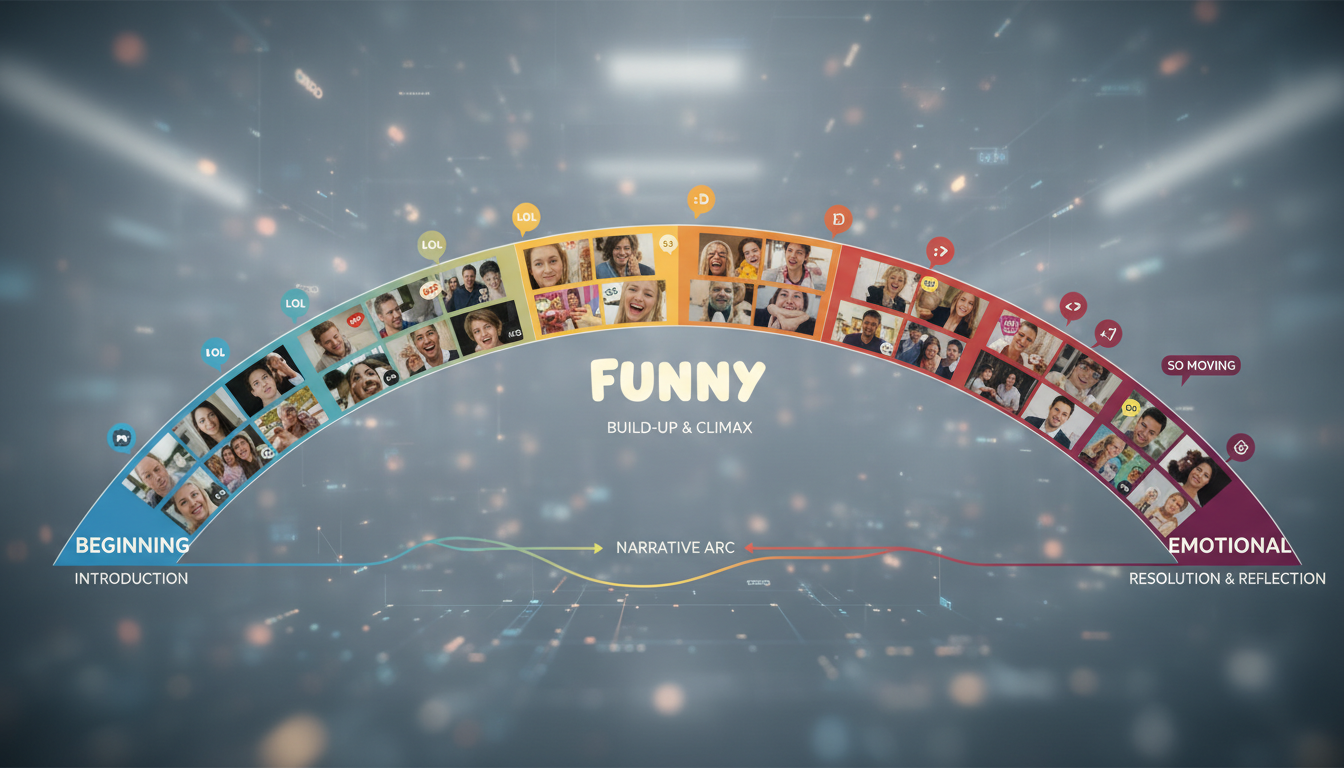
The Feature: The order matters. You want the funny ones in the middle and the emotional ones at the end. The AI: It transcribes the messages. Funny: "Remember that time we got arrested..." (Placed in Act 2). Emotional: "I'm so proud of the woman you've become..." (Placed in Act 3). Result: A narrative arc, generated automatically.
Music Ducking
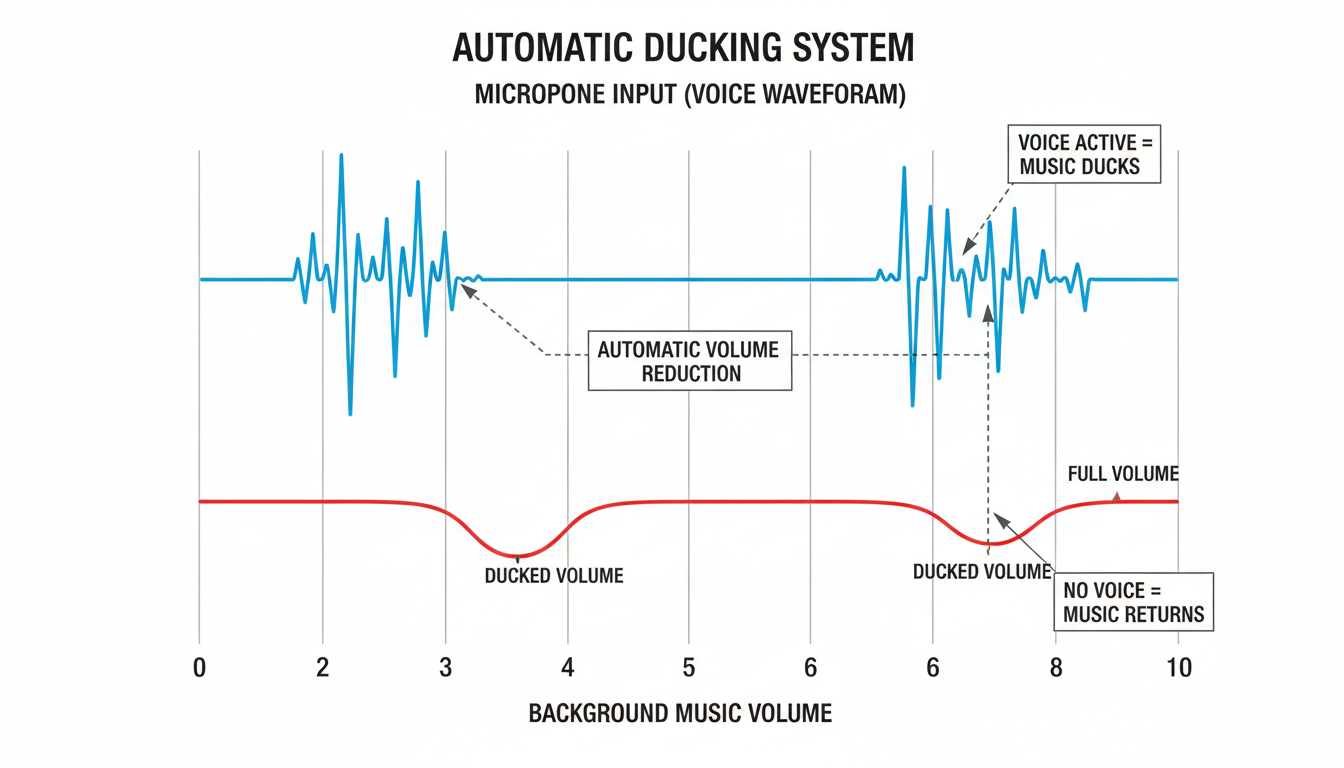
The Feature: Background music makes it cinematic. But it drowns out voices. The AI: "Auto-Ducking." Silence: Music volume 100%. Speech Detected: Music volume drops to 20% instantly. This mimics the workflow of a professional editor mixing a documentary.
Step-by-Step Guide: Hosting a Birthday Surprise
Step 1: Create the Event (The Bucket)
Action: Go to "New Group Video." Details: "Dad's 60th." Deadline: Set a date (e.g., Aug 15th). The link will expire then.
Step 2: Share the Link
Copy: flowvideo.ai/upload/dads-60th represents your unique portal. Send: Text it to the family group chat. "Hey everyone, click this link and record a 30s message for Dad. Deadline is Friday!"
Step 3: Monitor Contributions
Dashboard: You (the Host) see the clips rolling in. Action: You see "Aunt Linda" uploaded. You see "Brother" hasn't uploaded yet. Reminder: Click "Send Reminder" to nudge the slackers.
Step 4: The Stitch
Action: Click "Generate Movie." Style: Select "Classic Paper" (Scrapbook look) or "Modern Neon" (Party look). Music: Choose "Acoustic Folk" (Sentimental).
Step 5: The Premiere
Export: Download the 1080p file. Play: Put it on the TV at the party. Watch Dad cry.
Comparison: Group Video Tools
| Feature | Tribute.co | VidDay | FlowVideo AI |
|---|---|---|---|
| Cost | $29+ per video | $20+ per video | Free (Standard) |
| Guest Login | No | No | No |
| Editor | Basic | Web Based | Advanced AI Stitch |
| Turnaround | Slow | Instant | Instant |
| Resolution | 1080p | 720p/1080p | 1080p |
Industry Use Cases

Office Farewells
Occasion: Colleague leaving. Content: 10 people saying "Good luck!" Vibe: Funny/Professional.
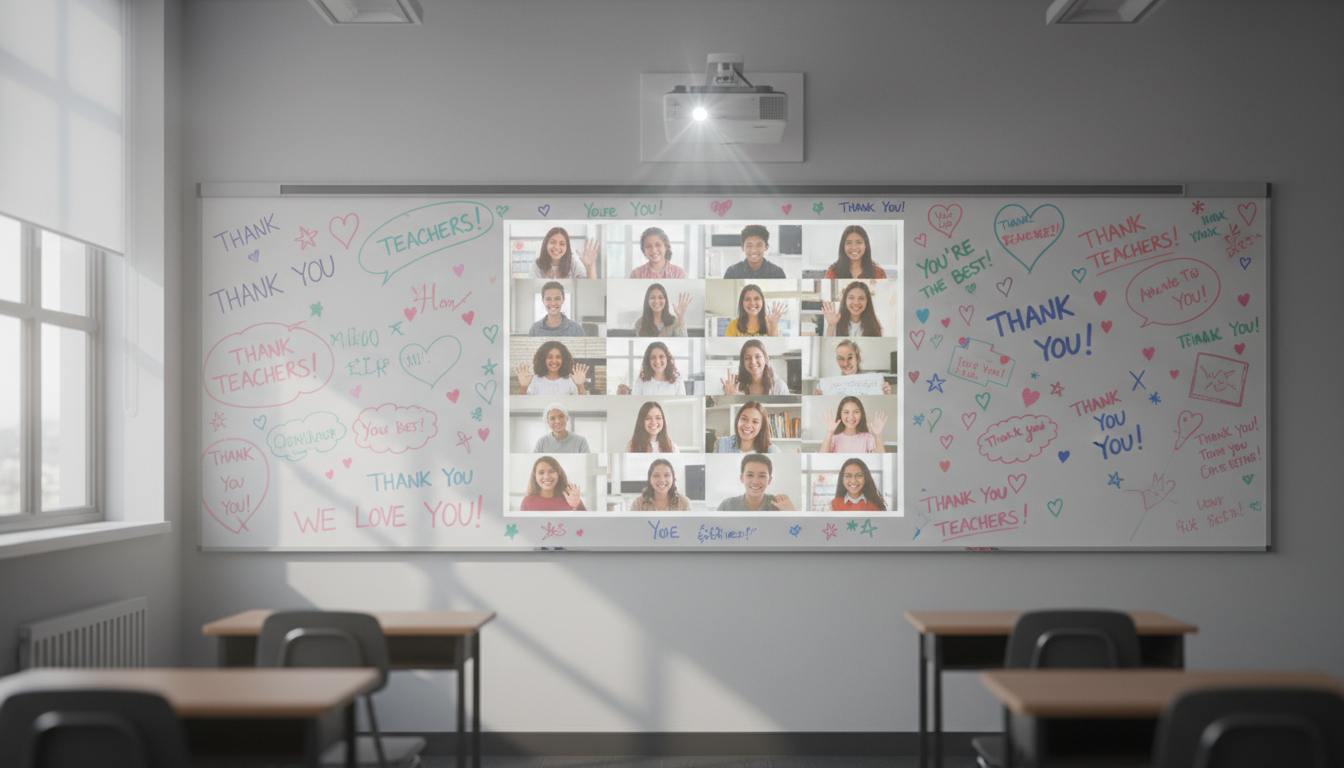
Teacher Appreciation
Occasion: End of year. Content: 25 kids saying "Thank you Mrs. Smith." Vibe: Cute/Chaotic.
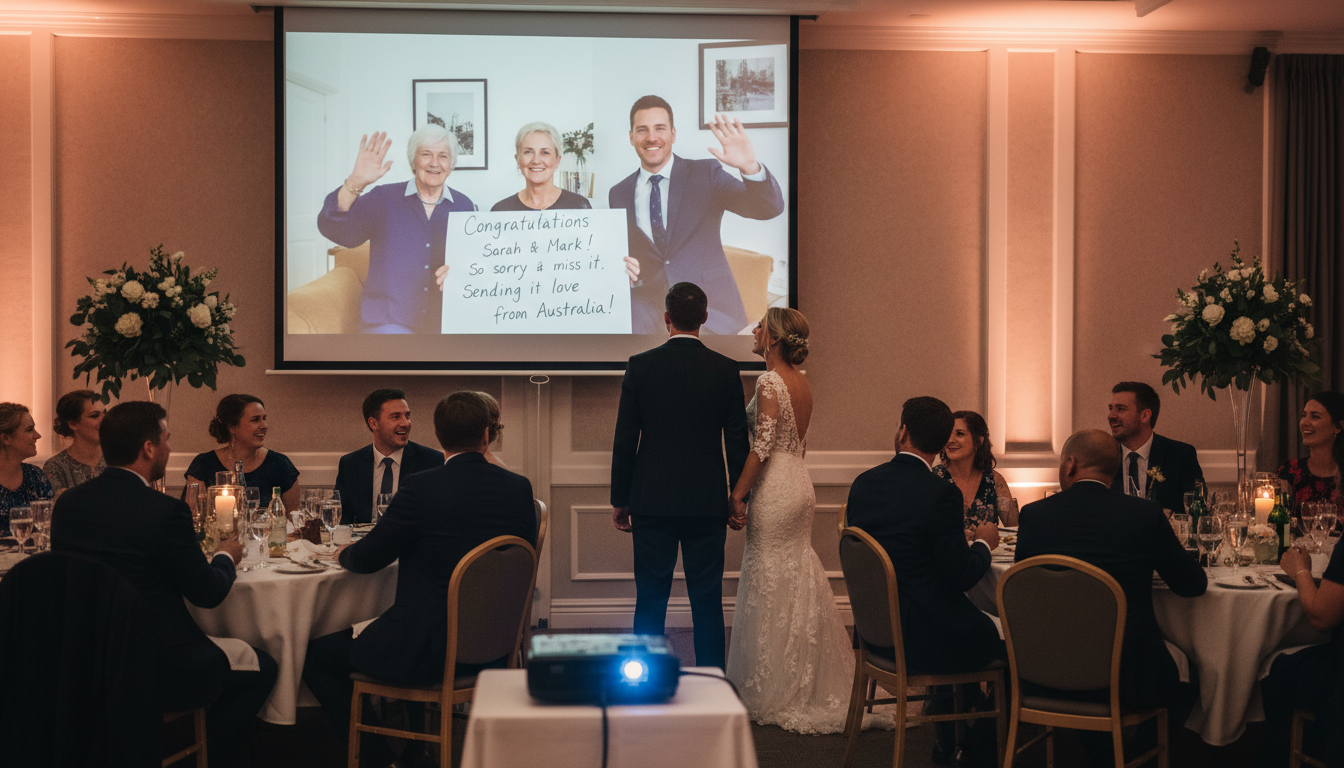
Wedding Toast
Occasion: Reception. Content: Distant relatives who couldn't travel sending their love. played on the projector.
Verify the workflow before generation
Review the inputs, model, estimated credit cost, output type, and limitations shown on this page.
Troubleshooting: Group Video Issues
Clip Rotated
Click the "Rotate" button in the dashboard to fix any upside-down clips before stitching.
Too Long
Use the "Trim" slider. Just keep the "Happy Birthday" part and cut the rambling story about the weather.
Low Light
Apply the "Auto-Enhance" filter to the whole project. It brightens frames and reduces noise for everyone.
Late Submission
No problem. Add the new clip and click "Re-Render." It takes minutes. You can update the video even after the party.
Frequently Asked Questions about Birthday Video
How to Create a Free Birthday Video Message That Actually Makes People Cry
The Group Gift Nobody Expects
Paper cards get tossed in a drawer. Gift cards get spent and forgotten. But a birthday video message from twenty people who matter? That gets replayed at every family gathering for the next decade. The problem has never been willingness. Your friends want to participate. The problem is logistics. Someone records vertically, someone else shoots in a dark room, half the group sends files through WhatsApp that arrive compressed beyond recognition, and the organizer spends an entire weekend downloading, converting, and manually editing clips in software they barely understand. FlowVideo built its free birthday video message tool specifically to eliminate every one of those friction points. You generate a single contribution link, share it with your group, and the platform handles everything from collection to final render.
What Happens After You Share the Link
Each participant clicks the contribution link and lands on a branded upload page. No account creation required. No app download. The page opens their phone camera directly in the browser, and they hit record. The raw high-quality file uploads straight to the cloud, bypassing the compression that messaging apps impose. As the organizer, you watch a dashboard where clips appear in real time. You can see who has contributed and who still needs a nudge. A built-in reminder button sends a gentle push to the stragglers. Once everyone has submitted, you click one button and the free birthday video message assembles itself into a polished montage with transitions, an intro card, and background music.
Smart Audio and Visual Normalization
Real-world clips arrive in wildly different conditions. Uncle Bob shouts into his microphone at full volume while your shy cousin whispers from across the room. One person films in landscape, another in portrait, a third somehow manages to record upside down. FlowVideo applies loudness normalization across every clip, boosting quiet recordings and limiting loud ones so the final birthday video message plays at a consistent volume throughout. The facial centering engine detects each speaker and crops to a unified aspect ratio. Portrait clips get a blurred background fill instead of ugly black bars. The result looks like it was edited by someone who does this professionally.
Sentiment Ordering and Music Ducking
Order matters in a montage. You want the funny stories in the middle and the heartfelt declarations at the end. FlowVideo transcribes every clip and categorizes the emotional tone automatically. Humorous anecdotes land in the body of the video. Sincere, emotional messages get placed toward the finale, building a narrative arc without manual arrangement. Background music adds cinematic polish, but it never drowns out voices. The auto-ducking system lowers music volume the instant speech is detected and brings it back up during silent transitions. This is the same mixing technique documentary editors use, applied here automatically to your free birthday video message.
Beyond Birthdays: Other Occasions That Work
The same contribution link workflow handles office farewells, teacher appreciation montages, wedding toasts from relatives who could not travel, and retirement tributes. Any scenario where multiple people need to record a short message for one recipient fits the tool perfectly. The free plan supports up to twenty clips and montages under twenty minutes, which covers most personal celebrations. For corporate events or large family reunions with hundreds of participants, the Pro plan removes those limits entirely. Photos can be mixed with video clips too. The platform applies a slow Ken Burns zoom effect to still images so they flow naturally within the moving footage.
Practical Tips for a Better Montage
Set a clear deadline in your contribution link so participants know when to submit. Mention a suggested length in the invitation message, thirty seconds works well for most groups. If a late submission arrives after you have already rendered the birthday video message, just add the new clip and click re-render. The updated version generates in minutes. For clips with poor lighting, the auto-enhance filter brightens frames and reduces noise across the entire project. Download the final 1080p file and play it on a television at the party, or share the private watch page link so distant friends and family can view it on their own devices.