
AI YouTube Clip Maker
Podcasts & Talking Head Interviews
The "Joe Rogan Model" is the blueprint for modern digital growth: Film one long, deep conversation (The Hub), and then distribute dozens of high-context, 60-second "Shorts" (The Spokes) across social media to drive traffic back to the full episode. But the bottleneck is the Editorial Judgment. Finding the "Insightful Moment" in a 2-hour interview is harder than just finding a "Loud Noise." It requires understanding the narrative arc, the emotional stakes, and the specific "Viral Hooks." FlowVideo AI's AI YouTube Clip Maker is an "Editorial Intelligence" engine. It doesn't just cut clips; it identifies Knowledge Bombs. It understands the nuance of a Great Guest Story. It reformats the traditional 16:9 two-person "Side-by-Side" interview into a dynamic 9:16 "Split-Head" vertical layout, complete with high-retention captions. It turns your podcast into a 24/7 lead-generation machine.
Built for transparent creative workflows
Podcast Clip Extractor
Cost: 40 Credits per clip
Podcast Clip Maker
Paste a YouTube URL or upload your podcast to extract viral moments.
The "Social Proof" Funnel
Discovery for podcasts happens on the scroll, not on the search. Nobody searches for "New Podcast to Listen to." They see a 30-second clip of a guest saying something profound on their TikTok or Instagram feed, and they think, "I need to hear the rest of that."
The problem for podcasters is the Visual Reformatting Problem. Most podcasts are shot with 2 or 3 cameras. 1. Landscape (Horizontal): Great for YouTube TV apps. 2. Vertical (9:16): Required for the 3 billion people on TikTok/Shorts. Manually editing for vertical means constant zooming and panning (Keyframing) to follow whoever is speaking.
FlowVideo AI automates this entire cycle. We use Active Speaker Detection to make the "Virtual Camera" follow the dialogue. We use Sentiment Analysis to find the hooks. We turn 1 hour of talk into 10 days of social content.

Why Use the Podcast Clip Maker?
Semantic Viral Scoring (Insight Detection)

The Technology: Multi-Modal Context Analysis
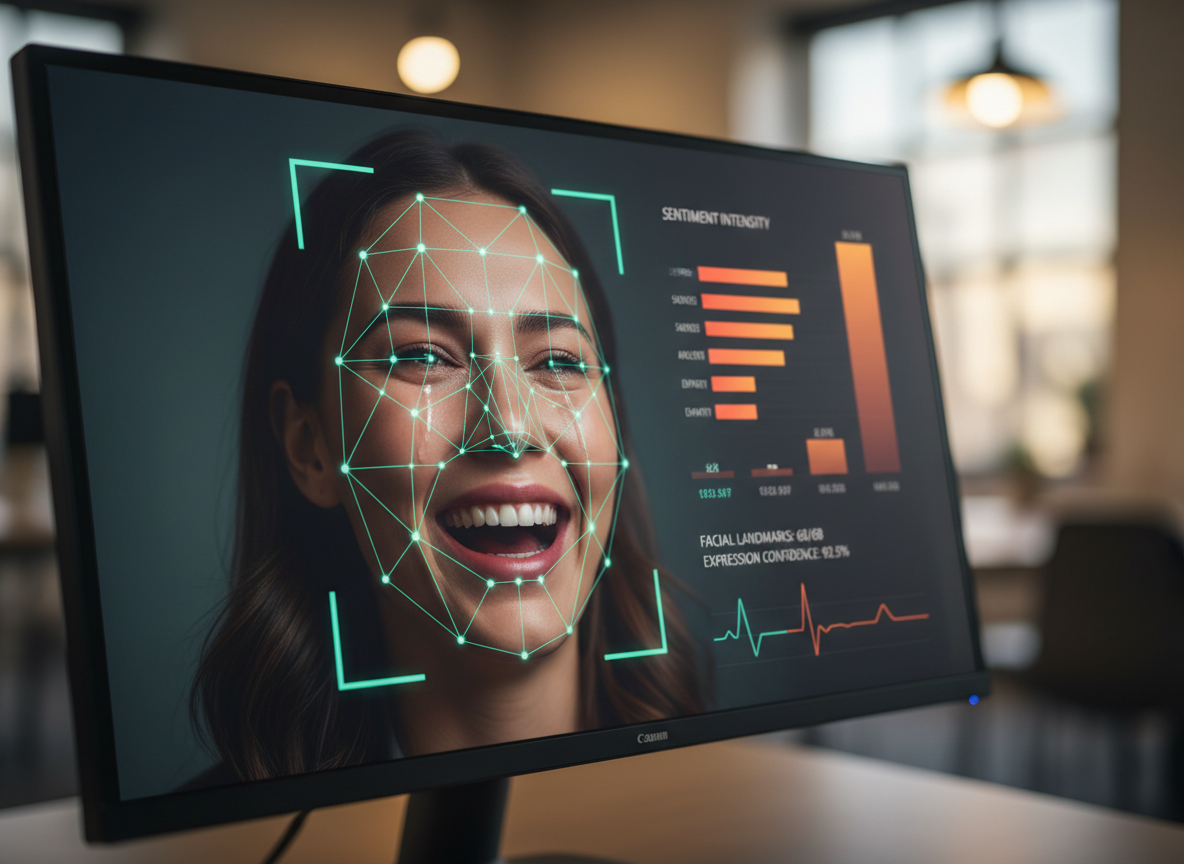
Audio-Visual Sentiment Fusion
The AI doesn't just read the transcript; it watches the Body Language. The Logic: A guest crying or leaning forward intensely is a high-value moment even if the words are simple. The Tech: Our "Vision Transformer" (ViT) model analyzes the speaker's facial micro-expressions and gestures to confirm if a segment is "Emotional," "Agitating," or "Inspirational."
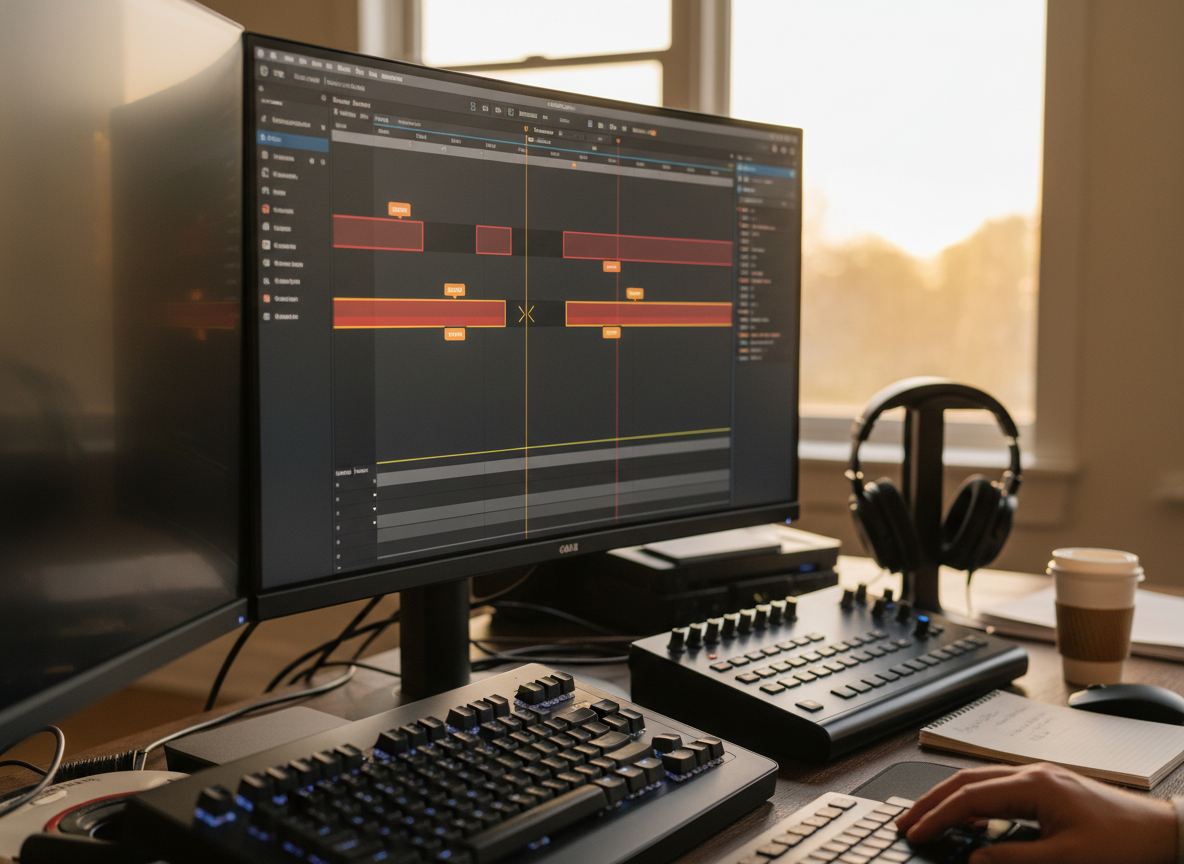
Silence & Filler Word Removal (The "Umm" Eraser)
Long-form speech is messy. People say "Umm," "Uh," and "You know" 50 times an hour. Our transcript-aware jump cut removes silence and filler words, then joins the surrounding frames smoothly so the edit feels natural.
Step-by-Step Guide: Repurposing Your Podcast
Import the Full Episode
Actions: Paste a YouTube Link or upload the MP4. Microscope Detail: Our system can ingest up to 3 hours of 4K footage at once. We support multi-cam "Side-by-Side" footage or individual "Single-Cam" ISO tracks.
Extract "Viral Moments"
Action: Click "Extract Hooks." Microscope Detail: The AI returns a list of 10-20 clips. Each comes with a "Virality Score" and a "Rationale" (e.g., "High emotional intensity in guest response regarding childhood").
Layout & Face-Lock
Action: Select "Podcast Stack (Guest over Host)." Microscope Detail: Use the "Face-Lock" feature. If your guest moves their head around while talking, the AI "Locks" the camera on their eyes, ensuring they are always center-frame in the vertical 9:16 crop.
Stylize Subtitles
Action: Choose the "Thought Leader" template. Detail: High contrast, bold fonts (Montserrat/Impact). Position them in the center of the screen (the "Focus Zone").
Export & Schedule
Action: Export for all platforms simultaneously. Detail: TikTok, Instagram Reels, and YouTube Shorts have slightly different "Safe Zones" (where the UI buttons like 'Like' or 'Follow' live). Our exporter adjusts the caption position for each platform so no text is hidden under the UI.
Comparison: Podcast Repurposing Tools
| Feature | Opus Clip | Munch | FlowVideo AI |
|---|---|---|---|
| Judgment | Keywords | Viral Trends | Semantic Insight Detection |
| Re-framing | Center-Crop | Auto | Active Face-Lock (ViT) |
| Editing | Basic | Basic | Full Timeline Access |
| Captions | Standard | Standard | Retention Engineering (Emoji/Highlight) |
| Cost | High ($) | Medium ($) | Freemium |
Industry Use Cases

B2B Thought Leaders (LinkedIn)
Process: create a 30-second business-advice clip from a webinar, then compare retention and engagement with a text-only post using the same topic.
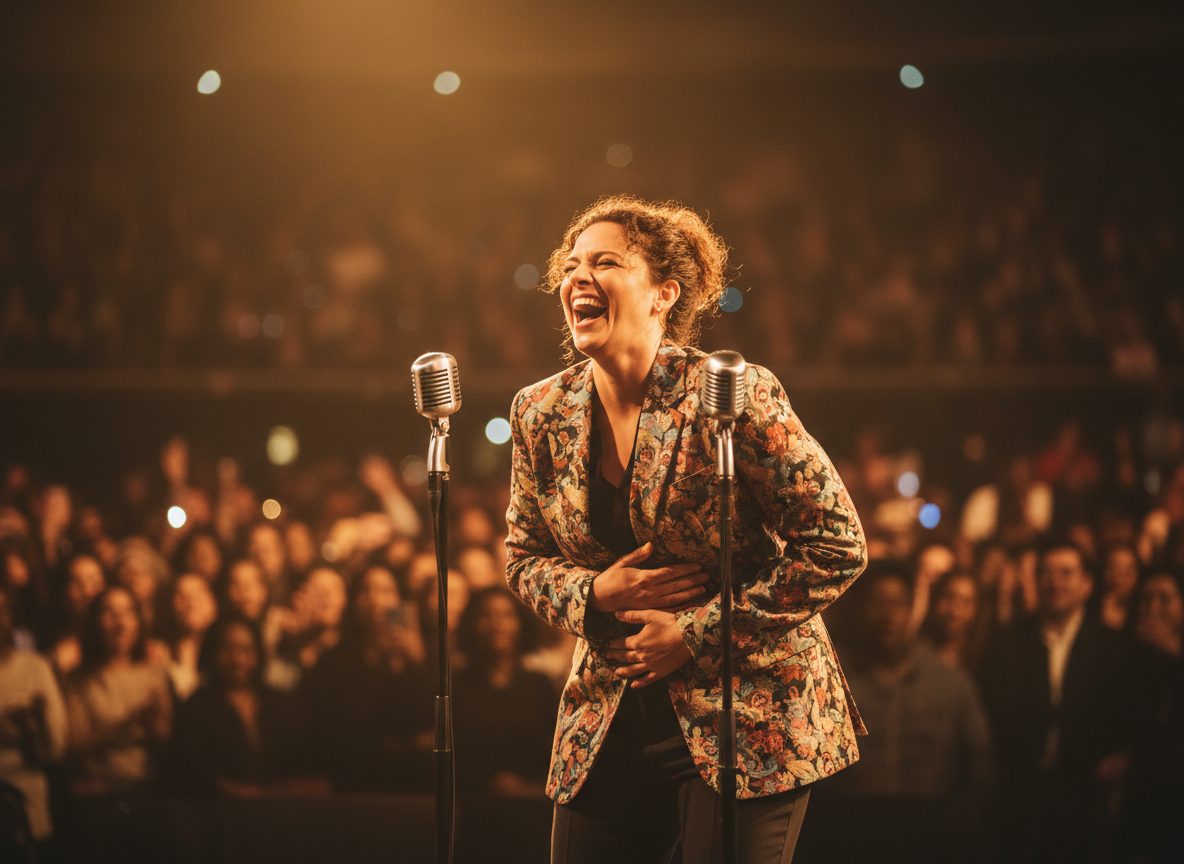
Comedy Podcasts
Process: Using "Laughter Detection" to find the "Punchline" of a story. Result: Clips that drive millions of views on TikTok FYP.

Educational / Course Creators
Process: Extracting "The 3 Tips" section from a long lecture. Result: Marketing assets to sell the full course.
Verify the workflow before generation
Review the inputs, model, estimated credit cost, output type, and limitations shown on this page.
Troubleshooting: Podcast Clipping Issues
Both Talking at Once
Use the "Manual Speaker Select" tool. You can force the camera to stay on the Guest even if the Host is making "Mhm" noises.
Low Resolution Zoom
Apply the clip upscaler before the vertical crop, keep the zoom moderate, and preview the result to preserve texture and sharp edges.
Mispronounced Name
Click the "Transcript Editor." Search and replace the wrong name. It updates the captions on all clips in that project instantly.
Boring Background
Use the "AI Background Swap." Keep the speaker, but replace the background with a "Professional Studio" or "Blurred Bokeh" aesthetic.