The Best AI Video Generator for Professional Videos
Create video from text or images with selectable models. Review the input requirements and estimated credit cost before generation, then download successful outputs.
Built for transparent creative workflows
AI Video Generator
Draft Mode
Faster preview tier with lower generation cost.
Save Audio
Keep model-generated audio in the output.
Prompt Upsampling
Let the model enhance the prompt before generation.
Prompt is required for this model
From prompt to professional video
P-Video · 0s
Explore the Complete AI Video Universe
From raw creation to final polish, our 6 semantic pillars cover every stage of AI video production. Navigate to your specific need.
Foundational Engine
Create videos from scratch. Text-to-video, image-to-video, and raw AI generation.
Growth & Marketing
Optimize for virality. TikTok, YouTube, ads, and commercial content.
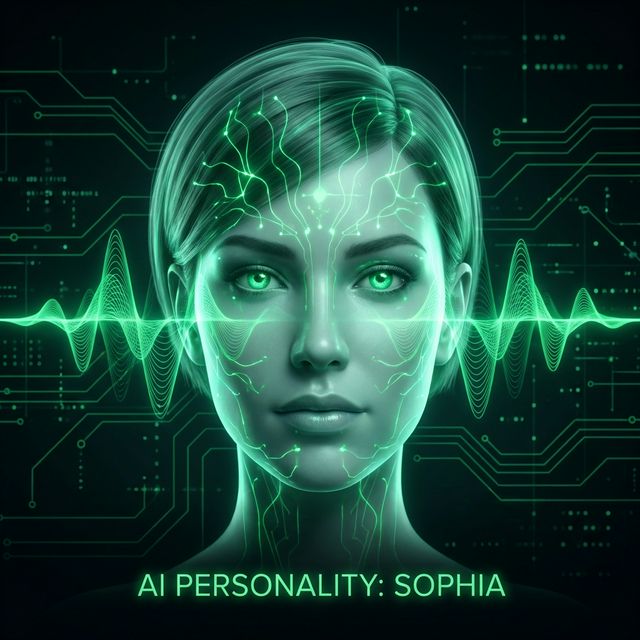
Identity & Human
Digital humans, avatars, voice cloning, and interactive AI personalities.
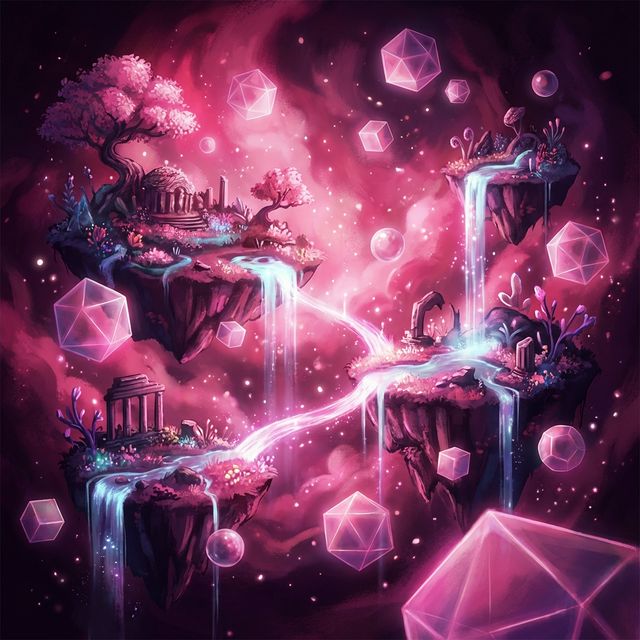
Artistic & 3D
Anime, cartoons, 3D animation, and fantasy visual styles.
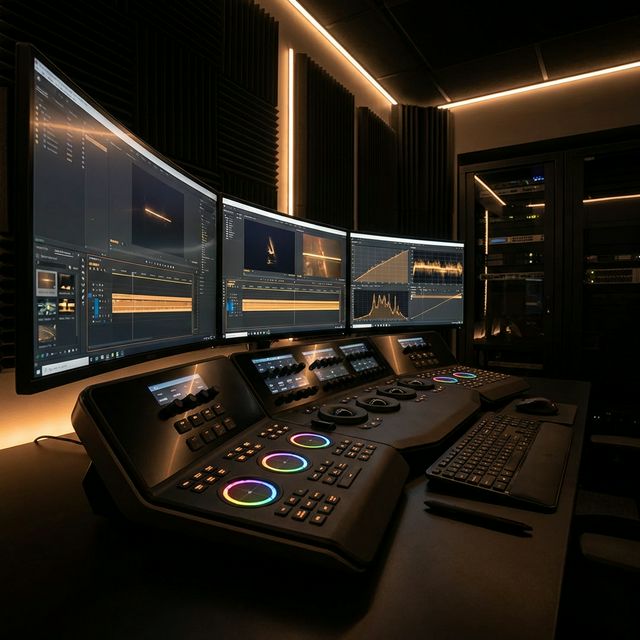
Production & Workflow
Video editing, enhancement, stitching, and post-production tools.
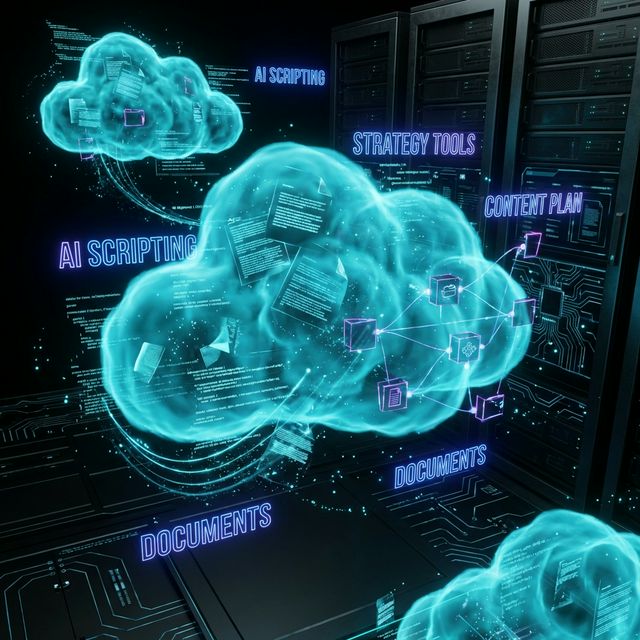
Scripting & Content
AI scripts, content planning, SEO optimization, and idea generation.
Why We Are The Best AI Video Generator
Unlock professional storytelling with the most advanced **AI story generator** features available today.
Free AI Video Generator
Professional quality, zero cost
We believe creativity shouldn't be gated. Our free AI video generator tier allows you to test the power of AI video creation without upfront costs. Unlike limited trials, our free AI video generator provides generous daily credits, making it the most accessible AI video generator free of charge for enthusiasts. Unlike limited trials, our free AI video generator provides generous daily credits, making it the most accessible AI video generator free of charge for enthusiasts.
- Daily Free Credits
- No Credit Card Needed
- Export in HD
- Commercial Preview
Advanced AI Story Generator
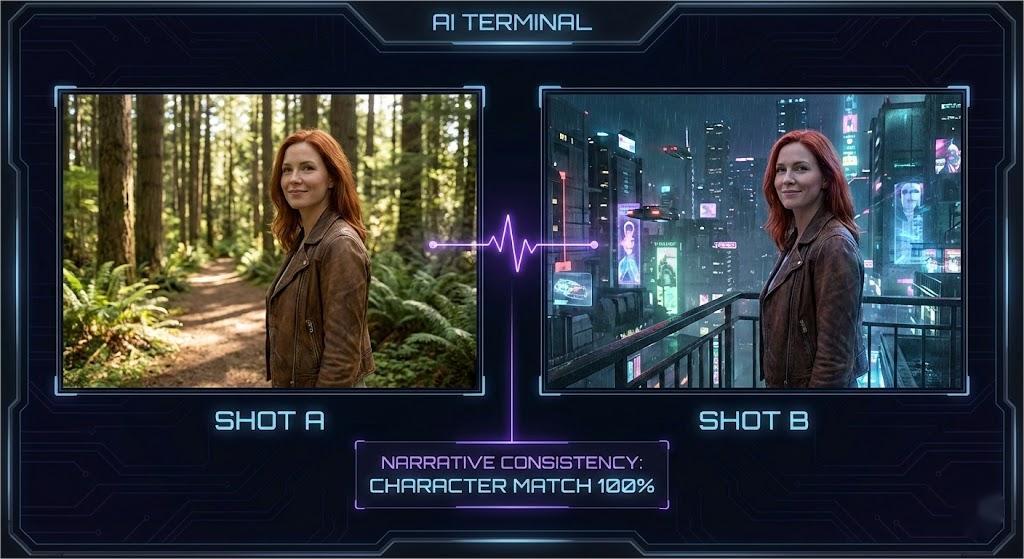
Narrative consistency
More than just clips, our AI story generator understands narrative flow. Creating consistent characters and coherent scenes is easy with our AI video maker tools. This AI story generator engine analyzes your script to maintain visual continuity across multiple shots.
- Character Consistency
- Scene Continuity
- Script to Video
- Storyboarding
Multi-Modal AI Video
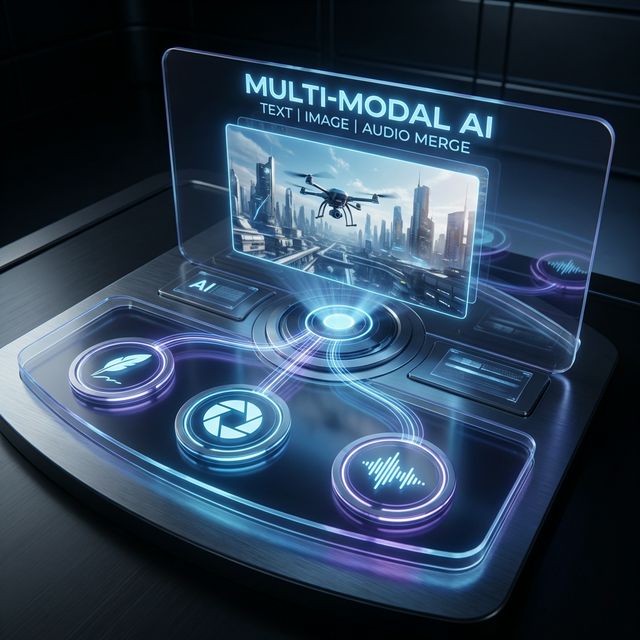
Text, Image, and Audio
Input text, upload images, or start with audio. Our AI video generator adapts to your workflow, making it the best free AI image generator companion for video professionals. This multi-modal capability allows you to bring static assets to life using our powerful AI video generator engine.
- Image-to-Video
- Text-to-Video
- Audio-Reactive
- Style Transfer
What This Tool Does and Who It Serves
Video production used to require cameras, lighting rigs, editing software, and hours of post-production. An ai video generator changes that equation. FlowVideo's ai video generator takes text descriptions or uploaded images and produces video clips -- 5 or 10 seconds of motion, with camera movement, lighting, and physics that look like they came from a production studio.
This is not a slideshow maker or a template filler. The ai video generator builds each frame from scratch using generative models that understand how objects move, how light behaves, and how cameras track through scenes. The result is original footage that does not exist anywhere else. Whether you need a product demo, a social media reel, a concept visualization, or b-roll for a longer project, this ai video generator handles the production side while you focus on the creative direction.
This guide covers the actual workflow: how to write effective prompts, which settings matter, how image-to-video mode works, and what the tool's real limitations are. No hype, just practical information for getting usable output.
Core Capabilities Worth Knowing
The ai video generator offers several modes and features. Understanding what each one does helps you pick the right approach for your project instead of experimenting blindly.
Text-to-Video Generation
Type a scene description, and the ai video generator builds it frame by frame. The model interprets spatial relationships, lighting conditions, camera angles, and motion. Prompts like 'aerial drone shot of a coastal city at golden hour, slow pan left' give the ai video generator specific instructions for composition and movement. The more precise your language, the closer the output matches your vision. Clips run 5 or 10 seconds depending on your settings.
Image-to-Video Animation
Upload a still image and the ai video generator animates it. This mode is particularly useful when you have existing brand assets, product photos, or illustrations that need motion. The ai video maker analyzes the image content and generates plausible movement: water ripples, hair blows in wind, cameras push forward. This gives you video content from static assets you already own.
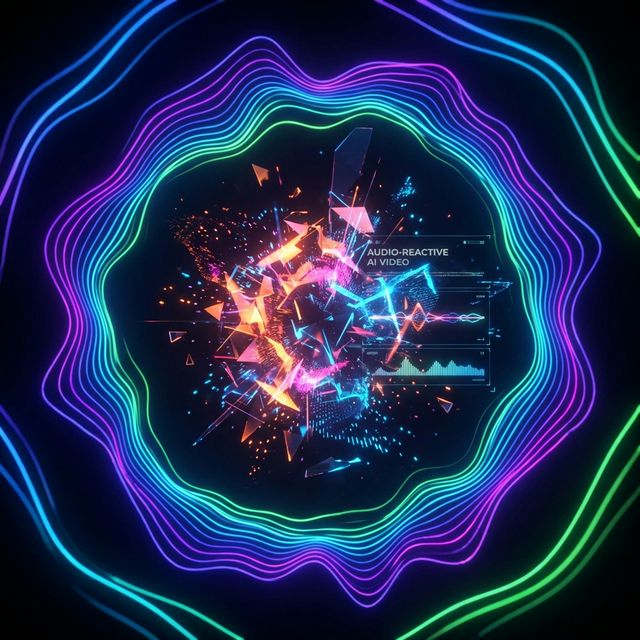
Audio-Reactive Generation
Toggle audio generation on, and the ai video generator synthesizes sound effects synchronized to the visual content. Footsteps, ambient noise, mechanical sounds -- the audio layer matches what appears on screen. For music videos and social content, this removes the separate step of sourcing and syncing sound effects.
Prompt Writing for Video: Different Rules Than Images
Writing prompts for an ai video generator requires thinking about time and movement, not just composition. A good video prompt describes what happens, not just what exists.
Describe Motion, Not Just Scenes
Static descriptions produce static-looking video. Instead of 'a forest at night,' write 'slow tracking shot through a dense forest at night, moonlight filtering through branches, fireflies drifting across the frame.' The ai video generator needs movement instructions: tracking shot, pan, zoom, drift, walk, fly. Without motion keywords, the output tends toward minimal movement with subtle camera drift.
Complete Workflow: From Idea to Exported Video
Step 1
Define your output requirements first. What platform is this for? Instagram Reels need 9:16. YouTube needs 16:9. Product pages often use 1:1. Choose the aspect ratio before writing your prompt, because the ai video generator composes the scene differently for each format. A cinematic landscape in 9:16 will look cramped. Match your ratio to your content.
Step 2
Write your prompt in three layers: subject and action, environment and lighting, camera and style. Example: 'A barista pouring latte art in slow motion (subject), warm cafe interior with morning light through windows (environment), close-up macro shot, shallow depth of field, cinematic color grade (camera and style).' This structured approach gives the ai video generator clear instructions instead of leaving creative decisions to chance.
Step 3
Select your duration (5s or 10s), toggle audio if needed, and generate. Review the output against your original brief. If the motion is right but the lighting is wrong, adjust environmental keywords. If the camera angle is off, change the camera description. The ai video generator responds to specific changes, so targeted edits work better than rewriting the entire prompt. Two to three iterations typically reach a usable result.
Step 4
For longer sequences, generate multiple clips with consistent style prompts and stitch them using the video editing tools. Maintain visual coherence by keeping the same style keywords across all clips. The ai video maker ecosystem includes enhancement and captioning tools that handle post-production within the same platform.
Following this workflow consistently produces professional results from the ai video generator without wasting credits on random experimentation.
Settings That Actually Affect Output Quality
Aspect Ratio and Composition
The aspect ratio setting does more than crop. The ai video generator adjusts its entire composition logic based on the selected ratio. Wide 16:9 frames emphasize horizontal movement and landscapes. Vertical 9:16 frames center the subject and use more vertical depth. Square 1:1 works for balanced, centered compositions. Picking the wrong ratio for your content is the most common cause of disappointing results.
Duration and Motion Budget
5-second clips work for social media snippets, product showcases, and b-roll. 10-second clips allow for more complex camera movements and scene development. Longer duration does not mean better quality -- it means more frames for the ai video generator to maintain consistency across. If your scene is simple (a product rotating), 5 seconds is plenty. Complex narrative shots benefit from 10 seconds.
Prompt Chips and Quick Modifiers
The interface offers quick modifier chips: Cinematic, Photorealistic, 4K UHD, Slow Mo, Drone View. These append tested keywords to your prompt. 'Cinematic' adds film-grade color and lighting. 'Drone View' triggers aerial perspective. These chips save time but can be overridden by your main prompt if there is a conflict. Use them as starting points, then fine-tune manually.
Understanding these settings lets you control the ai video generator precisely instead of relying on luck.
Image-to-Video: Bringing Static Assets to Life
The image-to-video mode is one of the most practical features of the ai video generator. Upload a product photo, character illustration, or landscape, and the tool generates plausible motion. A product photo gains a slow rotation and subtle lighting shifts. A landscape gets moving clouds and swaying grass. A character illustration starts to breathe and blink.
This mode is valuable for e-commerce teams that have product photos but need video for social ads. It is useful for illustrators who want to showcase their work with motion. And it connects directly with FlowVideo's ai image generator -- create a still image with text-to-image, then animate it here. This cross-tool workflow gives you custom video content from a single text description, with an image generation step in between for more control.
Real Limitations to Plan Around
The ai video generator handles many scenarios well, but certain tasks remain challenging. Human faces in close-up can show subtle distortions over 10-second clips. Very fast motion sometimes introduces frame artifacts. Text rendered within video scenes is unreliable. Complex multi-character interactions with physical contact need careful prompting.
Knowing these limits changes how you use the tool. For talking-head content, consider the ai avatar tools instead. For text overlays, add them in post-production. For complex interactions, break the scene into simpler shots and edit them together. The ai video generator works best as part of a production workflow, not as a single-button solution for every possible video need.
Social Media Production
Generate 9:16 vertical clips for Instagram Reels, TikTok, and YouTube Shorts. The ai video generator handles product showcases, atmospheric b-roll, and eye-catching hooks. Use the free tier to test concepts before committing to longer production runs. A/B test different visual approaches by changing a single keyword and regenerating.
Marketing and Ad Creative
Create ad variations in minutes. The ai video maker generates hero shots, background animations, and product demonstrations that would normally require a production crew. Generate 5 to 10 variations of a concept, pick the strongest, and polish it. This workflow delivers campaign-ready assets on a timeline that matches modern marketing speed.
Creative and Artistic Projects
Music videos, short films, concept visualizations, and art installations all benefit from the ai video generator. The tool handles abstract visuals, surreal environments, and impossible camera movements that could not be filmed practically. Use specific style keywords to maintain artistic vision across multiple generated clips.
Common Questions About AI Video Generation
These cover the most common questions about the ai video generator. For specific technical issues, the support documentation provides detailed troubleshooting guides.