
AI News Anchor Generator
News-Style Videos With Fictional Presenters
Turn an approved script into a polished update using a pre-designed synthetic host, studio layout, narration, captions, and broadcast graphics.
Built for transparent creative workflows
News Anchor Studio
Cost: 85 Credits
Pre-designed fictional presenters only. Personal media cannot be used as a presenter source, and identifiable people cannot be recreated.
Virtual Newsroom
Select a fictional host → Verify the script → Generate a labeled news-style video
A Browser-Based Synthetic Newsroom
News-style video is a useful format for product updates, internal communications, lessons, recaps, and fictional storytelling. FlowVideo brings the key pieces into one workflow: **a pre-designed synthetic presenter, narration, studio layout, headlines, tickers, captions, and B-roll**.
Choose from the available fictional presenter styles and write the script you are authorized to publish. The presenter is a synthetic creative asset, not a real journalist, employee, customer, or public figure. Keep claims accurate and label generated media whenever viewers could otherwise be confused.
This tool does not accept personal video or footage as presenter source material. Do not submit images, footage, names, or identifying details in an attempt to recreate or impersonate someone.

Why Use a Synthetic News Format?
A Clear Information Hierarchy
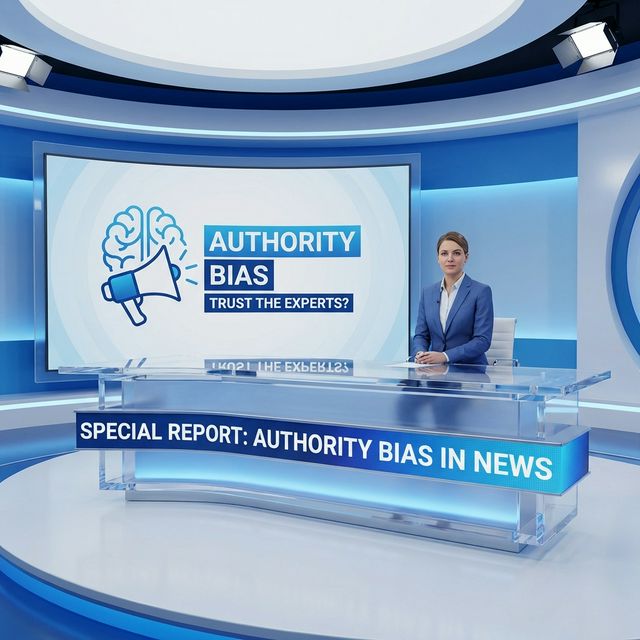
The Synthetic Broadcast Workflow

Pre-Designed Synthetic Presenters
Select from available fictional presenter styles created for general communication. Personal images and footage cannot be used as the source for a presenter.
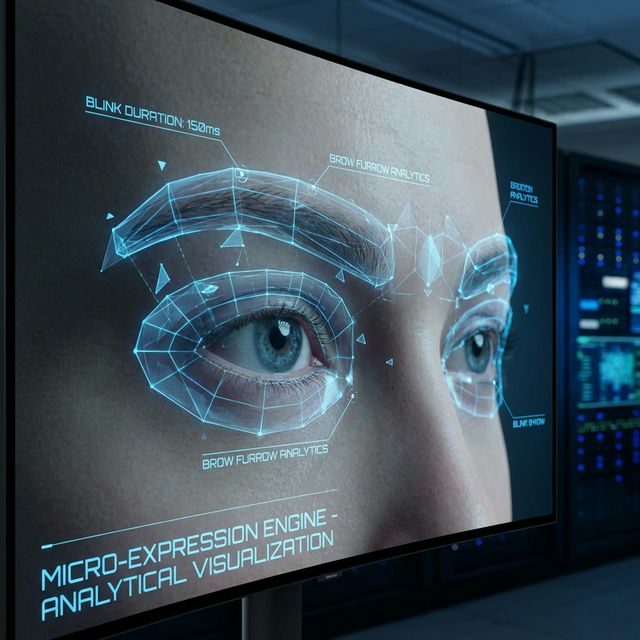
Synthetic Narration
Choose an available narration style and review names, numbers, abbreviations, and pacing. The output should not imitate a journalist, executive, celebrity, or other identifiable speaker without explicit authorization.
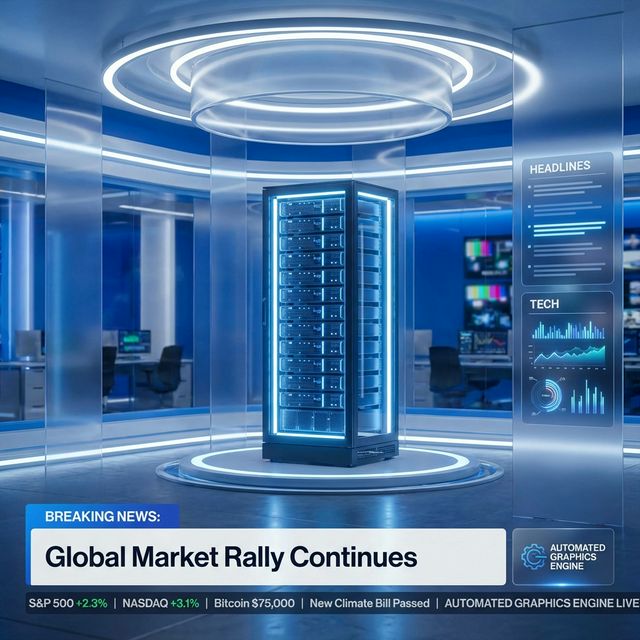
Broadcast Graphics
Create lower thirds, headline cards, source labels, captions, tickers, and picture-in-picture frames from structured fields. Keep labels accurate and distinguish reporting, opinion, advertising, and satire.
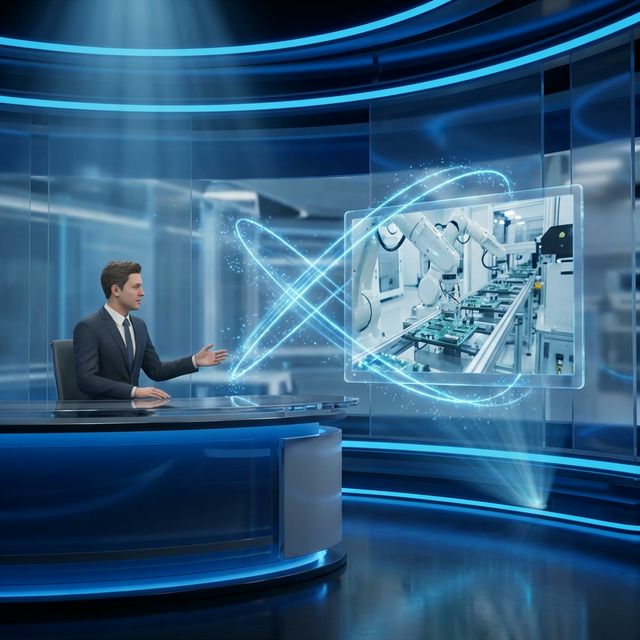
Scene and B-Roll Assembly
Combine the studio layout with images, charts, screenshots, or video that you created, licensed, or are otherwise authorized to use. Verify that supporting visuals match the script and do not misrepresent an event.
How to Produce a Synthetic News Segment
Step 1: Choose a Synthetic Host and Studio
Select one of the available fictional presenter styles and a neutral studio layout. Do not imply that the host is a real journalist or representative of an organization that has not authorized the content.
Step 2: Write and Verify the Script
Lead with the most important fact, keep sentences short, cite relevant sources, and separate fact from opinion. Confirm names, dates, numbers, quotations, and claims before generation.
Step 3: Configure On-Screen Graphics
Add the headline, subtitle, ticker, captions, source labels, and your authorized brand mark. Avoid graphics that falsely imitate a real network, public agency, or news organization.
Step 4: Add Authorized B-Roll
Use product footage, charts, screenshots, photos, or video that you own or have permission to publish. Add context so illustrative or simulated visuals cannot be mistaken for documentary evidence.
Step 5: Review and Publish
Watch the full draft, correct narration and captions, verify every claim and source, add AI disclosure where appropriate, and export the layout required by the destination platform.
Filmed Studio vs. Synthetic Newsroom
| Factor | Filmed Studio | Synthetic Newsroom |
|---|---|---|
| Presenter | Hired or staff presenter | Pre-designed fictional presenter |
| Production | Camera, lighting, set, and crew | Script, layout, narration, and rendering |
| Revision | May require another recording | Edit the approved script and graphics |
| Localization | Record each language version | Generate and review each localized version |
| Disclosure | Identify the real publisher and presenter | Identify the publisher and synthetic media |
Responsible News-Style Use Cases
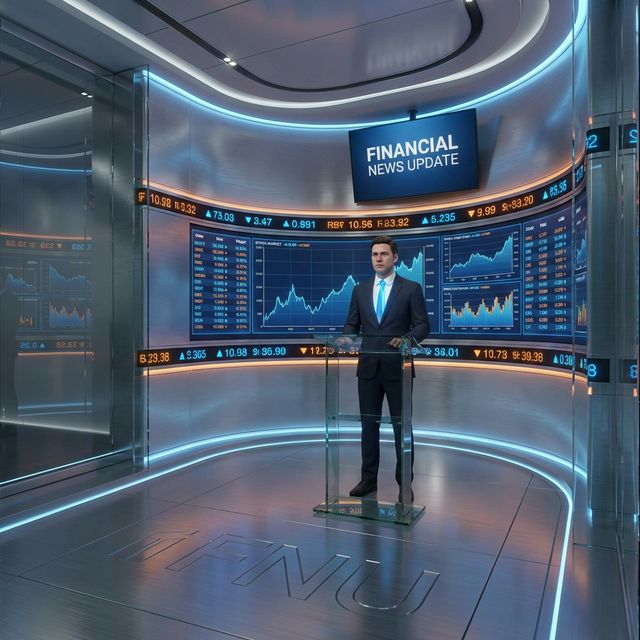
Product and Service Updates
Summarize release notes, maintenance windows, and product changes with an accurate script, your own branding, and links to official details.

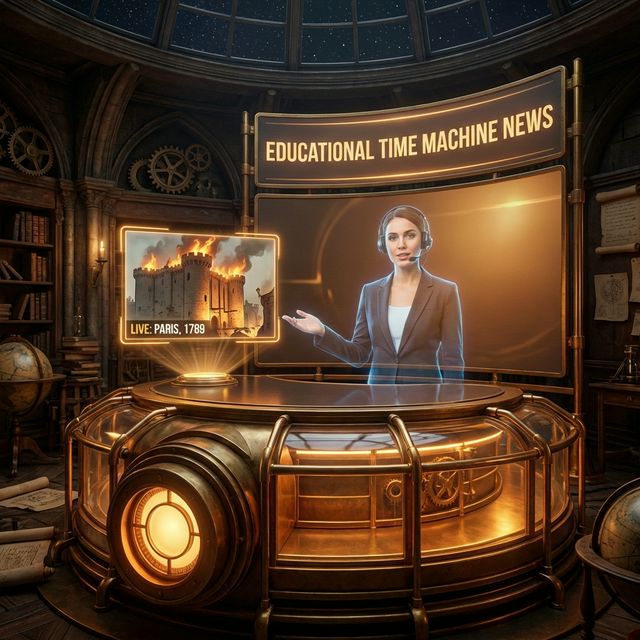
Educational History Recaps
Present a clearly labeled classroom reconstruction or timeline recap using verified sources and fictional studio graphics.
Internal Communications
Turn approved company announcements and policy summaries into short videos while linking employees to the source document.
Clearly Labeled Satire
Use a fictional presenter for parody when the context and labeling make clear that the segment is not factual reporting or a real endorsement.
Troubleshooting Broadcast Drafts
Narration mispronounces a name
Rewrite the name phonetically or choose a better-supported narration style, then ask a native speaker to review it.
The layout feels misleading
Use your own brand system, remove copied network elements, and label the video as a synthetic company update, lesson, recap, or satire.
B-roll changes the meaning
Replace it with an accurate source image, a clearly labeled illustration, or a neutral graphic that does not imply an event occurred.
Frequently Asked Questions About AI News Anchor Generator
Create News-Style Videos With Fictional Synthetic Presenters
What an AI News Anchor Generator Should Do
A responsible AI news workflow helps a publisher structure an approved script, choose a pre-designed fictional presenter, add synthetic narration, and assemble studio graphics and authorized B-roll. It must not derive the presenter from personal media, and it should never imply that a fictional host is a real journalist, employee, customer, expert, or public figure.
Accuracy Matters More Than the Broadcast Look
Headlines, tickers, source labels, and studio layouts make information easier to follow, but they do not make a claim true. Verify every date, name, number, quotation, caption, and source before publishing. Clearly distinguish fact, opinion, advertising, fiction, and satire, and avoid copying the visual identity of an unaffiliated news network or public agency.
Use Authorized Visuals and Transparent Disclosure
Add only B-roll, screenshots, charts, music, logos, and other media that you created or are authorized to use. Label simulations and illustrations so they cannot be mistaken for documentary evidence. Identify the publisher and disclose synthetic media whenever viewers could reasonably misunderstand what they are seeing.