
Convert Image to AI Avatar: Free Photo to Avatar
Free Photo to Avatar
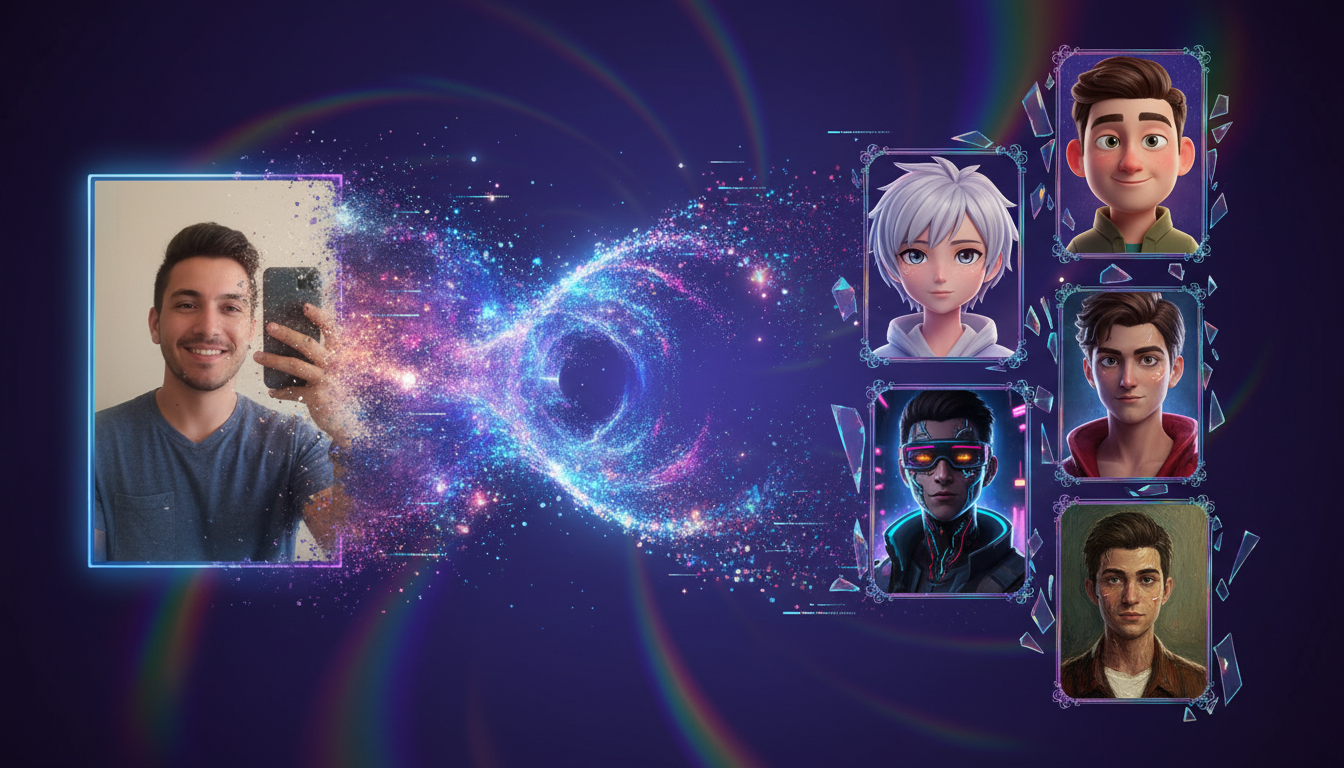
Transform your selfie into a digital masterpiece. Use AI to **convert image to ai avatar** in any style—from 3D Pixar-style characters to cyberpunk heroes—instantly.
Trusted by creative teams at
Photo to Avatar
Cost: 30 Credits
Avatar Preview
Upload photo → Select style → Transform into avatar
Introduction
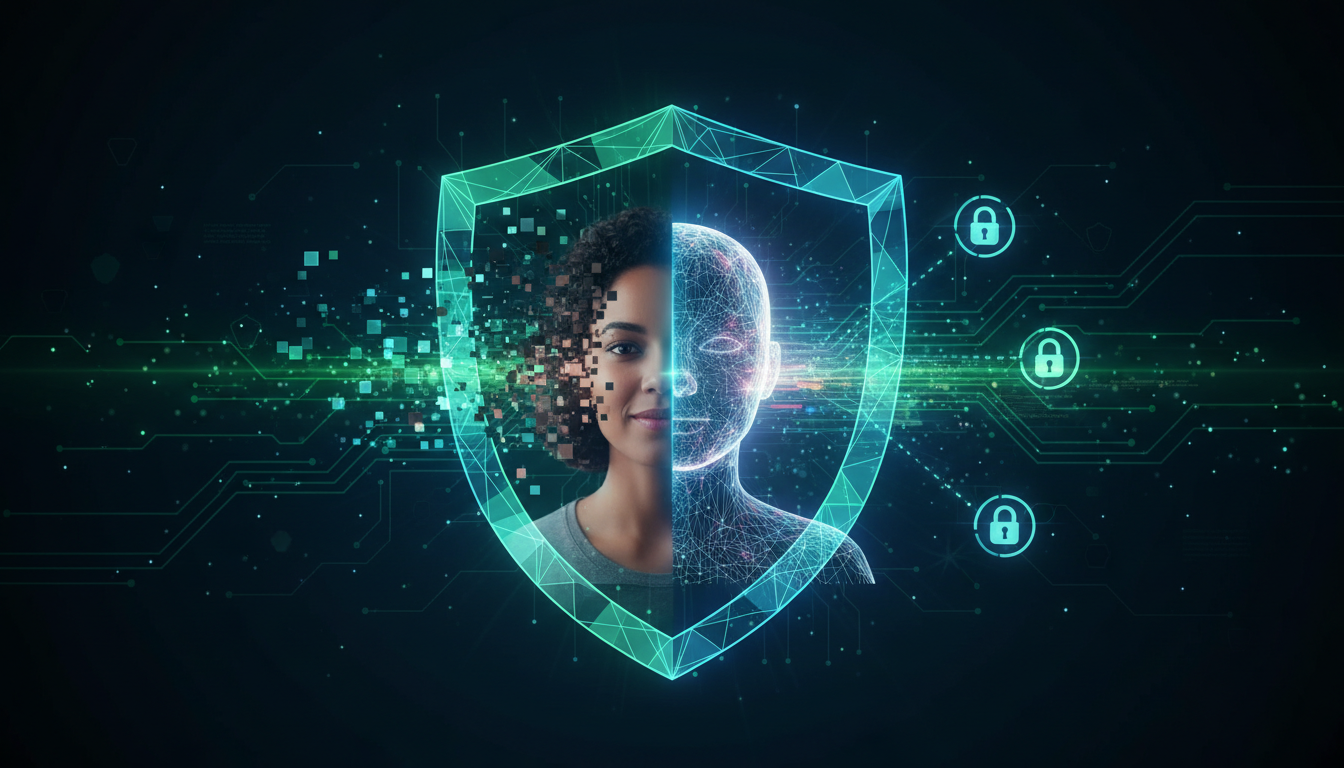
In the digital age, your profile picture (PFP) is your handshake. It is the first thing people see on LinkedIn, X (Twitter), Discord, and Instagram. It defines your personal brand before you ever type a word. However, using a plain raw selfie often feels lackluster, and professional photography is expensive (often $300-$500 for a session). Furthermore, there is a growing desire for privacy; many users want to represent *themselves* online without exposing their biometric data to facial recognition scrapers or creating security risks. This has led to the explosion of the "Digital Avatar"—a stylized representation that captures your essence without compromising your privacy.
FlowVideo AI's tool allows you to **convert image to ai avatar** with a level of fidelity and artistic flair that was previously impossible. We don't just apply a cheap filter that smears pixels like an Instagram overlay. Our AI analyzes the geometry of your face—the distance between your eyes, the shape of your jaw, your hairstyle—and reconstructs it in a completely new artistic style. Whether you want to look like a seasoned space marine, a soft-lit oil painting, or a high-energy anime protagonist, the transition is seamless.
This tool acts as a bridge between the physical and digital worlds. It is the perfect entry point for users entering the Metaverse or gaming spaces. Instead of spending hours fiddling with sliders in a complex RPG character creator trying to make it look like you, you simply upload a photo, and the AI handles the sculpting. It is the "Magic Mirror" of the 21st century.
Why Convert Image to AI Avatar? (Deep Dive)
Privacy and Anonymity in a Surveillance Age
The Technology Behind Photo-to-Avatar
Facial Landmark Detection
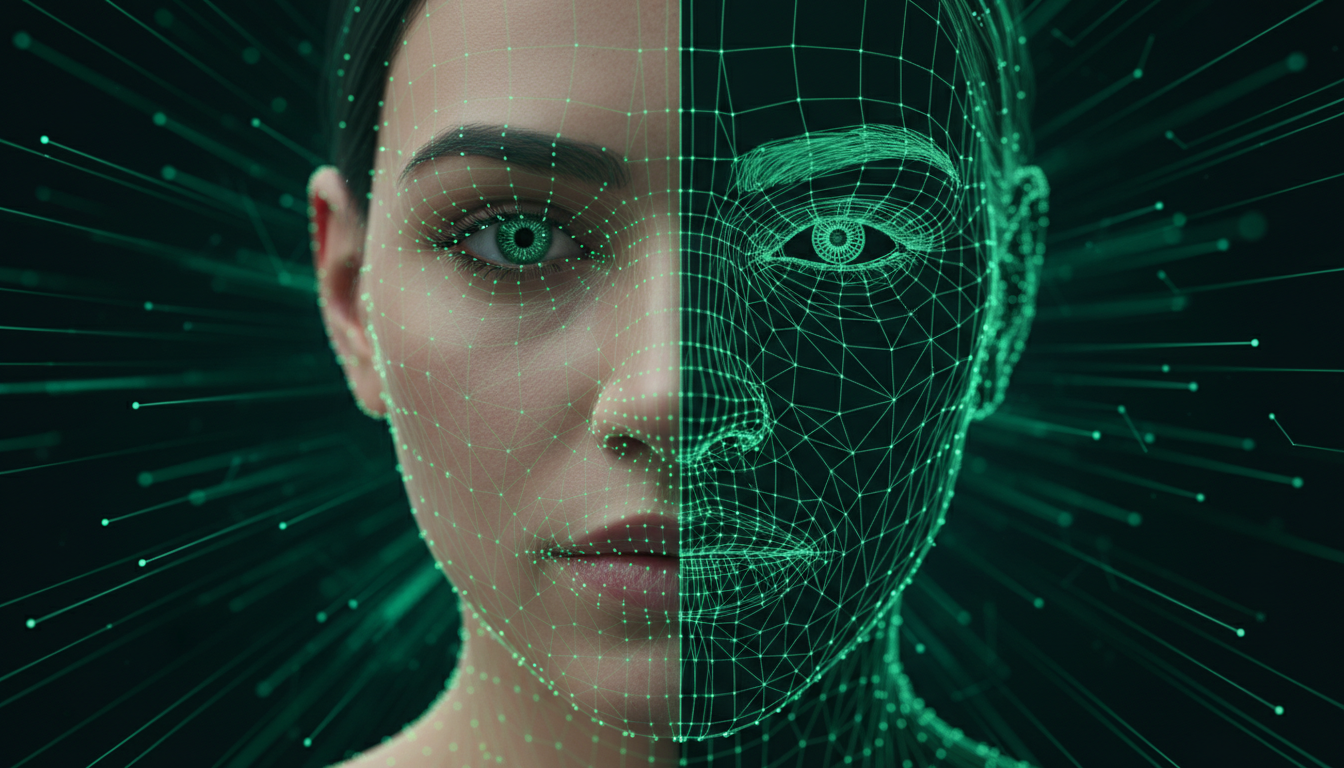
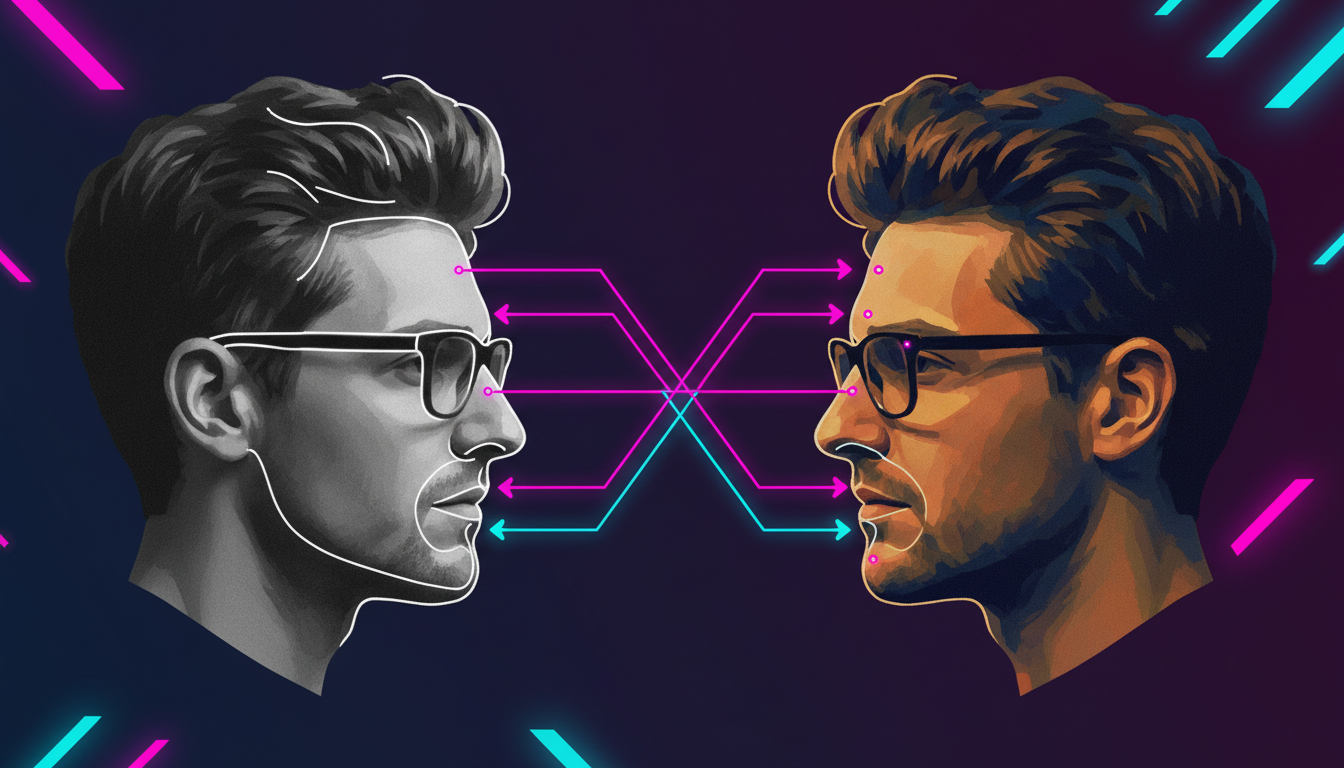
When you upload an image, the first step is analysis. The AI uses a model (like Dlib or MediaPipe) to act as a surveyor. It maps 68 to 468 distinct "Facial Landmarks"—the corners of the eyes, the tip of the nose, the curve of the lips, the arch of the eyebrows. It builds a wireframe mesh of your face. This ensures that even if you change the style to "Abstract Cubism," the avatar still *feels* like you because the fundamental proportions are preserved.
StyleGAN and Latent Space Projection
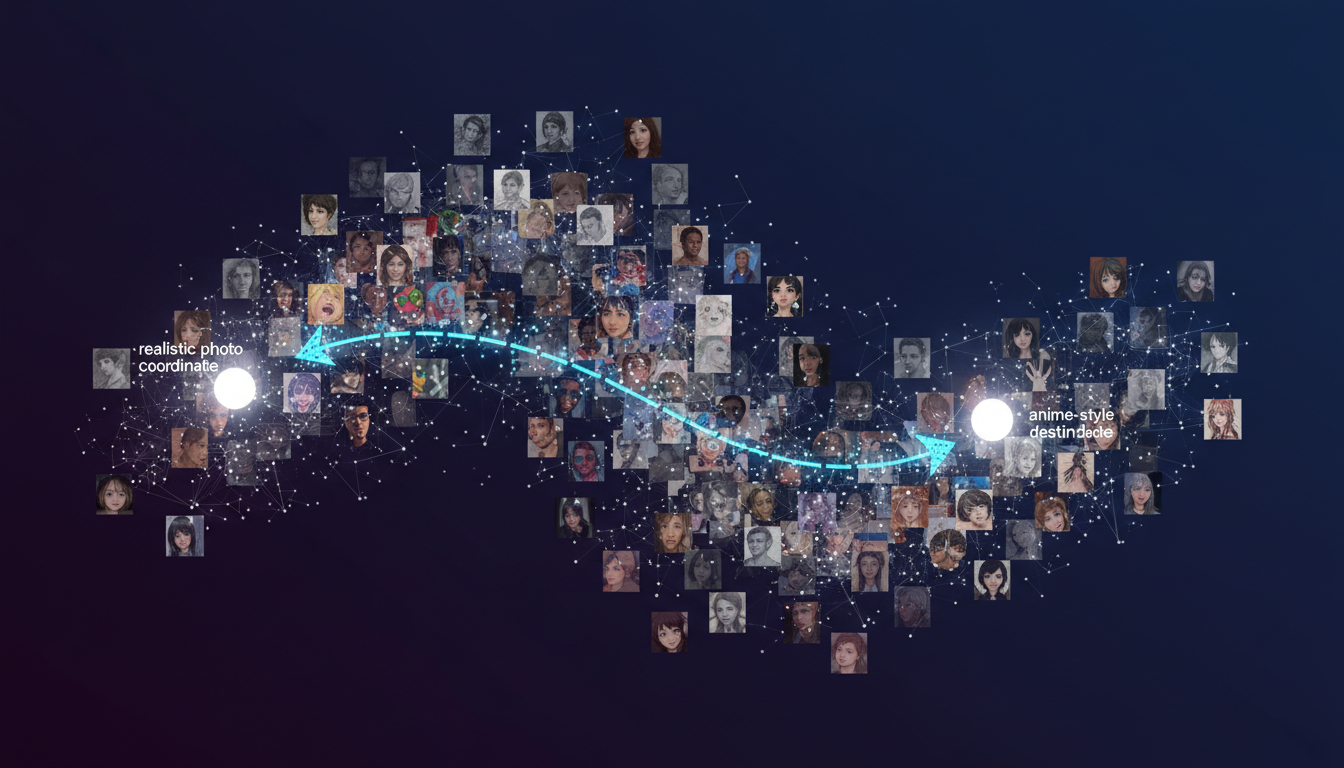
We use advanced Generative Adversarial Networks (GANs), likely a derivative of StyleGAN3 or Stable Diffusion with ControlNet. The AI projects your face into a "Latent Space" (a mathematical representation of all possible faces). Use the analogy of a map: Your face is at coordinate (X, Y). The "Anime Style" is a destination at (A, B). The AI calculates the vector to move your features towards the destination without losing your original location entirely. It finds the intersection point: "Who is this person if they were born in the Naruto universe?"
ControlNet Canny and Depth
To keep the avatar looking like you, we use "ControlNet." Specifically, the "Canny" pre-processor detects the edges of your photo (the outline of your glasses, the line of your jaw). It forces the AI to check its work: "Does the new generated image line up with these original edges?" This prevents the AI from accidentally changing your gender, age, or glasses shape.
Semantic Segmentation
To handle complex backgrounds, the AI uses "Semantic Segmentation." It identifies pixels that are "Hair," "Skin," "Clothing," and "Background." This allows it to, for example, turn your hair purple while keeping your skin tone natural, or to completely replace your messy bedroom background with a sci-fi cockpit while keeping your face untouched.
Step-by-Step Guide: How to Create Your Avatar
Step 1: Upload the Perfect Source Image
Garbage in, garbage out. The quality of your avatar depends 90% on your input photo. Microscope Detail: Lighting: Ensure your face is evenly lit. Shadows across the eyes (raccoon eyes) can confuse the AI. Avoid strong backlighting. Angle: Direct front-facing is best for 3D/Passport style avatars. A slight 3/4 view is okay for artistic styles. Avoid extreme high angles (MySpace angles) or low angles. Expression: A neutral expression or a slight smile works best. Open mouths or exaggerated grimaces can sometimes lead to distorted results (monster teeth) in the cartoon style. Resolution: At least 512x512 pixels. blurry photos result in blurry avatars.
Step 2: Select Your Target Style
This determines the universe your avatar lives in. Microscope Detail: 3D Cartoon: Soft, round, friendly. Great for social media (Instagram, Facebook). Anime V1: Classic Japanese animation style. Big eyes, small mouth. Great for discord. Cyberpunk: Neon lights, tech overlays, gritty texture. Great for gaming. Oil Painting: Classical art style, visible brush strokes. Great for LinkedIn headers or professional portfolios. Vaporwave: Retro 80s aesthetics, purples and pinks, statues. Pixel Art: 8-bit retro gaming style.
Step 3: Adjust the Transformation Strength
How much do you want to change? Microscope Detail: Use the "Fidelity Slider" (Denoising Strength). High Fidelity (Low Strength, 0.3 - 0.4): Looks exactly like you, just with a filter. Use this for professional use. High Creativity (High Strength, 0.6 - 0.8): Takes liberties. It might change your hairstyle, straighten your nose, or change your eye color to fit the aesthetic better. If you want to really disappear into the character, crank this up.
Step 4: Text-Guided Refinement (Prompting)
You aren't stuck with just the photo. You can guide the AI with text prompts. Microscope Detail: In the "Modification Prompt" box, type changes. Change the Outfit: "Wearing a tuxedo, James Bond style" or "Wearing a NASA spacesuit." Change the Traits: "Make hair blue," "Add a beard," "Remove glasses." Change the Environment: "In a forest," "On Mars," "In a cyberpunk city."
Step 5: Edit and Download
Click "Generate." Microscope Detail: Background Removal: Use the built-in toggle to remove the background, saving the avatar as a transparent PNG. This makes it easy to paste into other designs or website headers. Upscale: If you plan to print this (e.g. for a conference badge), use the "4x Upscale" to ensure crisp lines.
Comparison: How to Get an Avatar
| Method | Cost | Time | Quality | Likeness |
|---|---|---|---|---|
| Commission Artist | $50 - $200 | 1-2 Weeks | High (Artistic) | High |
| RPG Character Creator | Free (in game) | Hours | Medium (Limited) | Low (Generic) |
| FlowVideo AI | < $1 | Seconds | High (Generative) | High (Structural) |
Industry Use Cases
Gaming and Esports
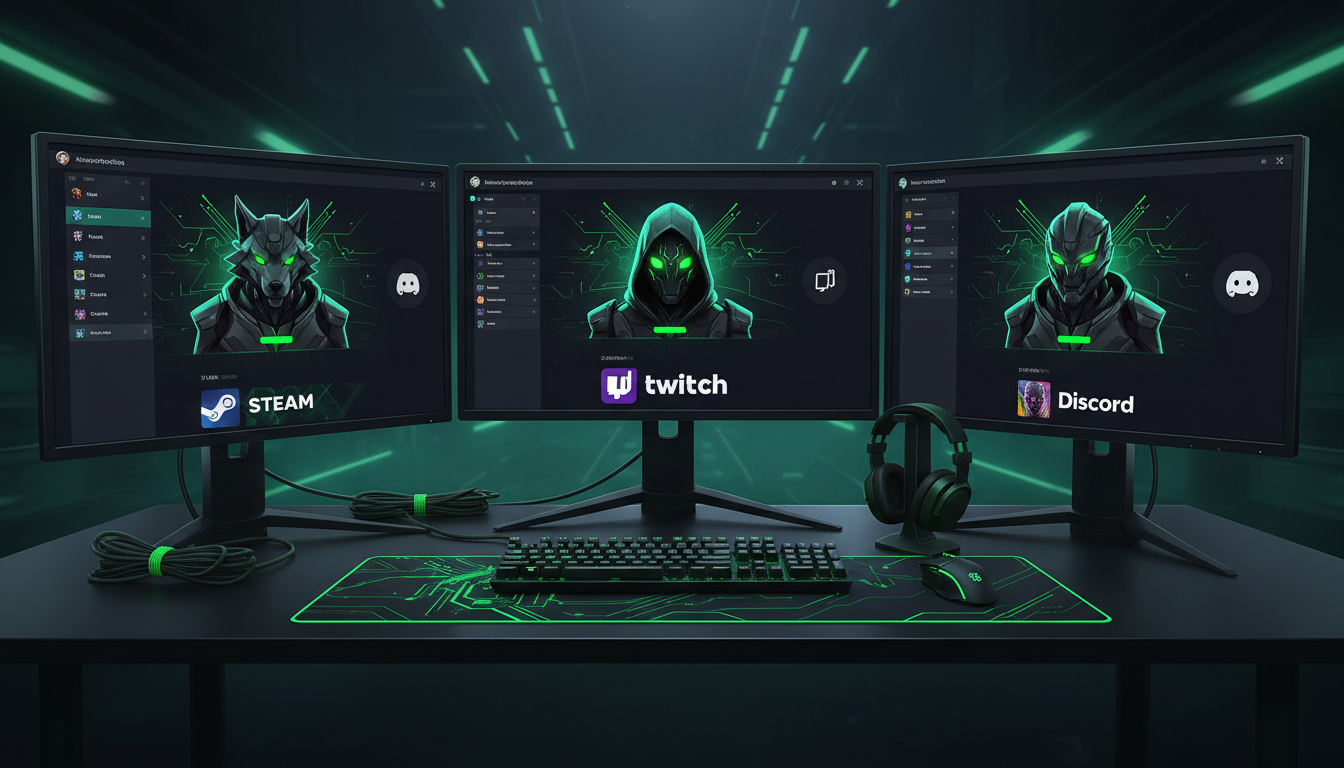
Gamers need avatars for Steam, Twitch, and Discord. Using a custom AI avatar allows them to have a unique identity that isn't just a generic game sprite. Esports teams often **convert image to ai avatar** using a unified team color palette (e.g., all avatars have green glowing eyes) to show solidarity and branding.
Dating Apps
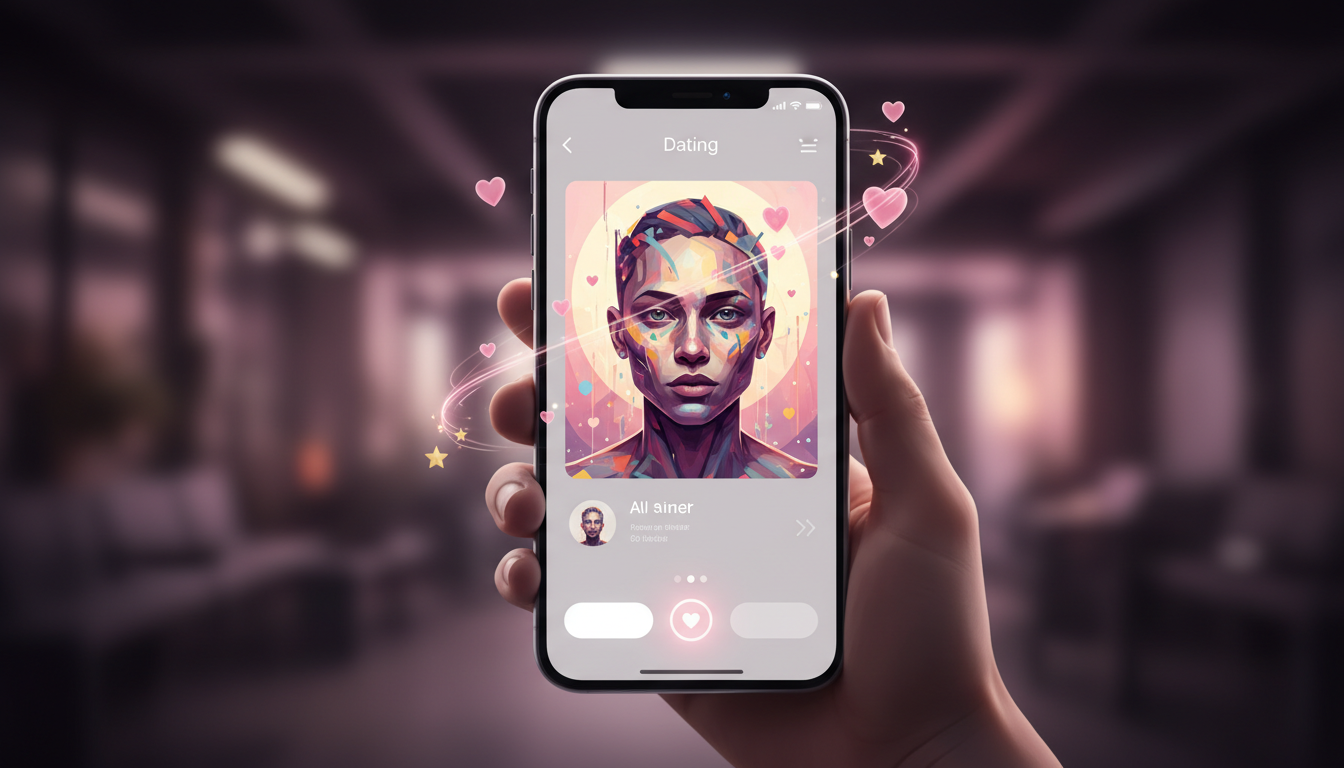
It's a trend to use a "stylized" photo as the second or third picture on Tinder or Hinge. It shows personality and creativity. A tastefully done digital painting of yourself can be a great conversation starter ("Is that an AI painting of you?").
Metaverse Integration
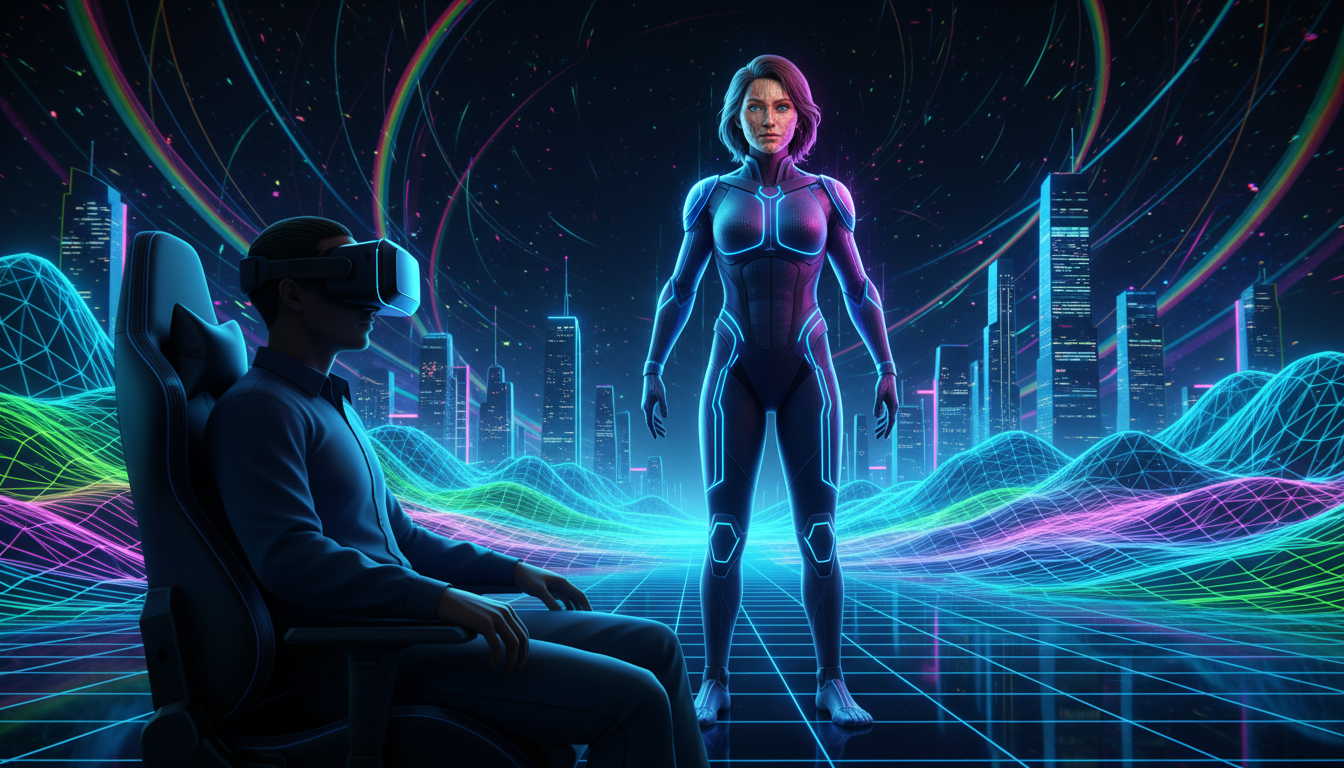
As we move into VR, having a 2D source image that can be converted into a 3D texture map is crucial. Users can take their AI-generated face and wrap it onto a 3D model (using tools like ReadyPlayerMe, which we integrate with) for use in VRChat.
Real Estate and Sales
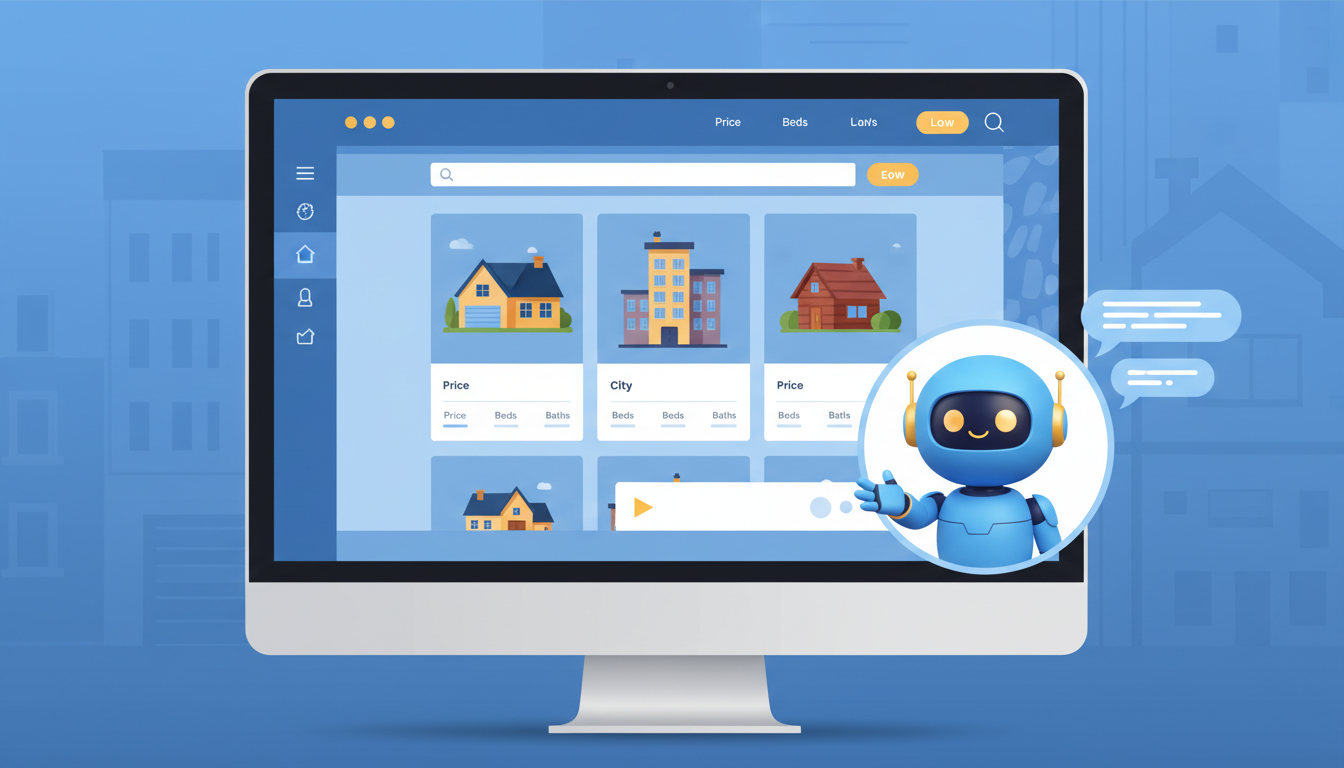
Real estate agents use "Friendly 3D" avatars on their chat bots. It makes the automated chat feel more human and approachable than a cold logo, but less intimidating than a highly realistic photo of a salesperson staring at you.
What Users Are Saying
From privacy advocates to artists, the feedback is clear.
Alex T.
Privacy Advocate
“I can be present online without feeding facial recognition databases. My avatar is me, but protected.”
Jade L.
Twitch Streamer
“My cyberpunk avatar gets more compliments than my real face ever did. It's my brand now.”
Marcus W.
Startup CEO
“Unified our team page in 10 minutes. Everyone has the same style. Looks like we hired a design agency.”
Avatar Troubleshooting
Eye Artifacts
Try re-uploading a higher resolution photo where your irises are clearly visible. Also, try the "Face Fix" (CodeFormer) toggle in the settings.
Wrong Style
Try different target style or adjust transformation strength slider.
Lost Likeness
Lower the creativity slider. Add negative prompt for features you want preserved.
Frequently Asked Questions about **Convert Image to AI Avatar**
From Selfie to Stylized Avatar: How AI Face Transformation Actually Works
The Anatomy of a Photo-to-Avatar Pipeline
When you convert an image to an AI avatar, the process involves far more than applying a filter. The system first performs facial landmark detection, mapping between 68 and 468 discrete points across your face. These landmarks capture the proportional relationships that make your face uniquely yours: the ratio of eye width to inter-eye distance, the angle of your jawline, the curvature of your brow ridge. This geometric skeleton is then projected into a latent space where artistic styles exist as mathematical vectors. The AI calculates a transformation path that shifts your features toward the target aesthetic while preserving your structural identity. ControlNet modules enforce edge consistency, ensuring that your glasses shape, hairline, and facial contours survive the style transfer intact.
Choosing the Right Avatar Style for Your Platform
Each social platform has its own visual language, and your AI avatar should speak it fluently. A 3D cartoon avatar with soft shading and rounded features works well on Instagram and Facebook, where warmth and approachability drive engagement. For Discord and gaming communities, cyberpunk or anime styles signal that you belong to the culture. LinkedIn calls for something more restrained: an oil painting effect or a clean vector illustration that reads as creative but professional. The transformation strength slider gives you precise control over this spectrum. At low denoising strength (0.3 to 0.4), the output closely mirrors your photograph with stylistic polish. Push it higher toward 0.7 or 0.8, and the AI takes creative liberties, potentially altering hair color or adding stylistic flourishes that fit the chosen aesthetic.
Privacy Benefits of Using a Stylized Digital Representation
Facial recognition scrapers like Clearview AI have indexed billions of photographs from public profiles. When you convert your image to an AI avatar, you introduce enough geometric noise to break algorithmic identification chains while retaining visual recognizability for human viewers. Friends and colleagues still see you, but automated systems cannot reliably match the avatar back to surveillance databases. This makes AI avatars a practical privacy tool for journalists, activists, parents sharing family content, and anyone concerned about biometric data harvesting. The avatar preserves your expressive identity without surrendering your biometric signature to third-party data brokers.
Text Prompts and Fine-Tuning Your Avatar Output
Beyond selecting a base style, FlowVideo AI lets you guide the transformation with text prompts. You can specify outfit changes like a NASA spacesuit or a Victorian coat, modify traits such as hair color or beard presence, and set environmental backdrops ranging from a neon-lit Tokyo alley to a serene mountain lake. The semantic segmentation engine identifies distinct regions of your image: hair, skin, clothing, and background. This pixel-level understanding allows the AI to apply changes selectively. You could turn your hair electric blue while keeping your skin tone natural, or replace a cluttered room background with a sci-fi command bridge without affecting your face at all.
Team Branding and Batch Avatar Generation
Remote companies face a persistent problem: team page photographs shot in different locations with different lighting and camera quality create visual inconsistency. When every team member uploads a selfie and converts it through the same avatar style, the result is a cohesive visual identity that looks like a design agency produced it. Claymation, line art, or low-poly 3D styles work particularly well for this purpose. The uniform aesthetic communicates professionalism and brand cohesion on About Us pages, pitch decks, and conference badges. At less than a dollar per avatar, the cost is negligible compared to coordinating professional photography sessions across multiple time zones.
Animating Your Avatar for Video and Livestream Content
A static avatar is just the starting point. After generating your stylized image, you can send it directly to FlowVideo AI's Image Animator or Talking Photo tools. The Image Animator adds natural micro-movements like blinking and subtle head tilts, bringing the avatar to life for use as a webcam overlay during livestreams or video calls. The Talking Photo tool synchronizes lip movements with audio input, enabling you to create avatar-driven video content without showing your face on camera. Gamers use animated avatars as Twitch overlays, educators build avatar-led tutorial videos, and content creators produce entire YouTube channels where their AI avatar serves as the on-screen personality.