
AI Kiss Video Generator
Animate Hugs & Kisses
The internet is currently obsessed with "bringing photos to life." We have seen the viral videos of old historical figures hugging, or distant family members sharing a moment they never got to have in real life. FlowVideo AI's Kiss & Hug Generator is powered by advanced Image-to-Video (I2V) diffusion models. It understands human anatomy and physical interaction. It takes a static image of two people standing apart and predicts the motion vectors required to bring them together into a warm embrace or a kiss. It is emotional, sometimes uncanny, and always viral.
Trusted by creative teams at
Hug & Kiss Generator
Cost: 80 Credits
⚠️ Strictly PG-13. Only hugs and kisses. NSFW content blocked by safety filter.
Animation Preview
Upload photo of 2 people → Choose interaction → Watch the magic
The "Harry Potter" Effect
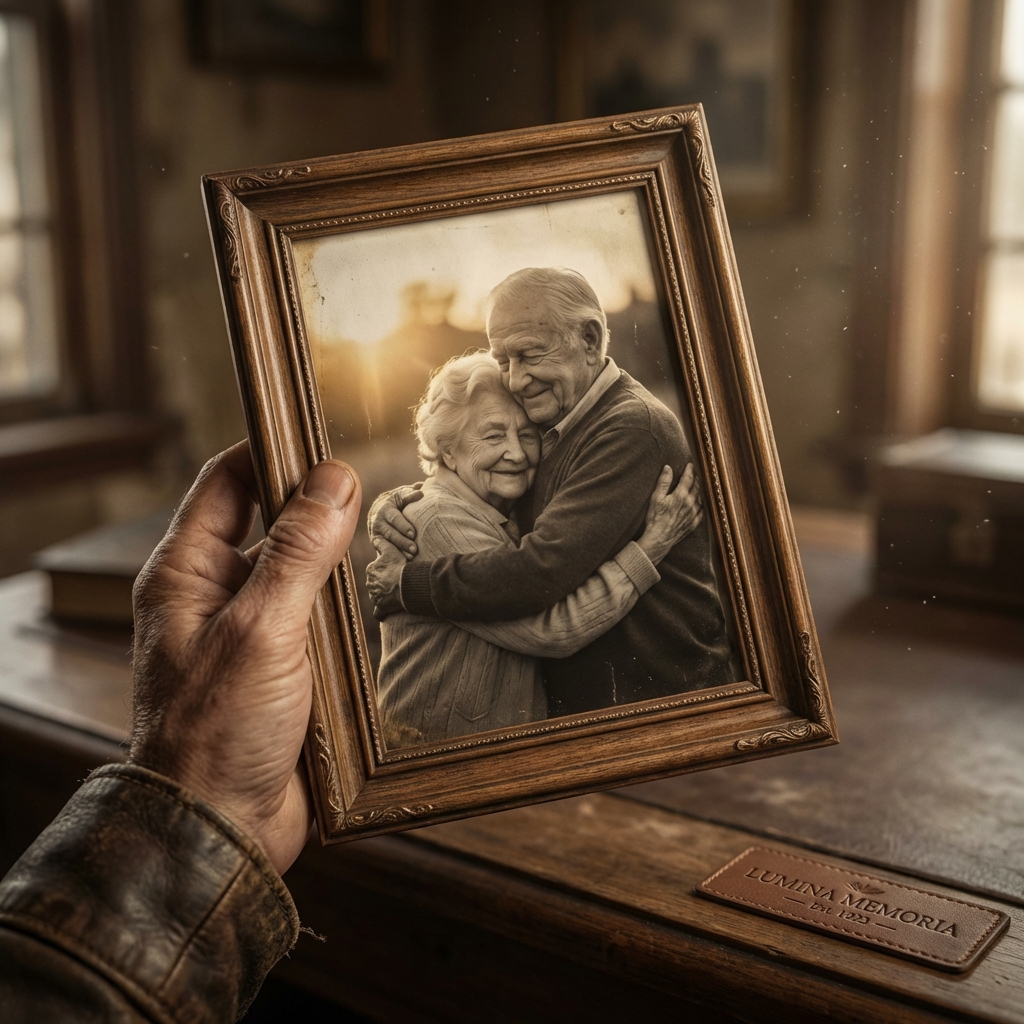
We have always wanted moving photos (like in Harry Potter).
This tool is for: 1. Memory Restoration: Hugging a late grandparent. 2. Long Distance Couples: Visualizing a reunion. 3. Fan Edits: Making two fictional characters (shippers) kiss. 4. Viral Comedy: Making unlikely celebrities hug.
The AI analyzes the depth map of the image, separates the subjects from the background, and generates the intermediate frames of movement to bridge the gap.
Why Use a Kiss Generator?
The "Sizzle" Factor (Trend)
The Technology: Img2Video Physics
Skeleton Guidance (ControlNet)
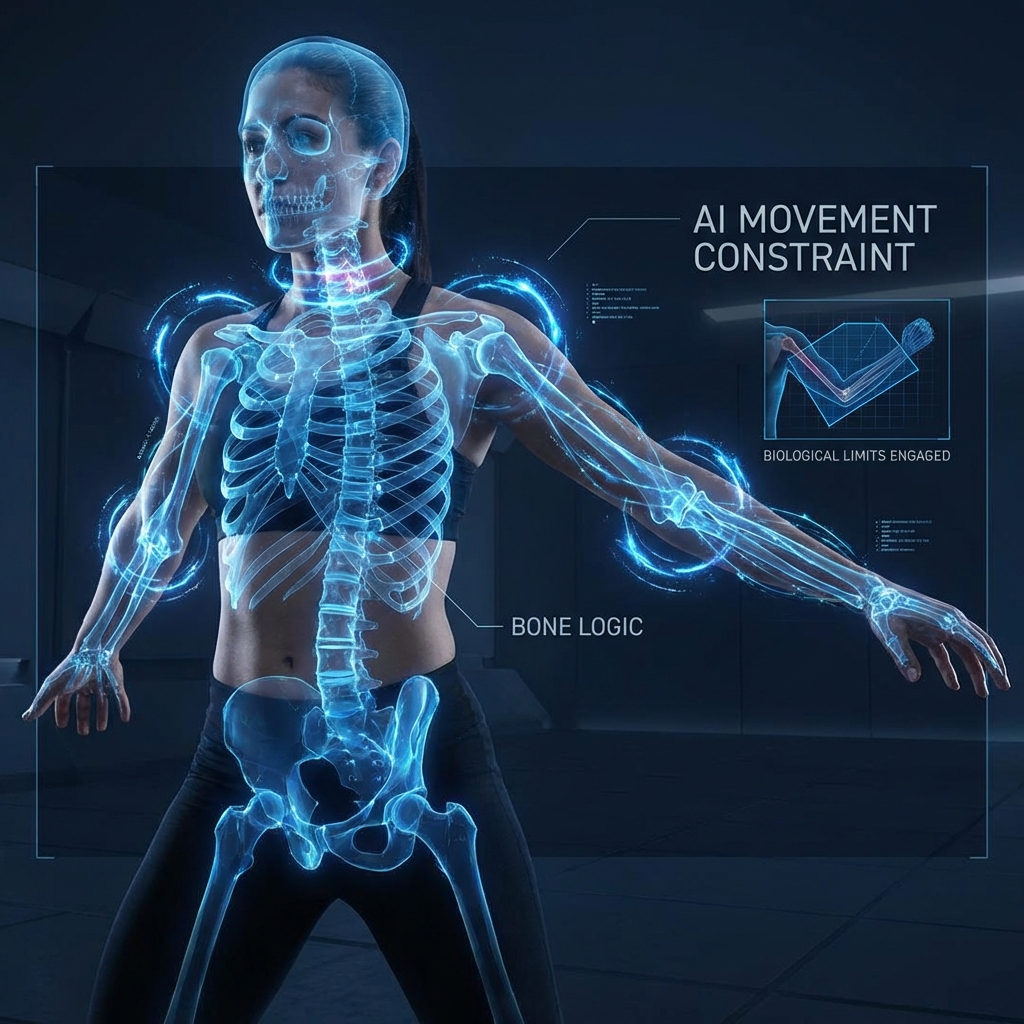
The Tech: We infer a "Skeleton" rig inside the static pixels. The Logic: Shoulders can only rotate so far. Necks have limits. The Constraint: By applying these biological constraints (Bone Logic), we prevent the AI from generating 3-foot long necks or arms that bend backwards during the hug animation.
Texture Inpainting (The Hidden Areas)
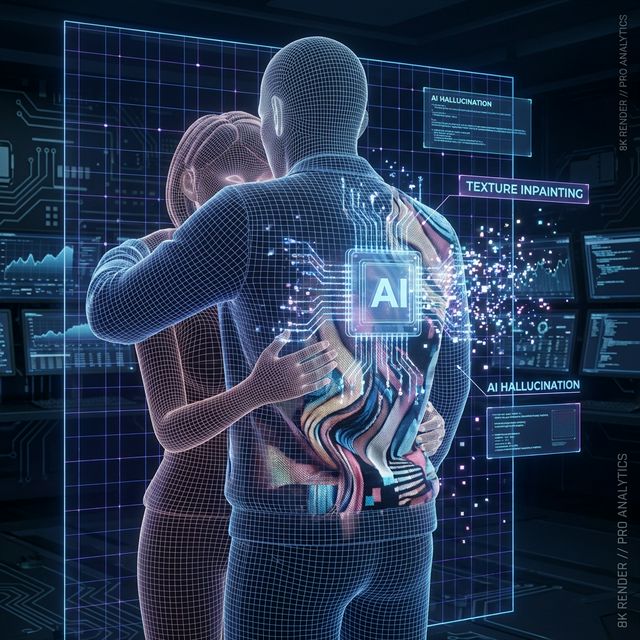
The Issue: When Person A hugs Person B, the back of Person A's jacket becomes visible (which was hidden in the original photo). The Tech: The AI "Hallucinates" (Inpaints) the missing texture. It looks at the visible part of the jacket and mathematically predicts what the back looks like, filling in the blind spots seamlessly.
Step-by-Step Guide: Animating a Hug
Upload Source
Image: Upload a clear photo of two people side-by-side. Distance: Ideally, they should be close but not touching. If they are too far apart, the AI has to invent legs walking, which is harder.
Define Interaction
Prompt: "A warm hug, slow motion, emotional." OR "A romantic kiss, soft lighting." Intensity Slider: Low (Polite side hug) to High (Passionate embrace).
Set Constraints
Negative Prompt: "Morphing, extra hands, melting face." Seed: Leave random or use a fixed seed if refining a previous attempt.
Generate
Action: Click "Animate." Wait: These calculations are heavy. It takes ~60 seconds.
Post-Process
Review: Check the hands. (Hands are the hardest part). Slow Mo: If the movement feels too fast, use the "Interpolate" tool to add more frames, smoothing the hug into a cinematic slow-motion moment.
Comparison: AI Video Tools
| Feature | Luma Dream Machine | Kling AI | FlowVideo AI |
|---|---|---|---|
| Specialization | General Video | General Video | Interaction Tuned |
| Face Stability | Medium | High | High (Face Lock) |
| Control | Text Prompt | Text Prompt | Sliders + Prompt |
| Cost | Waitlist / Credits | Paid | Free (Daily Credits) |
| Audio | No | No | Auto-Heartbeat SFX |
Industry Use Cases
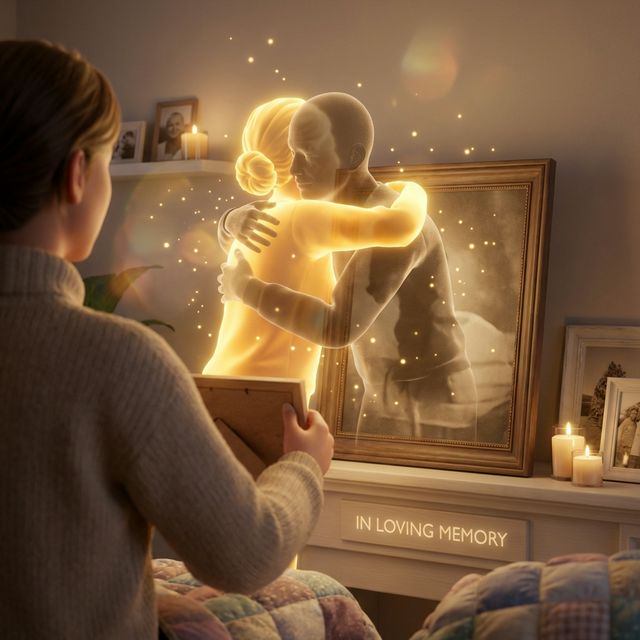
Memorial Services
Content: A photo of the deceased engaging with a loved one. Value: Emotional closure. "One last hug."
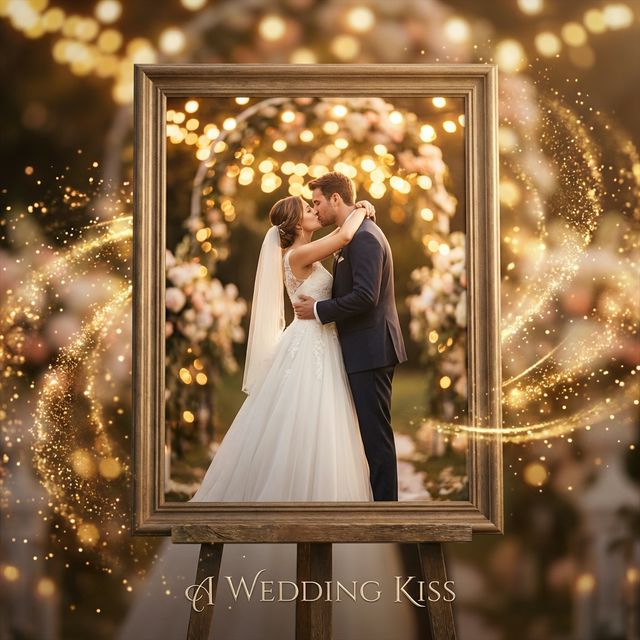
Wedding Photography
Content: Animating the altar kiss photo. Value: A unique "Live Photo" deliverable for clients.
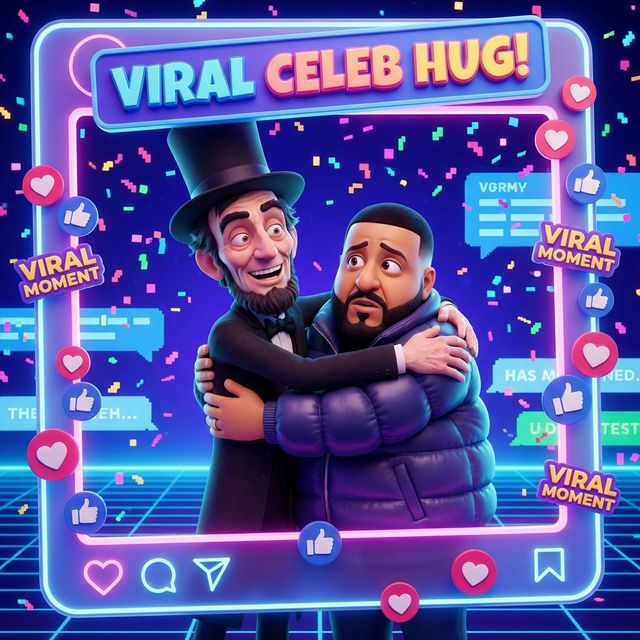
Meme Creators
Content: Elon Musk hugging Mark Zuckerberg. Value: Viral engagement on Twitter/X.
What Users Are Saying
I cried when I saw my mom move again.
Sarah M.
Grieving Daughter
“Seeing my late father hug my daughter in a photo brought tears. Therapeutic closure.”
David C.
Meme Creator
“My 'unlikely celebrity hug' compilation got 2M views. This tool is pure viral gold.”
Jennifer K.
Wedding Photographer
“Clients are OBSESSED with animated kiss moments. New premium upsell.”
Troubleshooting: Animation Issues
Bodies Merge
If the subjects are overlapping in the source photo, the AI gets confused about whose arm is whose. Use photos with "Air Gap" between subjects for best results.
Face Distortion
Turning a face 90 degrees (profile) from a front-facing photo is hard. Try to find source images where they are already slightly angled towards each other.
Background Wobbly
The AI moves the background to simulate camera handheld shake. If you want a tripod look, add "Static Camera" to your prompt.
NSFW Block
Our model is strictly "Safe for Work." It will block explicit prompts. Keep it PG-13 (Hugs/Kisses only).
Frequently Asked Questions about Kiss Gen
AI Kiss Video Generator: Turn Still Photos Into Emotional Embrace Clips
From Frozen Pixels to Felt Moments
A single photograph can hold decades of meaning, yet it remains locked in time. The AI kiss video generator from FlowVideo changes that equation by converting a still image of two people into a short, fluid animation where they move toward each other and embrace or kiss. The underlying image-to-video diffusion model analyzes pose, depth, and facial geometry before predicting the motion frames needed to bridge the physical gap between subjects. The result is a clip that feels genuinely warm rather than digitally forced, because the system respects joint limits, fabric compression, and the subtle facial micro-expressions that accompany real human contact.
Why Hug and Kiss Videos Dominate Social Feeds
Content built around emotional connection consistently outperforms other formats on platforms like TikTok, Instagram Reels, and YouTube Shorts. A well-crafted AI kiss video taps into universal feelings of longing, nostalgia, and affection. Creators use the tool to reunite historical figures, visualize long-distance relationships, animate wedding altar moments, or produce lighthearted celebrity mashups. Each of these angles carries shareability because viewers project their own stories onto the animation. FlowVideo provides daily free credits, so testing different prompts and intensity settings costs nothing upfront.
Depth-Aware Animation and Skeleton Constraints
Generic video generators often produce clipping artifacts when two bodies overlap. FlowVideo addresses this with a depth-aware pipeline that constructs a 3D point cloud from the flat image. The system determines which subject stands in front and routes arms around backs instead of through torsos. A ControlNet skeleton rig enforces biological limits on shoulder rotation and neck extension, preventing the distortions that make lesser tools look uncanny. When areas hidden in the original photo become visible during the hug, texture inpainting fills those gaps by extrapolating from the surrounding fabric and skin tones.
Practical Workflow: Upload, Prompt, Refine
Using the AI kiss video generator takes under two minutes. Upload a clear photo where both subjects are visible with a small gap between them. Write a prompt describing the desired interaction, such as a slow-motion embrace or a gentle kiss under soft lighting. Adjust the intensity slider from a polite side hug to a passionate hold. Add negative prompts like extra hands or morphing to steer the model away from common artifacts. Generation takes roughly sixty seconds. Afterward, review the hands, which remain the trickiest element, and optionally run the interpolation tool to add frames for a cinematic slow-motion finish.
Memorial Tributes, Weddings, and Viral Memes
Three use cases stand out among FlowVideo users. Memorial creators animate a photo of a deceased loved one engaging with family, delivering a moment of therapeutic closure. Wedding photographers offer animated kiss clips as a premium upsell, giving clients a deliverable that static albums cannot match. Meme creators pair unlikely public figures in humorous embraces that rack up millions of views. All three audiences benefit from the face-lock feature that preserves identity throughout the animation and the optional heartbeat sound effect that adds an emotional audio layer to the final export.
Getting Started Without Spending a Dime
FlowVideo distributes daily credits to every registered account, which means you can produce your first AI kiss video at zero cost. The collage mode even lets you combine two separate photos of different people before the system animates the interaction. Commercial usage is permitted, images are deleted within twenty-four hours, and no facial data is stored for recognition training. Whether the goal is heartfelt remembrance or pure internet entertainment, the tool bridges the gap between a static snapshot and the living emotion it was always meant to convey.