
Repurposing Video Content
Remix & Recycle
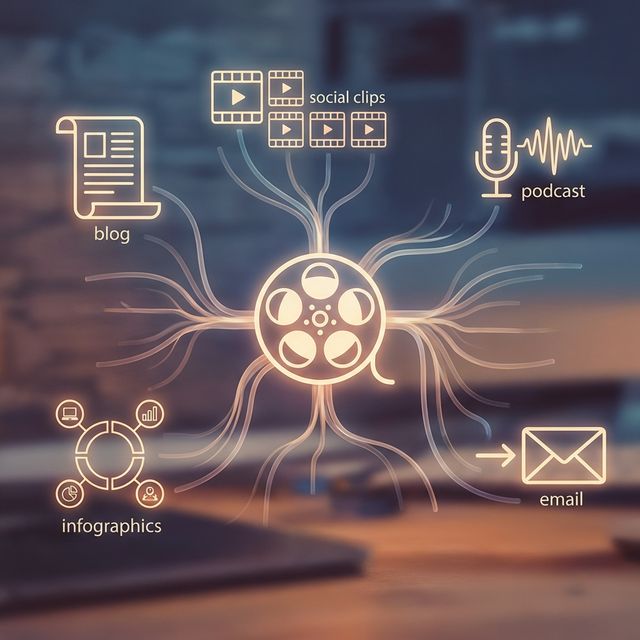
Creating original content is exhausting. Filming, lighting, acting—it takes hours. The smartest creators do not film new content every day; they Repurpose old content. A single 1-hour podcast episode contains 30 "Golden Nuggets" of wisdom. A single 20-minute product demo contains 10 FAQs. FlowVideo AI's Repurposing Engine is built on the philosophy of "Content Density." It takes your "Pillar Content" (Long-form) and automatically slices, dices, crops, and captions it into "Micro Content" (Short-form) distributed across every platform. It turns a single unit of work into a multiplier of attention.
Built for transparent creative workflows
Repurposing Engine
Cost: 50 Credits per clip
Content Multiplier
Paste a URL → Get Clips → Export to vertical short-form
The "GaryVee" Model
Gary Vaynerchuk (GaryVee) made this strategy famous. He films a keynote speech. His team turns that speech into: 1. A YouTube Podcast. 2. 15 TikTok clips. 3. 10 Instagram Quote Cards. 4. 5 LinkedIn Articles. 5. 20 Tweets.
Most creators want to do this, but they don't have a team of 20 editors. FlowVideo AI creates a "Virtual Team." You upload the MP4 of your Zoom call, your Webinar, or your Twitch stream. The AI acts as the Editor who finds the good parts. The Designer who crops it vertically. The Copywriter who writes the captions. It democratizes the "Content Pyramid" strategy for solo creators and small marketing teams.

Why Use a Repurposing Tool?
The Distribution Pyramid (Strategy)
The Technology: Semantic Slicing
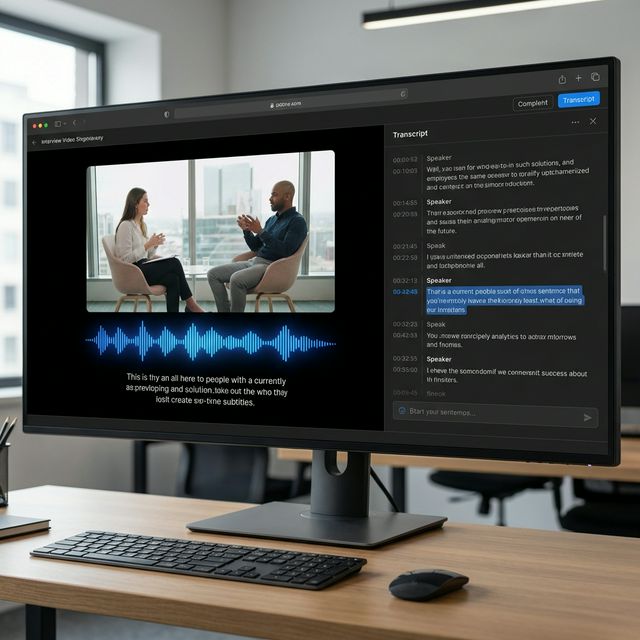
NLP Tokenization (Reading the Video)
Step 1: We transcribe the audio to text. Step 2: We use LLMs (Large Language Models) to analyze the text. We look for "Topic Shifts." Example: The speaker stops talking about "Price" and starts talking about "Quality" at 05:32. The AI marks a "Cut Point." Step 3: We analyze "Sentiment Spikes." We look for laughter, loud voices, or rhetorical questions ("Do you want to know a secret?"). These are flagged as "High Viral Potential."
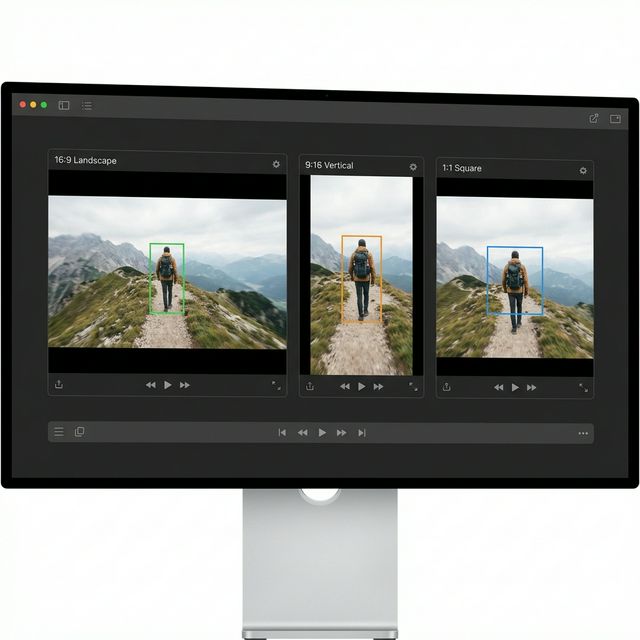
Active Speaker Detection (Reframing)
The Challenge: A Zoom recording is a wide grid of 4 faces. On a phone, this is tiny. The AI: We track who is talking. Speaker A talks: The vertical crop zooms in on Speaker A. Speaker B interrupts: The crop cuts instantly to Speaker B. Both laugh: The crop zooms out to show both (Split Screen). Result: A dynamic, TV-style edit derived from a static webcam recording.
Virality Scoring
The Metric: We give each generated clip a "Virality Score" (0-100). The Logic: Based on keyword analysis (e.g., "Money," "Secret," "Mistake" = High Score) and pacing (Short sentences = High Score). You only export the clips scored 80+.
Step-by-Step Guide: The Content Mill
Ingest Pillar Content
Source: Copy-paste a YouTube URL (of your own video) or upload an MP4 file (e.g., Zoom Recording). Language: Select the language (e.g., "English").
AI Analysis
Action: Click "Get Clips." Wait: It takes ~10% of the video duration. (1 hour video = 6 minute wait). Output: The AI presents a grid of 10-15 "Shorts" candidates. Clip 1: "The truth about marketing" (Viral Score: 92). Clip 2: "My morning routine" (Viral Score: 74).
Review & Edit
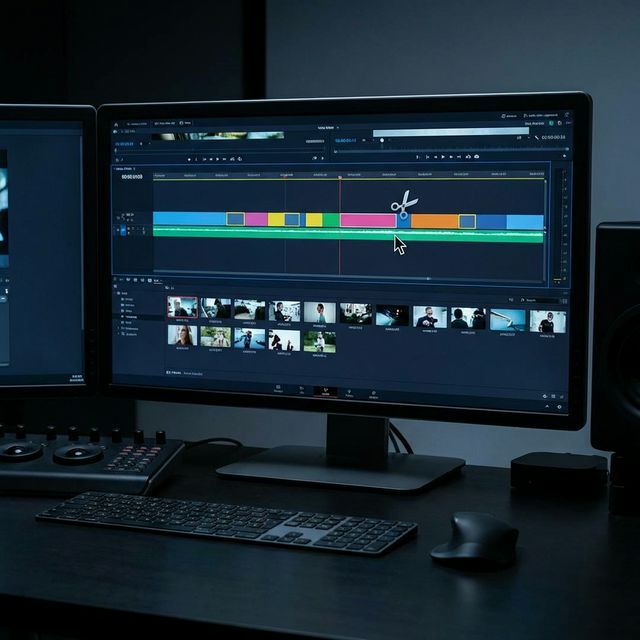
Selection: Click on Clip 1. Trim: The AI suggests the start/end points. You can drag the handles to tighten the intro (remove "Umm" or "So"). Layout: Choose "Face Focus" (Zoomed in) or "Split Deck" (Video on top, Screen Share on bottom).
Stylize
Captions: Choose the "Karaoke" style (current word highlighted in blue). Stickers: Add a "Subscribe" sticker that appears at the end. Logo: Burn your podcast logo into the corner for brand attribution.
Batch Export
Action: Select the 5 best clips. Click "Export." Scheduler: Use our integration to push them directly to TikTok Drafts or a scheduling tool like Buffer.
Comparison: Opus Clip vs FlowVideo
| Feature | Opus Clip | Munch | FlowVideo AI |
|---|---|---|---|
| Clip Selection | AI Scoring | AI Keywords | AI Scoring + Keyword + Sentiment |
| Layouts | Fixed (Face) | Fixed | Flexible (Face / Split / Pip) |
| Editor | Basic | Medium | Advanced Timeline |
| Source | YouTube Link | Link | Link + Upload + Live Stream |
| Price | Monthly Sub | Expensive | Freemium |
Industry Use Cases
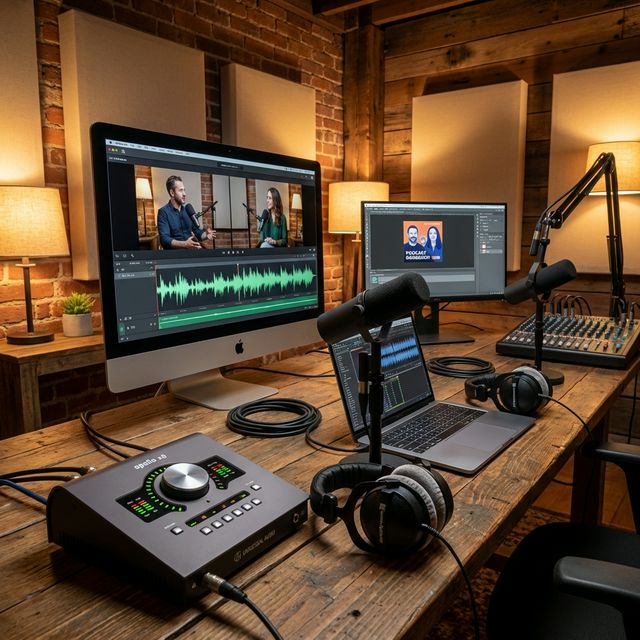
Podcasters
Pillar: 1 Hour Interview. Micro: "The funniest joke from the episode." "The most controversial take."

Webinar Hosts (SaaS)
Pillar: 45 Minute Product Demo. Micro: "How to feature X." "Answering the pricing question." Used for retargeting ads.
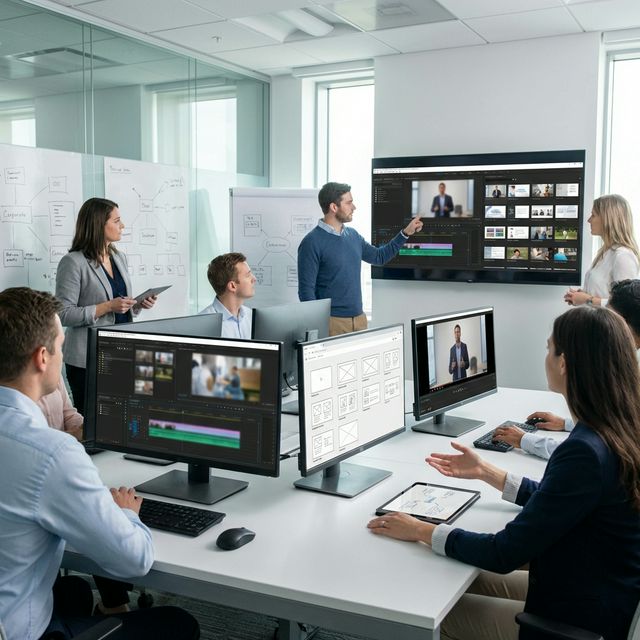
Church / Speakers
Pillar: Sunday Sermon. Micro: The emotional climax of the speech. Used to attract younger members via Reels.
Verify the workflow before generation
Review the inputs, model, estimated credit cost, output type, and limitations shown on this page.
Troubleshooting: Repurposing Issues
Clips Start Abruptly
Use the "AI Intro" feature. The AI writes a 2-second text intro like "Wait for the tip..." to bridge the gap before the clip starts.
Speaker Blurred
Zoom footage is often 720p. When zoomed in vertically, it gets blurry. Use the "AI Super Res" toggle to upscale the face to 1080p.
Silence in Clip
Use the "Remove Silence" button. It cuts out pauses >0.5s to make the clip feel punchy and modern.
Captions Wrong
Double click the caption text on the preview to manually correct proper nouns (e.g., change "Chat G P T" to "ChatGPT").