
AI Voice Cloning
Create an AI Voice of Yourself in Minutes
Securely create a high-fidelity digital replica of your vocal identity and scale your content production ten-fold without saying a word.
Trusted by creative teams at
Voice Cloning Studio
Cost: 100 Credits
Please read aloud:
"I authorize my voice AI to be used for content creation on FlowVideo."
Click to start recording
Voice Cloning Technology
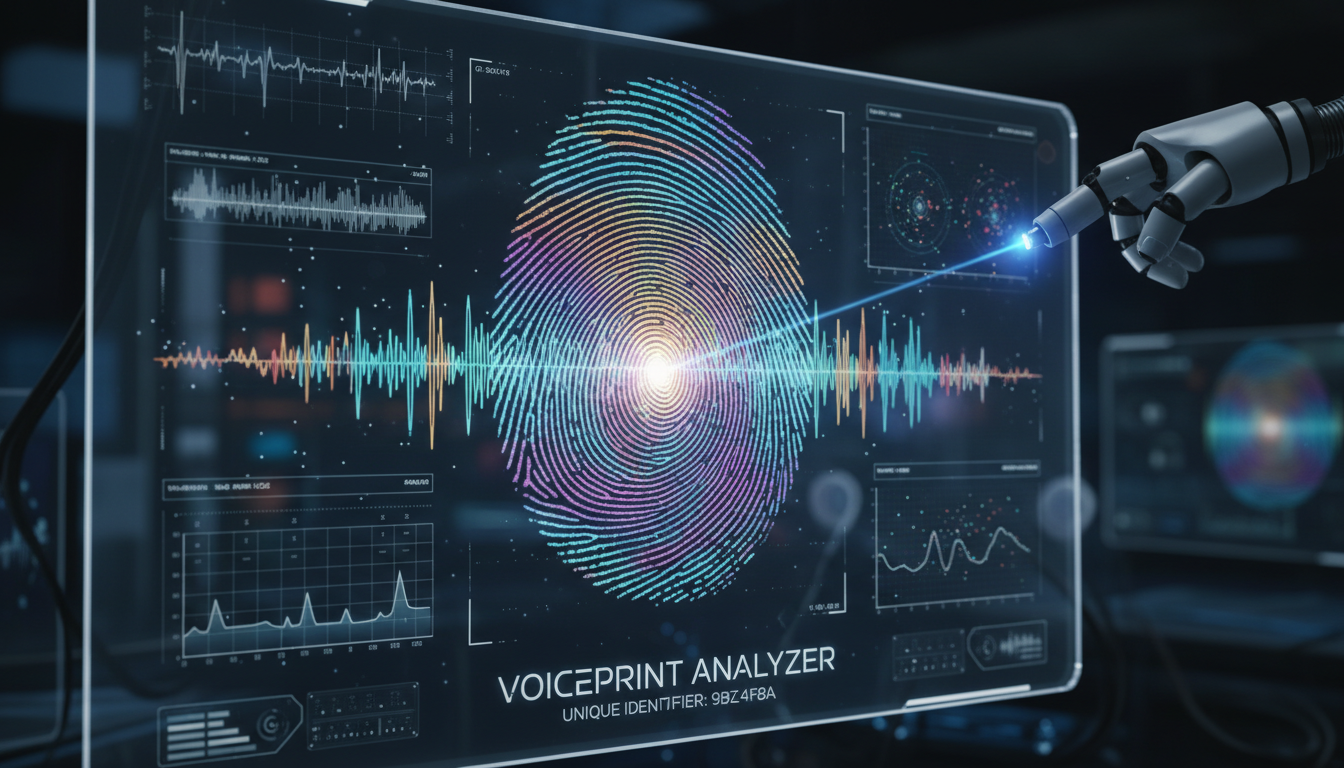
Speaker Embeddings
Analyzes pitch, resonance, pacing, breathiness, accent. Compresses into mathematical fingerprint.
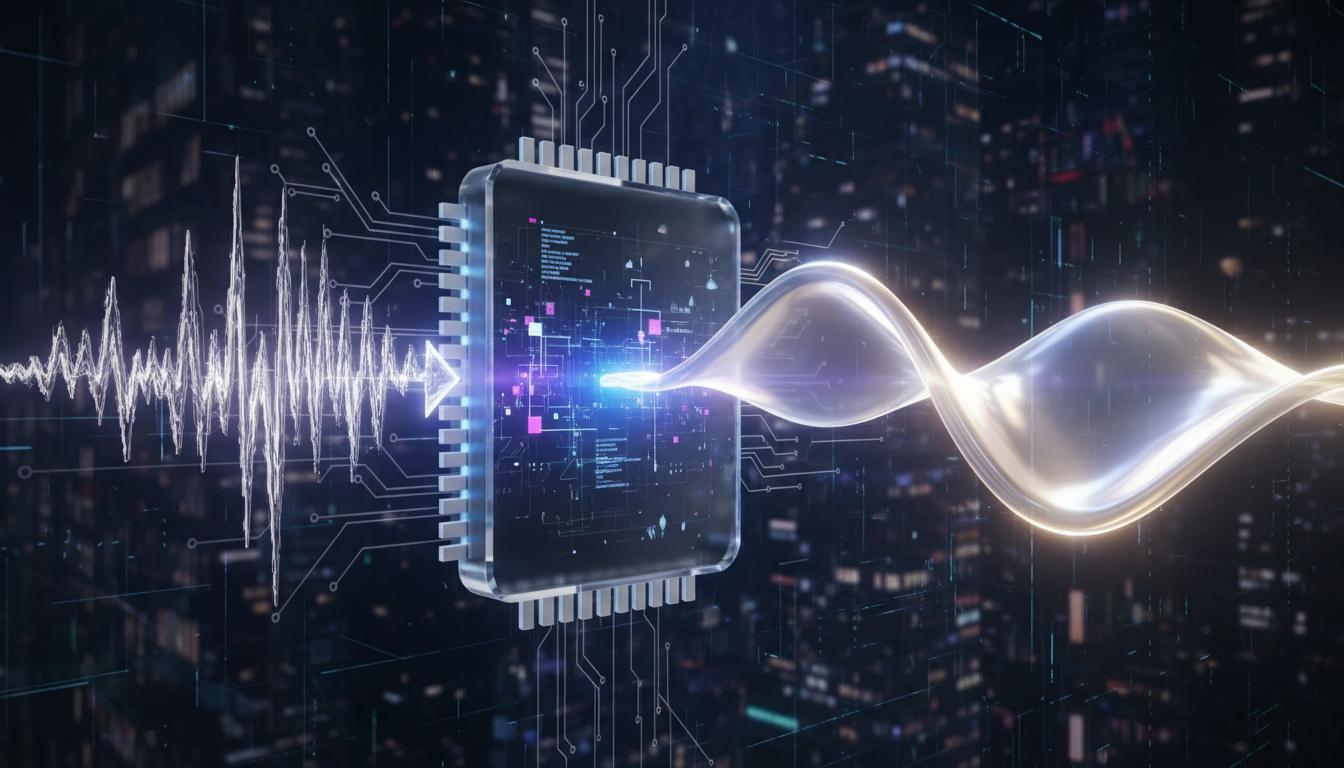
Neural Synthesis
Multi-speaker TTS conditioned by your embedding. "Say these words like THIS person."
HiFi Vocoder
Refines waveform for crisp output. Natural breathing, lip sounds. No metallic buzz.
🔒 Security: Voice model private to your account. Audio watermarked. Consent verification prevents unauthorized cloning.
Your Voice is a Bottleneck
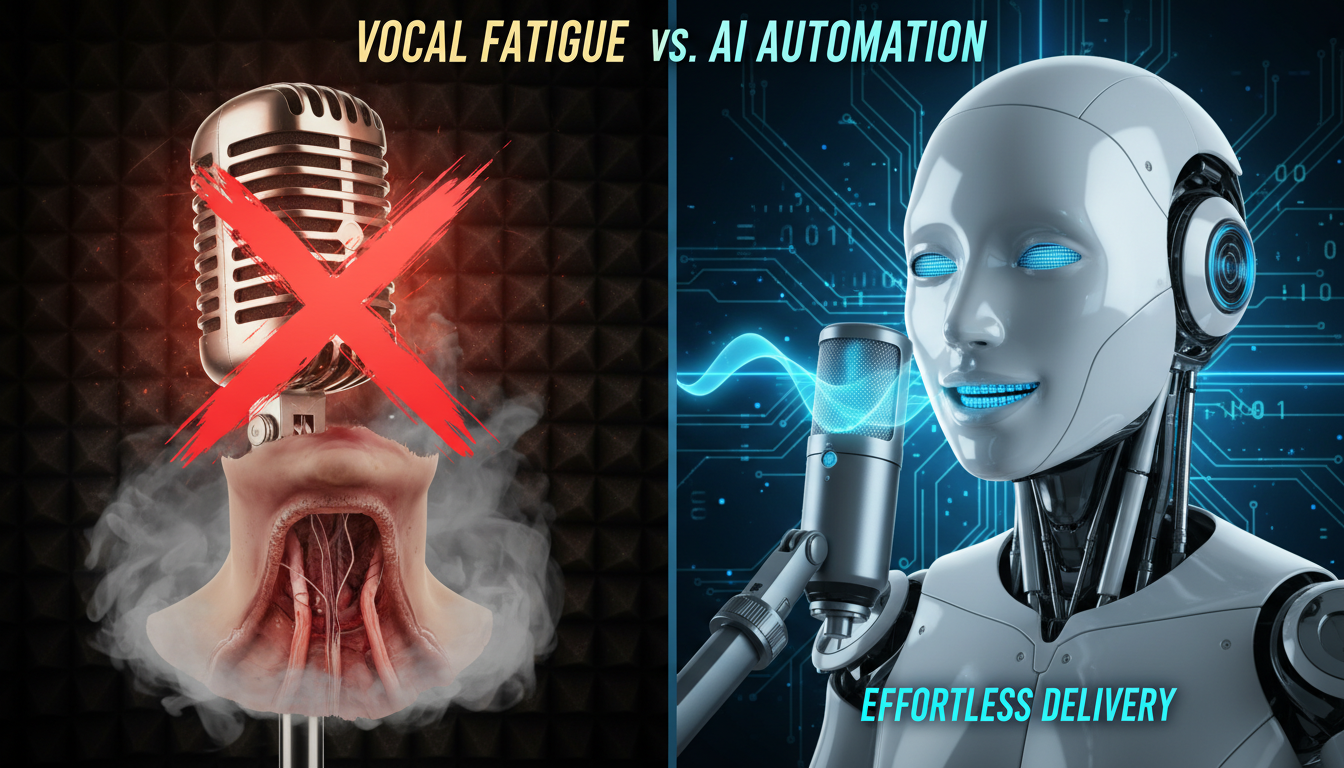
Your voice is one of your most unique and powerful assets. It carries your personality, authority, and brand identity. However, as a content creator or professional, your voice is also a bottleneck. Recording voiceovers for every video, podcast, intro, or presentation is physically exhausting and time-consuming. You battle vocal fatigue, background noise, and the endless need for "just one more take." What if you could speak to your audience without opening your mouth? This is the transformative promise of AI Voice Cloning.
FlowVideo AI empowers you to create an ai voice of yourself—a realistic digital twin that captures your specific tone, cadence, accent, and unique vocal quirks. Once created, this model can read any text you type, allowing you to produce hours of audio content in mere minutes. Whether you are a YouTuber tired of recording late at night, an author wanting to self-narrate an audiobook, or a corporate executive who needs to deliver consistent messaging in multiple languages, voice cloning is the ultimate productivity multiplier.
Unlike generic, robotic Text-to-Speech (TTS) voices that sound disjointed and cold, a cloned voice retains the human warmth and nuance of the original speaker. This technology seamlessly integrates with our broader ecosystem. For instance, you can use your custom voice with our Text to Video AI tools to narrate your generated scenes, ensuring a consistent and personalized viewer experience across all media.
Why You Should Create an AI Voice of Yourself
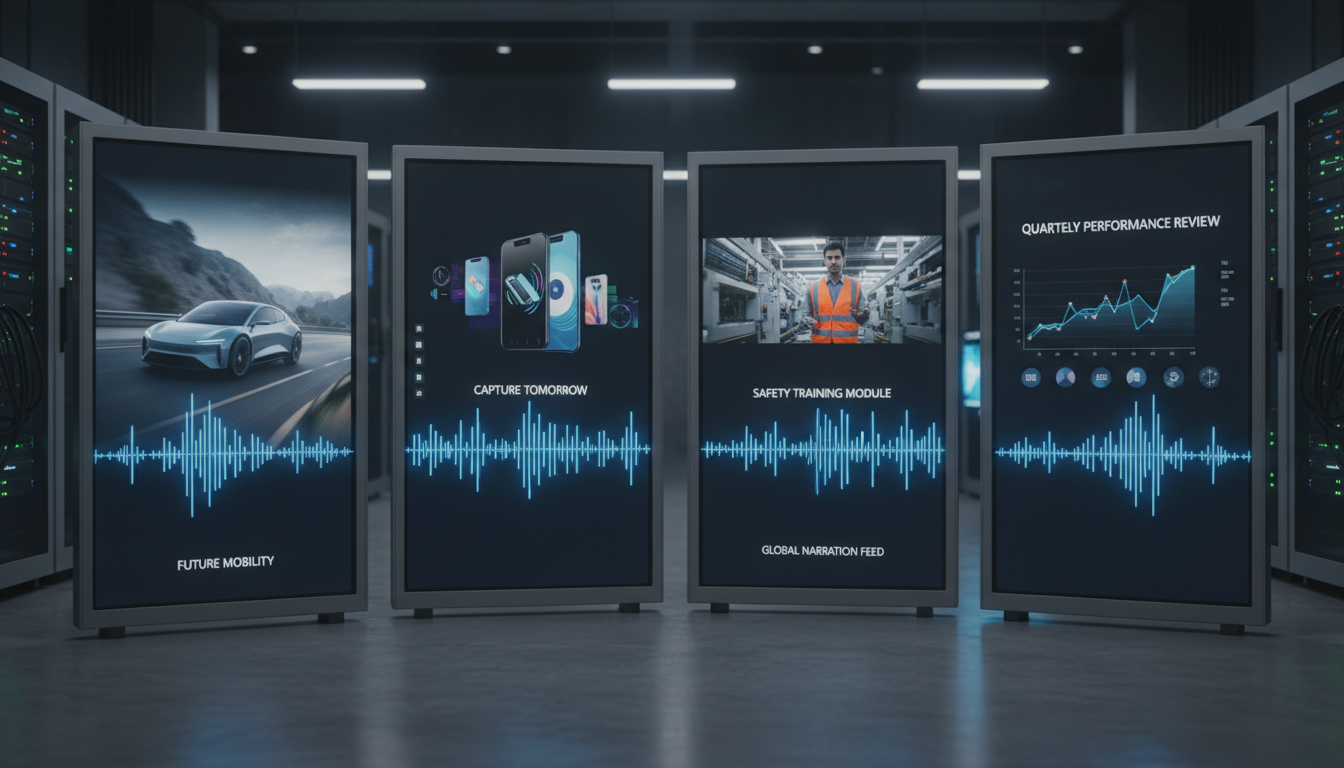
Scale Your Content Production
The Technology Behind Voice Cloning
Speaker Embeddings
In the past, training a text-to-speech (TTS) model required hours (or days) of professional studio recordings comprising thousands of sentences. Today, FlowVideo AI uses "Instant Voice Cloning" technology. The system analyzes a short audio sample of your voice (sometimes as short as 30 seconds). It breaks down the audio into a spectral representation, extracting features such as pitch (fundamental frequency), resonance (formants), pacing, breathiness, and accent. This data is compressed into a vector called a "Speaker Embedding"—a mathematical fingerprint of your voice.
Neural Synthesis & Vocoders
When you input text, the main multi-speaker TTS engine generates the raw linguistic representation of the speech. However, before turning it into sound, it conditions the output using your specific Speaker Embedding. It essentially tells the AI: "Say these words, but say them like this person." Finally, a component called a "Vocoder" (Voice Encoder) refines the raw audio waveform to ensure it sounds crisp, high-fidelity, and human, removing the robotic metallic buzz associated with early computerized speech.
Step-by-Step Guide: How to Clone Your Voice
Step 1: Access the Capture Studio
Enter the tool interface. You will see a microphone icon and a visualization of sound waves. This is your recording environment. Ensure you are in a quiet room with minimal echo (sound dampening). A high-quality external microphone (USB or XLR) is recommended for professional results, but a modern smartphone or laptop mic will work for basic cloning. Pro Tip: Do not process your audio (no EQ, compression, or reverb). The AI needs the raw, dry signal of your voice to learn accurately. Reverb can confuse the model.
Step 2: Record the Consent Statement
For ethical and security reasons, we require a explicit verification step. You cannot clone someone else's voice (like a celebrity or politician) without their permission. The system will display a prompt: "I authorize my voice AI to be used for content creation on FlowVideo." Click the red "Record" button. Speak the phrase clearly and at a natural pace. Do not rush. This sample serves two purposes: Data Source: It provides the initial acoustic data for the clone. Biometric Lock: We use voice biometrics to verify that the person speaking matches the voice being cloned, preventing unauthorized usage.
Step 3: Analysis and Model Generation
Once you stop recording, click "Submit". You will see an analysis progress bar. The system is now stripping background noise (denoising) and mapping your vocal characteristics. This usually takes 10-20 seconds. If the recording was too quiet, mumbled, or contained multiple voices, the system will reject it and prompt you to retry.
Step 4: Voice Captured! Use in Workspace
Upon successful analysis, a popup will confirm: "Voice Captured! Use it in Workspace." Your custom voice is now saved to your profile (securely encrypted). You will be redirected to the main workspace. There, when you select a "Voice" for any Text-to-Speech task, you will see your name listed under "My Voices". You can now type any text, and the AI will generate audio using your newly minted digital twin. You can also adjust settings like "Stability" (how consistent the voice is) and "Similarity" (how close it sticks to the original sample).
Industry Use Cases
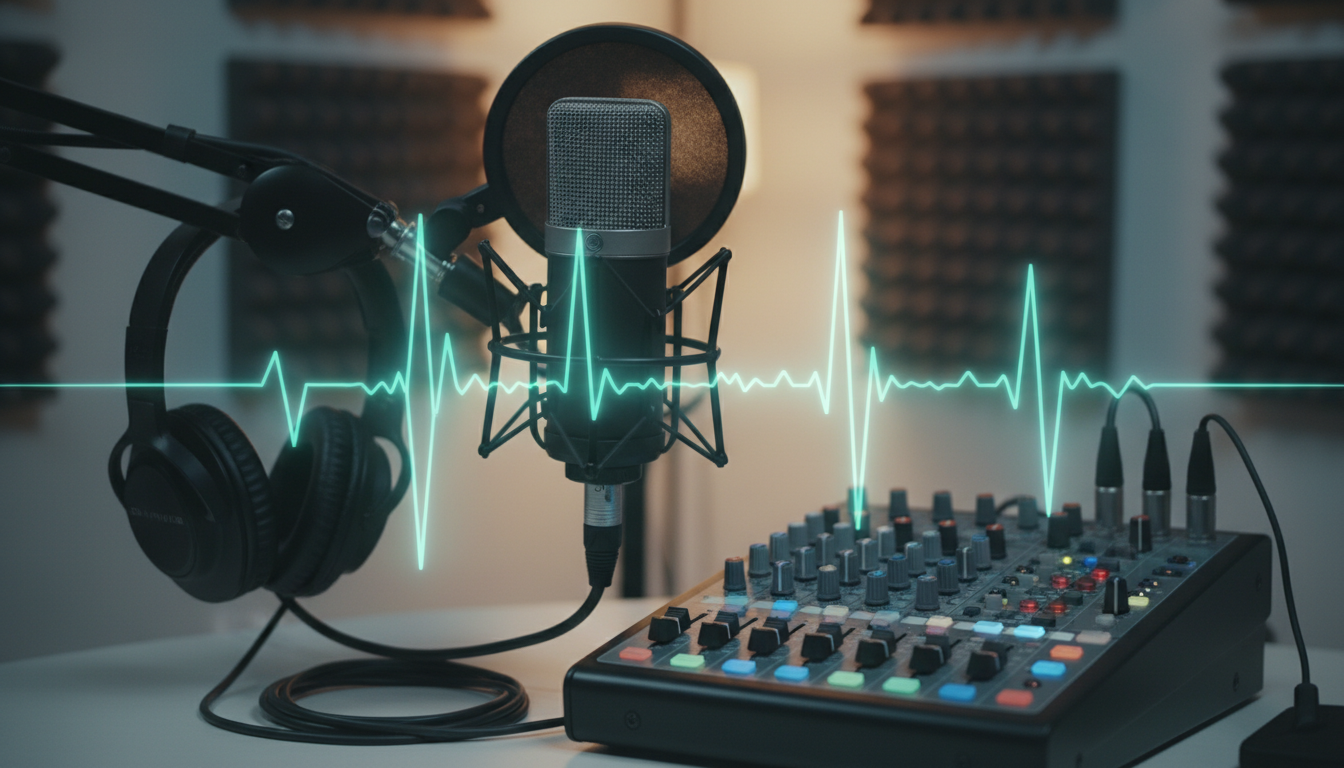
Podcasting and Radio
Podcasters use voice cloning to "patch" episodes. If you misspoke a name or date during an interview, you don't need to call the guest back or set up the mic again. You can simply type the correction, generate the audio snippet in your own voice, and splice it in during editing.

Audiobooks and Narrations
Independent authors can produce audiobooks at a fraction of the cost of hiring professional narrators ($200-$500 per finished hour). By cloning their own voice, they can "read" their entire novel in an afternoon simply by uploading the manuscript text file.
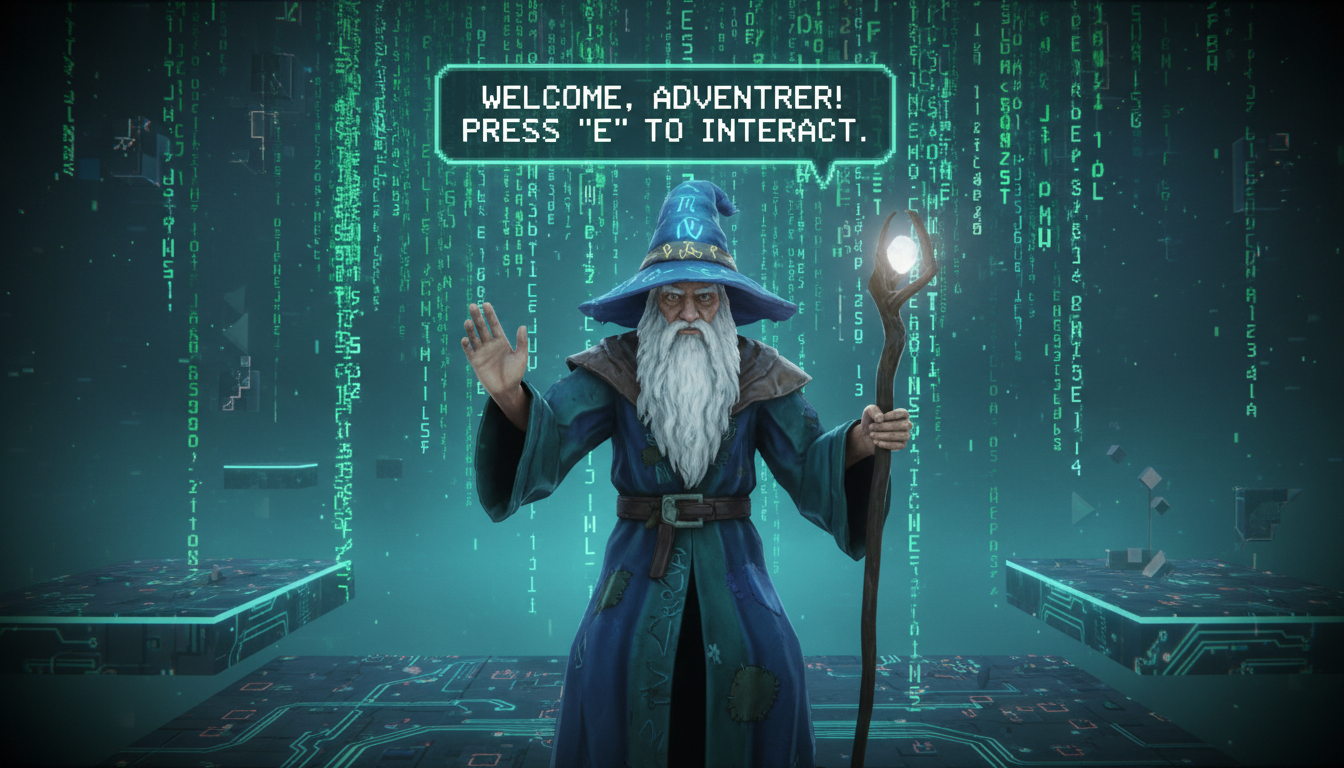
Gaming and Mods
Game developers and modders use voice cloning to give voices to non-player characters (NPCs) or to create dynamic dialogue lines that change based on player actions (e.g., saying the player's custom name), all without scheduling expensive recording sessions.
What Users Are Saying
See how others are leveraging their digital voice twins to save time and money.
Ryan M.
YouTuber
“I clone 5 video scripts while sleeping. Wake up to finished audio. Game changer for productivity.”
Diana L.
Author
“Produced my entire audiobook in one afternoon. Would have cost $15K with a narrator.”
Marcus T.
Podcaster
“Fixed a guest's name mispronunciation without calling them back. Seamless patch.”