
AI Video Editing Tools
The Future of Post-Production
Editing is an art, but 80% of it is manual labor. Cutting out silence, syncing audio, masking objects—these are repetitive tasks that kill creativity. FlowVideo AI's suite of AI Video Editing Tools replaces this drudgery with intelligent automation, allowing you to focus on the story while the machine handles the pixels.
Built for transparent creative workflows
AI Editing Suite
Intelligent video automation
Auto-Enhance Quality
Color grading + stabilization
AI Processing Preview
Your AI-edited video will appear here. Upload a video to start.
Introduction
In 2024, "AI" is more than a buzzword; it's a co-pilot. Traditional Non-Linear Editors (NLEs) like Premiere Pro act as dumb typewriters. You have to tell them exactly what to do.
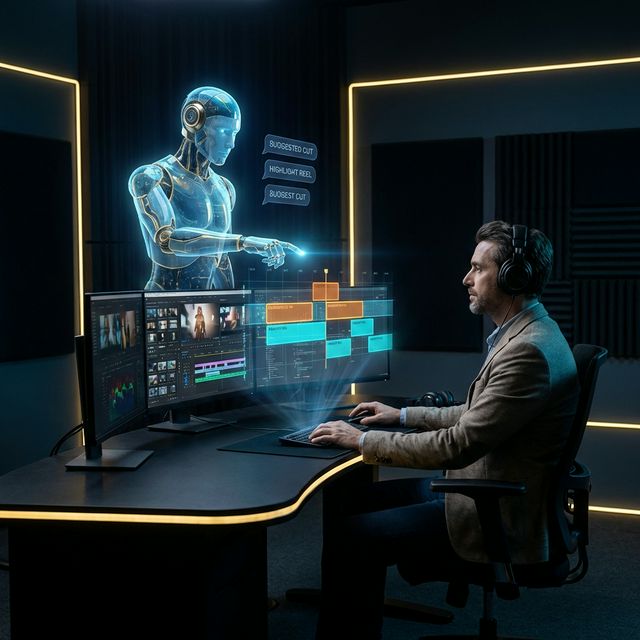
FlowVideo's AI Editor acts as a smart assistant. It suggests cuts. It fixes audio. It generates B-roll. It understands the content of your video, not just the file format.
From "Magic Cut" (which removes boring parts) to "Generative Fill" (which adds missing pixels), these tools reduce the "Time to Publish" by an order of magnitude.
Why Use AI Video Editing Tools? (Deep Dive)
The shift from "Manual" to "Assisted" creativity.
The Technology: Neural Rendering
How the machine sees video.
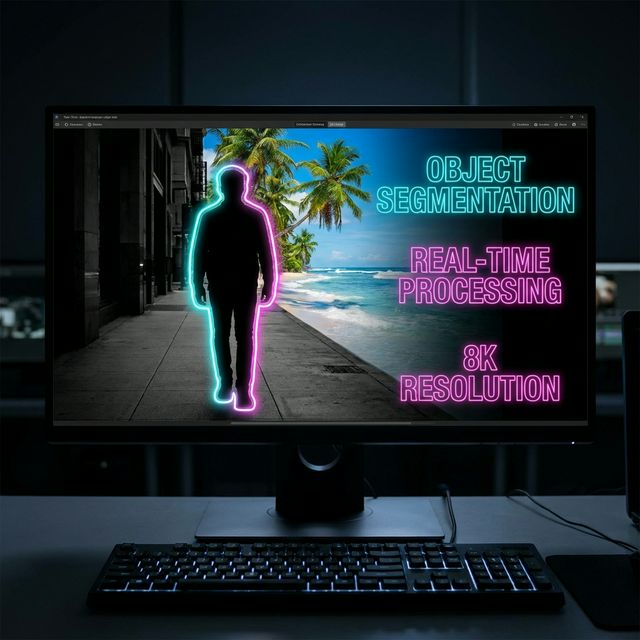
Object Segmentation (Rotoscoping)
Mask R-CNN separates the foreground (Person) from the background. You can apply a "Text Behind Person" effect. You can blur the background. You can change the background color. No green screen required.
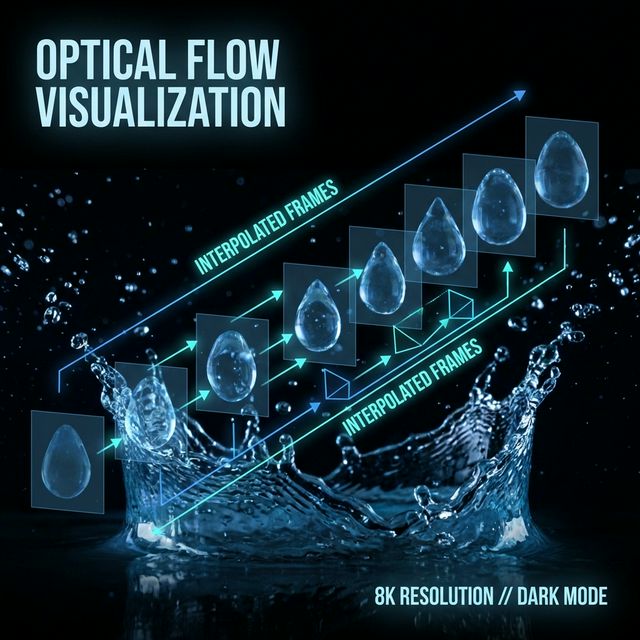
Optical Flow (Slow Motion)
Frame Interpolation turns 30fps footage into smooth 120fps "Super Slow Mo." Our AI generates intermediate fake frames between the real frames.

GANs (Generative Adversarial Networks)
Use "Inpainting" to remove a logo from a shirt. The AI hallucinates the fabric texture to fill the hole, making the edits invisible.
Step-by-Step Guide: The AI Workflow
From Raw to Polished.
Ingest & Analyze
Drag clips to the cloud. The AI runs a background pass to generate transcripts, saliency maps, and face vectors.
Text-Based Edit
Open the "Transcript View." Highlight a boring paragraph of text. Press "Delete." The video clip corresponding to that text disappears.
Visual Cleanup
Click "Enhance Video." It balances the color (Auto-White Balance) and stabilizes the handheld motion (Warp Stabilizer).
Generative B-Roll
Highlight the sentence "The economy is crashing." Click "Generate Visuals." The AI finds a stock clip of a stock market chart falling and places it on top.
Export Variations
Select "Output Targets": YouTube (16:9), TikTok (9:16), LinkedIn (4:5). It renders all 3 versions simultaneously, adjusting crops for each.
Troubleshooting: AI Limitations
Weird Hands
Generative video artifact.
✓ Use "Inpainting" to redraw the specific area that looks glitchy.
Voice Robotic
TTS lacked emotion.
✓ Use "Style Transfer" to apply an "Angry" or "Happy" tag to the voice generation.
Object Mask Slip
Fast motion blur.
✓ Manually adjust the "Keyframe Density" to force the AI to track every frame instead of every 5th frame.
Reframe Missed
Two people in shot.
✓ Manually select the "Primary Subject" (click the face) so the reframer knows who to follow.
Comparison: Traditional vs. AI
| Feature | Adobe Premiere (Manual) | FlowVideo (AI Assisted) |
|---|---|---|
| Silence Removal | Manual Cut | One-Click |
| Captions | Manual Type | Auto-Generate |
| Reframe | Keyframes | Auto-Track |
| Color Comp | Manual Curves | Auto-Match |
| Learning Curve | 6 Months | 1 Day |
| Speed | 1x | 10x |
Industry Use Cases
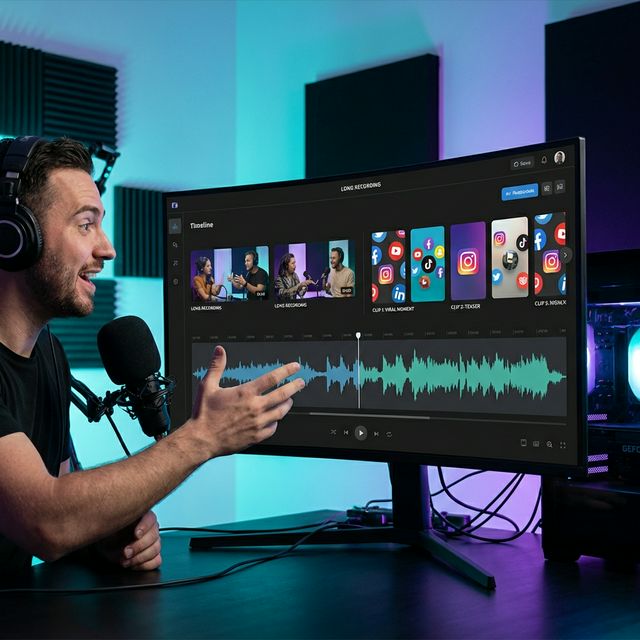
Podcasters
Magic Cut + Auto-Reframe: Turn a 2-hour Zoom call into 10 viral TikTok clips in under 15 minutes.

Real Estate
Image Enhancer + Sky Replacement: Turn a cloudy day house tour into a sunny day masterpiece.
Ecommerce
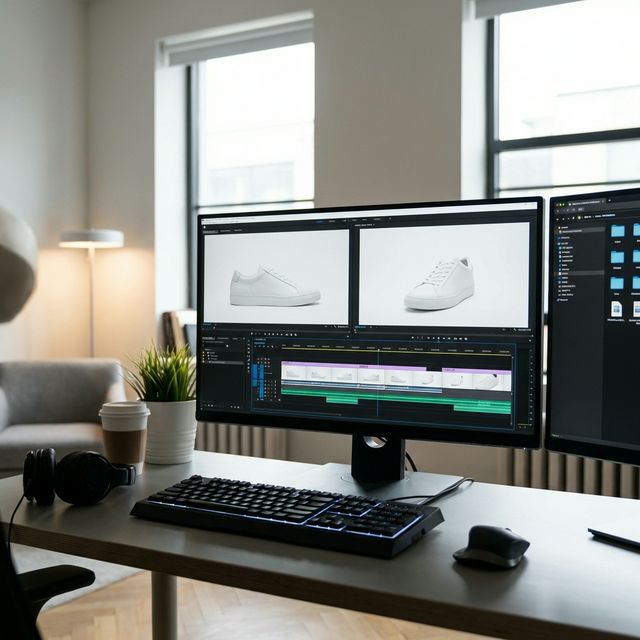
Background Removal: Take a product shot on a kitchen table and put it on a pure white background for Amazon.

Corporate Comms
TBE (Text Based Editing): Edit the CEO's town hall meeting by just deleting the text of the topics that aren't public-safe.
Verify the workflow before generation
Review the inputs, model, estimated credit cost, output type, and limitations shown on this page.
Frequently Asked Questions about AI Tools
The tool doesn't make the movie; the artist does. But better tools allow the artist to work faster. FlowVideo AI's AI Video Editing Tools remove the friction between your brain and the screen. Stop fighting the timeline. Start directing the AI.
How AI Video Editing Tools Are Reshaping the Post-Production Pipeline
The Real Problem With Traditional Video Editing
Most video editors spend roughly 70 percent of their time on tasks that require zero creativity. Scrubbing through footage to find usable takes, cutting out dead air, manually keyframing crop positions for vertical exports. These are mechanical chores, and they stack up fast. A 30-minute interview generates hours of raw footage. A multicam podcast session demands syncing, trimming, and reformatting across multiple aspect ratios. AI video editing tools exist precisely because this bottleneck kills output. Creators who could publish three videos a week are stuck at one, not because they lack ideas, but because the edit takes forever. The shift toward auto video editing is not about replacing human judgment. It is about freeing editors from the assembly line so they can focus on pacing, tone, and narrative structure. FlowVideo approaches this by handling the repetitive layers of post-production through machine learning models that understand audio waveforms, visual saliency, and speaker identity.
Magic Cut and Smart Silence Removal
Silence removal sounds simple until you try to do it properly. Aggressive cuts produce jarring jump cuts. Loose cuts leave awkward pauses. FlowVideo's Magic Cut feature uses voice activity detection to map every moment of speech, breath, and silence in the timeline. It does not just look for quiet sections. It analyzes the energy curve of the audio, preserving natural breathing patterns while stripping out the dead gaps where the speaker paused to think or check their notes. The result is a tight, broadcast-ready cut that sounds natural rather than robotic. For podcasters and YouTubers, this single feature can compress a 25-minute recording into 14 minutes of dense, watchable content without touching a single clip manually. Combined with the ai video editor's transcript view, you can review every cut as highlighted text and restore any segment with a click.
Semantic Search: Finding the Needle in 40 Hours of Footage
Documentary editors and corporate video teams deal with enormous media libraries. Finding a specific moment, say a shot of a red truck crossing a bridge, traditionally means scrubbing through hours of clips or relying on filenames that nobody labeled correctly. FlowVideo's semantic search indexes video content using computer vision. Every frame gets tagged with objects, actions, colors, and scene types. You type a plain-language query, and the timeline filters to show matching segments. This is not keyword matching against metadata. The AI actually understands what is happening visually in each frame. For smart video editing workflows, this changes the entire editorial process. Instead of organizing bins before you start cutting, you search for what you need in real time. The footage becomes a searchable database rather than an opaque pile of files.
Auto-Reframe: One Shoot, Every Platform
Shooting once and exporting for YouTube, TikTok, Instagram Reels, and LinkedIn means dealing with 16:9, 9:16, 4:5, and 1:1 aspect ratios. Manually repositioning the frame for each format is tedious and error-prone, especially when subjects move around. Auto-reframe in FlowVideo tracks the primary subject, whether that is a face, a hand gesture, or a product on a table, and dynamically adjusts the crop window throughout the clip. The ai video enhancement layer ensures that the reframed output maintains visual quality even at the edges of the original frame. For agencies producing social media content at scale, this turns a single horizontal shoot into four or five platform-ready exports without any manual keyframing. The time savings compound fast when you are processing dozens of clips per week.
Authorized Voice Correction
A replacement line may be generated only from your own voice or from a speaker who explicitly authorized cloning, the replacement script, and the intended publication context. Keep that authorization with the project, review the complete generated line, and disclose synthetic speech whenever the edit could otherwise mislead an audience. Do not use voice correction to impersonate someone, fabricate an endorsement, or make a speaker appear to approve words they did not authorize.