
AI Video Montage Maker
Auto-Stitch Clips
Life happens in fragments. 3 seconds of a sunset. 5 seconds of a birthday laugh. 2 seconds of a diving board. These fragments are worthless alone, but powerful together. Use our video montage maker to glue them into a cohesive, emotional narrative automatically.
Built for transparent creative workflows
AI Montage Studio
Beat-synced magic
Montage Preview
Upload your clips and select a vibe. AI will find the best moments, sync to music, and create a professional montage.
Introduction
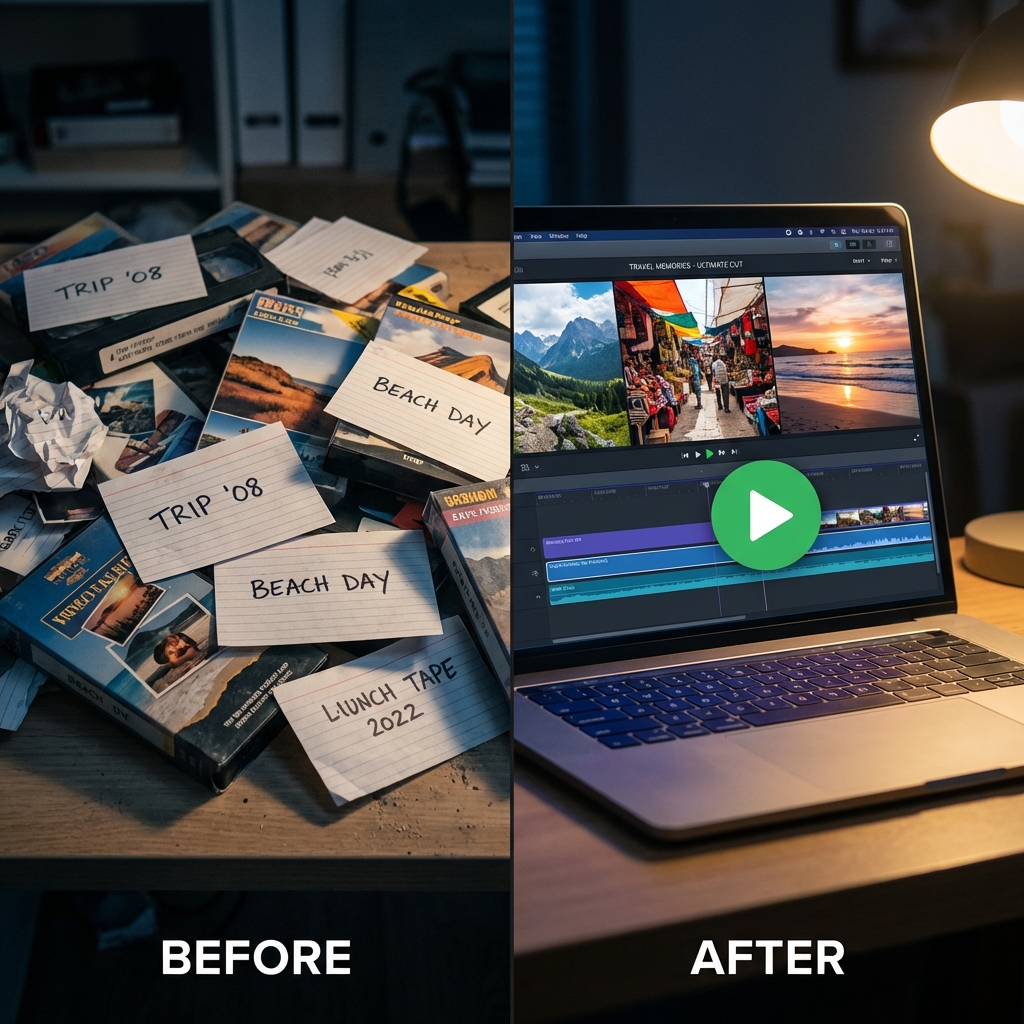
We are living in an era of "Digital Hoarding." The average smartphone user has over 2,000 videos sitting on their camera roll. These videos capture the most important moments of our lives—weddings, vacations, baby steps—yet they remain unseen. Why? Because watching 50 separate, shaky, unedited clips is tedious. It is a bad user experience. To share these memories, you need to transform the "Raw Data" into a "Story."
A montage is the solution. It is the cinematic language of memory. It condenses an entire week-long trip into 60 seconds of high-energy highlights. But traditionally, making a good montage is hard work. You have to import files, scrub through hours of footage to find the "Good Part," trim the shaky start, trim the blurry end, and manually align every cut to the beat of a song. It takes hours of tedious mouse-click editing.
FlowVideo AI's Video Montage Maker removes the drudgery. It acts as an Intelligent Editor in your browser. It scans your uploaded batch of clips using Computer Vision. It identifies the "Peak Moments"—the smiles, the jumps, the cheers. It automatically trims the fat. It sequences the events chronologically or thematically. And, most importantly, it stitches them together with professional transitions, synced perfectly to an AI-selected soundtrack. It turns your passive "Digital Hoard" into active "Digital Storytelling."
Why Use a Video Montage Maker? (Deep Dive)
Why is the "Montage" the most effective format for social sharing?
The "Highlight Reel" Effect (Dopamine Optimization)
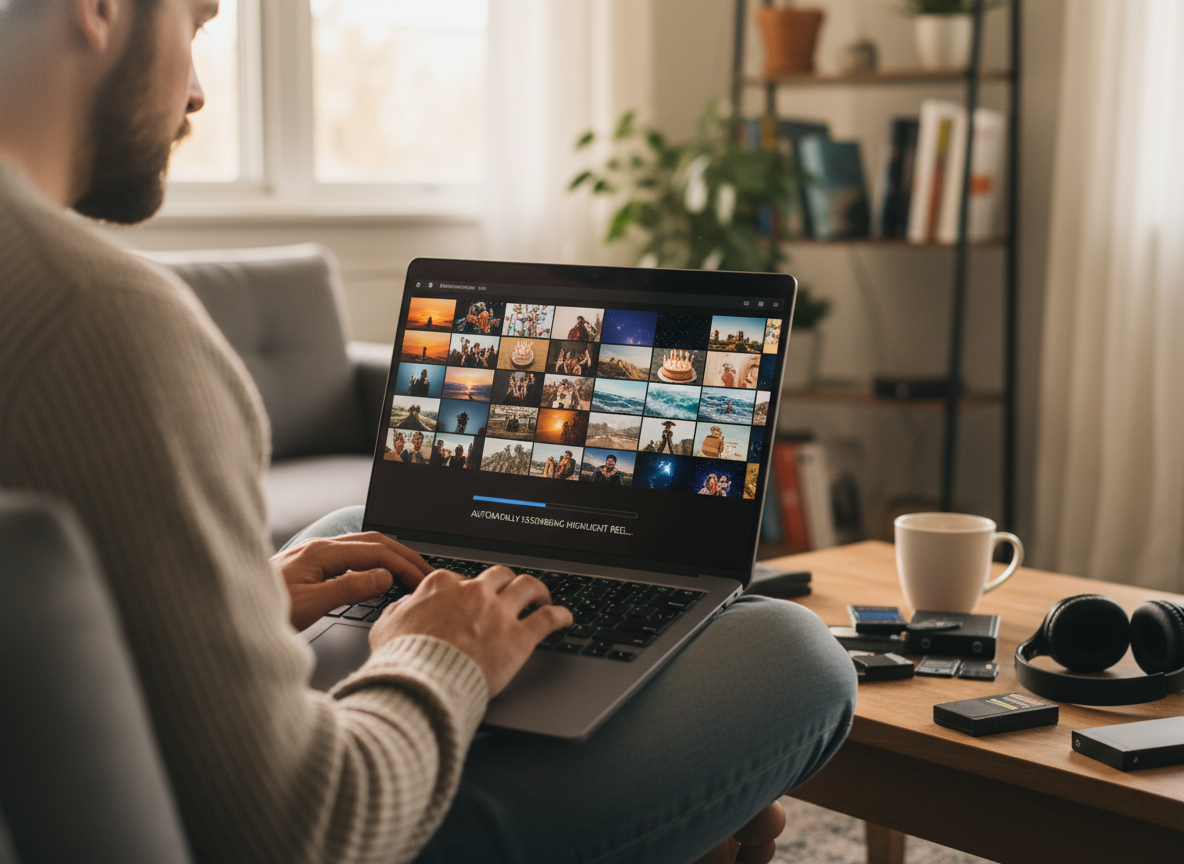
Social media feeds are designed for high-density information. A raw 2-minute video of a concert is boring because 90% of it is dead air, blurriness, or waiting. A 15-second montage of that same concert—showing only the beat drop, the light show, and the crowd screaming—condenses the feeling of being there without the boredom. Our tool is an "Efficiency Engine." It squeezes the maximum amount of dopamine out of your footage by algorithmically removing the low-energy segments, leaving only the "Signal."
Beat-Synchronization (The "Flow" State)
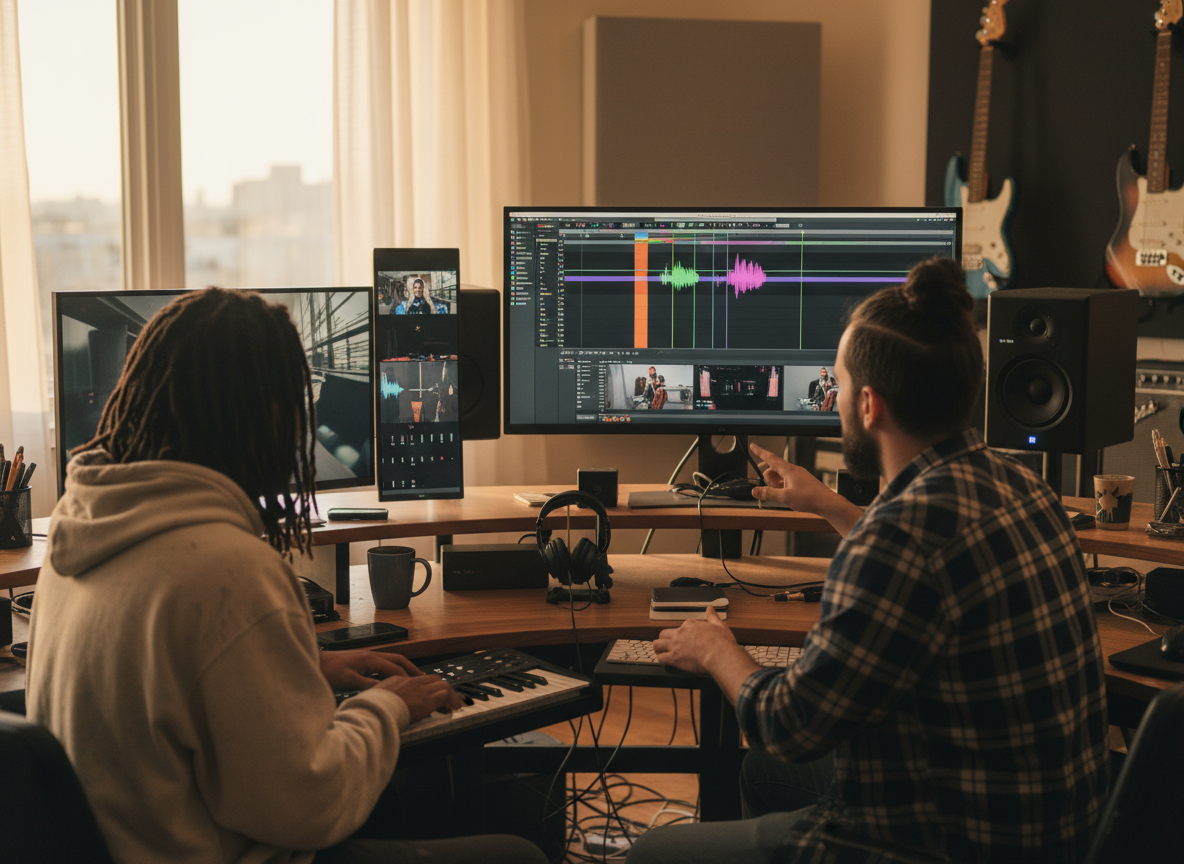
The difference between a bad home video and a professional "Mood Film" is Sync. When a visual cut happens exactly on a snare drum hit or a bass drop, it feels satisfying to the human brain. It feels intentional. Doing this manually requires frame-perfect precision. Our AI analyzes the "Beat Grid" of your chosen song, identifies the Transients (peaks), and snaps every cut to this grid. This invisible technical feat makes your montage feel "musical" and high-budget.
Contextual Grouping & Narrative Arc
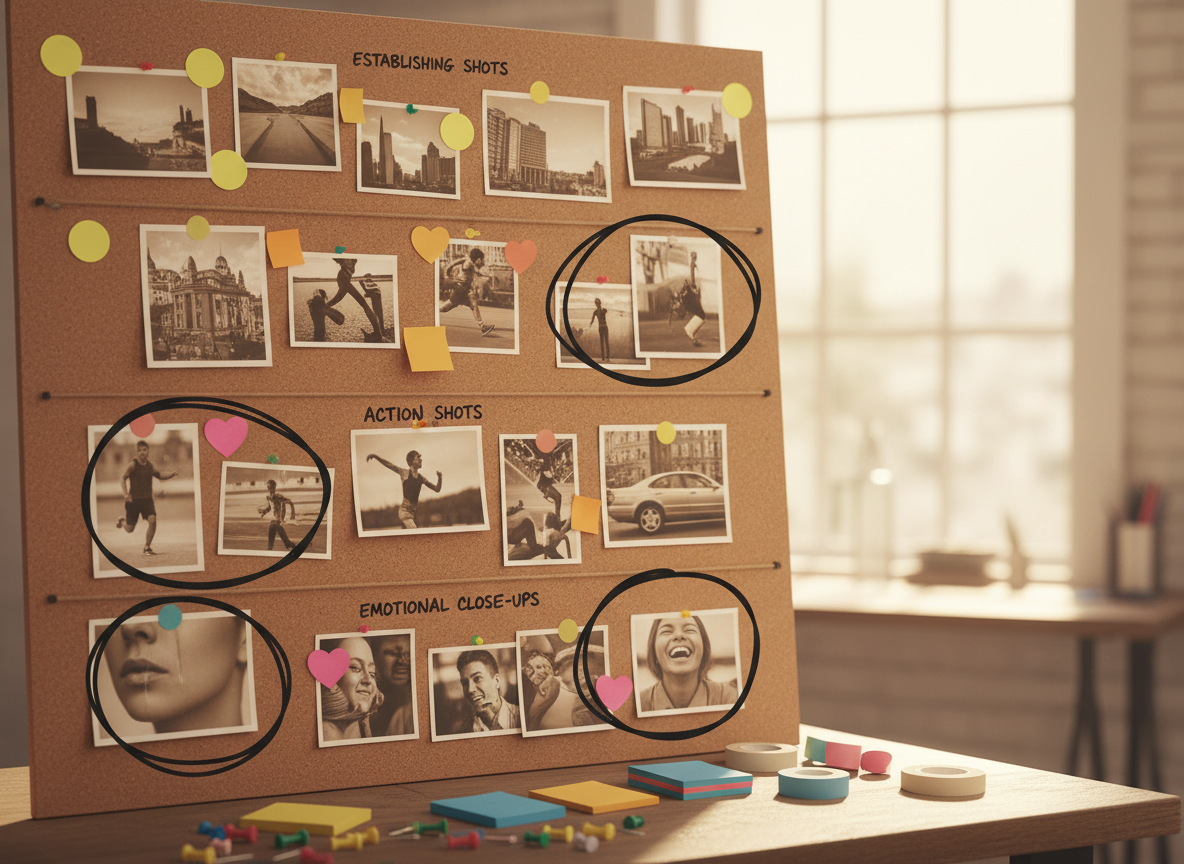
A folder of files has no context. It is just a list. A montage creates context. By grouping clips of "My Dog's First Year," you tell a story of growth. By grouping clips of "Japan Trip," you create a travelogue. The montage format implies a narrative arc (Beginning, Middle, End) that individual files lack. The AI creates this arc by detecting "Establishing Shots" (wide angles) to start the video and "Closing Shots" (fade outs) to end it.
Platform Optimization (Retention)
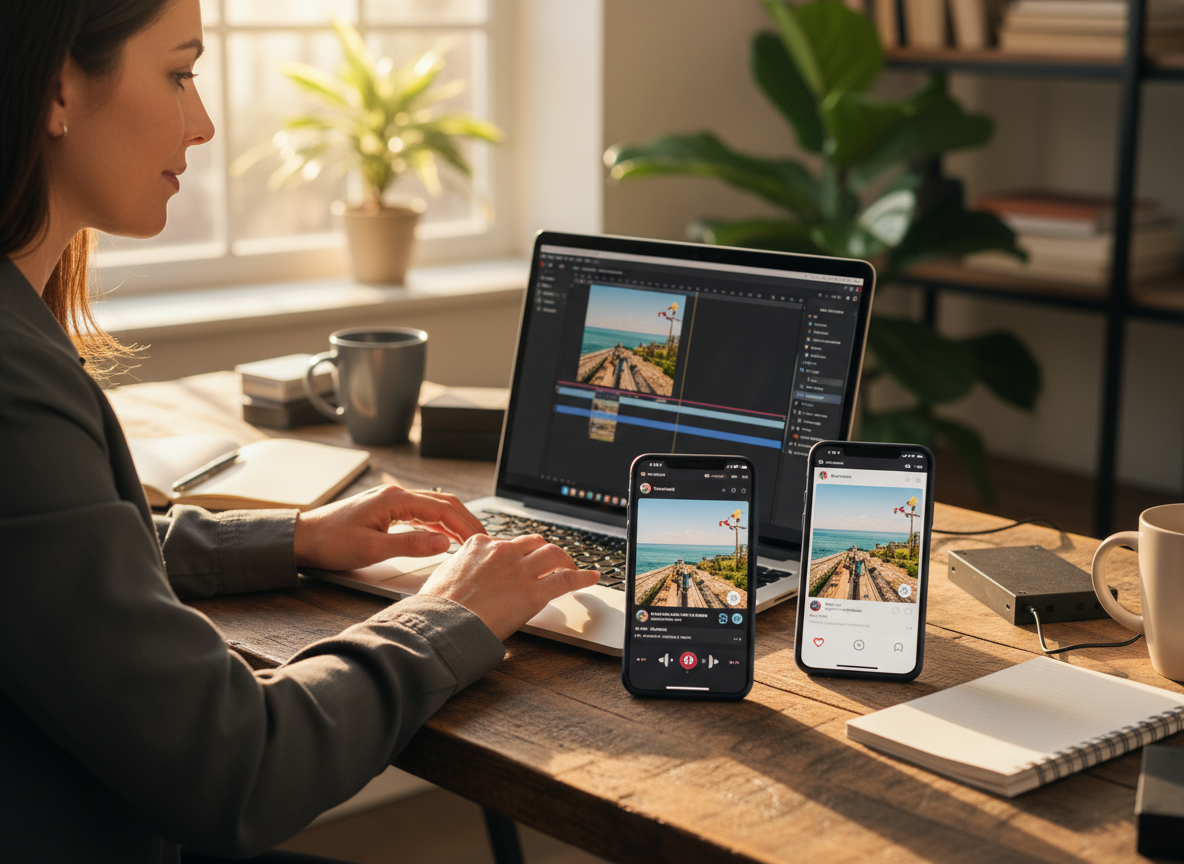
Vertical video feeds (TikTok, Reels, Shorts) punish slow intros. If nothing happens in the first 3 seconds, the user swipes. A montage starts fast. It cycles through visuals rapidly (every 0.5s to 2s), which maintains what psychologists call "Retinal Retention." Viewers are afraid to scroll away because the visual stimuli changes so fast they want to see what the next flash will be. This leads to higher "Average View Duration" (AVD), which signals the algorithm to boost your video.
The Technology: Smart Trimming & Semantic Vision
How does the AI know which part of the video is "Good" and which is "Garbage"?
Aesthetic Quality Assessment (AQA)
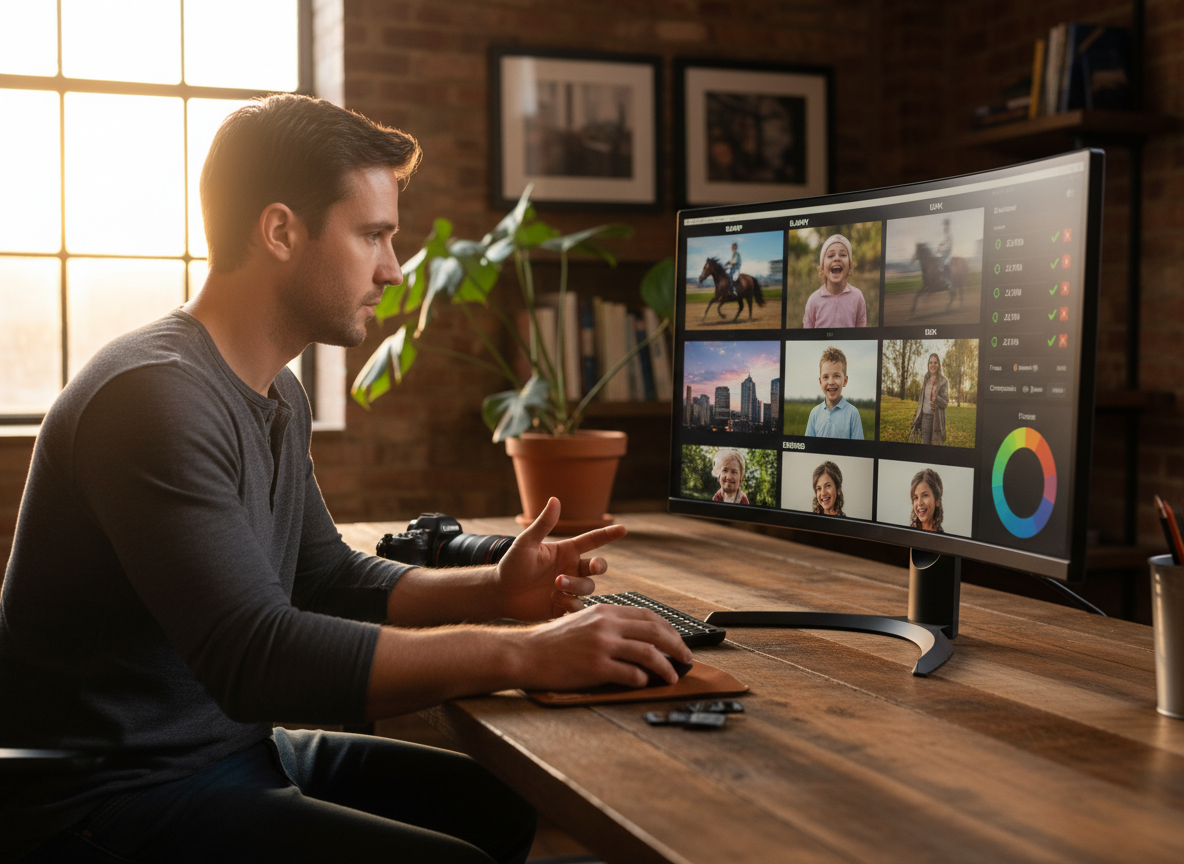
The AI evaluates every frame of your video based on photographic rules using a CNN (Convolutional Neural Network). Focus Check: Is the subject blurry? (Discard). Exposure Check: Is it too dark or blown out? (Discard, or attempt HDR fix). Stability Check: Is the camera shaking to the point of nausea? (Stabilize or Discard). It assigns a "Quality Score" (0-100) to every second of footage. If you have a 10-minute clip, the AI might only keep the 5-second segment with a score of 95+.
Saliency and Action Detection
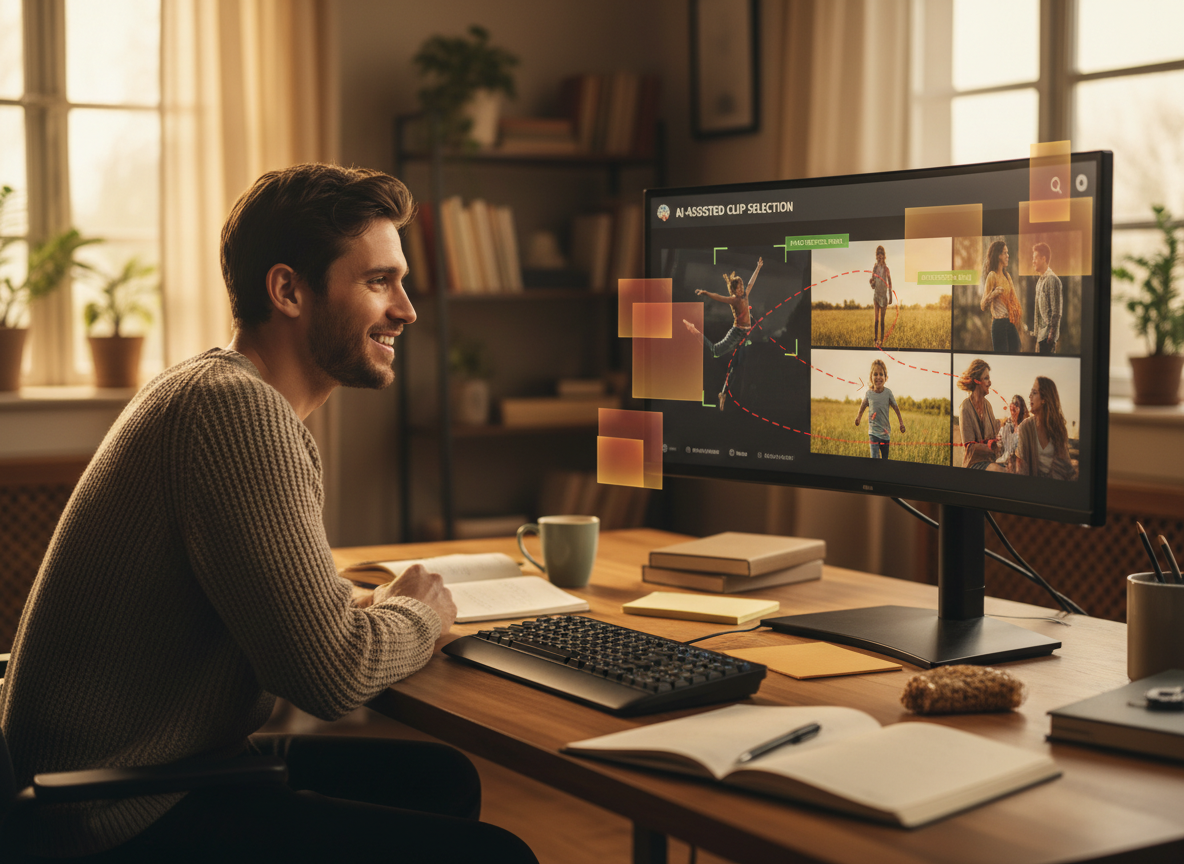
The vision model looks for "Interestingness" based on content. Face & Smile Detection: It prioritizes human faces, specifically looking for landmarks associated with smiling or laughing. Action Recognition: High motion (e.g., someone jumping into a pool, a car speeding by) triggers a "Keep" decision. Static Filtering: If nothing moves in the frame for 3 seconds, the AI identifies it as "Boring" and cuts it.
Transition Logic & Cross-Modal Attention
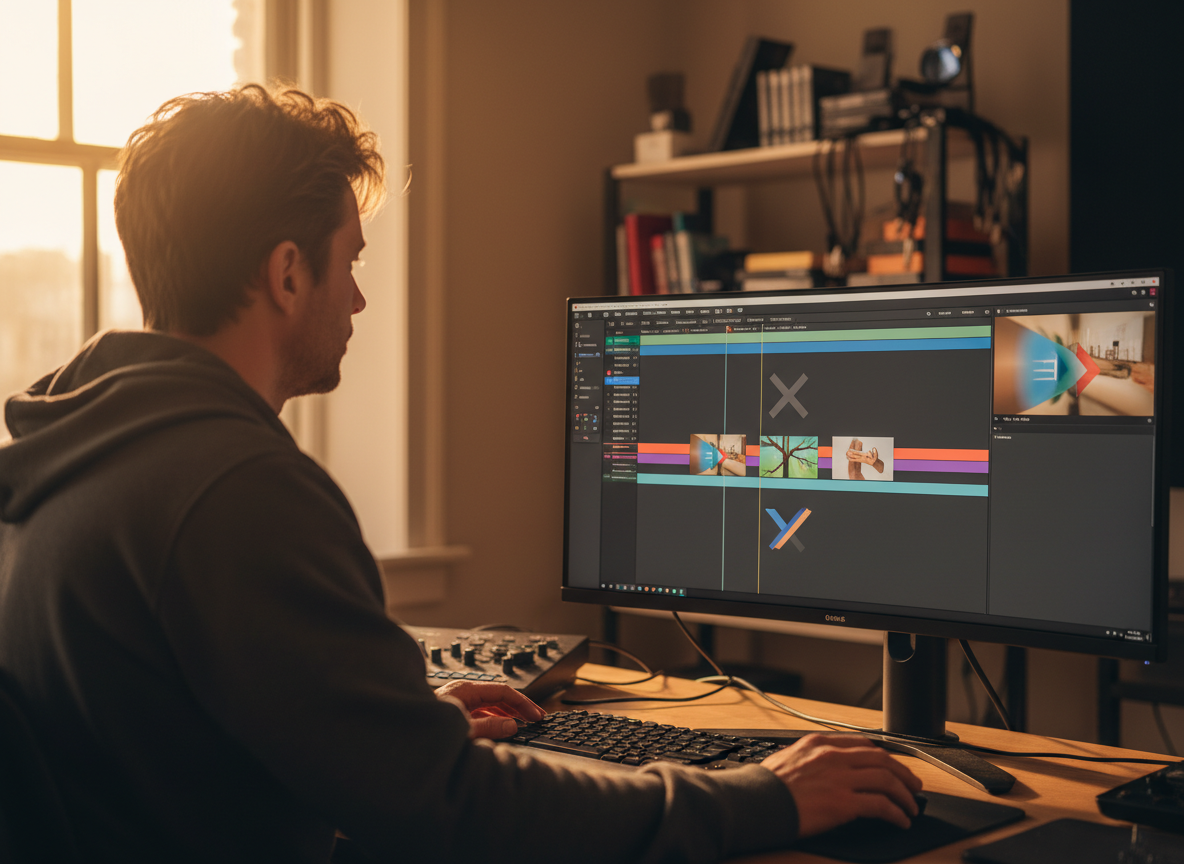
It doesn't just "Cut." It "Transitions." Match Cut: If Clip A ends with a zoomed-in face, and Clip B starts with a zoomed-in face, the AI places them together for a seamless flow. Directional Flow: If the camera pans Left in Clip A, the AI looks for another clip that pans Left to maintain the kinetic momentum (Whip Pan effect). Audio-Visual Alignment: The AI listens to the loudness of the video clip. If there is a loud cheer in the clip, it lowers the background music volume automatically (Ducking) so the cheer can be heard.
Step-by-Step Guide: Creating a Masterpiece
Turn a pile of clips into a movie. Follow this workflow for best results.
Step 1: Bulk Upload & Ingest
Don't overthink it. Dump the entire folder. Quantity: Upload 10-50 clips. The more raw material you provide, the better the final edit. The AI needs "choices." Format Flexibility: You can mix Photos (JPG, HEIC) and Videos (MOV, MP4). You can mix Landscape and Vertical footage (the AI will crop). Ordering Strategy: By default, the AI arranges clips by "Date Taken" (Chronological). This is best for Travel or Wedding videos. You can drag-and-drop to reorder them manually if you want a non-linear story.
Step 2: Select the "Vibe" (Music & Pacing)
This is the "Director" step. Your choice here dictates the cutting rhythm. Hype / Action: Select "Trap/Electronic." The AI sets the cut duration to 0.5s - 1.0s. It uses "Flash" and "Glitch" transitions. Perfect for Gym, Sports, or Party recaps. Sentimental / Cinematic: Select "Acoustic/Piano." The AI sets the cut duration to 3.0s - 5.0s. It uses "Cross-Dissolve" and "Fade to Black" transitions. Perfect for Weddings, Baby videos, or In Memoriam. Travel / Vlog: Select "Tropical House." The AI sets a medium pace. It uses "Zoom" and "Slide" transitions.
Step 3: AI Assembly (The Magic Button)
Click "Create." The processing happens in the cloud. Analysis Phase: "Scanning for smiles... Detecting beat drops... Stabilizing footage..." Assembly Phase: The AI places the clips on the timeline. It aligns the "Hard Cuts" to the kick drum and the "Transitions" to the cymbal crashes. Color Match: It applies a global LUT (Color Grade) to make all the disparate clips (some shot at night, some in sun) look like they belong to the same movie.
Step 4: Refine the Edit (Human-in-the-Loop)
You are the Executive Producer. The AI gets it 90% right; you do the final 10%. Trim Adjustment: Maybe the AI started the clip 1 second too late. Drag the "Trim Handles" on the timeline to slide the window and catch the beginning of the action. Clip Swap: "I don't like this shot of me." Click the trash icon. The AI automatically ripples the timeline (closes the gap) so there is no black space. Text Cards: Add "Day 1: Tokyo" text overlays to introduce new sections.
Step 5: Export Ratio & Format
Vertical (9:16): For Stories/Reels/TikTok. The AI uses "Smart Crop" to keep subjects in the center of the vertical frame. Landscape (16:9): For TV/YouTube. Resolution: Choose 1080p for fast social sharing or 4K for archival quality.
Troubleshooting: Common Montage Issues
⚠️ Boring Middle Section
The clips selected were too static or too long.
✓ Switch to "Hype Mode" (Fast cuts) or manually delete the static clips.
⚠️ Out of Sync
The cuts are slightly off the beat.
✓ Click "Re-Sync". The AI re-analyzes the song's waveform and snaps cuts to the nearest transaction.
⚠️ Black Bars
You mixed Vertical and Landscape footage.
✓ Enable "Blur Fill" background style. This puts a blurry version of the video behind the clip to fill the empty space.
⚠️ Volume Spikes
Some clips are loud, some are quiet.
✓ Enable "Audio Normalization" to level out the volume of all clips to -6dB.
Comparison: AI Montage vs. Manual Editing
| Feature | Manual Editing (Premiere/Final Cut) | FlowVideo AI Montage |
|---|---|---|
| Time req. for 1 min video | 2 - 4 Hours | 5 Minutes |
| Beat Sync | Manual keyframing (Difficult) | Automatic (Perfect) |
| Clip Selection | Manual scrubbing | AI "Best Moment" detection |
| Color Grading | Clip-by-clip adjustment | Global LUT application |
| Learning Curve | High (Months) | None (Instant) |
Industry Use Cases
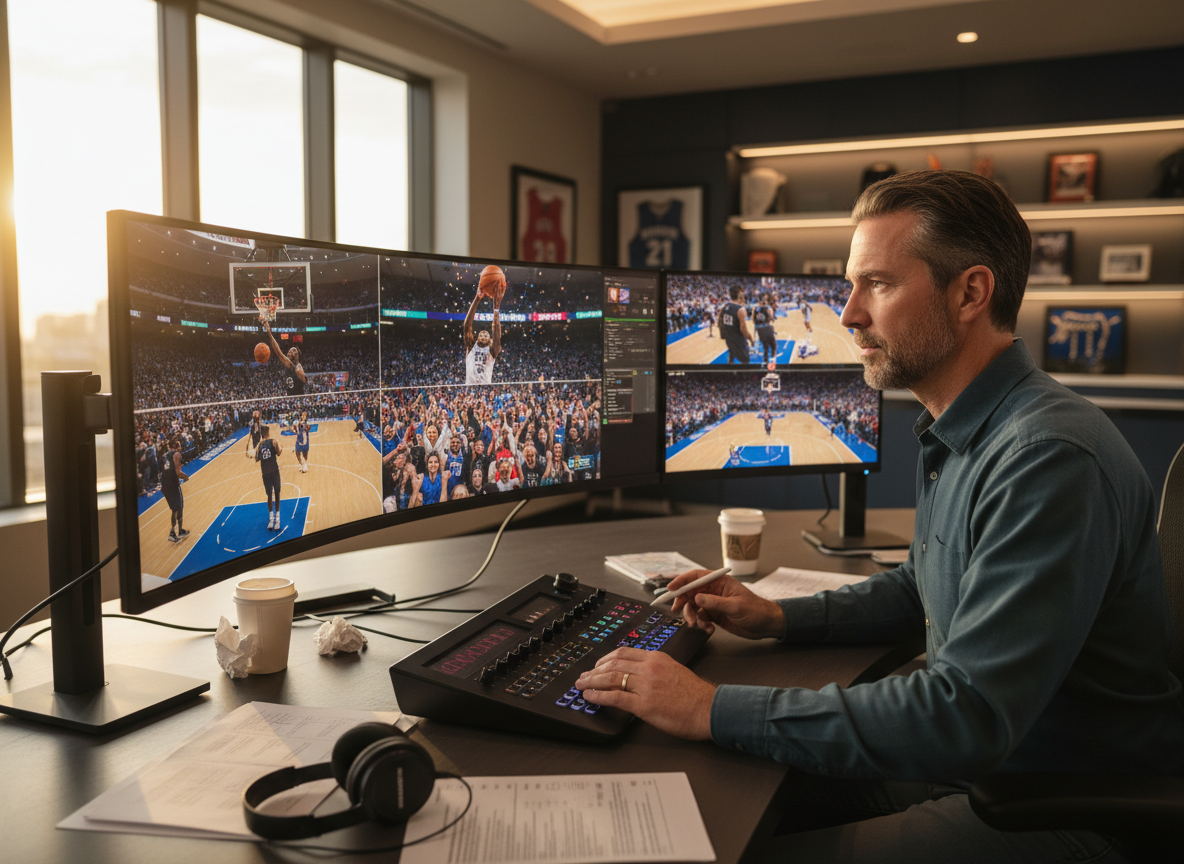
Sports Highlights
Scenario: A basketball parent records the whole game (45 mins). Action: Upload the folder. Result: The AI identifies the moments where the crowd cheers or the ball goes in the hoop. It creates a "Game Highlight Reel" in 2 minutes set to rock music.
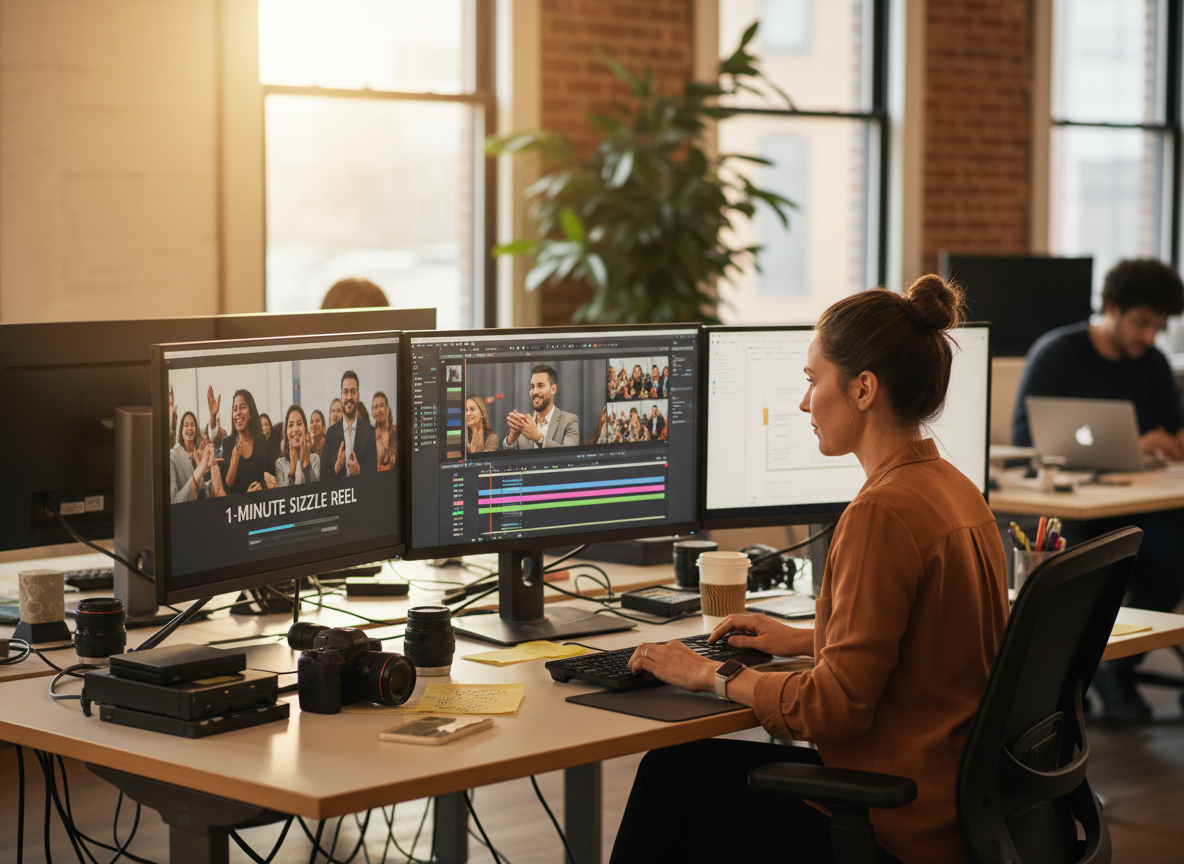
Event Recaps (Corporate)
Scenario: A conference organizer has 10 hours of b-roll footage from the floor. Action: They need a 1-minute "Sizzle Reel" to sell tickets for next year. Result: The AI extracts the applause, the handshakes, and the keynote speakers, creating a high-energy promo that looks professionally edited.
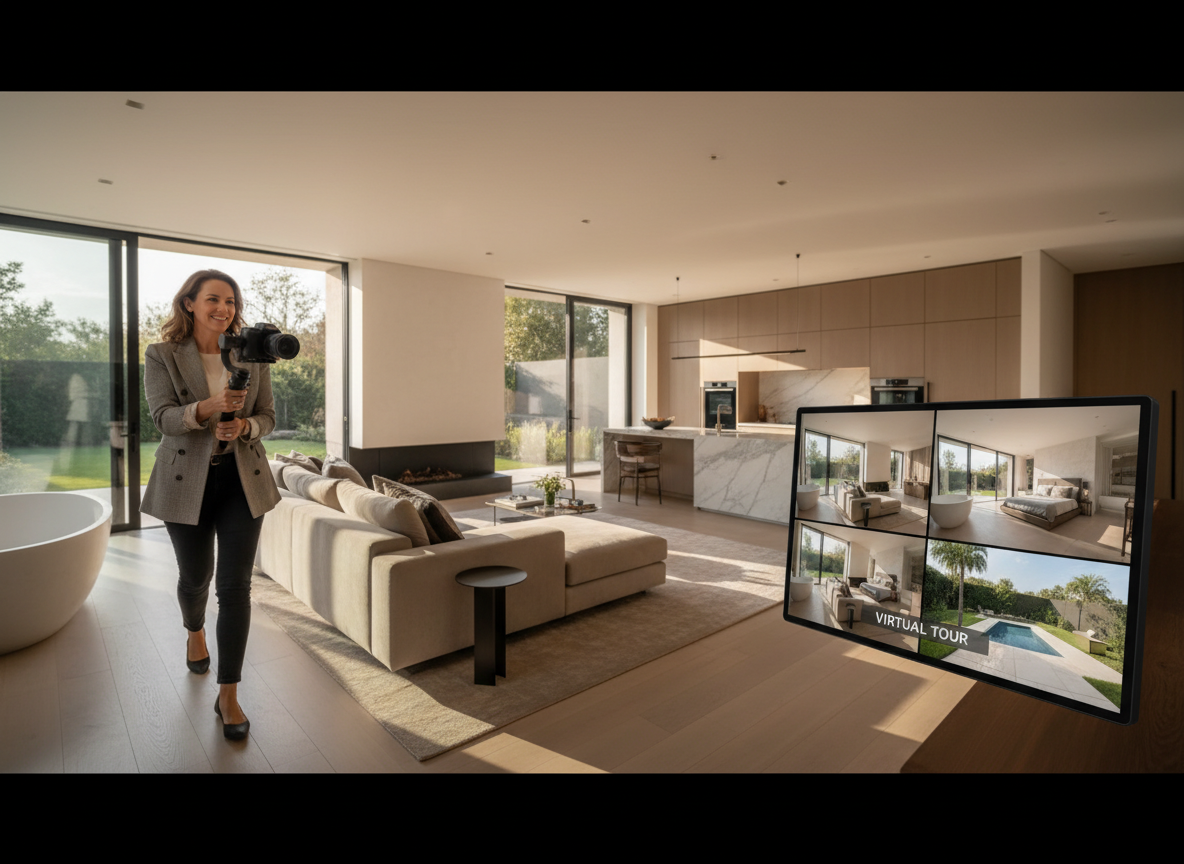
Real Estate Listings
Scenario: An agent walks through a house, filming short clips of each room. Action: Stitch them: Front door -> Living Room -> Kitchen -> Backyard. Result: It adds "Upbeat Corporate" music and text overlays "For Sale." The potential buyer gets a "Virtual Tour" feeling.
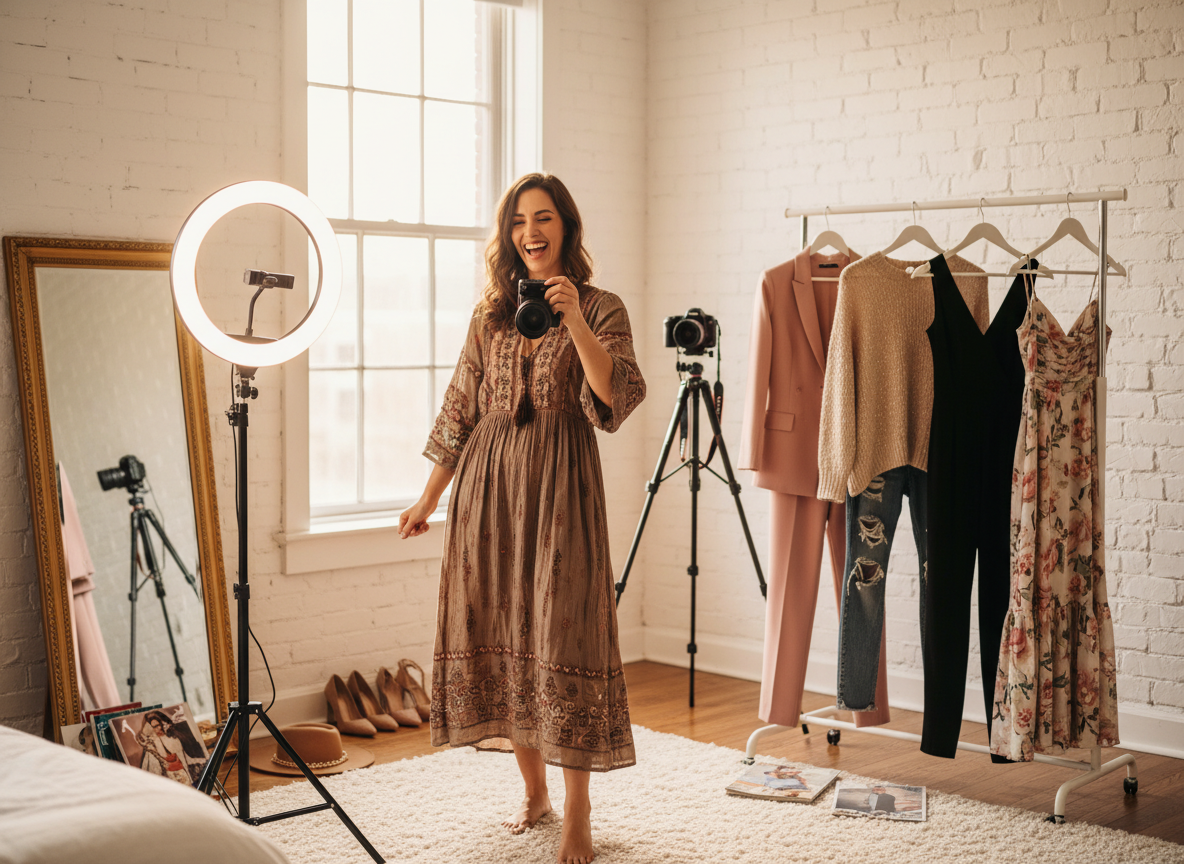
Fashion/Influencers (OOTD)
Scenario: An influencer records 5 different outfits in the same spot. Action: The AI triggers a "Spin Transition." Result: On every beat of the music, the outfit changes while the model is spinning. This high-level editing effect (Velocity Edit) is automated.
Verify the workflow before generation
Review the inputs, model, estimated credit cost, output type, and limitations shown on this page.
Frequently Asked Questions about Video Montage
Your memories deserve better than a hard drive grave. FlowVideo AI's Video Montage Maker is the resurrection tool. It finds the story in the noise. It finds the rhythm in the chaos. Upload your life, and watch it become a movie.