
AI Scene Writer: Generate Professional Movie Scenes
Screenwriting is 50% imagination and 50% formatting hell. Remove the hell. Use our scene writer to turn your 'cool idea' into a properly indented, industry-standard script (INT/EXT) instantly.
Built for transparent creative workflows
Hollywood Scene Writer v3
Format Engine: Fountain 2.1
Grumpy, 50s, chain smoker
Polite, synthetic, logically rigid
Subtext Intensity
Show Don't Tell Bias
Awaiting Dramatic Seed
Describe your scene conflict to begin the high-fidelity syntactical drafting.
Introduction
In the film industry, formatting is a gatekeeper. If you submit a script to an agent or a producer and it is written in Microsoft Word with the wrong margins, it goes in the trash. It doesn't matter if the dialogue is brilliant. The industry runs on "The Standard Pattern" (Courier 12pt font, precise indentation for Dialogue, Action, and Transitions). This barrier stops many talented storytellers from ever getting their foot in the door.
Furthermore, even for experienced writers, the process of typing "INT. KITCHEN - DAY" for the thousandth time is tedious. It breaks the creative flow. You are focusing on the mechanics of the page rather than the mechanics of the heart.
FlowVideo AI's AI Scene Writer is a specialized LLM trained on the "Final Draft" standard. It understands the language of cinema. When you type "John enters the room angrily," it translates that into a formatted block of action. When you type "He tells Sarah to leave," it generates punchy dialogue. It acts as your co-writer, suggesting lines when you're stuck, describing settings when you're blank, and ensuring every page looks like it came from a Hollywood typewriter.
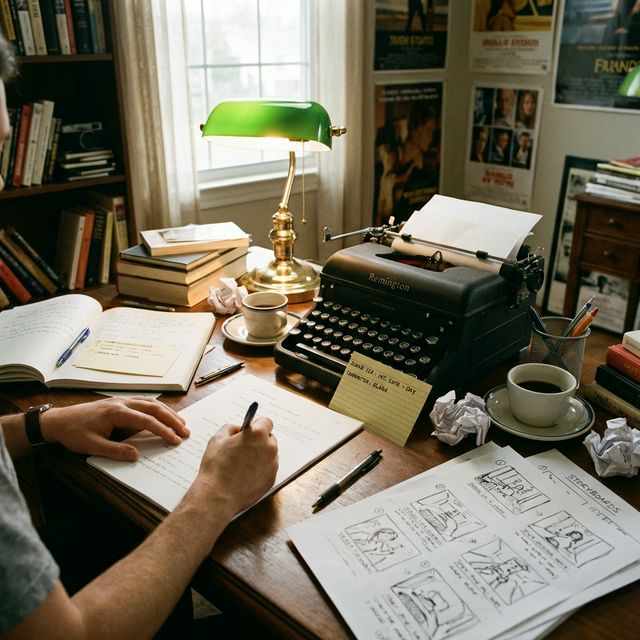
Why Use an AI Scene Writer? (Deep Dive)
Why is structure the secret to drama?
The Beat Sheet Logic
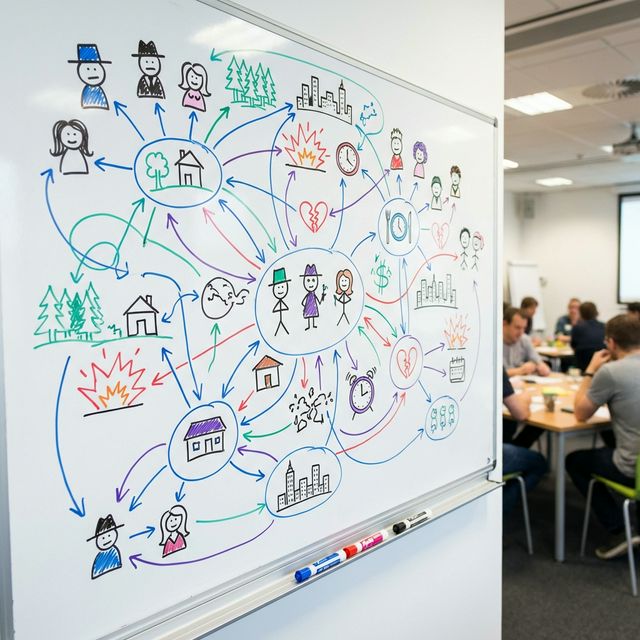
The Technology: Screenplay Syntax Engine
How does the AI know the rules of Final Draft?
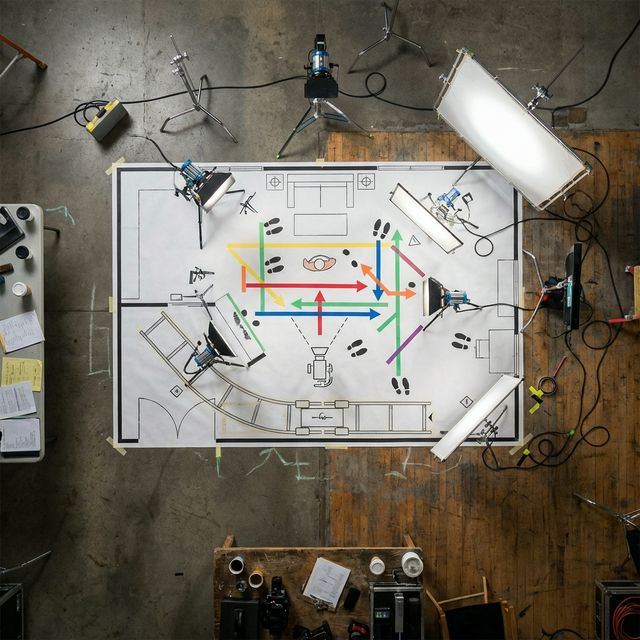
Formatting Tokens
Traditional LLMs (like standard ChatGPT) struggle with screenplay formatting. They often output weird indentation or mix up character names. Our model uses "Fine-Tuned Formatting Tokens." [SLUGLINE]: Forces Uppercase, Bold. e.g., INT. BANK - DAY. [ACTION]: Standard margins. Describes visual movement. [CHARACTER]: Center alignment, Uppercase. [DIALOGUE]: Center alignment, narrow margins. [PARENTHETICAL]: Center alignment, braces. e.g., (sarcastic). This ensures the output can be copy-pasted directly into Celtx, Fade In, or Final Draft without breaking the layout.
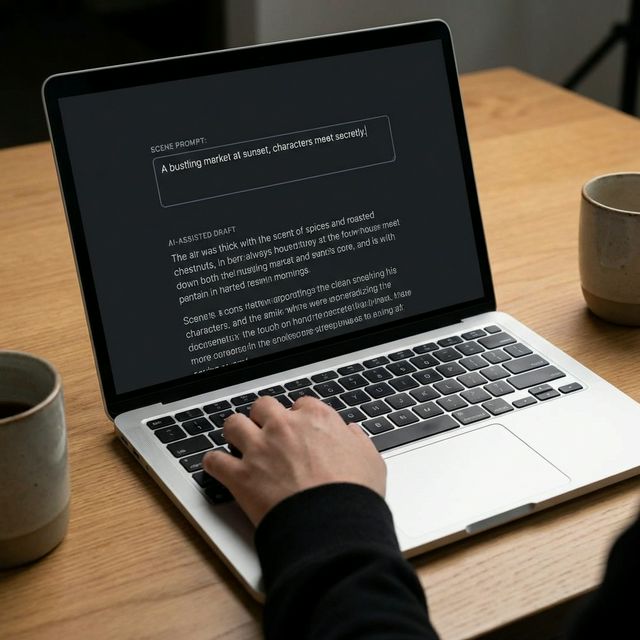
Contextual Memory
If you establish in Scene 1 that "Sarah has a limp," the AI remembers this for Scene 5. If you write "Sarah runs away," the AI might flag it or write "Sarah hobbles away quickly." This "Context Window" maintains the internal logic of your story universe. It builds a temporary "Wiki" of your characters (Traits, Voices, Relationships) and checks every new line against this wiki to prevent plot holes.

Genre Constraints
A Horror scene moves differently than a Comedy scene. Horror Mode: Uses short sentences. Lots of [Silence]. Focuses on sensory details (creaking floorboards, shadows). It paces the reading experience to be slow and suspenseful. Comedy Mode: High dialogue density. Rapid back-and-forth (Sorkin-esque). Punchlines at the end of blocks. It paces the reading experience to be fast and rhythmic. The AI adjusts the "Pacing" of the text generation based on the genre tag you select.
Step-by-Step Guide: Writing Your Masterpiece
Input the Logline
What is this specific scene about? Context: "Scene 4 of a Sci-Fi movie called 'The Last Stars'." Characters: "Detective Millers (Grumpy, 50s) and Android X (Polite, Naive)." Action: "Miller interrogates X about the missing plutonium." Goal: Miller wants the truth. X wants to protect his programming.
Set the Parameters
Setting: "A dark, rainy interrogation room. One flickering light." Conflict: "X is telling the technical truth, but Miller thinks he's lying by omission." Ending: "Miller loses his temper and breaks the table. X remains calm."
Generate the Draft
Click "Write Scene." The Output: The AI generates 2-3 pages of formatted script. Review: Read the dialogue out loud. Is it snappy? Read the action. Is it clear? Does it "Show, Don't Tell"?
Iterative Refinement
Rewrite Block: Highlight a block of dialogue that feels flat. select "Make Sarcastic" or "Make Aggressive." The AI rewrites just those lines. Add Action: Click "Insert Beat." The AI adds a non-verbal action (e.g., "Miller lights a cigarette, hands shaking") to break up a long monologue and add character depth. Trimming: "Shorten Scene." The AI removes the fluff and gets to the point faster.
Export and Format
PDF: Standard industry format for printing and handing to actors. FDX: Final Draft file. This preserves all the metadata so you can open it in Final Draft and continue editing professionally. Txt: Plain text (Fountain format) for easy sharing or importing into lightweight editors like Highland 2.
Comparison: AI Writer vs. Human Writer
| Feature | Human Writer (Solo) | FlowVideo AI Co-Writer |
|---|---|---|
| Drafting Speed | 1 Page / Hour | 1 Page / Minute |
| Formatting | Manual (Risk of error) | Automatic (Perfect) |
| Creative Block | Frequent | Non-existent |
| Research | Google search required | Built-in Knowledge (e.g., Police procedure) |
| Cost | $$$ (WGA Rates) | $0 (Subscription) |
Industry Use Cases
Indie Filmmakers
Teams have 48 hours to write, shoot, and edit a movie. Speed is everything. They use the scene writer to generate the script in the first hour based on the festival prompt.
Game Developers
An RPG needs thousands of lines of dialogue for background characters. The AI writes 50 variations of greeting dialogue to populate the game's JSON files quickly.
Acting Students
Students need scenes to practice in class. Instead of reusing "The Godfather" again, they generate a new, original scene ("Two astronauts fighting over oxygen") to test their specific range.
Advertising Copywriters
Input: "Two moms talking about stain remover at a soccer game." Result: A perfectly structured 30-second commercial script with proper "Product Placement" functionality and timing cues.
What Creators Say
Troubleshooting: Common Script Issues
Talking Heads
Too much dialogue, not enough action.
Click "Add Visuals". The AI inserts action lines (e.g., "He paces," "She pours a drink") to make the scene dynamic.
Generic Dialogue
All characters sound the same.
Use the "Character Voice" setting. Set Miller to "Gruff" and X to "Robotic." The AI rewrites the lines to match the diction.
Formatting Glitch
Indentation looks wrong on export.
Ensure you are exporting to PDF or FDX. Copy-pasting directly to Word often breaks formatting.
Scene is Boring
Lack of conflict.
Use the "Increase Tension" button. The AI makes the characters interrupt each other more and raises the stakes.