
Free YouTube Description Generator: Boost Video SEO
The algorithm is blind. It can't "watch" your video; it can only read your text. The Description Box is the Rosetta Stone that translates your video for the search engine. Use our ai youtube description generator to feed the algorithm the rich metadata it craves, boosting your rank in Search and Suggested effortlessly.
Built for transparent creative workflows
SEO SEO Rosetta Stone
v4.1 Algorithmic Injection
Target Body Keywords
LSI Density
Fold Hook
Input your title to generate SEO blueprint
Introduction
You spent days editing the video. You spent hours on the thumbnail. And then, 5 minutes before uploading, you scribble a lazy description: "Hope you enjoy the vid!" or "Link in bio." This is a rookie mistake that costs you thousands of views.
The Description Box is the most valuable SEO real estate on YouTube. It tells Google what your video is about. It captures "Long-tail Keywords" that didn't fit in the title. It provides "Off-ramps" (links) to your products, increasing your RPM (Revenue Per Mille). It is the difference between a video that dies in 24 hours and a video that generates evergreen traffic for 5 years.
FlowVideo AI's Free YouTube Description Generator is your SEO Agent. It doesn't just write a summary; it writes a "Ranking Signal." It uses Natural Language Processing (NLP) to weave your target keywords naturally into the first 200 characters (the "Fold"). It generates clickable Timestamps (Chapters) that allow Google to index deeply. It formats your Affiliate Disclaimers to be compliant. It turns a blank box into a traffic machine.
Why Use a Description Generator? (Deep Dive)
Why metadata is the skeleton of discovery.
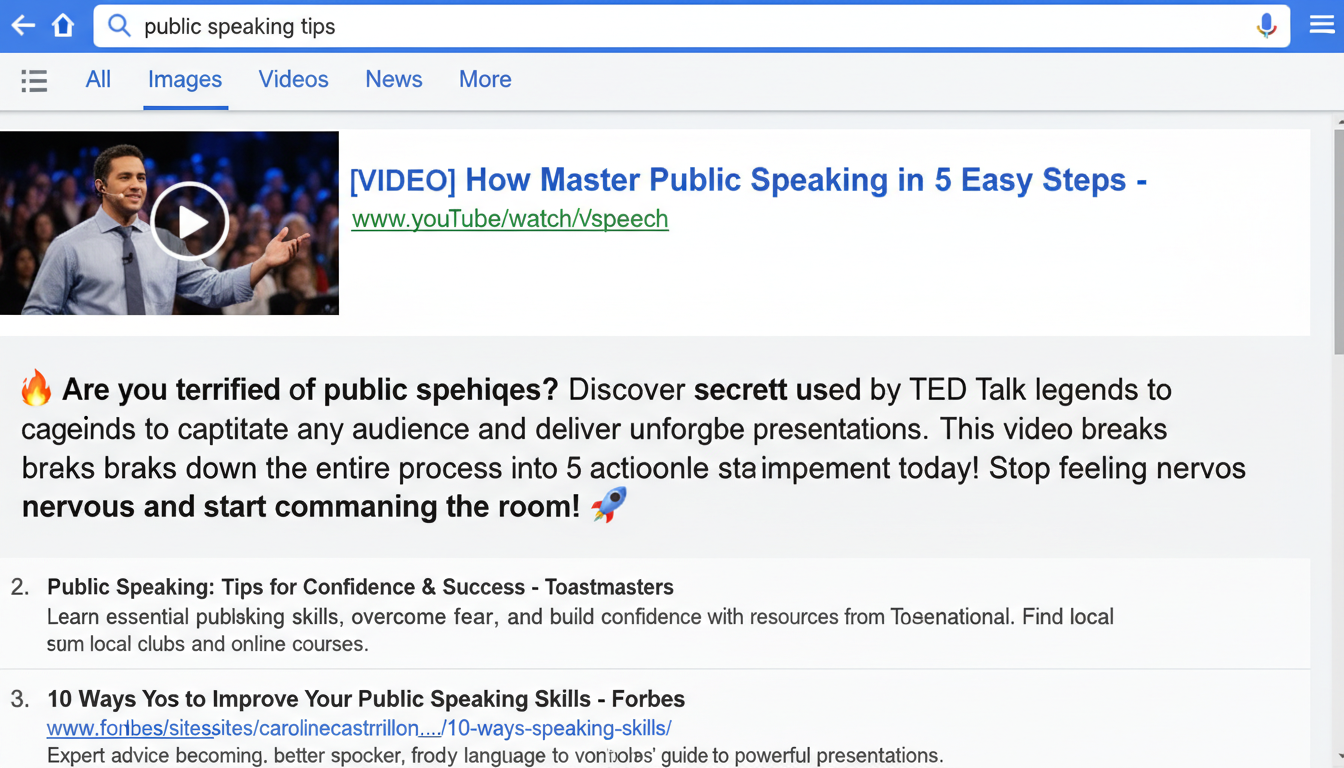
The 'Snippet' Effect (Search Page Real Estate)
The Technology: Semantic Keyword Injection
How does the AI know what to write to please the bot?
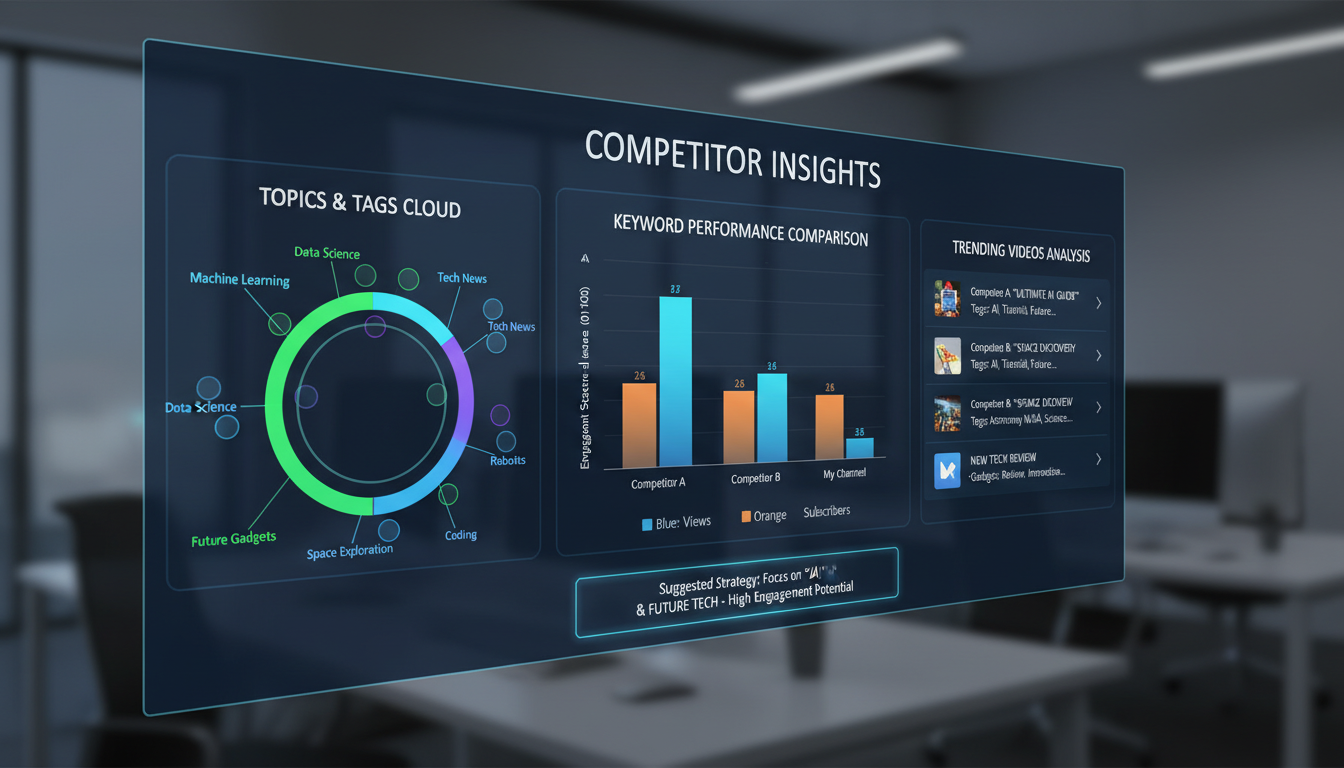
Competitor Analysis (Reverse Engineering)
The tool uses niche-specific description templates. A gaming draft can include PC specs, community links, and schedules, while a beauty draft can include product names and social links. Review every field for accuracy and adapt the structure to your channel before publishing.

Natural Language Generation (NLG) vs. Stuffing
We don't want "Keyword Stuffing" (e.g., "Video video video best video"). That gets you banned. The Flow: The AI uses GPT-based transformers to write coherent, grammatically correct paragraphs that happen to contain the keywords naturally. It reads like a helpful blog post, not a robot spam list. It maintains a human voice.
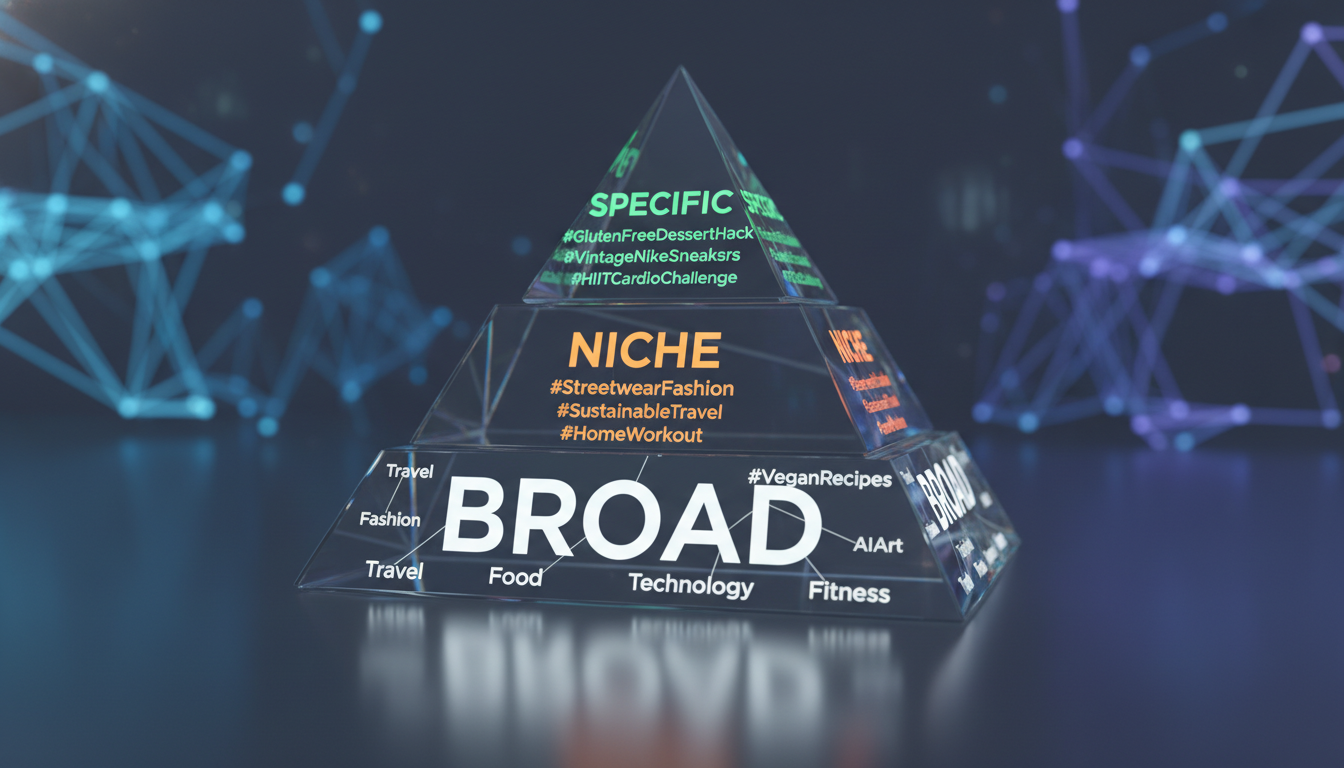
Hashtag Prediction (Hierarchy)
YouTube allows 3 hashtags above the title. The Hierarchy: You need a mix. Broad: #Gaming (High Volume). Niche: #EldenRing (Medium Volume). Specific: #BossGuide (Low Volume). The Sorting: The AI suggests 15 hashtags but highlights the optimal mix to help you rank in both "Blue Ocean" and "Red Ocean" search results.
Step-by-Step Guide: Optimizing the Box
Step 1: Input Core Data
Title: "iPhone 15 Review." Keywords: "Battery life," "Camera test," "USB-C," "Apple." Goal: "Affiliate Sales" or "Subscribers."
Step 2: Generate the 'Hook' (The Fold)
The Fold Strategy: The first 200 characters are critical. First Line: The AI generates 3 options. Option A: "Is the iPhone 15 worth the upgrade?" (Question). Option B: "The iPhone 15 battery life shocked me." (Curiosity). Option C: "Here is the comprehensive review..." (Utility). Selection: Choose the one that matches your thumbnail strategy.
Step 3: Flesh out the Body (The SEO Meat)
Summary: A 150-word overview of the video content, rich in keywords. Feature List: Bullet points of what is covered (Features & Benefits). Resources: Links to related videos ("Watch Next"). This keeps viewers on your channel, increasing "Session Time," which boosts the algorithm.
Step 4: Add the 'Furniture' (Links/Socials)
Social Block: Paste your handle once; the AI formats it nicely. "📸 Instagram: @User". Affiliate Block: "Disclaimer: Some links are affiliate links..." The AI adds the mandatory legal text (FTC Disclosure) to keep you safe from fines.
Step 5: Copy and Paste
One Click: Click "Copy to Clipboard." Paste: Go to YouTube Studio -> Details -> Description -> Paste. It fits perfectly.
Comparison: AI Generator vs. Manual Typing
| Feature | Manual Typing | FlowVideo AI Generator |
|---|---|---|
| Speed | 10 Minutes | 10 Seconds |
| Keyword Usage | Guesswork | Data-Driven |
| Timestamps | Painful manual entry | Automatic |
| Consistency | Varies by mood | Always perfect |
| Formatting | Text wall | Beautiful emojis & lists |
Industry Use Cases
E-Commerce Brands
Context: "Product Demo." Description: Direct links to the product page. FAQ section answering common shipping/return questions directly in the description to reduce support friction.
Musicians
Context: "Music Video." Description: Lyrics (for SEO), Spotify/Apple Music streaming links, Tour Dates, Credits (Director, Producer).
Educational Creators
Context: "Math Tutorial." Description: "Resources mentioned in this video." Links to the PDF cheatsheet. Timestamps for every problem solved.
Vloggers
Context: "Travel Vlog." Description: "Places visited." List of hotels and restaurants with Google Maps links. "Music used" credits.
What Creators Say
Troubleshooting: SEO Mistakes
Video Not Ranking
Description too short (<50 words).
Use the "Expand" button to reach 200+ words.
Low Click Rate
Description snippet is boring.
Use the "Hook Mode" to rewrite the first sentence.
Broken Links
Links are not clickable.
The AI ensures all links start with https:// (required by YouTube).
Copyright Strike
Missing music credits.
Use the "Credits" template to properly attribute music and stock footage with one click.