
Remove Backgrounds with Surgical Precision
Get perfect, transparent backgrounds for your images in seconds using industrial-grade AI masking.
Clean, accurate, and lightning-fast background removal for product photography, portraits, and creative design. Only 5 credits per image.
Background Remover
Upload an image to isolate the subject instantly.
Isolated subject will appear here
My Recent Removals
Sign in to view your removal history
Professional Masking Engine
Powered by BRIA AI, our background removal tool handles even the most complex subjects like hair, fur, and transparent objects with ease.
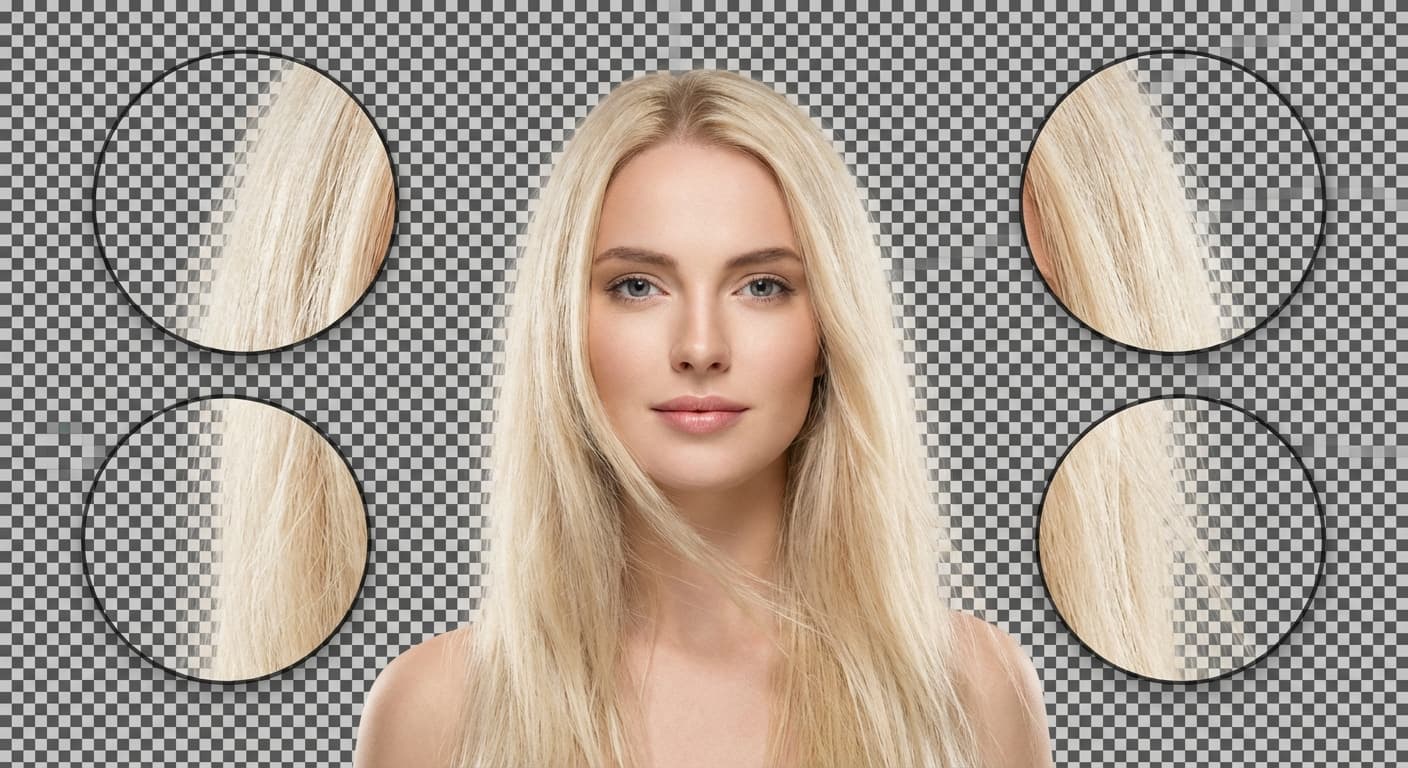
Pixel-Perfect Edges
Say goodbye to jagged edges. Our AI ensures smooth, professional-grade masking lines every time.
- Hair & Fur support
- Clean borders
- Soft transitions
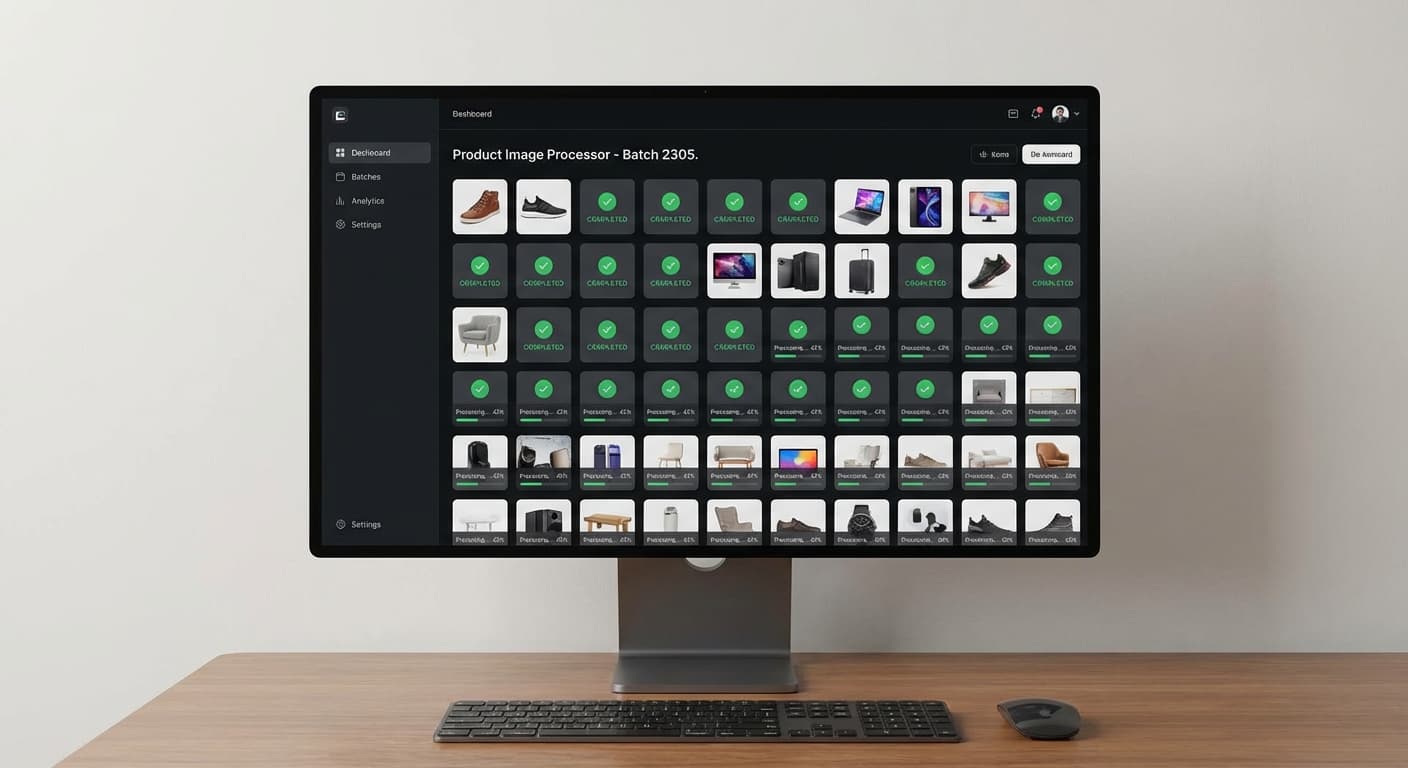
Batch Ready Speed
Optimized for speed without compromising quality. Process 1080p and 4K images in under 5 seconds.
- Instant results
- 4K resolution
- Low latency
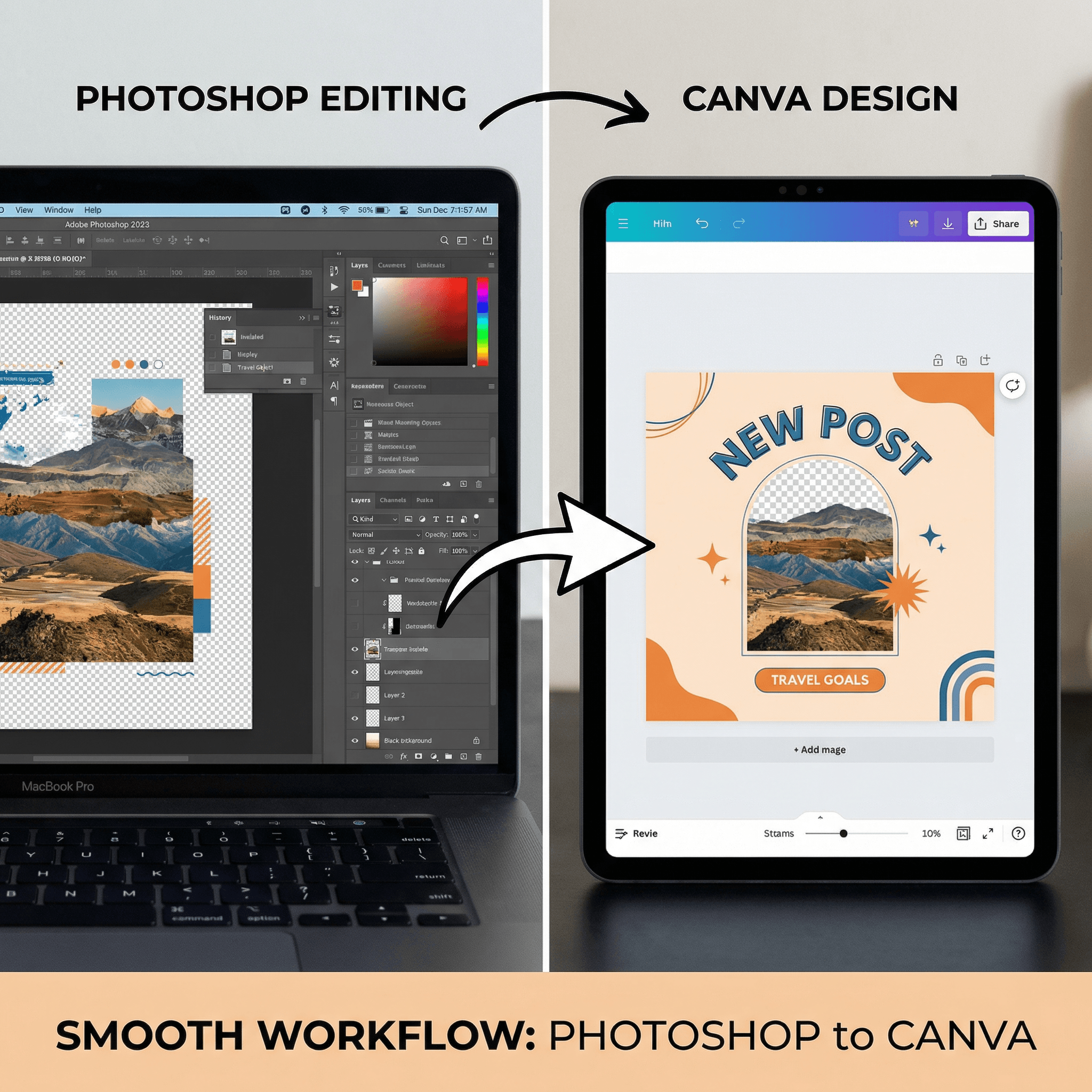
Designer Workflow
Exports directly to transparent PNG, compatible with Photoshop, Canva, and all design platforms.
- Transparent PNG
- High resolution
- Workflow integrated
How to Remove Backgrounds
Upload Photo
Upload any portrait, product photo, or graphic you want to isolate.
AI Analysis
The AI automatically detects the foreground subjects and background depth.
Instant Masking
The background is removed, leaving a perfectly isolated subject.
Export PNG
Download your subject as a high-quality transparent PNG file.
Background Remover FAQ
Everything you need to know about our pro removal tool.
Transparent Cutouts in 5 Seconds: How AI Background Removal Actually Works
Why manual masking is a waste of your afternoon
Anyone who has spent 20 minutes carefully tracing around a model's hair in Photoshop knows the pain. Pen tool, refine edge, feathering adjustments, and the result still looks like a paper doll taped to a new scene. Professional retouchers charge $5-15 per image for clean cutouts, which adds up fast when you have a catalog of 200 products to shoot. FlowVideo's background remover sidesteps the entire process. Upload a photo, and the BRIA AI engine maps foreground and background in one pass — hair strands, semi-transparent fabrics, and shadow edges included. The output is a production-ready transparent PNG, typically delivered in under five seconds for a 4K image.
Edge detection that handles the hard cases
Most free background removers fall apart on fine details. Curly hair gets chunked into blocks. A wine glass loses its rim. Smoke or gauze vanishes entirely. The difference here is the underlying model: BRIA's segmentation network was trained specifically on edge-heavy subjects — portraits with flyaway hair, jewelry with reflective surfaces, and food photography with steam. It outputs a soft alpha matte rather than a binary mask, which means transitions between subject and background stay smooth instead of stairstepped. For product photographers, this matters because buyers notice haloing and jagged crops, even subconsciously. Clean edges signal quality.
A typical product photography workflow
Here is how a small e-commerce team might use this tool on a Monday morning. Photograph 30 items against any convenient surface — a desk, a floor, even outdoors. Upload the batch to FlowVideo. Each image gets its background stripped and exported as a transparent PNG within seconds. Drop those PNGs into your Shopify template, Canva storefront banner, or Amazon listing. The entire pipeline from raw photo to published listing takes a fraction of the time compared to manual editing. No need for a dedicated lightbox setup or a retouching contractor. The tool also preserves the original resolution, so your 4K source files come out as 4K cutouts — no downscaling, no compression artifacts.
Beyond white backgrounds: creative applications
Transparent cutouts are not just for product shots on white. Portrait photographers composite subjects into dramatic landscapes or studio backdrops that would cost thousands to build physically. Social media creators isolate themselves from messy apartment backgrounds before placing the cutout on branded gradients. Real estate agents remove parked cars and trash bins from exterior shots. Graphic designers extract logos and icons from noisy source files without redrawing them from scratch. The common thread is that a clean foreground separation is the starting point for dozens of downstream edits — and the faster you get it, the more creative options open up.
Get Clean Isolations in Seconds
Don't waste time with manual masking. Let our AI do the heavy lifting for you.