
Turn Images into High-Quality 3D Models
Transform your 2D images into detailed 3D assets instantly using advanced AI geometry and texture generation.
Powerful AI-driven Image-to-3D conversion for creators, game developers, and designers. 10 credits per generation.
3D Model Generator
Upload an image and let AI build the 3D geometry.
Generated 3D model will be available here
My 3D Creations
Sign in to view your generation history
Industrial Grade 3D Generation
Our AI uses the latest TRELLIS architecture to produce high-fidelity 3D assets that are ready for professional workflows.
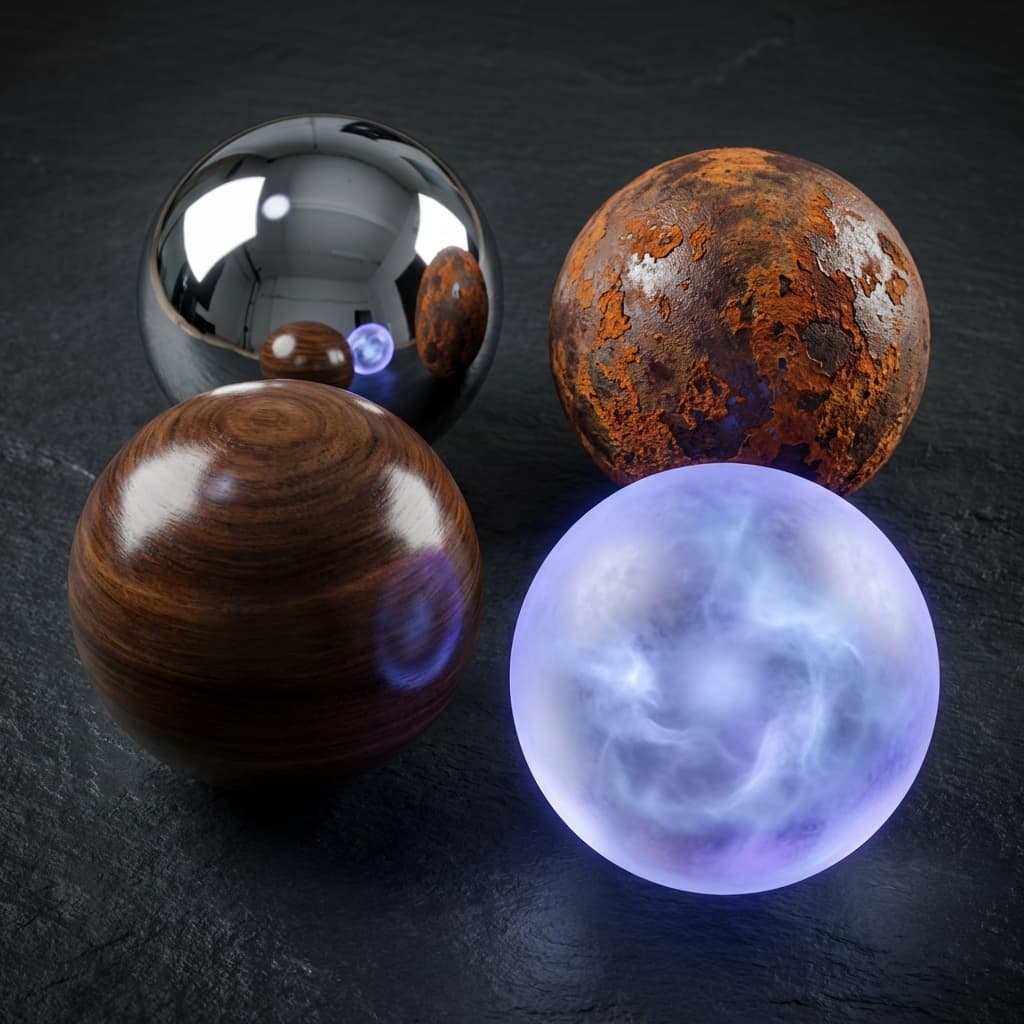
PBR Material Generation
Automatically generates physically-based rendering textures including albedo, roughness, and metallic maps.
- High-res textures
- Realistic lighting
- GLB/OBJ export
Complex Geometry Support
Handles intricate shapes and details that traditional photogrammetry often misses.
- Zero-shot generation
- Sharp edges
- Manifold geometry

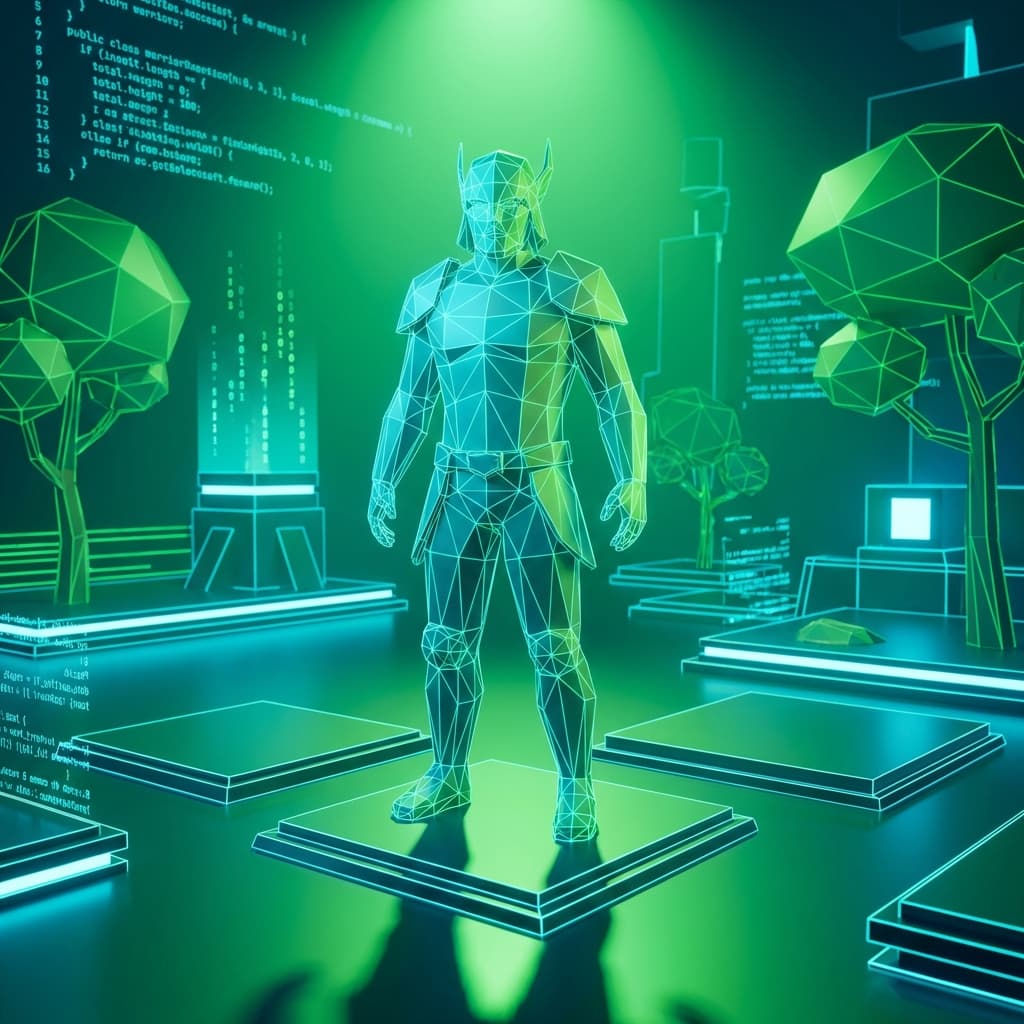
Game Ready Assets
Models are generated with optimized topology suitable for real-time rendering in engines like Unity or Unreal.
- Optimized polycount
- Clean UV maps
- Instant download
How to Create 3D Content
Upload Image
Upload a clear, single-subject image with a neutral background for best results.
Add Details
Optional: Add text prompts to guide the AI on specific textures or geometry features.
AI Processing
Our TRELLIS engine analyzes the 2D views and reconstructs the 3D volume.
Download GLB
Preview your 3D model and download it in industry-standard GLB format.
3D Generator FAQ
Everything you need to know about our AI 3D generation tool.
AI 3D Model Generator: From a Single Photo to Production-Ready Geometry
The Bottleneck in 3D Asset Production
Building a single 3D model by hand involves modeling, UV unwrapping, texture painting, and material setup. A skilled artist might spend four to eight hours on a mid-complexity asset. Multiply that by the hundreds of objects needed for a game level, a product catalog, or an architectural visualization, and the pipeline slows to a crawl. FlowVideo's AI 3D generator addresses this bottleneck directly. Upload one reference image, and the TRELLIS-based reconstruction engine produces a textured, manifold mesh in two to five minutes. The output includes PBR material maps, albedo, roughness, and metallic, so the asset integrates into Unity, Unreal Engine, or Blender without additional texture work. This does not replace artists. It gives them a solid starting point that eliminates hours of repetitive geometry setup.
How TRELLIS Reconstructs Three Dimensions from One Image
The core challenge in image-to-3D is hallucinating the geometry you cannot see. A photo shows one viewpoint, but a usable 3D model needs volume, back faces, and consistent topology. TRELLIS is a transformer-based architecture trained on large-scale 3D datasets. Given a single image, it predicts a structured latent representation that encodes both shape and appearance. The decoder converts this representation into a polygon mesh with clean edge flow, suitable for subdivision or direct export. Texture generation happens simultaneously: the model infers surface color, roughness, and reflectivity from the visible portion of the image and extrapolates plausible values for hidden surfaces. The result is a GLB file with embedded PBR textures, ready for real-time rendering at optimized polygon counts.
Getting Good Results: Input Image Guidelines
The quality of the output depends heavily on the input. A clear, well-lit photo of a single object against a neutral background produces the best mesh. Avoid cluttered scenes where the subject blends into surrounding objects. Slightly elevated angles work better than dead-on front views because they reveal more surface information for the model to work with. Transparent or highly reflective objects, like glass bottles or chrome surfaces, pose challenges because the visible appearance changes with the viewing angle, making it harder for the network to infer a stable surface. For these cases, adding a brief text prompt describing the material helps guide the generator. The upload accepts PNG and JPG files, and the processing cost is ten credits per generation.
Use Cases Beyond Gaming
Game development is the obvious application, but the tool serves a wider range of industries. E-commerce teams generate 3D product previews from catalog photos, enabling interactive viewers on product pages that let customers rotate and inspect items before buying. Architecture studios convert concept sketches into rough 3D maquettes for early-stage client presentations, compressing a step that used to take an intern a full day. Industrial designers create quick 3D references from hand-drawn sketches for internal review before committing to CAD. Educators build 3D teaching aids, turning photos of artifacts, biological specimens, or mechanical parts into manipulable models for virtual classrooms. Even 3D printing hobbyists use the tool to generate base meshes that they refine in sculpting software before sending to the printer.
Limitations and Where Human Artists Still Matter
AI-generated 3D models are not flawless. Complex multi-part objects like articulated robots or detailed interiors with many separate components may produce merged or simplified geometry. Fine text or logos on surfaces rarely survive reconstruction because the model prioritizes global shape over surface detail at that scale. Rigging and animation-ready topology require manual cleanup in most cases, as the generated mesh topology is optimized for visual fidelity rather than deformation. For hero assets that appear in close-up, a human artist should treat the AI output as a blockout, refining edge loops, adding hard-surface details, and painting custom textures. The value of the AI step is speed: going from concept image to manipulable 3D reference in minutes instead of hours.
Export Format and Integration
All generated models export as GLB files, the binary version of glTF 2.0, which is the most widely supported format for real-time 3D content. GLB files open directly in Blender, Unity, Unreal Engine, and web-based 3D viewers like model-viewer and Three.js. The embedded PBR textures follow the metallic-roughness workflow, compatible with both real-time and offline renderers. Polygon counts are automatically optimized for a balance between visual quality and rendering performance, typically landing between 10,000 and 50,000 triangles depending on object complexity. If you need a different format like OBJ or FBX, Blender's free batch converter handles the transformation in seconds.
Ready to Build Your 3D World?
Start transforming your ideas into 3D assets today. Professional quality, instant results.