
2026 Review: Best AI Talking Photo Generators for Real Estate Virtual Tours
Transform static agent photos into 24/7 virtual guides. Increase trust and conversion rates with AI.
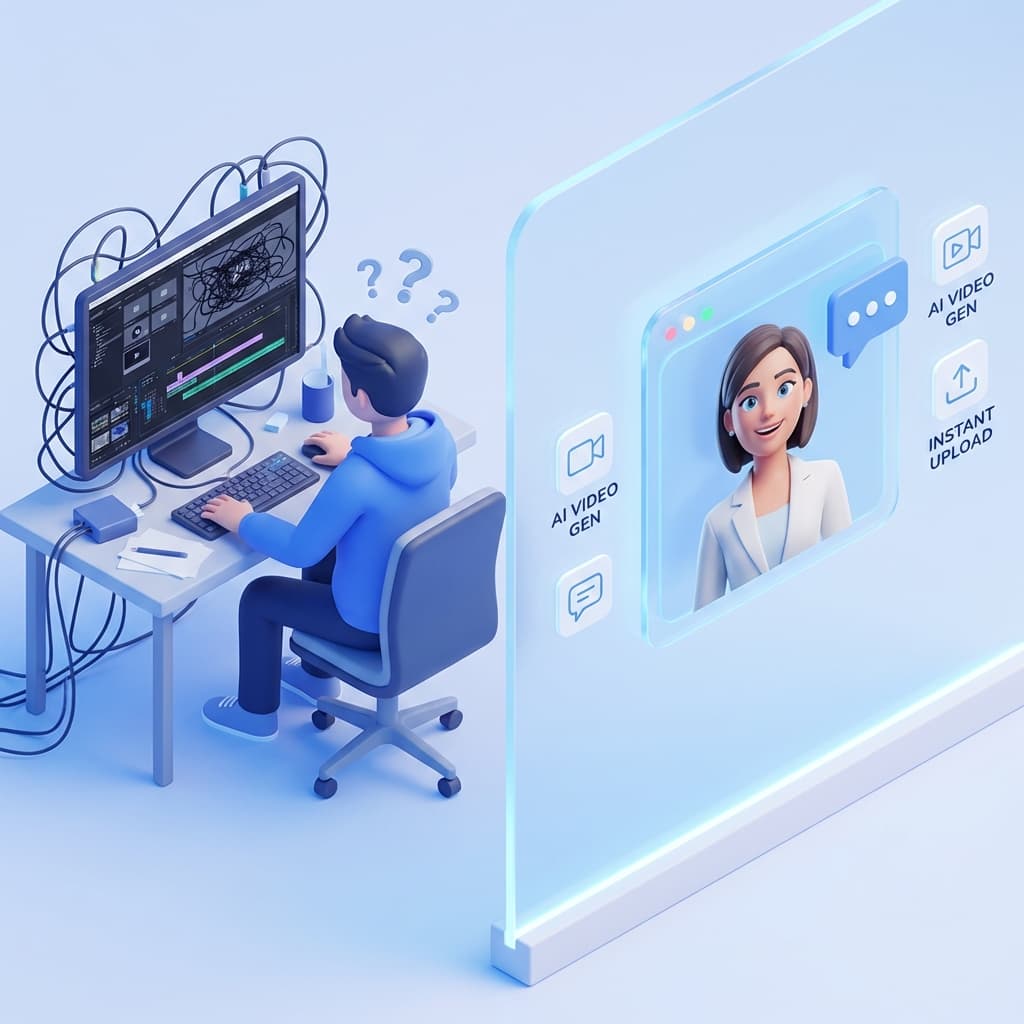
The Problem: The "Silent" Virtual Tour
What Are AI Talking Photo Generators?
Before we compare the tools, let's demystify the tech. **AI Talking Photo Generators** utilize advanced deep learning algorithms (specifically Generative Adversarial Networks, or GANs) to map audio waves to facial movements. The software analyzes a static image, identifies key facial landmarks (eyes, lips, jawline), and manipulates the pixels to mimic human speech patterns. The result is a video where the subject appears to be speaking the words you typed or recorded, complete with natural blinking and head movements.
Flow Video AI vs. Traditional Video
Not all tools are created equal. Here is how Flow Video AI stacks up against the competition.
| Feature | Traditional Video | Generic AI Tools | Flow Video AI |
|---|---|---|---|
| Production Time | hours | 10-20 Minutes | Instant (Seconds) |
| Cost Per Video | $500 - $2,000 | Monthly Subscription | Affordable / Free Trial |
| Skill Level | Professional | Moderate | Beginner Friendly |
| Lip-Sync Accuracy | Perfect | Variable | S.O.T.A. Precision |
| Background | Green Screen | Complex Masking | Seamless Alpha Channel |
| Multilingual | Manual | Limited | 50+ Languages |
Top Tools Review for 2026
Flow Video AI
The Best Overall ChoiceFlow Video AI has positioned itself as the premier engine for visual generation capabilities. It focuses on believability and reducing the "uncanny valley" effect.
- Agent Mode presets
- Natural micro-expressions
HeyGen
Runner UpA strong contender in the corporate training space with high-quality avatars.
- Wide range of templates
- Good for training videos
CloudPano Tools
Convenient IntegrationSome virtual tour platforms have built-in mini-tools. Good for convenience but lacks customization.
- Integration with tour
- Basic features
Step-by-Step: How to Create Your AI Agent
Step 1: Capture the Perfect Photo
The quality of your output depends 100% on your input. Use soft, natural light facing the subject. A warm, approachable smile works best.
Step 2: Access the Flow Video AI Engine
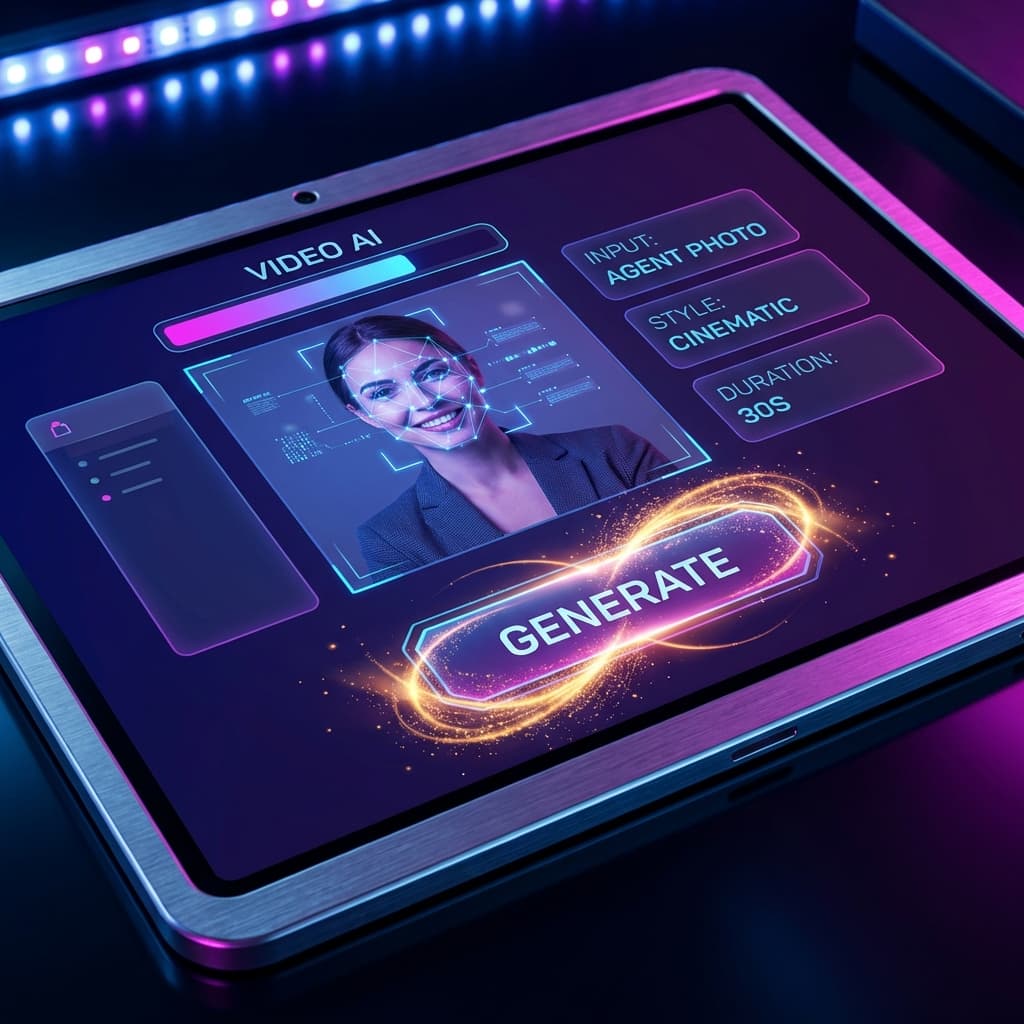
Navigate to the AI Photo Generator. Drag and drop your "Anchor" photo into the dashboard and watch as the AI maps over 100 facial points.
Step 3: Craft Your Winning Script
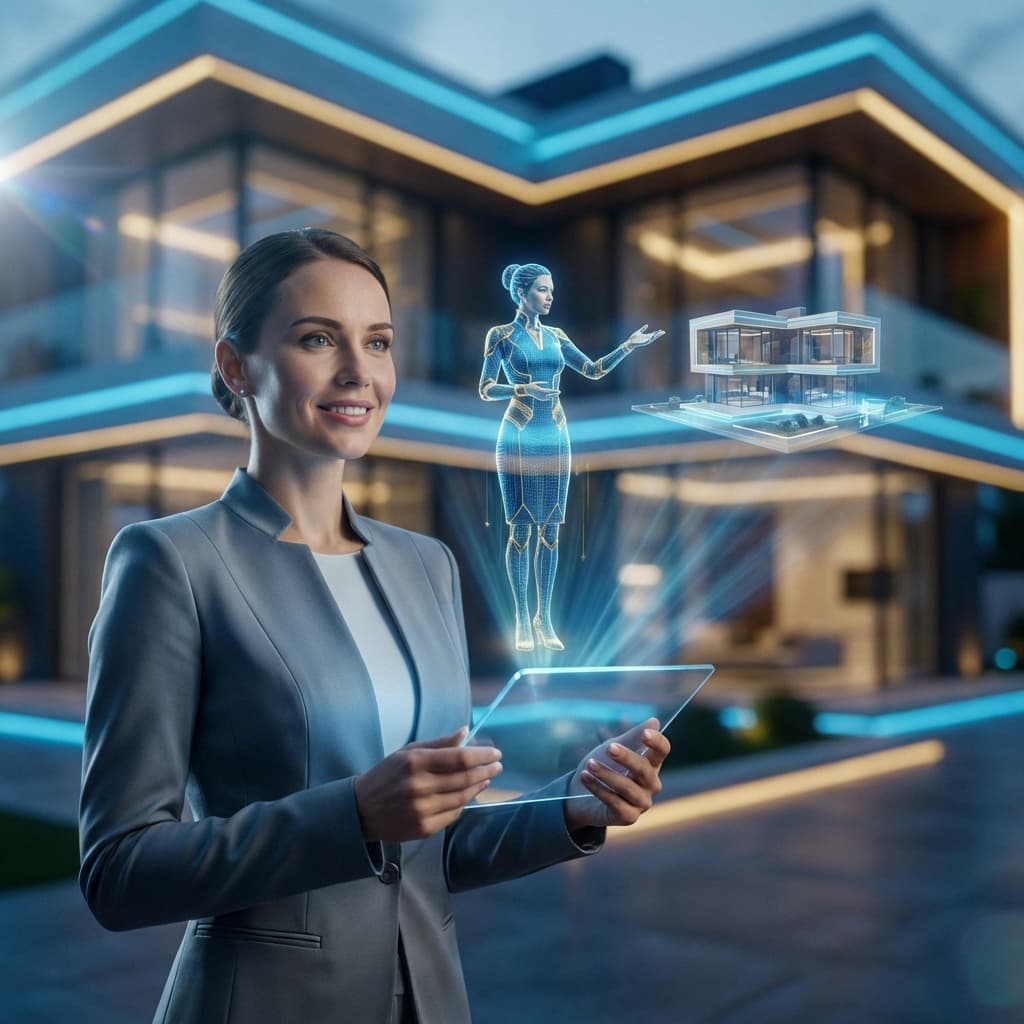
Don't just list specs; tell a story. Use Flow Video AI's built-in text-to-speech features to choose a voice that matches the property vibe.
Step 4: Generate and Embed
Click Generate. In moments, your video is ready. Download the MP4 and embed it to your virtual tour software (Matterport, CloudPano, Kuula).
Why This Technology is Crucial for 2026
The Rise of "Lazy" Searching
Modern buyers consume content passively. An AI talking photo converts text into a passive consumption format.
Breaking the Language Barrier
Your English script can be automatically translated and spoken by your face in Mandarin, Spanish, or Arabic.
Consistency Across Brand
Ensure every property introduction follows the exact script and brand tonality you require.
Frequently Asked Questions
Will the video look fake or "creepy"?
Technology has advanced rapidly. The 2026 algorithms used by Flow Video AI use micro-expression mapping to ensure eyes blink naturally and lips move in perfect sync. It is incredibly convincing on mobile screens.
Can I use stock photos instead of my own?
Yes, Flow Video AI provides a library of diverse, professional "AI Presenters" if you prefer not to use your own image. However, using your own face builds better personal branding.
Is this expensive?
Compared to hiring a video crew? No. Flow Video AI offers scalable plans, and you can start for free to test the waters. It pays for itself with one extra closed deal.
Does this help with SEO?
Yes. Google prioritizes pages with high "Dwell Time". Video content keeps users on your site significantly longer than text alone.