
The Ultimate Guide to AI Family Photo Generators
Create Perfect Portraits, Zero Stress. Skip the coordination, the travel, the outfits, and the tantrums.
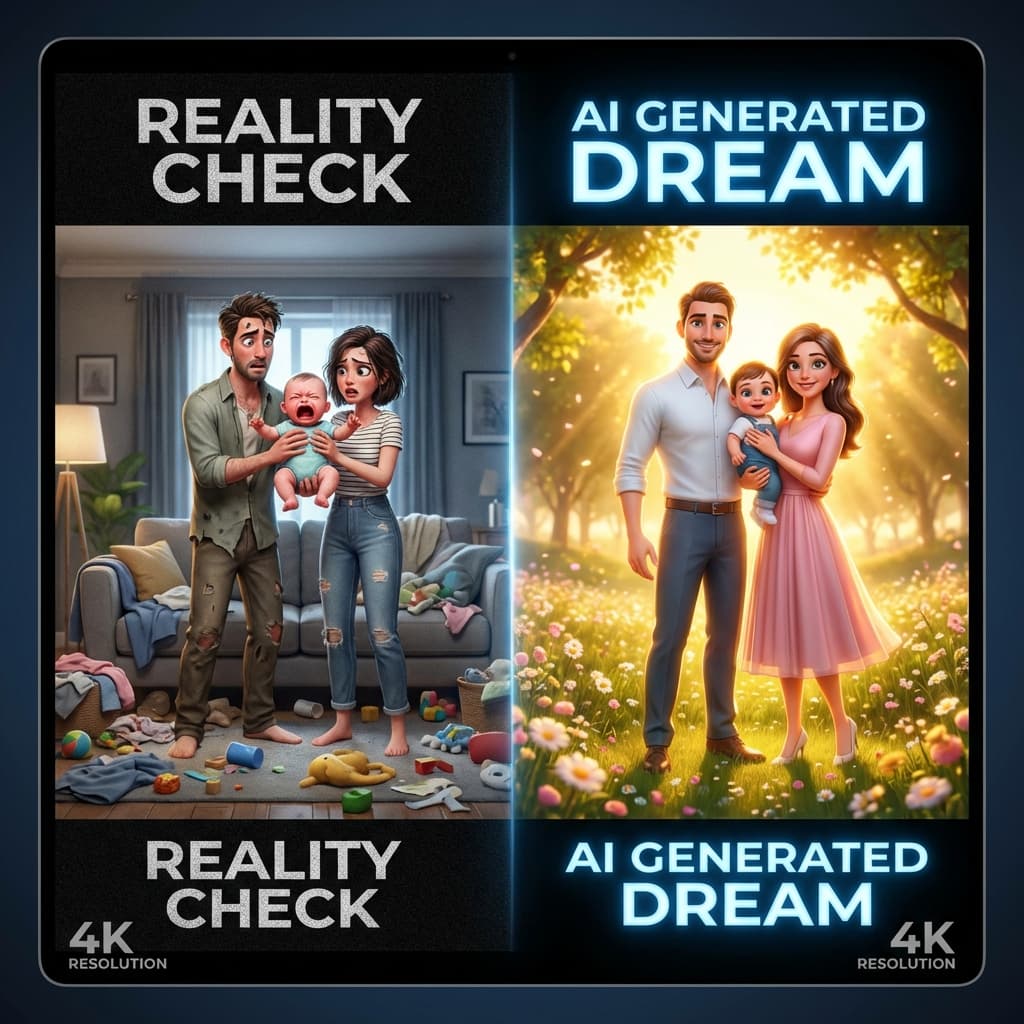
Perfect Portraits, Zero Stress
What is an AI Family Photo Generator?
The Problem: Traditional Photography vs. AI Generation
The Cost Barrier
A decent family photographer charges a session fee (often $200-$500) plus costs. Flow Video AI democratizes this, allowing you to generate hundreds of variations for a fraction of the cost.
The Logistics Nightmare
Coordinating schedules is nearly impossible. With AI, you don't need everyone in the same room—or even the same country—to create a group photo.
The "Perfect Shot" Anxiety
In a live session, you are racing against the clock. With AI, you have infinite retries. If Mom looks great but Dad's eyes are closed, simply hit "Generate" again.
Comparison: Flow Video AI vs. Traditional Studio
To visualize the difference, here is a breakdown of the investment required for both methods.
| Feature | Traditional Studio Shoot | DIY Smartphone Tripod | Flow Video AI |
|---|---|---|---|
| Cost | $$$$ ($300 - $1,000+) | Free | Affordable / Free Trial |
| Time Investment | Days (Booking, Travel) | Hours (Setup, Retakes) | Minutes |
| Stress Level | High (Kids, Weather) | High (Coordination) | Zero (Digital Only) |
| Creativity | Limited to physical location | Limited to your home | Unlimited (Space, Fantasy) |
| Wardrobe | Must buy/rent clothes | Must own clothes | AI Generated Outfits |
| Post-Processing | 2-4 Weeks turnaround | Manual editing required | Instant Results |
How to Create AI Family Photos: A Step-by-Step Tutorial
Step 1: Gather Your Source Material
Collect clear, front-facing photos of each family member. Selfies work best. Ensure the lighting is even.
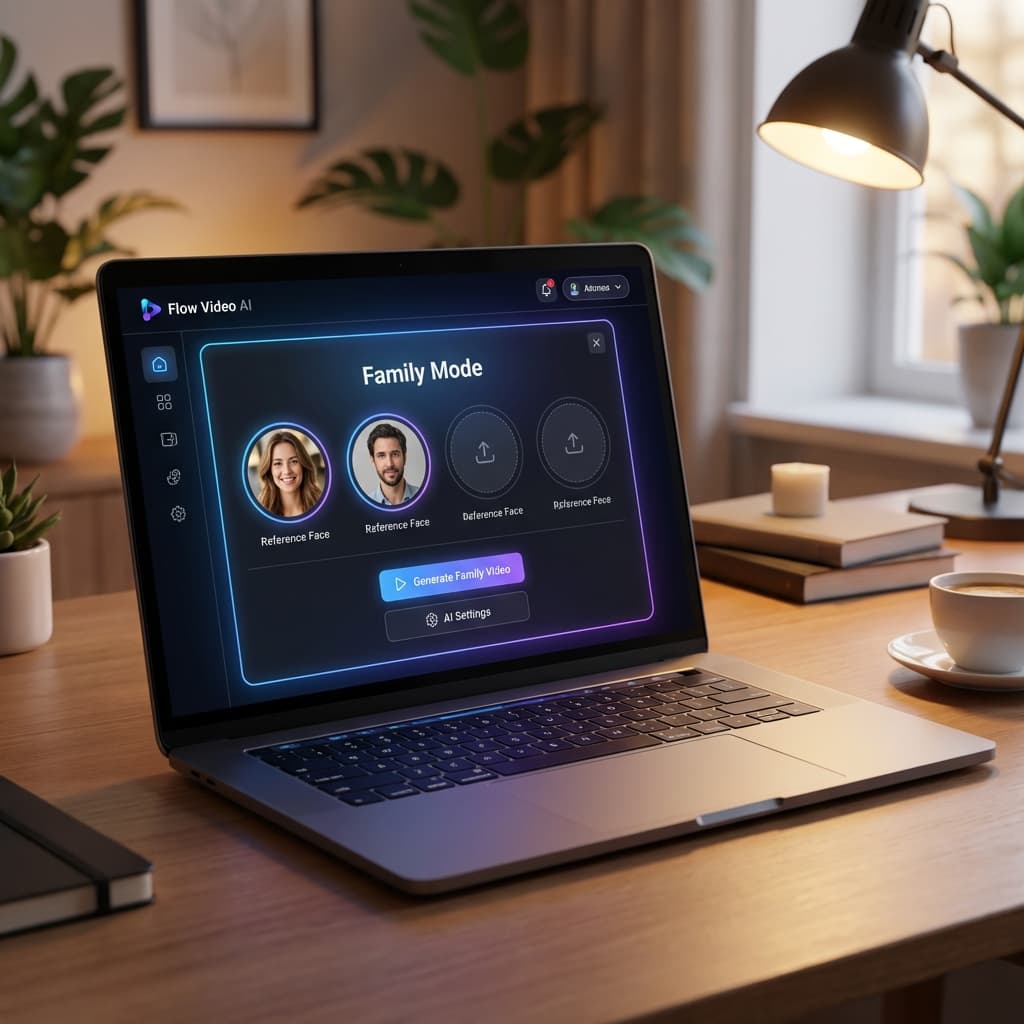
Step 2: Access the Generator
Go to the Flow Video AI platform. This is where the magic happens.
Step 3: Write a Multi-Subject Prompt
You need to tell the AI exactly who is in the picture. Use distinct descriptors like "The man is wearing a suit, the woman is wearing a blouse."
Step 4: Choose Your Style & Aspect Ratio
Select "Realistic" for standard portraits, or "3D Animation" for fun. Use 16:9 (Landscape) for family portraits.
Step 5: Generate and Refine
Click Generate. Use Flow Video AI’s Inpainting tool to fix specific areas like hands without changing the rest of the image.
7 Creative Ideas for AI Family Photos
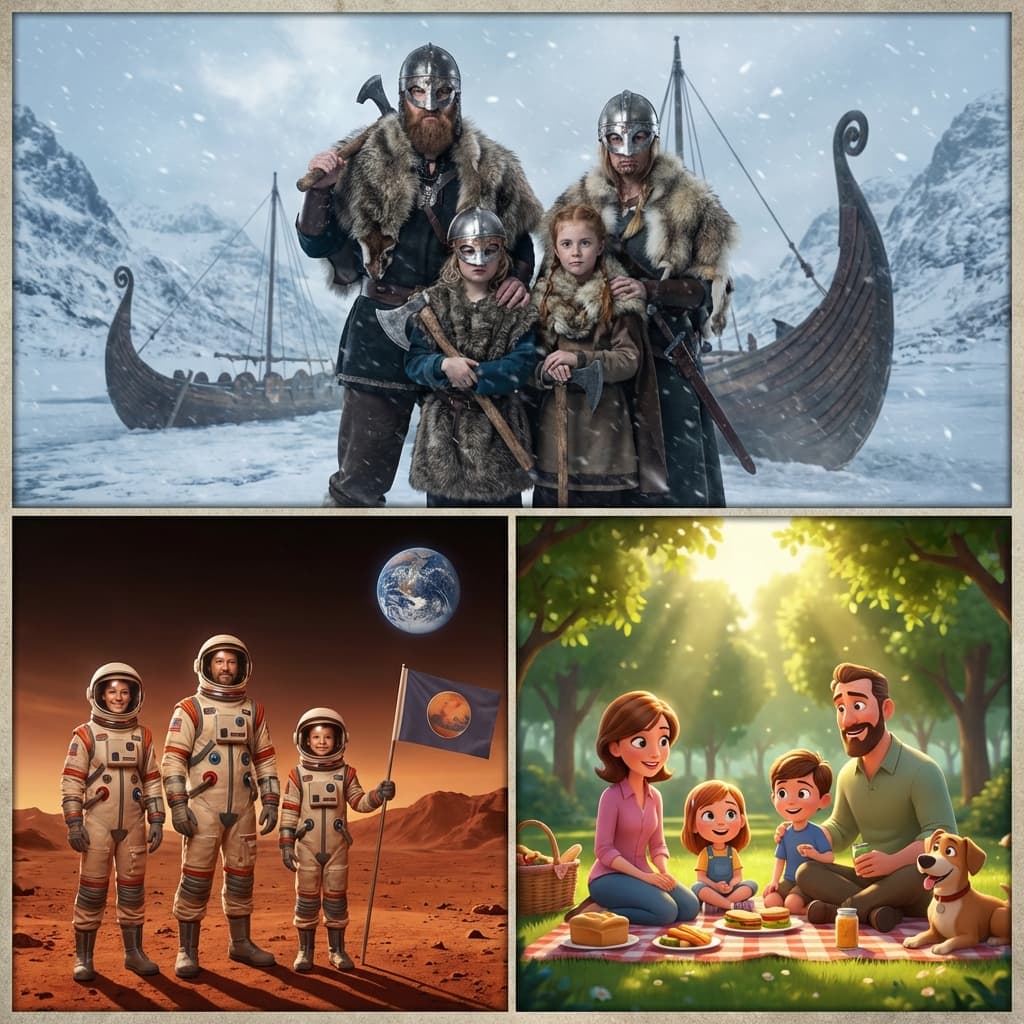
The "Impossible" Reunion
Combine photos of different people to create a touching reunion that physically couldn't happen, like with family overseas or passed loved ones.
The Holiday Card Remix
Forget buying matching pajamas. Generate them! Prompt: "Family of four wearing matching red and green knitted ugly Christmas sweaters..."
The Superhero Squad
Turn your family into a team of Avengers-style heroes. Hit with kids.
Vintage Time Travel
See what your family would have looked like in the 1920s, 1950s, or 1800s. Prompt: "Sepia toned photograph from 1890..."
The "Tiny Planet" Effect
Create a fun, distorted perspective where your family sits on top of a tiny world.
The "Artistic" Style
Turn your family portrait into a classic oil painting or a delicate watercolor masterpiece.
The "Future" Family
Curious what your kids will look like as adults? Or what you'll look like as grandparents? AI can simulate age progression.
Frequently Asked Questions
Is it safe to upload my kids' photos?
Flow Video AI prioritizes privacy. Photos are processed securely and deleted after generation or upon request. They are not used to train public models.
How much does it cost?
We offer a free trial to get you started. Affordable subscriptions are available for high-resolution downloads and unlimited generations.
Can I print these photos?
Yes! Use the 'Upscale' feature to ensure your images are high enough resolution for large format prints on canvas or photo paper.
Ready to Capture the Perfect Shot?
Join thousands of families creating magical memories with AI.
Start Creating Family Photos Here