
Viral Video Maker
Trend Tracker & Editor
Virality is not luck; it's timing. Posting the funniest video a week late is useless. The internet has moved on. The "Grimace Shake" trend lasted 10 days. The "Barbie" trend lasted 3 weeks. To win the game of attention, you need to identify the trend, create the content, and publish it while the wave is still cresting.
Built for transparent creative workflows
Viral Video Maker
Cost: 35 Credits
Upload Your Clip
Or record a quick reaction
Trend Command Center
Select a trending topic and upload your clip to newsjack the moment
The Acceleration of Culture
The "News Cycle" used to be 24 hours. Now, it is 4 hours. Trends on Twitter/X, Reddit, and TikTok rise and die with frightening speed.
Phase 1 (Hour 0-2): The Trend Starts. A meme is born. Phase 2 (Hour 2-12): The Early Adopters. The "Cool Kids" remix it. This is the growth curve. Phase 3 (Hour 12-36): Peak Virality. Everyone sees it. Ideally, you post here. Phase 4 (Hour 48+): Oversaturation. "Cringe." Brands start doing it badly.
If you are brainstorming content on Monday to post on Friday, you are already too late. You are posting in Phase 4. FlowVideo AI's Viral Video Maker is built for speed. It pulls data from social APIs to show you what is spiking *right now*. Then, it gives you "Remixable Templates" to insert your brand into that conversation instantly. It reduces the "Time to Publish" from days to minutes.
Why Use a Viral Video Maker?
Trend Velocity (The Signal)
The Technology: Sentiment & Speed
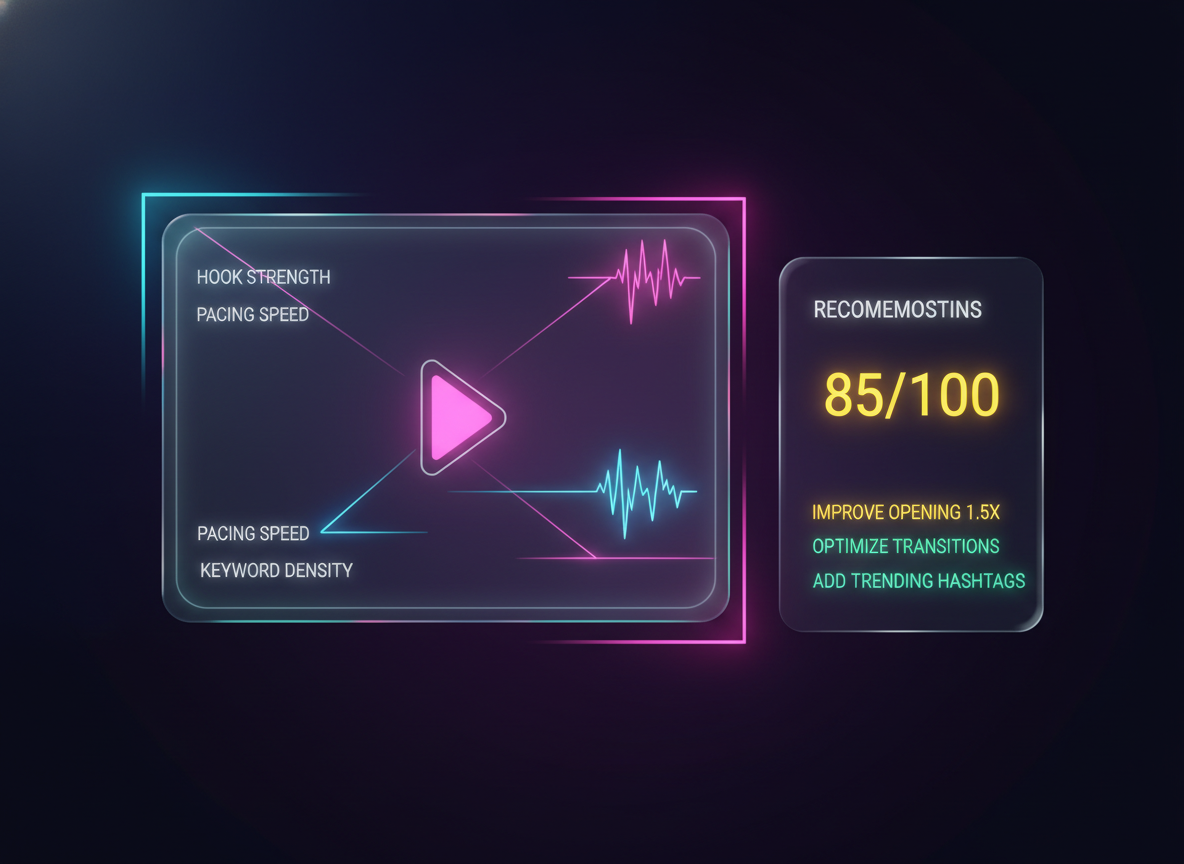
Predictive AI (Will it fly?)
The Analysis: Before you post, run the "Viral Check" diagnostic. The Metric: The AI analyzes: Hook Strength: Is the first frame visually loud? High contrast? Pacing: Is the Average Shot Length (ASL) under 2 seconds? (Fast cuts retain attention). Keywords: Are you using the trending keywords in the caption? The Score: It gives a score (e.g., 85/100). If it's low, it suggests: "Make the intro faster" or "Brightness is too low."
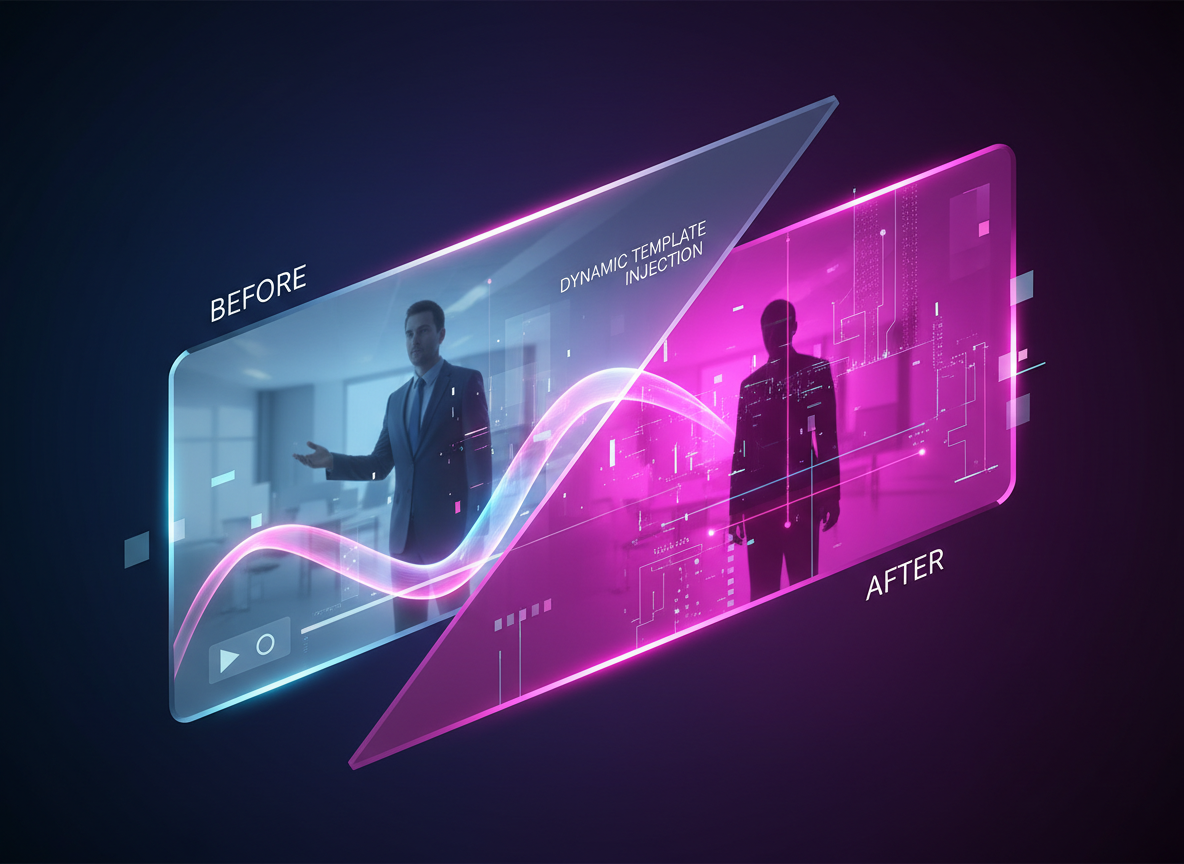
Dynamic Template Injection
The Tech: Dynamic Composition. The Use: When "Barbie" was trending, we injected "Pink Filter" templates. You could turn any video into a Barbie trailer with one click. This "Theme Injection" allows boring corporate videos to feel culturally relevant without re-shooting.

Audio Fingerprinting (Ghost Beat)
The Trend: Specific sounds go viral. The *rhythm* of the sound dictates the cut. The Tool: We identify the exact `audio_id` that is trending. We link you to it. Note: Due to copyright, you often have to add the sound *in the app*, but we time your video cuts to match the "Ghost Beat" (the BPM map) of that popular sound so it syncs perfectly when you upload and add the track.
Step-by-Step Guide: Newsjacking a Trend
Scan the Dashboard
View: Open the "Top Trends" tab. Filter by "Tech" or "General." Identify: "Everyone is talking about the new Apple Vision Pro release." The sentiment is "Amazement" mixed with "It looks goofy."
Ideation (The Angle)
Concept: "POV: You wear the headset to a family dinner." Angle: Humor / Relatability. "Applying the trend to everyday life."
Rapid Production (Shoot)
Action: Film the reaction on your phone. Don't worry about cinematic lighting. "Raw" looks more authentic for newsjacking. Import: AirDrop to Mac. Drag into FlowVideo.
Formatting (The Edit)
Template: Use the "Meme Header" template (White bar on top). Text: Type the punchline: "Me trying to ignore politics at Thanksgiving using Spatial Computing." Refine: Add "Auto-Captions" to ensure the dialogue is readable.
Viral Check & Post
Scan: Click "Viral Check." AI says "Pacing is good, but add music." Export: Download the High-Res MP4. Upload: Post to TikTok with the trending hashtags `#AppleVisionPro` `#Thanksgiving` `#SpatialComputing`.
Comparison: FlowVideo vs. Twitter Scans
| Feature | Manual Scrolling (Twitter/TikTok) | FlowVideo Trend Dashboard |
|---|---|---|
| Discovery | Serendipitous (Random) | Data-Driven (Velocity) |
| Speed | Slow (Hours of doomscrolling) | Instant Alerts |
| Templates | DIY (Canva) | One-Click Remix |
| Analysis | Guesswork | Predictive Score |
| Focus | Consumer | Creator / Brand |
Industry Use Cases
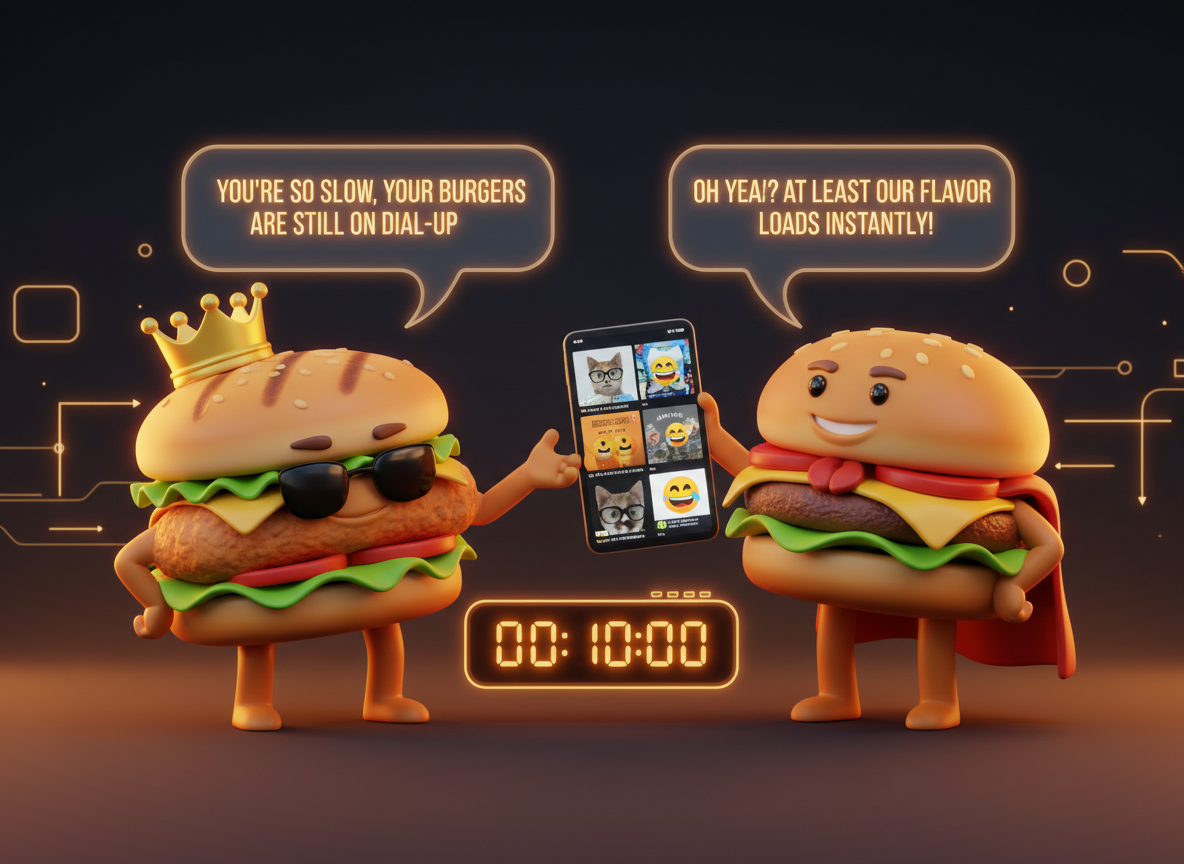
Fast Food Brands (The Roast)
Strategy: "The Clapback." Action: A competitor tweets a mistake. Response: Create a 5-second video reaction meme within 10 minutes. Wendy's and Burger King excel at this.
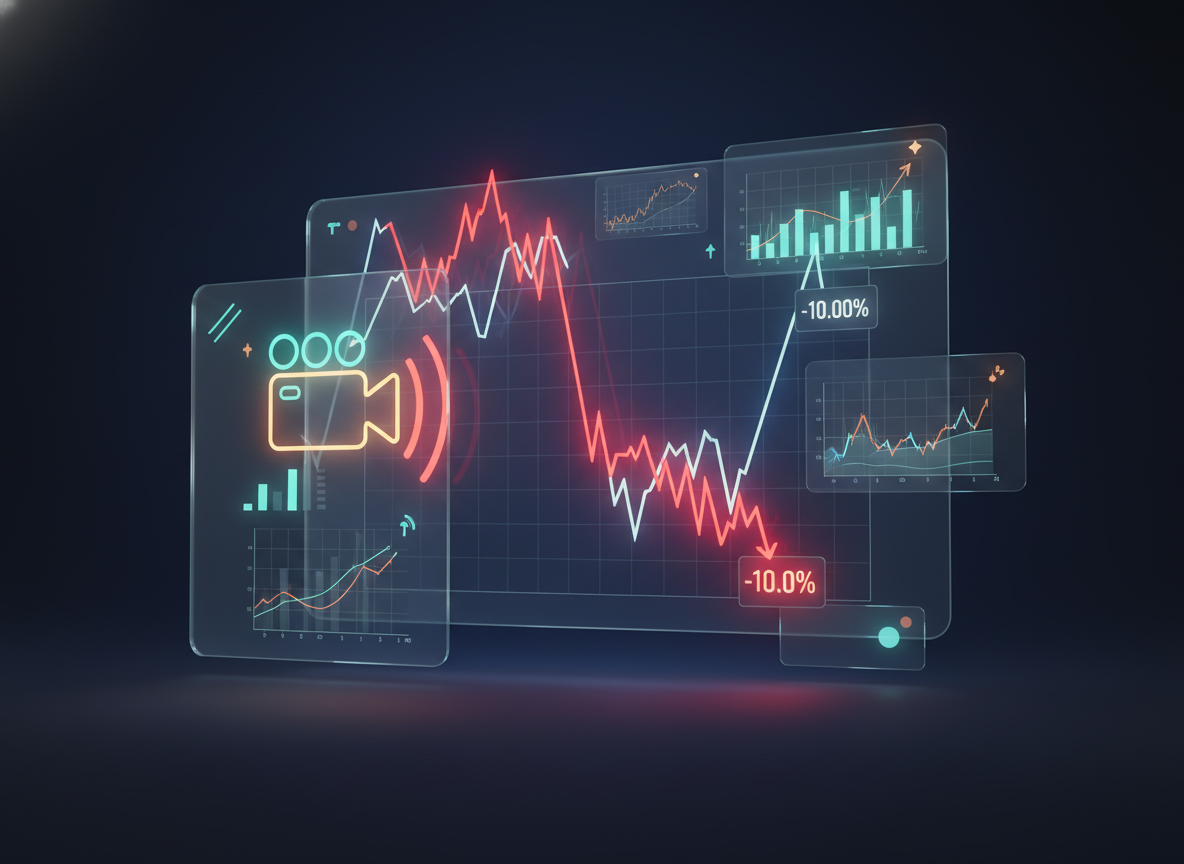
Crypto/Finance (The Market Move)
Strategy: "News Update." Action: Bitcoin drops 10% in an hour. Response: Create a chart analysis video immediately to capture the "Panic Search" traffic. The first video to explain *why* it dropped wins the views.
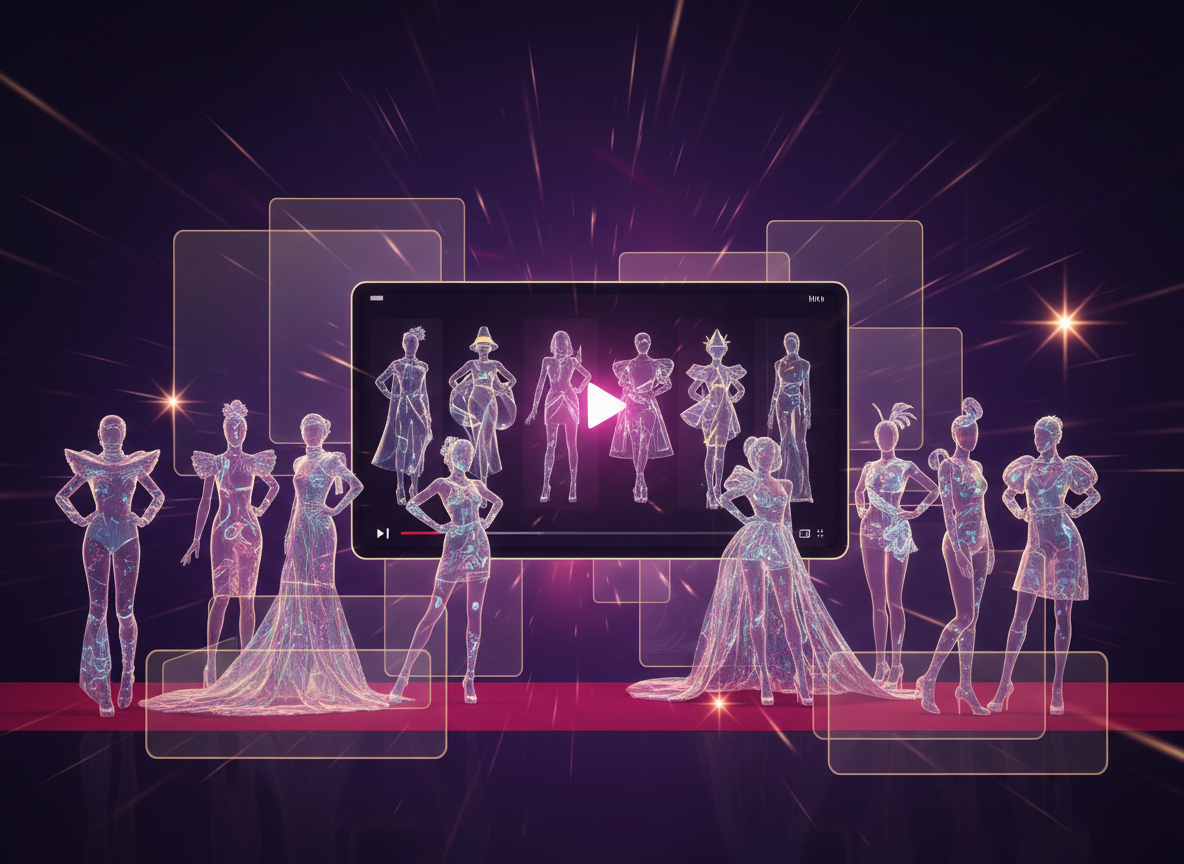
Fashion (The Event)
Strategy: "Met Gala Review." Action: The event happens on Monday night. Response: Create a "Best Dressed" slideshow compilation while the red carpet is still happening. By Tuesday morning, it's old news.
Verify the workflow before generation
Review the inputs, model, estimated credit cost, output type, and limitations shown on this page.
Troubleshooting: Why It Didn't Go Viral
Late to Party
Check the "Trend Age" indicator on our dashboard. If it says "Declining," don't post. Find a new, rising trend. Being late is worse than not posting.
Too Corporate
Use the "Lo-Fi" filter to degrade the video quality slightly so it looks native (UGC) and authentic. Users scroll past HD ads.
Boring Start
Delete the Logo. Viral videos start *in the action*. Never put an intro sequence on a viral attempt.
Wrong Audio
Use the "Ghost Beat" sync. The specific trending song is 50% of the virality. Generic stock music kills the vibe.