
AI Animation Generator: Animate Photos & Characters Instantly
Transform static images into cinematic videos. The easiest way to animate a photo using advanced AI.
AI Animation Studio
Bring your static assets to life in seconds
Generated animation will appear here
AI Animation Generator: Animate Photos & Characters Instantly
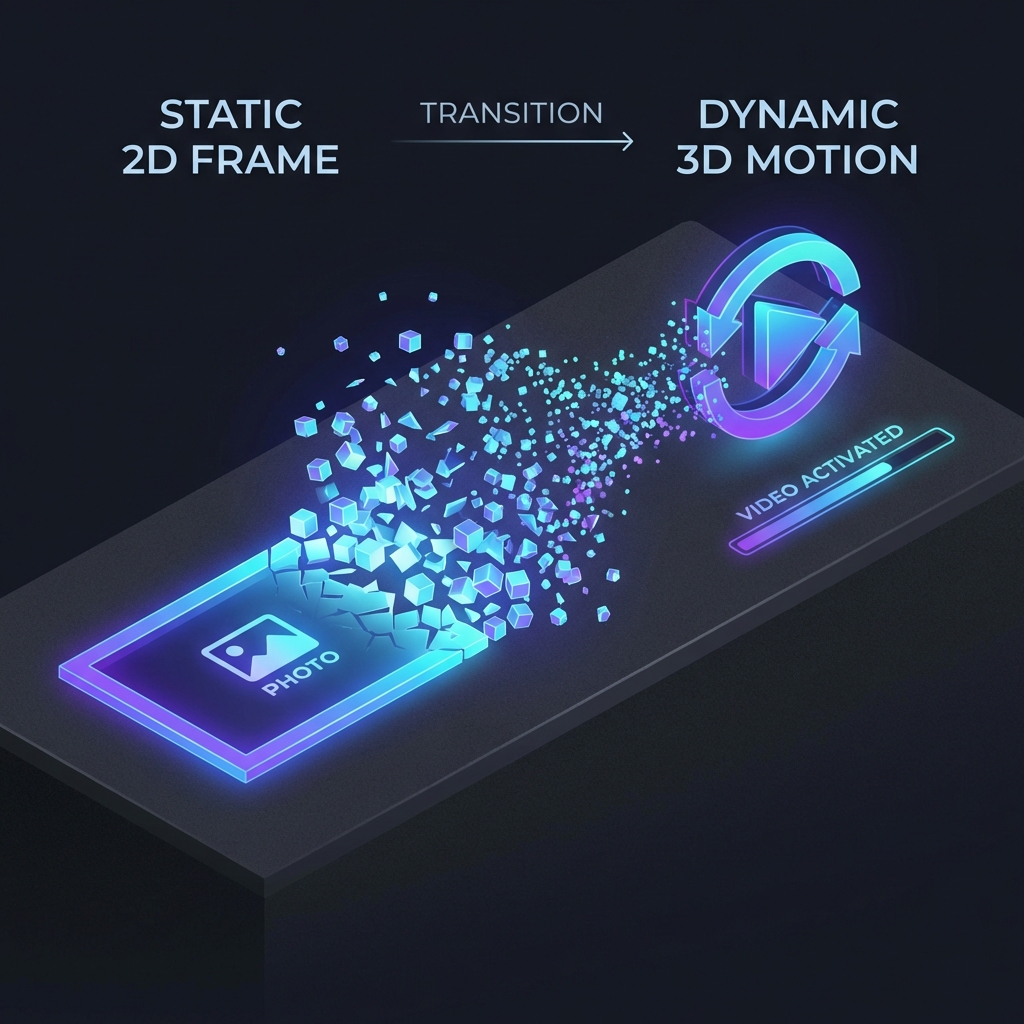
The digital landscape is evolving at an unprecedented pace, and static imagery is quickly becoming a relic of the past. Content creators, digital marketers, and storytellers are constantly seeking new ways to capture audience attention, leading to a massive surge in people asking how to animate their visual assets. In the past, learning how to animate meant mastering complex keyframe software, understanding physics engines, and investing in expensive hardware. It was a skill reserved for professionals with years of training. Today, Flow Video AI democratizes this process entirely. With our powerful animate AI technology, you can transform any still image into a captivating, cinema-quality video experience in just a few clicks.
Whether you are a professional looking to speed up your workflow or a beginner wanting to animate a photo for social media, our platform provides the tools you need. From turning a photo to animated cartoon styles to creating realistic cinematic movements, our ai animator is designed to handle the heavy lifting for you. This comprehensive guide will show you exactly how to animate using AI, unlocking a new level of creativity for your projects.
Why Choose Flow Video AI?
When searching for how to animate online, you are often faced with a polarizing choice: overly simple mobile apps with watermarks, or incredibly complex professional software that requires a steep learning curve. Flow Video AI sits perfectly in the middle, offering professional-grade animate AI capabilities with an intuitive, accessible interface.
The Logic of the Deep Learning AI Animator
How to Animate Photos in 3 Simple Steps
We have stripped away the complexity, making the process of how to animate accessible to everyone, regardless of technical skill. Follow these three intuitive steps to create your first masterpiece.
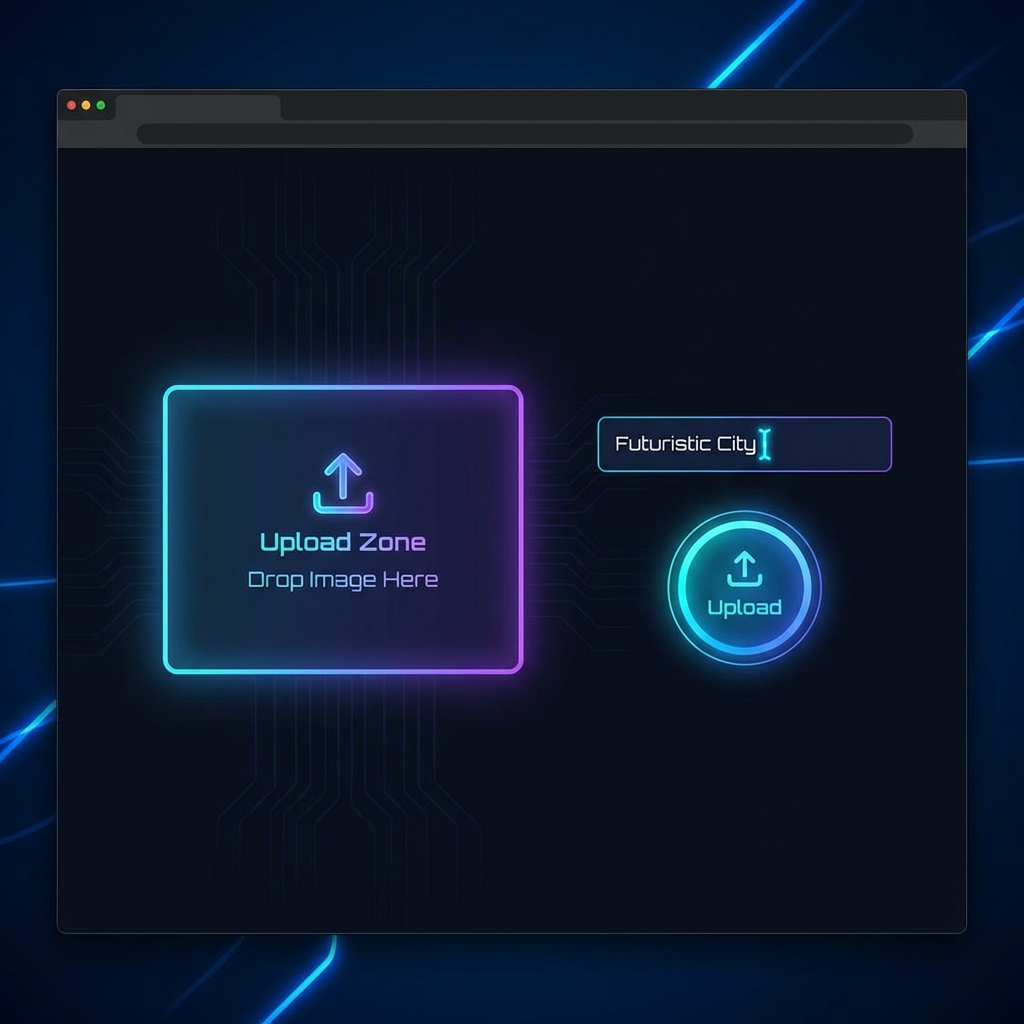
Step 1: Upload Your Image or Enter a Prompt
The first step in learning how to animate is selecting your source material. You can upload a high-resolution image directly into the animate ai dashboard via drag-and-drop. If you don't have an image, you can use our built-in text-to-image generator. Simply type a description like "A futuristic city with flying cars," and the system will generate the base image for you to animate. Remember, higher quality inputs help the ai animator produce better results when you animate a photo.
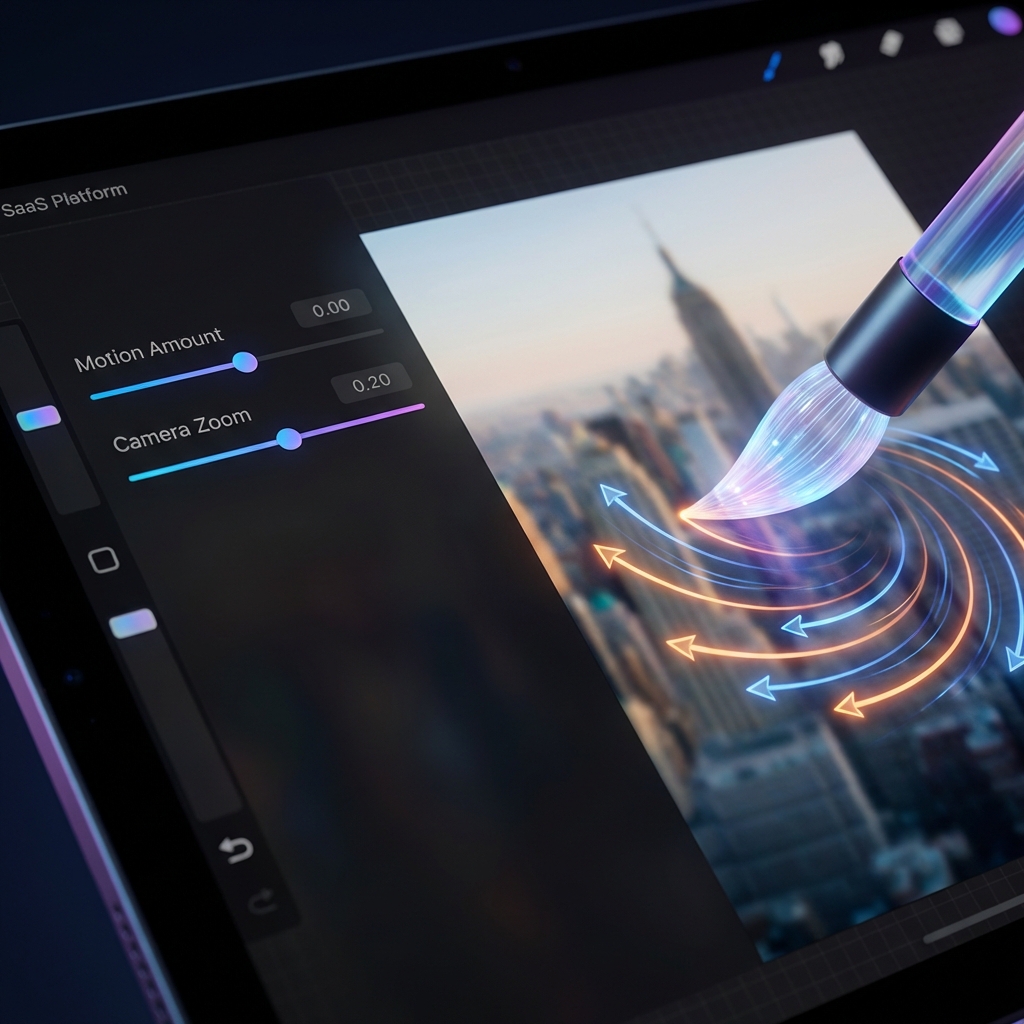
Step 2: Customize Your Motion Settings
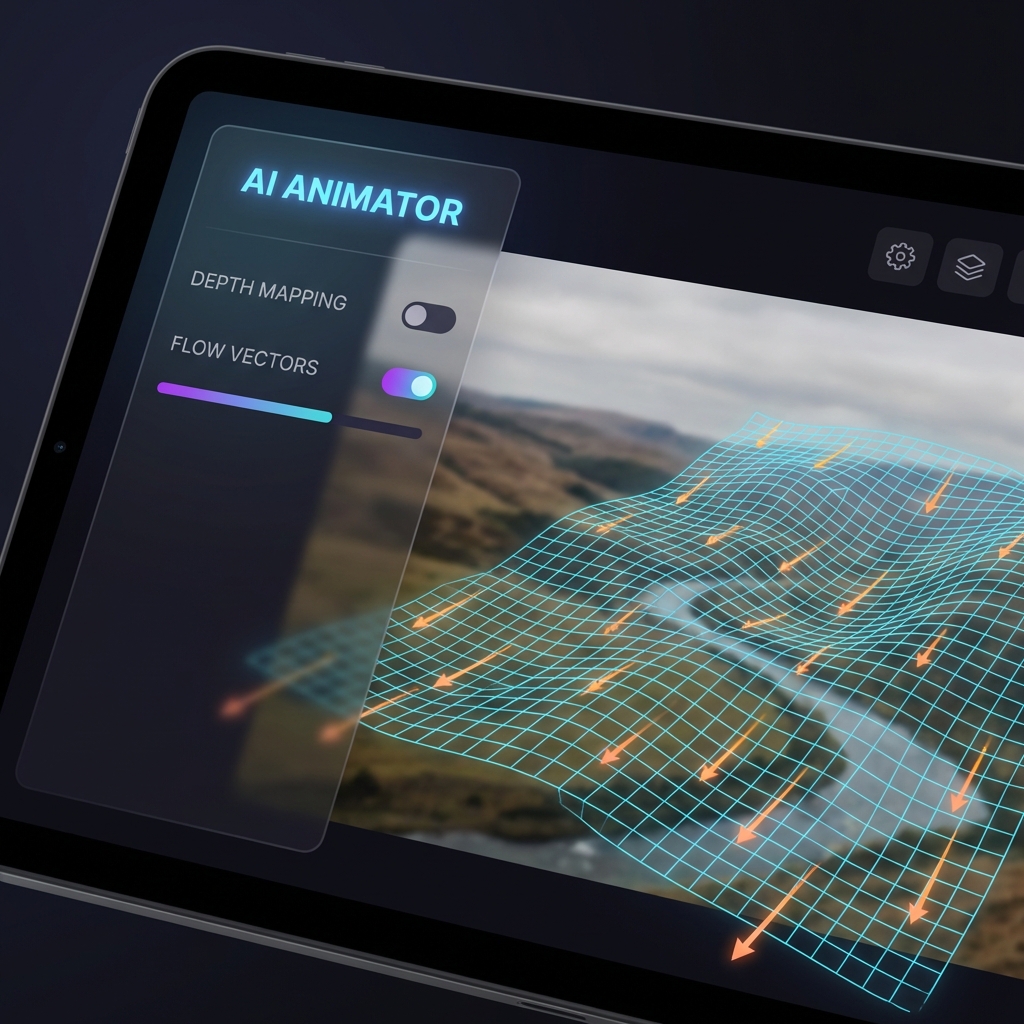
Once your image is loaded, you have full control over how to animate the scene via our granular settings panel. * Motion Direction: Use the brush tool to draw arrows indicating where the motion should flow (e.g., water flowing down, clouds moving left). * Camera FX: Select camera movements like "Zoom In," "Pan Left," or "Orbit" to add a cinematic, 3D feel to the 2D image. * Masking: If you want to animate a photo but keep certain parts still (like a building or a person standing still), use the mask tool to freeze those areas. This level of control ensures you aren't just applying a generic filter, but truly defining how to animate the composition to tell your story.
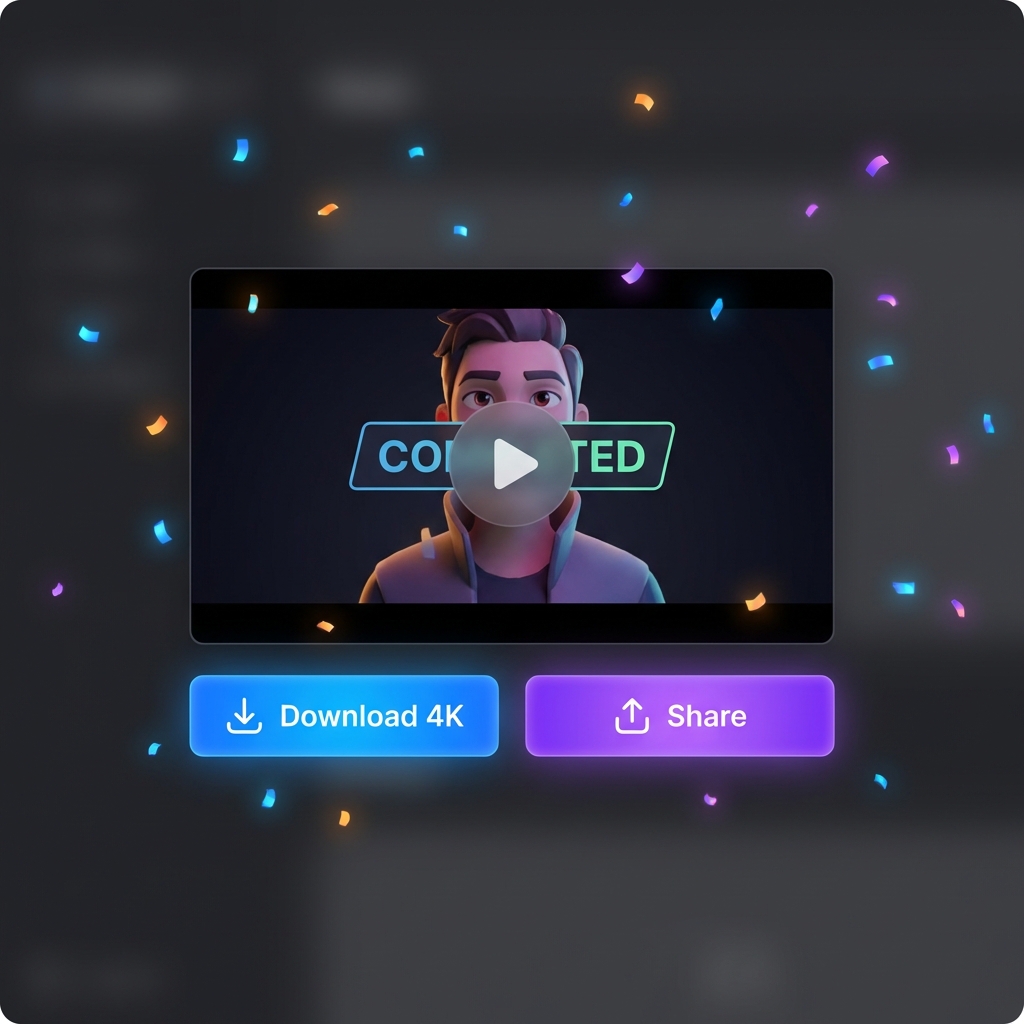
Step 3: Generate and Download
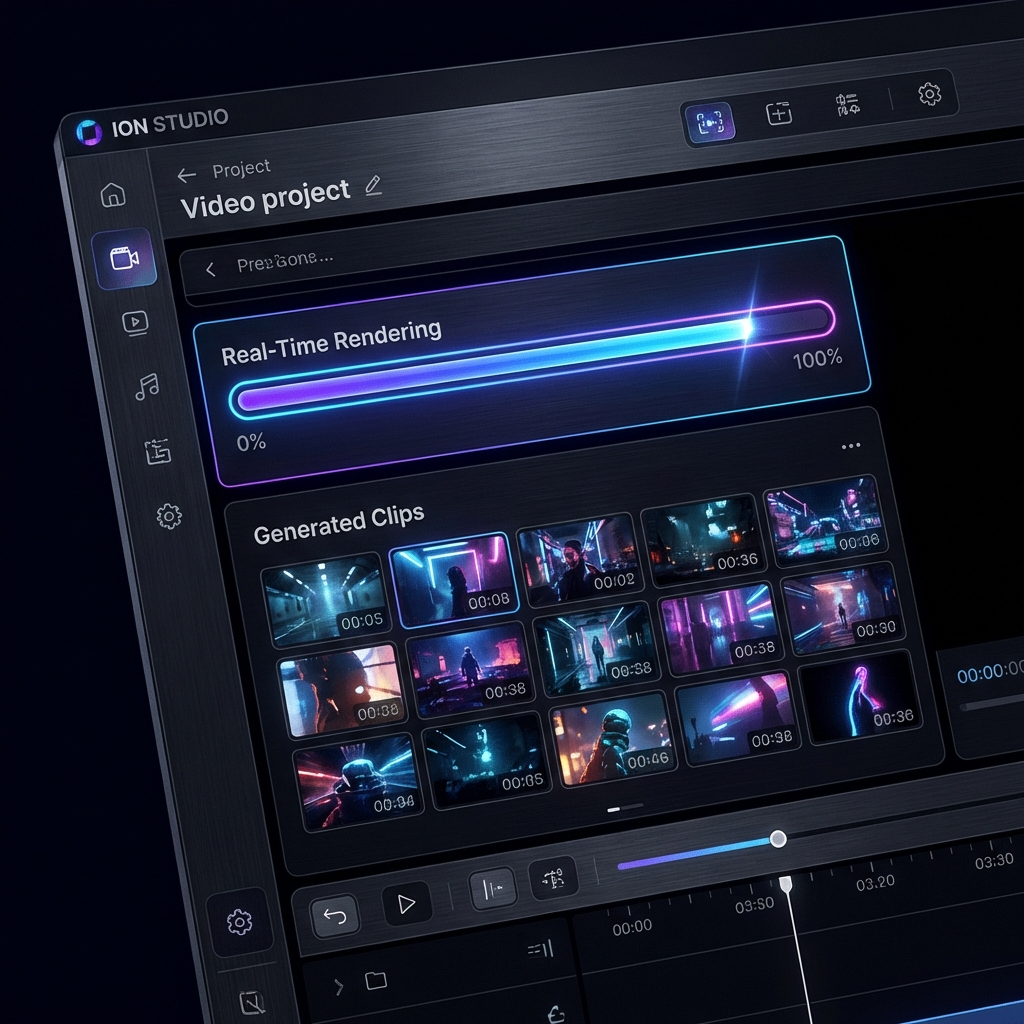
After configuring your settings, simply click the "Generate" button. The ai image animator will process the data, utilizing cloud GPUs to predict frames and create smooth motion. Within moments, your video will be ready for review. Preview the result to ensure it matches your vision of how to animate the scene. If satisfied, click "Download" to save the file as a high-quality MP4. You can then use this animate ai output in your video editing software, upload it to YouTube, or share it directly to social media platforms.
Advanced Techniques: Mastering Animate AI
Once you have mastered the basics of how to animate, you can explore advanced techniques to get the most out of the animate ai engine and create truly professional content.
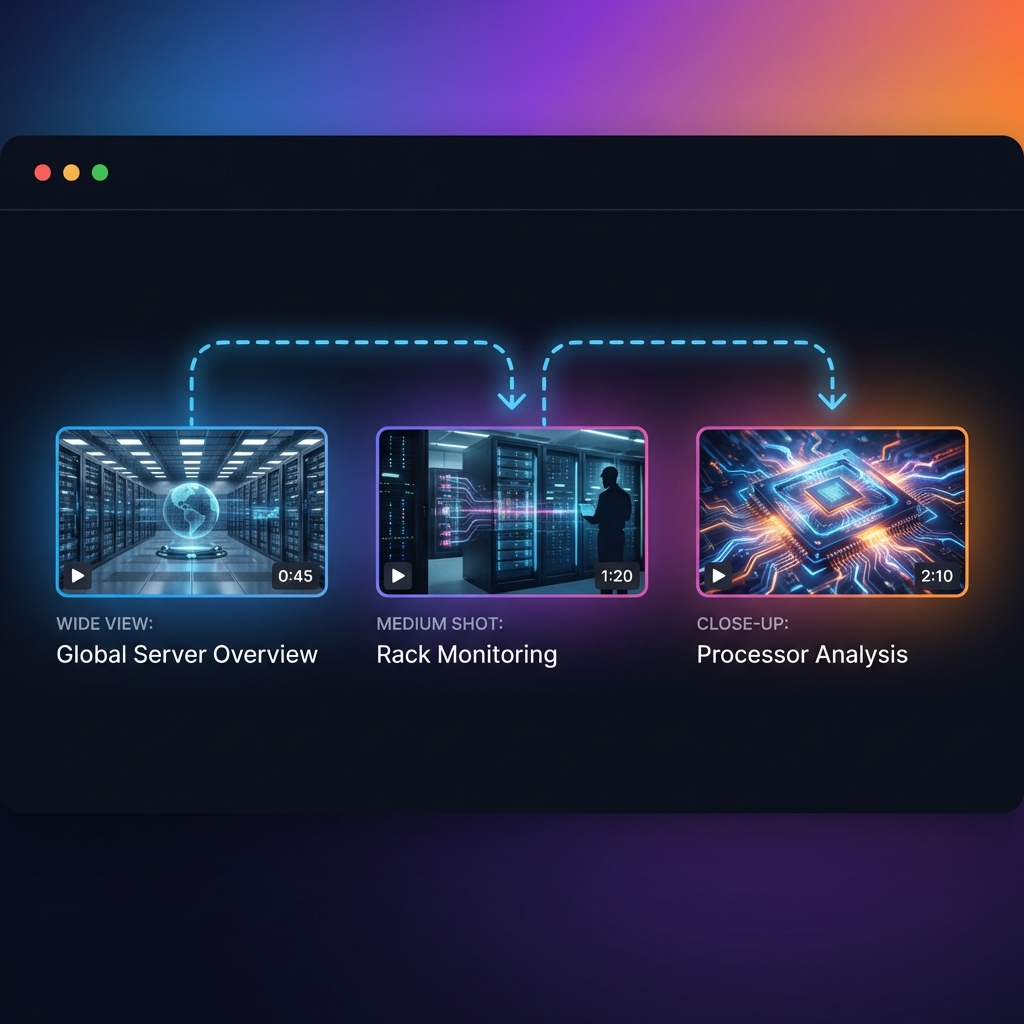
Storytelling through Motion
Animation is a visual language. When you animate a photo, consider the mood you are trying to convey. A slow, subtle motion creates calmness and mystery, while fast, chaotic motion creates energy and excitement. Use the ai animator to adjust the "Motion Speed" slider to match the emotion. Combining multiple clips where you animate a photo with different camera angles can tell a complete story without shooting a single frame of video.
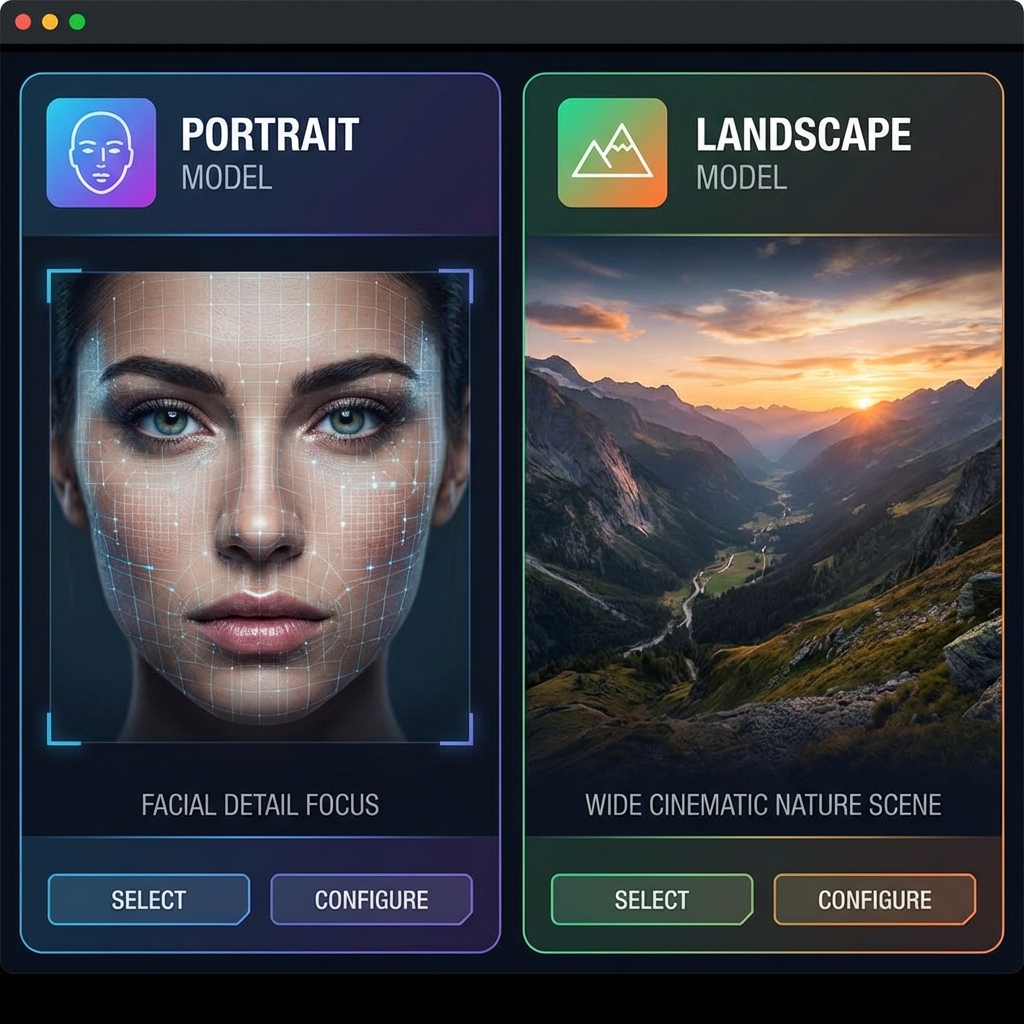
Specialized Models: Portrait vs. Landscape
We offer specific AI models optimized for different subjects to ensure the highest fidelity. * Portrait Model: specialized in how to animate facial features, blinks, and subtle head tilts, ensuring human subjects look natural. * Landscape Model: Optimized for organic elements like clouds, water, and foliage. Choosing the right model is crucial. If you try to animate a photo of a person using the landscape model, the results may look unnatural. The ai image animator works best when given the correct context.
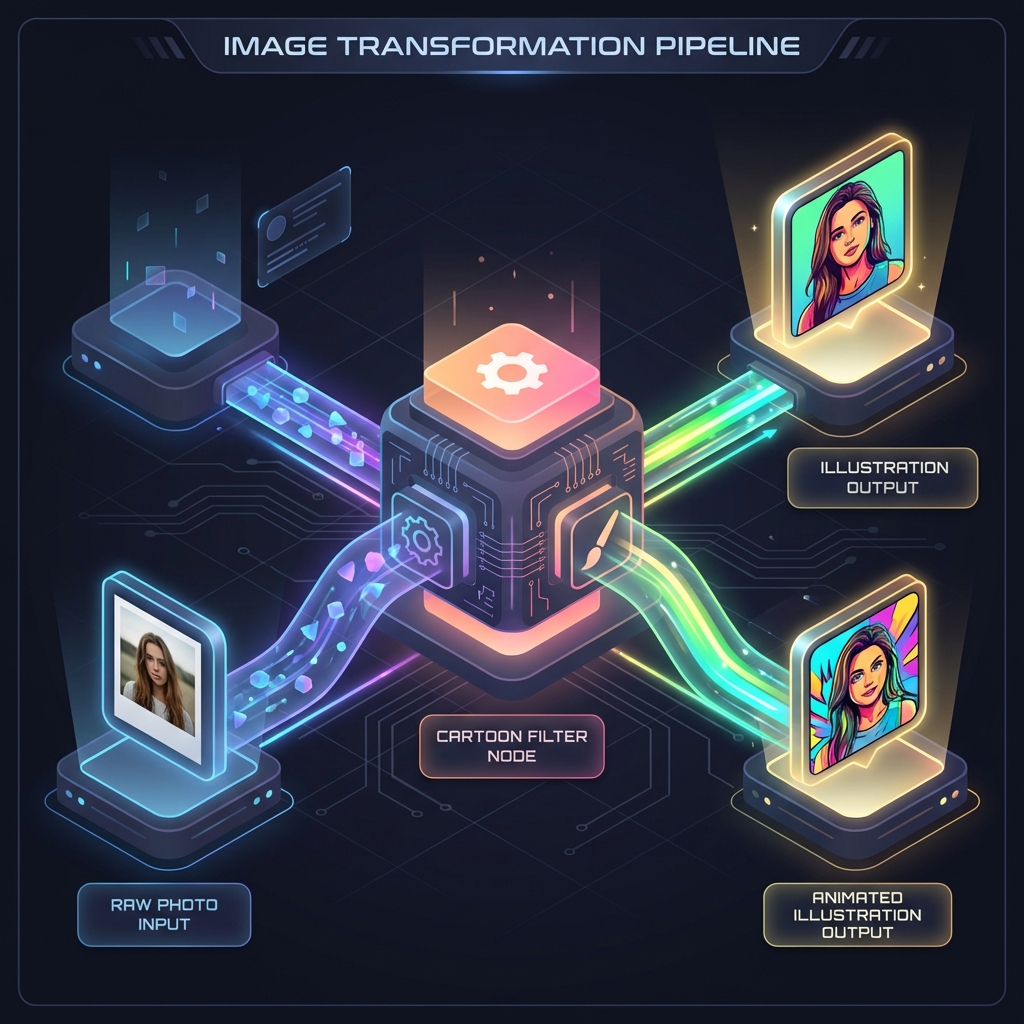
The "Photo to Animated Cartoon" Pipeline
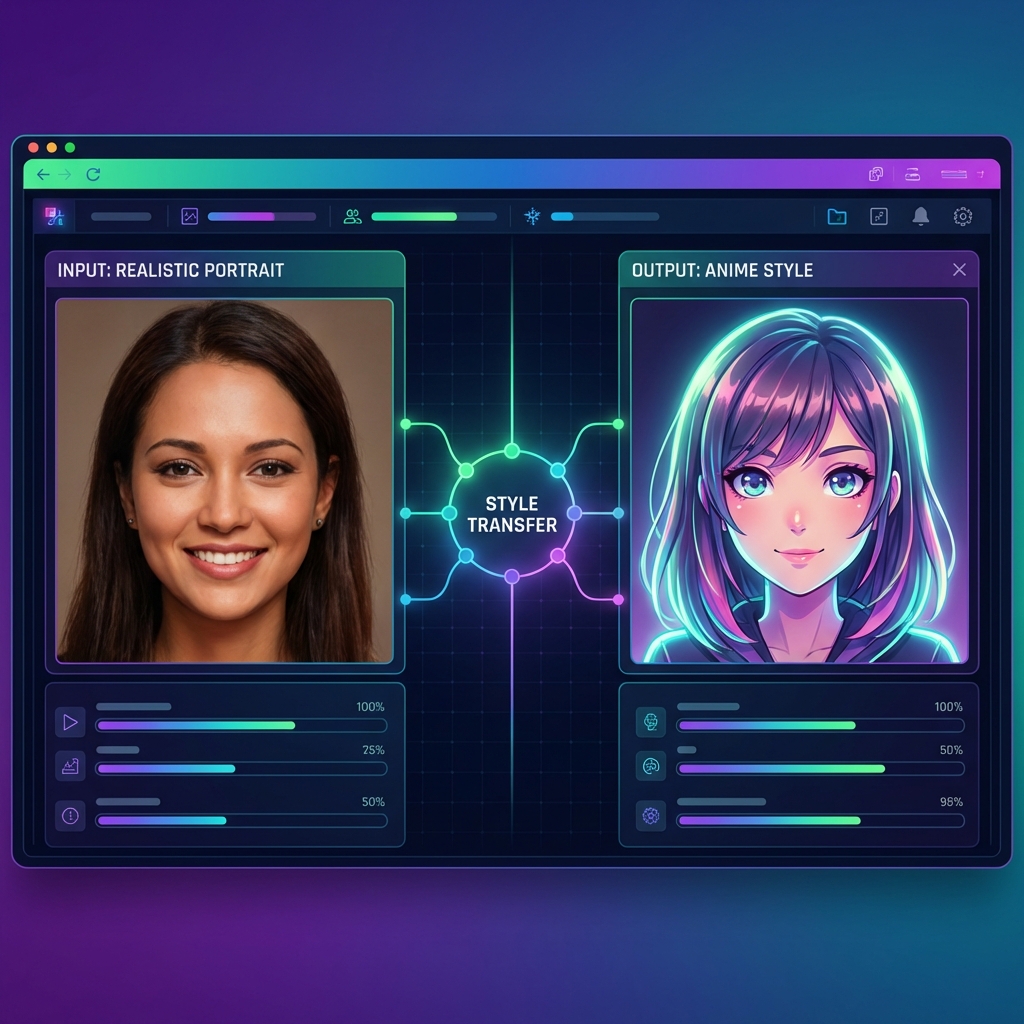
A trending workflow in the creator economy is converting real footage into animation. By using our photo to animated cartoon feature, creators are building entire "faceless" YouTube channels. The process involves uploading a sequence of images, applying the "Anime" or "Oil Paint" style, and letting the animate ai engine render a consistent look. This is the secret to how to animate unique content without needing drawing skills or hiring illustrators.
Explore More Tools
Frequently Asked Questions
Related Guides
How to Make Insanely Good Animation Using AI
Discover advanced techniques for high-quality output.
How to Create Animated Video with AI Voiceover
Add voice to your visuals for storytelling.
How to Make AI Animal Videos
Create realistic or stylized animal animations.
How to Animate a Photo Using AI
A beginner-friendly guide to photo animation.