
Free Animation Maker
Create Animated Videos Online
Turn your ideas into professional animated videos instantly. No complex software, no keyframes—just pure creativity powered by AI.
Built for transparent creative workflows
Animation Studio
Text to animated video in seconds
💡 Tip: Use structure “Subject + Action + Environment + Lighting + Style”
Animation Preview
Your animated video will appear here. Watch the preview, then upscale to 4K for final export.
Introduction
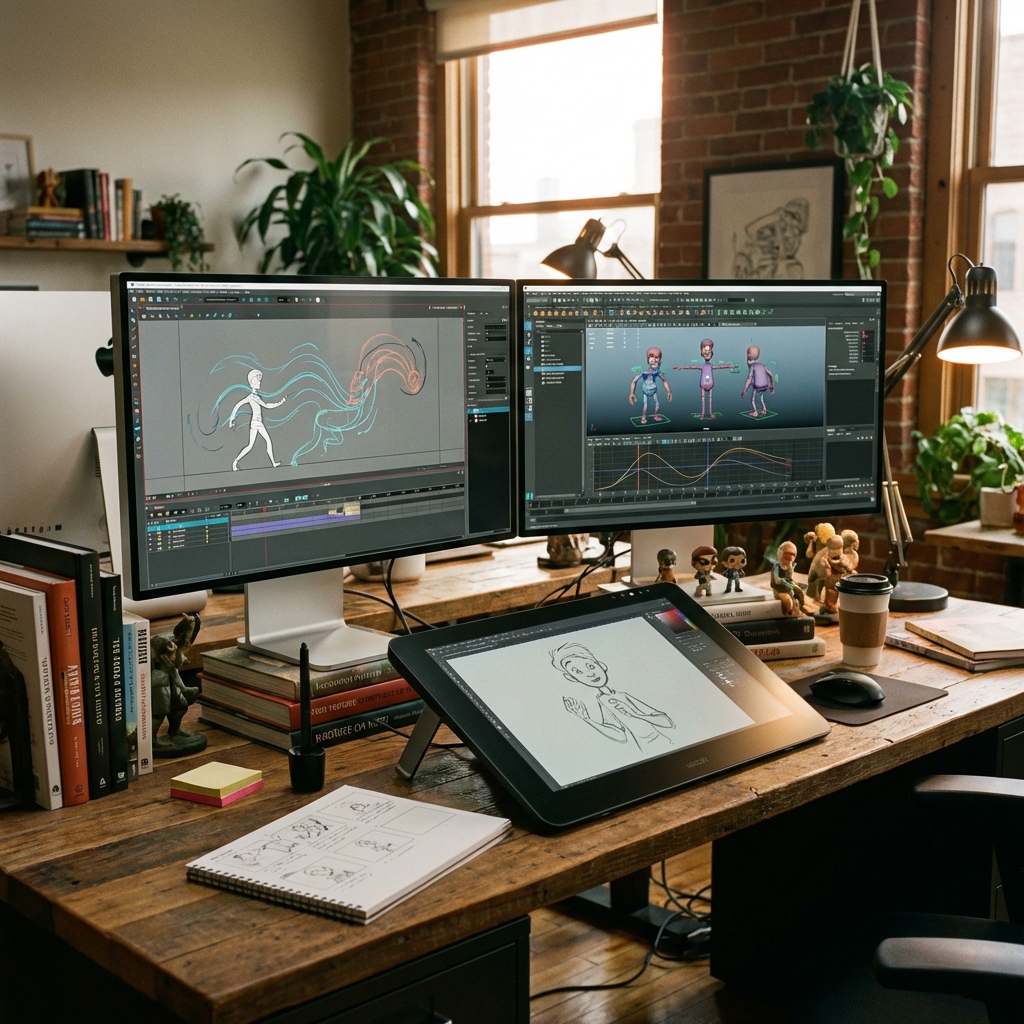
For over a century, animation has been the ultimate medium of limitless storytelling. From the hand-drawn cells of the 1920s to the computer-generated marvels of modern blockbusters, it allows creators to transcend the boundaries of physical reality. In animation, gravity is a suggestion, not a law. You can depict worlds, characters, and concepts that would be impossible or prohibitively expensive to film with live-action cameras. However, this freedom has historically come with a steep price tag: complexity.
The barrier to entry for high-quality animation has not just been formidable; it has been practically insurmountable for the individual creator. Creating even a simple 30-second animated clip traditionally required mastering a suite of complex software tools like Adobe After Effects, Blender, Maya, or Cinema 4D. It demanded an intimate understanding of rigging, keyframing, timing graphs, squash-and-stretch principles, and rendering pipelines. For the average marketer, educator, small business owner, or storyteller, this meant that animation was effectively out of reach—a luxury reserved for those with massive production budgets or years of specialized technical training.
The landscape has changed dramatically. FlowVideo AI's Animation Maker democratizes this art form, completely dismantling the technical gatekeepers. We have transformed the workflow from a manual, frame-by-frame labor into a streamlined, semantic, text-driven interface. Whether you are looking to explain a complex SaaS product features, tell a heartwarming brand story for your non-profit, or create a viral cartoon series for TikTok, our tool puts the power of a dedicated animation studio directly in your browser. By leveraging the latest breakthroughs in generative AI, we allow you to bypass the technical hurdles entirely. You describe the scene, the mood, and the action; our neural networks handle the motion vectors, the physics simulations, and the stylistic rendering. This tool serves as the cornerstone of our "Make" ecosystem. While specialized tools like our Avatar Maker focus on detailed character identity, the core Animation Maker is your general-purpose studio for creating scenes, motion graphics, and narrative sequences. It is designed to be the bridge between your imagination and the screen, proving that in 2026, if you can write it, you can animate it.
Why Use an AI Animation Maker?
A fundamental paradigm shift in content strategy, reliability, and scalability.
Live-action video is strictly limited by physics and budget. You cannot easily film a metaphor without expensive CGI. But with animation, you can visualize the abstract instantly. You can show data streams flowing like rivers, a computer firewall acting as a literal shield against viruses, or a customer's headache physically evaporating after using your product. Our animation maker excels at visualizing these high-level concepts. For SaaS companies, fintech startups, and educational platforms, this is determining factor. "Explainer videos" that use animation to simplify complex value propositions convert significantly higher than static text or generic "talking head" videos. You can turn a boring technical manual into a vibrant, engaging visual journey that retains viewer attention.
The Technology Behind the Animation Maker
How does a text prompt become a fluid video?
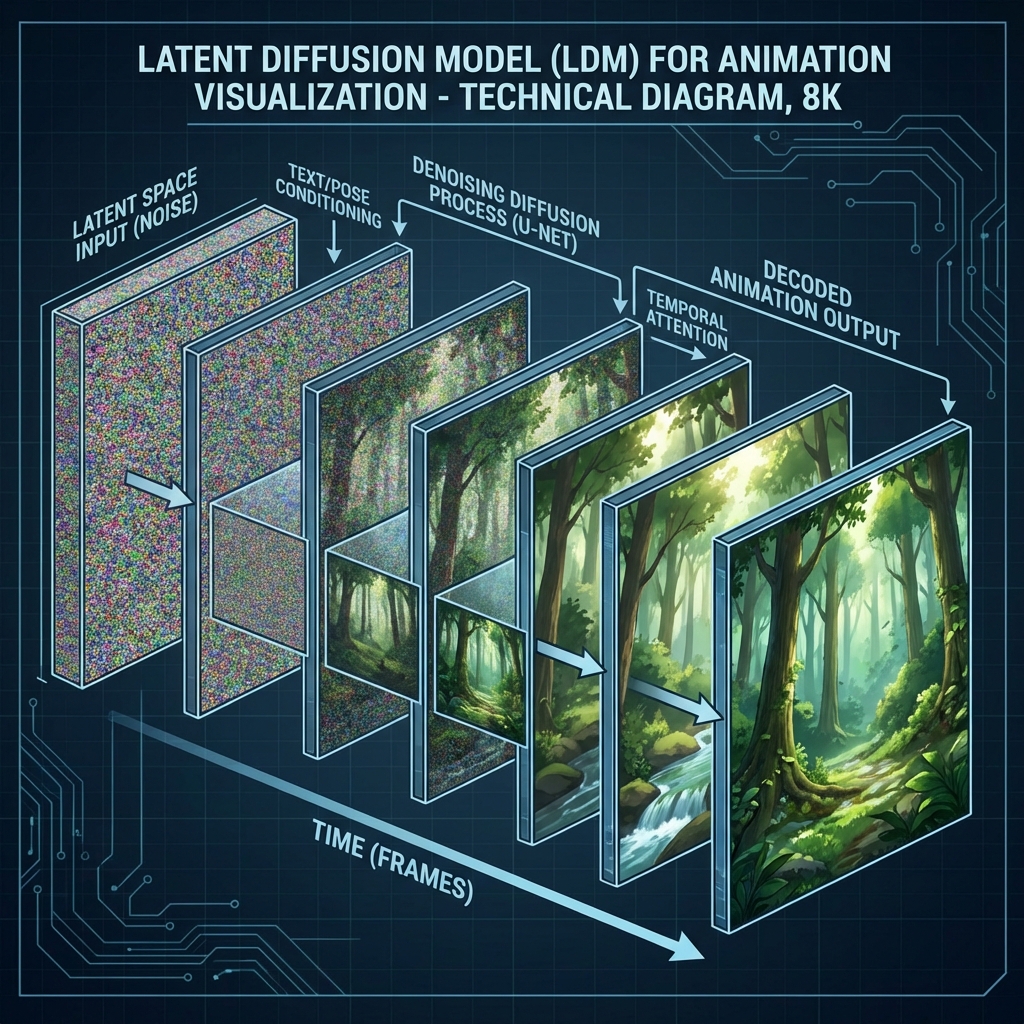
From GANs to Latent Diffusion Models (LDM)
Historically, AI video was generated using GANs (Generative Adversarial Networks), which were prone to instability and "hallucinations." Our animation maker is built on the newer architecture of Latent Diffusion Models (LDM). When you enter a prompt like "A cat chasing a butterfly in a sunny park," the AI doesn't just paste clip-art together. It begins with "noise" (random static, similar to TV snow) and gradually "denoises" it to match your text description. Unlike image generators (like Midjourney) that create one frame, our video model generates a sequence of 24 frames per second simultaneously in a 3D latent space. It understands that if the cat is on the left in frame 1, it should be slightly to the right in frame 2, maintaining the object's identity and volume.
Motion Vectors and Optical Flow
To ensure smooth movement without the jittery "flickering" or "boiling" effect seen in early AI video, we utilize "Optical Flow" technology. The AI predicts the direction and speed of every pixel's movement between frames. It calculates a "Motion Vector" for every element. If you select a "Smooth" animation style, the AI enforces strict motion vector continuity, making the movement fluid and liquid. If you choose a "Stop Motion" style, it intentionally limits the frame rate to 12fps and reduces interpolation to mimic the jerky, charming look of physical claymation.
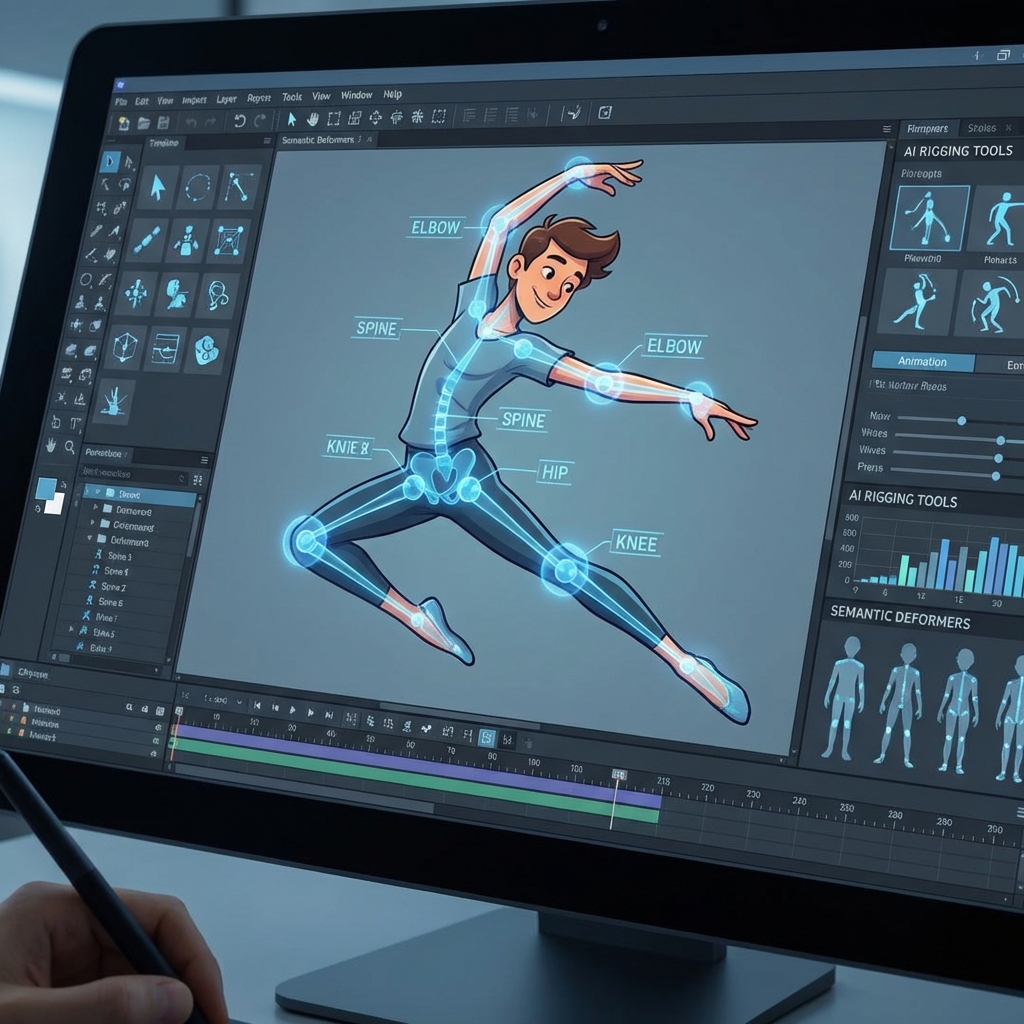
Semantic Rigging and Physics Simulation
For character animation, we use an implicit "Semantic Rigging" system. The AI understands that a "human" has joints—elbows, knees, a neck—that bend in specific ways. It won't bend an arm backwards unless you specifically ask for a horror style. This understanding of anatomy and physics allows you to command complex actions like "running," "jumping," or "dancing" without needing to manually pose a 3D model. The AI effectively "imagines" a skeleton inside the generated pixels to guide the motion logically.
How to Create Your Animation
Our platform hides the complex math behind a friendly UI.
Step 1: Define Your Scene (Text Input and Prompt Engineering)
Locate the "Text Input" box on the left-hand control panel. This is your director's chair, where you define the reality of your scene. Microscope Detail: The quality of your output is directly correlated to the specificity of your prompt. A vague prompt like "A car" will yield generic results. instead, try a structured prompt: "Subject + Action + Environment + Lighting + Style." Example: "A sleek red sports car driving fast on a neon futuristic highway at night, cyberpunk city background, wet pavement reflections, volumetric lighting, 4k resolution." Camera Control: You can also specify the camera angle within the prompt. Use terms like "Drone shot" (for aerial views), "Close up" (for details), "Wide angle" (for landscapes), or "Tracking shot" (to follow the subject). Negative Prompts: If you are on the Pro tier, open the "Advanced" dropdown to find the Negative Prompt box. Here, type what you don't want: "blur, low quality, distorted text, extra limbs, watermark." This filters out unwanted artifacts.
Step 2: Select Your Art Style and Ratio
The "Style Selector" is where you define the aesthetic "lens" of your animation. Microscope Detail: We offer a curated list of motion styles. Click the thumbnails to preview them. 2D Flat / Vector: Perfect for corporate explainers and mobile apps. Features clean lines, solid colors, and minimal shading. 3D Pixar-style: Ideal for storytelling and kid-friendly content. Features swift, soft lighting, cute proportions, and "gummy" textures. Anime / Manga: High energy, dramatic angles, cel-shaded look. Great for music videos or action sequences. Sketch / Hand-Drawn: Gives a warm, organic feel with visible pencil strokes. Perfect for non-profits or educational content. Cinematic: Photorealistic lighting and textures for dramatic effect. Aspect Ratio: Don't forget to set your ratio. Use 16:9 for YouTube, 9:16 for TikTok/Reels/Shorts, or 1:1 for Instagram/LinkedIn posts.
Step 3: Configure Motion Settings and Duration
Before you hit generate, tweak the specialized control sliders. Microscope Detail: Motion Strength (1-10): This controls how much change happens in the video. Low (1-3): Subtle movement. Leaves rustling, lights flickering, a character breathing. Good for looping backgrounds or "Lofi" videos. Medium (4-7): Standard action. Walking, talking, simple gestures. The safest bet for most videos. High (8-10): Chaos and energy. Fast running, explosions, rapid camera pans. Use this for high-impact intros but be aware it can sometimes reduce coherence or morph the subject. Seed: If you want to recreate a specific style from a previous generation, copy the "Seed Number" from that generation's history log and paste it here. This keeps the randomness consistent.
Step 4: Animate, Preview, and Upscale
Click the large "Animate" button to start the rendering process. Microscope Detail: The system will first generate a low-resolution "Preview Draft" (usually 4 seconds). This allows for rapid iteration and usually takes 10-15 seconds to render. The Review: Watch this loop carefully. Does the character move correctly? Is the lighting right? If yes, you can decide to finalize it. Upscale: The draft will be slightly pixelated. Click the "Upscale & Extend" button. This runs a secondary pass (Expert Model) that sharpens edges, adds texture detail, and boosts the resolution to 1080p or 4K. It also smooths out any frame jitter.
Step 5: Post-Processing in Workspace
Once you have your raw clip, the job isn't done. Video requires sound and context. Microscope Detail: Click "Edit in Workspace" to bring your clip into our timeline editor. Looping: You can right-click the clip and select "Loop" to extend its duration seamlessly. Interpolation: If you want a slow-motion effect, use the "AI Slow Mo" tool which generates intermediate frames to slow the video down without stuttering. Audio: Search our stock music library for a track that matches the mood. Adding sound effects (SFX) like "city ambience," "footsteps," or "whooshes" using our AI Sound Generator significantly increases the realism. Typography: Overlay text using the Typography tool. Kinetic text that moves with the video is a great way to drive your message home.
Troubleshooting Common Animation Glitches
The "Morphing" Issue
The subject changes shape or identity (e.g., a car turns into a bus).
✓ Lower the "Motion Strength" slider. High motion often forces the AI to hallucinate new objects. Also, try adding "consistent character" to your prompt.
The "Flicker" Issue
Background textures flash rapidly.
✓ Use the "Deflicker" toggle in the Advanced settings. This applies a post-processing filter to smooth brightness variances.
The "Nightmare" Hands
Characters have too many fingers or distorted limbs.
✓ This is a classic AI problem. Try hiding the hands in the prompt (e.g., "hands in pockets" or "close up on face"). Alternatively, use negative prompts: "bad anatomy, extra fingers."
Traditional Studio vs. FlowVideo AI
| Feature | Traditional Animation Studio | FlowVideo AI Animation Maker |
|---|---|---|
| Cost | $1,000 - $10,000+ per minute | Included in Subscription (Free tier available) |
| Turnaround Time | Weeks or Months | Minutes or Seconds |
| Skill Requirement | High (Degree in Animation/Art) | None (Natural Language Prompting) |
| Iterative Process | Slow (Revisions cost extra $$$) | Instant (Regenerate until perfect) |
| Style Consistency | Dependent on individual artist | Guaranteed by Model Weights |
Industry Use Cases
SaaS and Tech Marketing
Startups use the animation maker to visualize intangible software features. A cloud database company can prompt: "Glowing data packets flying securely into a futuristic server fortress, 3d isometric style." This visual shorthand explains their product's security value proposition faster than a white paper ever could.
Education (K-12 and Higher Ed)
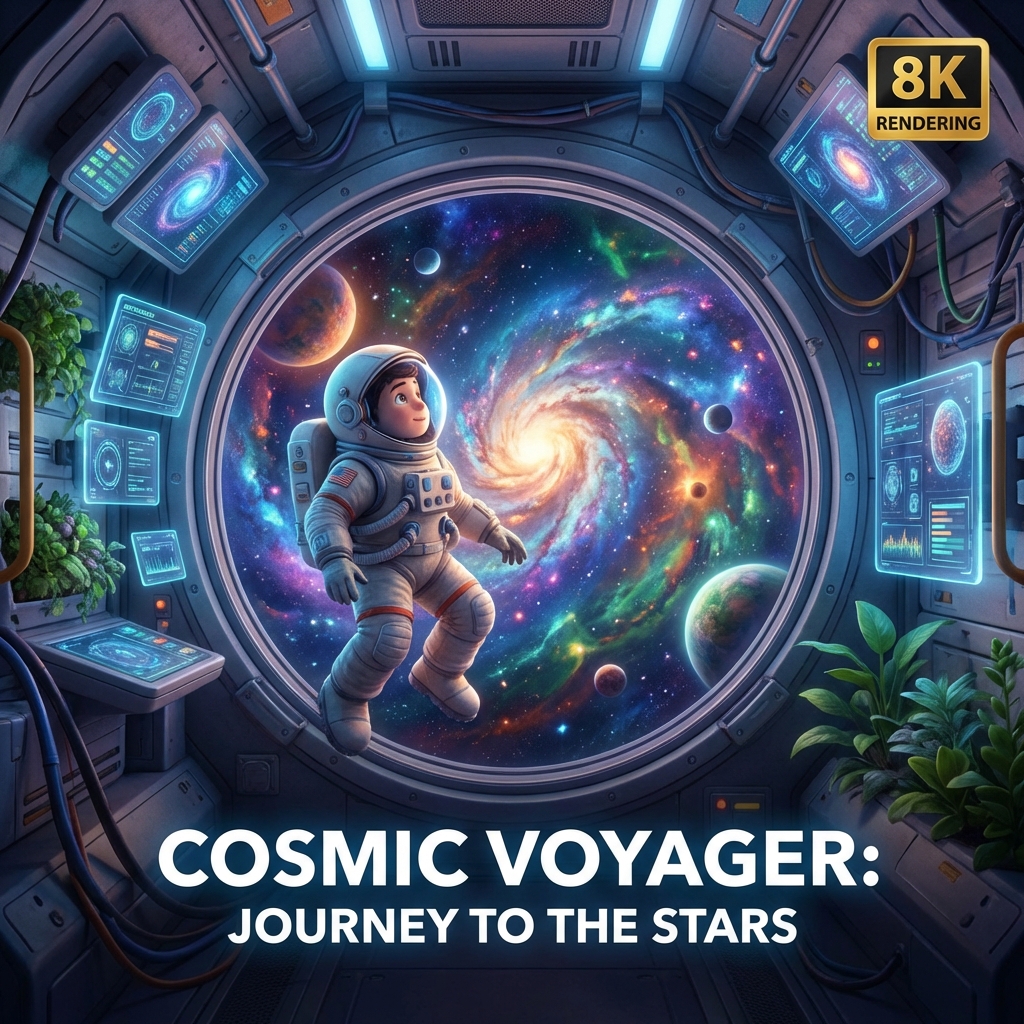
Teachers use animation to illustrate historical events or scientific processes. Animating "Cell Mitosis" or "The Battle of Hastings" makes the lesson memorable. Students themselves can use the tool to create project presentations that are far more creative than a PowerPoint slide, fostering digital literacy.
Social Media Content Creation
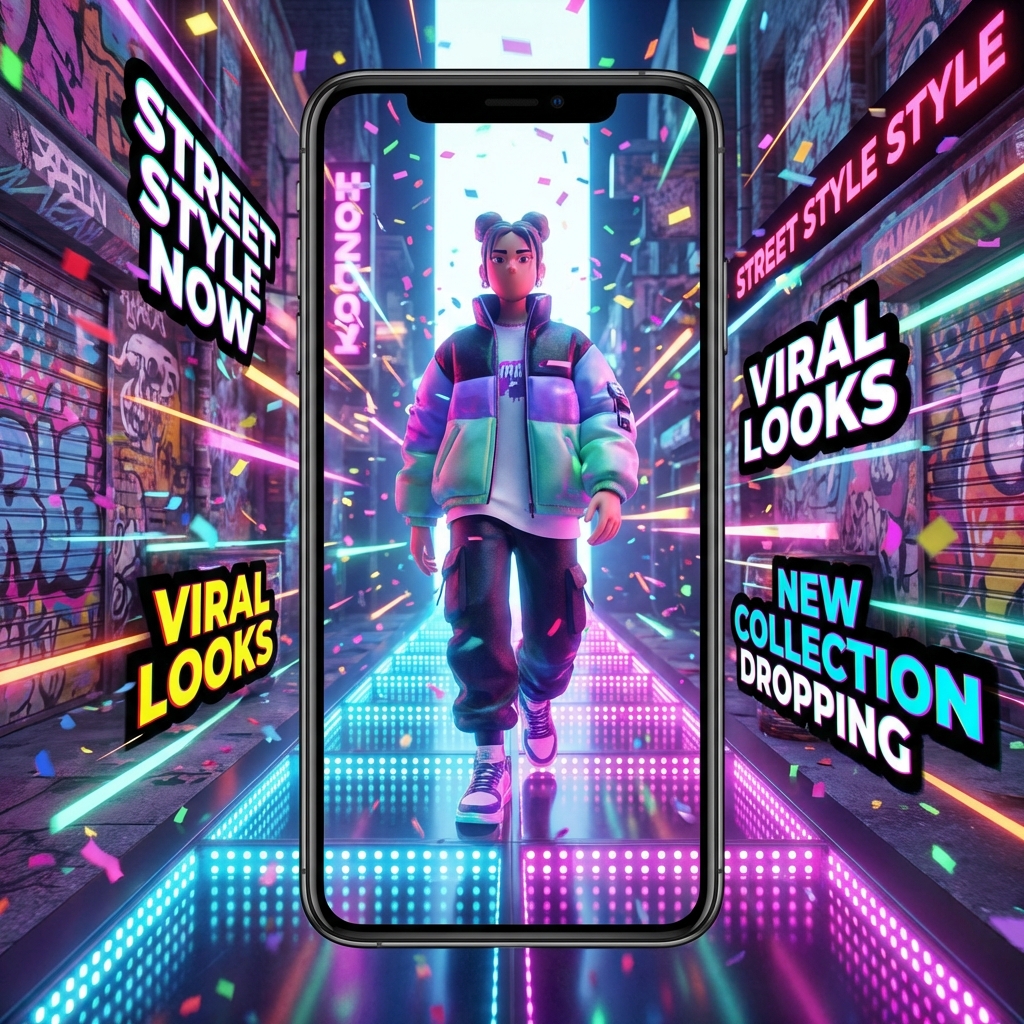
Lifestyle influencers use animation to create "Storytime" videos. They narrate a funny personal anecdote and use the AI to generate accompanying cartoons for each scene. This format is incredibly popular on TikTok and YouTube Shorts because it provides constant visual novelty.
Digital Advertising
Performance marketers use animated ads to combat "Banner Blindness." A brightly colored, moving character in a Facebook feed stops the thumb scroll. A/B testing shows that animated creatives often have a significantly lower CPA (Cost Per Action) than static image ads because they hold attention long enough to deliver the pitch.
Verify the workflow before generation
Review the inputs, model, estimated credit cost, output type, and limitations shown on this page.
Frequently Asked Questions about Animation Maker
The era of expensive, inaccessible animation is over. FlowVideo AI's Free Animation Maker puts the power of motion in your hands. Whether you are building a brand, teaching a class, or just expressing your art, our tool removes the friction between "Idea" and "Reality." You no longer need a studio; you just need a story. Start animating today and watch your imagination move.
Building Motion from Scratch: A Practical Guide to AI-Powered Animation
From Static Concepts to Fluid Scenes in Minutes
Animation has always been about breathing life into the inanimate. A pencil sketch becomes a galloping horse. A wireframe cube transforms into a spinning logo. The fundamental challenge, though, has never been the creative vision itself but the mechanical labor of producing frame after frame of incremental change. Traditional workflows demand that creators manually adjust every joint angle, every shadow position, every particle trajectory across dozens of frames per second. A free animation maker built on generative AI collapses this labor into a single descriptive prompt. You write what you see in your mind, and the system interprets spatial relationships, lighting physics, and temporal flow to produce a coherent animated sequence. The shift is not merely about speed. It fundamentally changes who gets to participate in animated storytelling. Educators building lesson plans, marketers prototyping ad concepts, and hobbyist filmmakers experimenting with visual ideas can all produce polished output without touching a timeline editor or learning bezier curve manipulation.
Style Transfer Mechanics: Locking a Visual Identity Across Outputs
Consistency is one of the hardest problems in animation production. When a studio hires multiple animators, each artist introduces subtle stylistic drift, differences in line weight, shading approach, and color temperature that require a dedicated art director to reconcile. FlowVideo AI solves this through style transfer technology that enforces rigid visual parameters across every generated frame. You select a target aesthetic, flat corporate vector, vintage cel-shaded anime, claymation texture, or cyberpunk neon, and the animation maker applies those constraints uniformly. This matters enormously for brand work. A company releasing a series of animated explainer videos needs every installment to feel like it belongs to the same visual family. The style engine ensures that the hue palette, stroke thickness, and shadow behavior remain mathematically identical whether you are generating scene one or scene fifty. It also opens creative doors for experimental projects where you want to deliberately clash styles, rendering the same scene in two contrasting aesthetics to highlight narrative tension.
Prompt Engineering for Animation: Writing Scenes the AI Understands
The quality gap between mediocre and stunning AI animation almost always traces back to prompt specificity. A vague instruction like a bird flying produces generic results because the system must guess at species, environment, camera angle, lighting, and motion speed. Structured prompts follow a formula: subject plus action plus environment plus lighting plus style. For example, a golden eagle diving toward a mountain lake at sunrise, wide-angle tracking shot, watercolor style gives the model enough semantic anchors to produce a visually rich result. FlowVideo AI also supports negative prompts on Pro tiers, letting you explicitly exclude artifacts like blur, distorted anatomy, or watermarks. Camera language matters too. Terms like dolly forward, dutch angle, overhead crane shot, and shallow depth of field directly influence how the animation maker composes each frame. Spending five extra minutes refining your prompt consistently yields output that would otherwise require multiple regeneration attempts.
Motion Vectors and Optical Flow: The Science Behind Smooth Movement
Early AI-generated video suffered from a characteristic flaw called temporal flickering, where objects would subtly vibrate, shift color, or morph between frames. This happened because each frame was generated semi-independently without strong constraints linking adjacent frames. Modern animation makers address this through optical flow prediction, a technique borrowed from computer vision that calculates a motion vector for every pixel. The system predicts where each element should move between frame N and frame N+1 based on physical plausibility and scene context. FlowVideo AI takes this further by offering style-aware motion profiles. Selecting smooth enforces high interpolation and continuous vector fields, producing liquid, cinematic movement. Selecting stop motion deliberately reduces the frame rate to twelve frames per second and introduces micro-jitter that mimics the charming imperfection of physical puppet animation. The underlying math is the same, but the artistic output feels completely different.
Practical Workflows: Integrating Animated Content into Marketing Funnels
Animated video performs exceptionally well at specific points in a marketing funnel. At the awareness stage, a fifteen-second animated loop on social media grabs attention in a feed dominated by static images and talking-head clips. The brain responds to unexpected motion patterns, and stylized animation triggers a curiosity response that buys you the two seconds needed to communicate a headline. At the consideration stage, a sixty-second animated explainer video on a landing page can increase conversion rates significantly. The animation maker lets you produce these assets on demand without contracting an external studio or waiting weeks for delivery. At the retention stage, animated onboarding tutorials reduce support ticket volume by giving users a visual walkthrough of product features. The disposable economics of AI generation mean you can create topical, seasonal, or campaign-specific animations without worrying about amortizing production costs across months of use.
Semantic Rigging: How the AI Understands Anatomy and Physics
Character animation requires the system to understand that bodies have joints, limbs have ranges of motion, and gravity pulls downward. FlowVideo AI uses an implicit semantic rigging system that infers skeletal structure from the generated visual. When you prompt a character running through a forest, the model does not just slide a flat image across the frame. It constructs an internal representation of hip rotation, knee flexion, arm swing, and ground contact timing. This invisible skeleton ensures that elbows do not bend backward unless you specifically request a horror aesthetic and that feet plant convincingly on surfaces rather than sliding through them. The physics simulation layer adds secondary motion, hair bouncing, cloth rippling, and environmental particles reacting to character movement. These details are what separate output that reads as animated from output that reads as a slideshow of images stitched together. The animation maker handles all of this automatically, but understanding that it exists helps you write prompts that leverage the system capability, requesting specific actions like jumping, crouching, or waving rather than relying on the AI to guess.