
AI Fantasy Generator: Create Worlds & Characters
Create Worlds & Characters
The human imagination is limitless, but our ability to draw is limited. A Dungeons & Dragons (D&D) Dungeon Master (DM) describes a "floating city of crystal shards." The players try to imagine it. But what if the DM could show it? FlowVideo AI's AI Fantasy Generator is a specialized diffusion model trained on millions of high-fantasy artworks, concept art, and RPG rulebooks. It understands the vocabulary of magic. It knows what "Eldritch" looks like. It knows the difference between "Plate Armor" and "Scale Mail." It turns text descriptions into high-fidelity illustrations and looping ambient videos for your campaign.
Built for transparent creative workflows
Fantasy Art Generator
D&D-trained diffusion model
💡 Tip: Use D&D terms like “Tiefling”, “Paladin”, or “Mimic” - our model understands them!
Fantasy Art Gallery
Your summoned creations will appear here. Generate 4 variations per prompt.
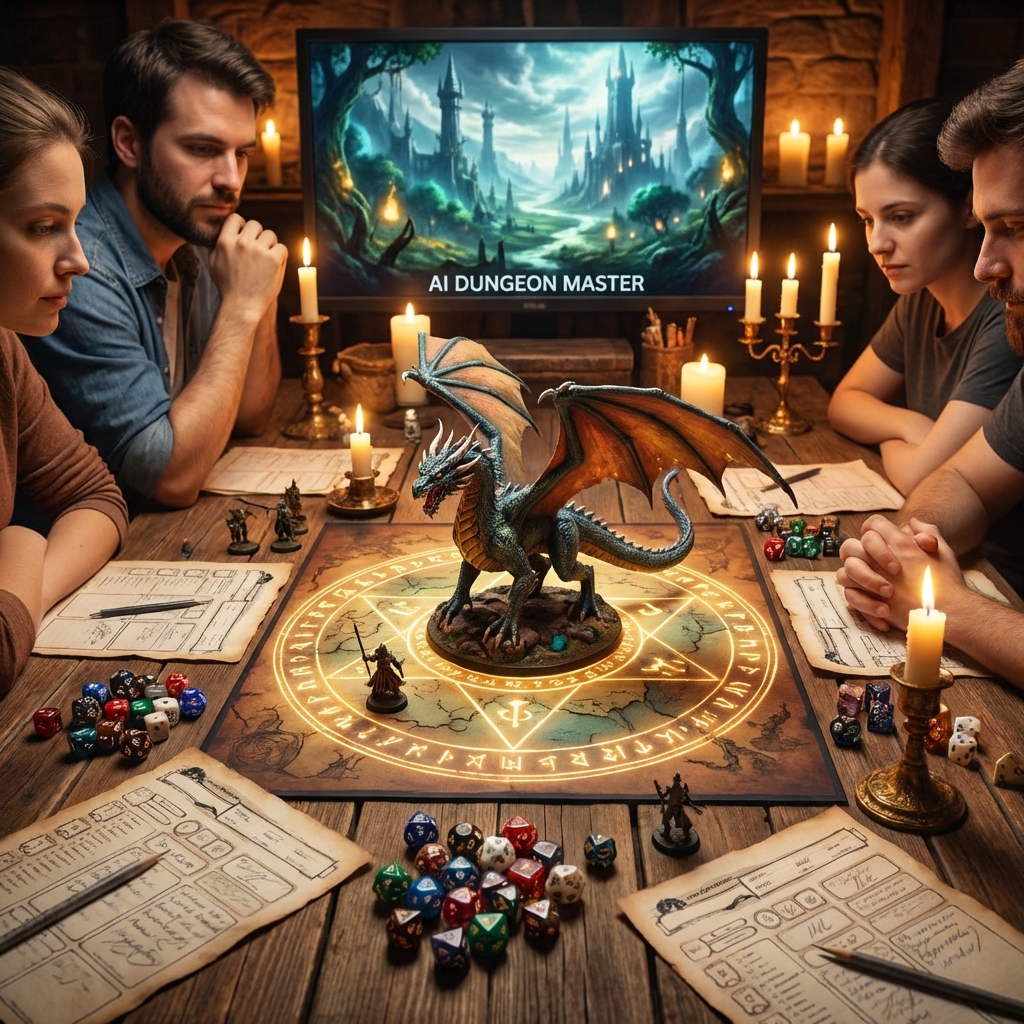
Introduction: The Visual Campaign
Tabletop gaming is undergoing a renaissance (Critical Role, Baldur's Gate 3). The expectation for visual quality has risen. Players want maps. They want character portraits. They want mood boards. Creating this art manually costs $100+ per commission.
FlowVideo AI brings the cost to near zero. Whether you are writing a fantasy novel, running a Pathfinder campaign, or building a video game, this tool is your "Concept Artist on Demand."
It generates: Character Tokens: Top-down tokens for Virtual Table Tops (Roll20/Foundry). Scene Backgrounds: Wide landscapes of dungeons and forests. Item Cards: Illustrations of the "Sword of Truth."
Why Use a Fantasy Generator? (Deep Dive)
The specific needs of worldbuilders.
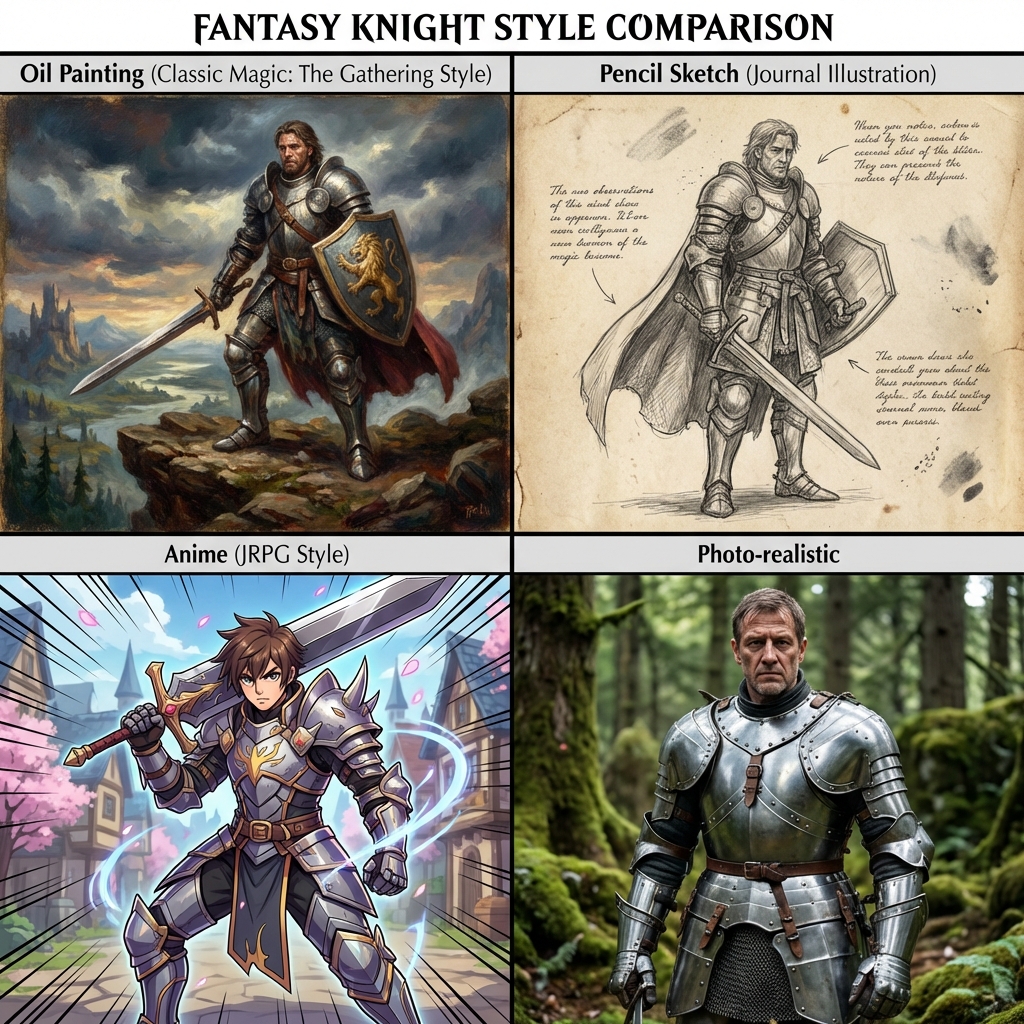
Coherent Style LoRAs (Art Direction)
Generic AI switches styles. One pic is photo-real; the next is cartoon. This breaks immersion. We offer Style LoRAs (Low-Rank Adaptation). You lock in a style. Oil Painting: Looks like classic Magic: The Gathering art. Sketch: Looks like a pencil drawing in a journal. Anime: Looks like a JRPG. Once locked, every character you generate shares that aesthetic DNA.
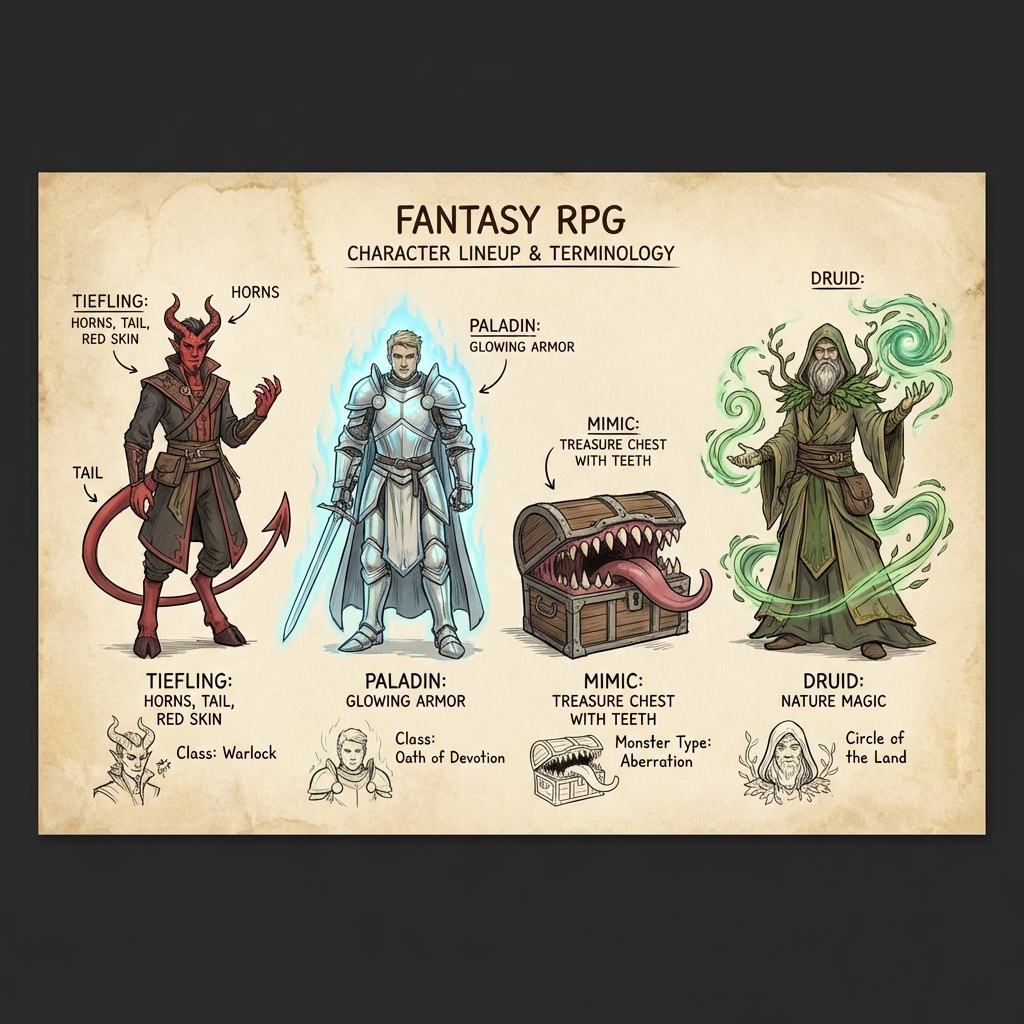
The "D&D Vocabulary" Model
Most generic models don't know fantasy jargon. If you type "Tiefling," they get confused. We fine-tuned our text encoder on the SRD (System Reference Document). It knows "Tiefling" = Horns, Tail, Red/Purple skin. It knows "Paladin" = Glowing light, heavy armor. It knows "Mimic" = A chest with teeth. This "Semantic Alignment" means you don't have to describe the creature from scratch; you just name it.
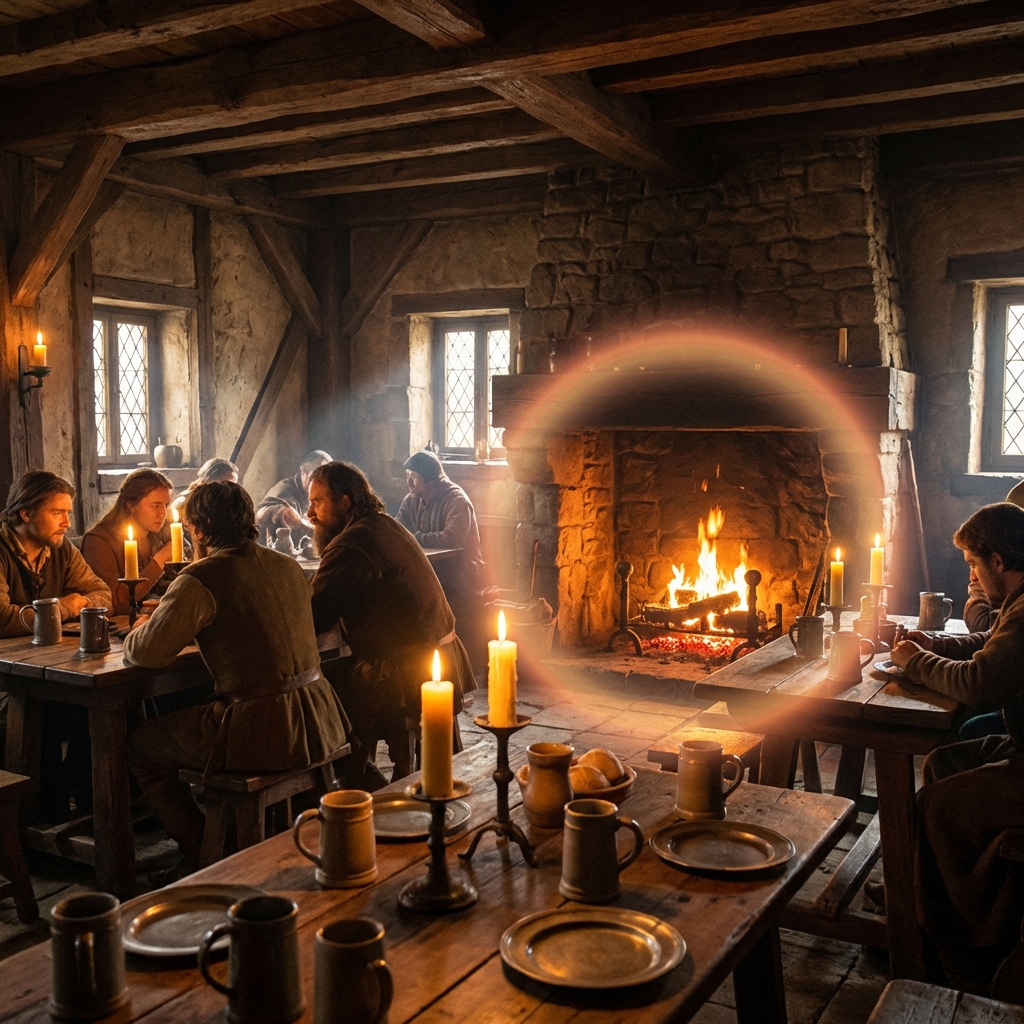
Ambient Motion (Live Wallpapers)
Static images are good. Moving images are better. "Cinemagraph Generation." You generate a "Tavern Interior." The AI automatically identifies the "Fireplace" and "Candles." It animates only the fire flickering and the dust motes floating. Result: A looping MP4 background to put on your TV screen while the players sit at the table. It sets the mood without distracting motion.
The Technology: Diffusion for Magic
How we render the impossible.
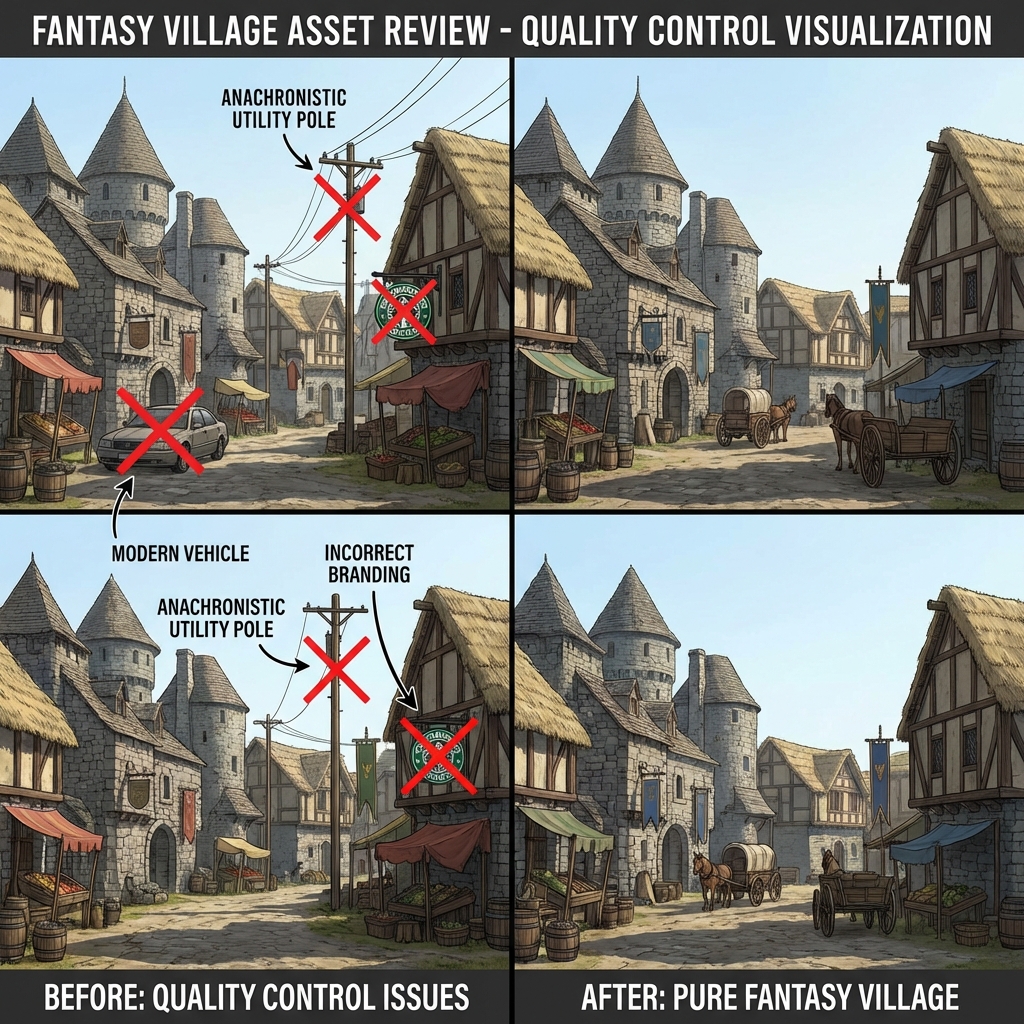
Negative Prompting (Quality Control)
AI often adds "Modern Objects" (Cars, Telephone poles) to landscapes. Our preset Negative Prompts for Fantasy mode automatically exclude: text, watermark, car, building, modern clothing, gun, sci-fi. This ensures your medieval village doesn't have a Starbucks in the background.
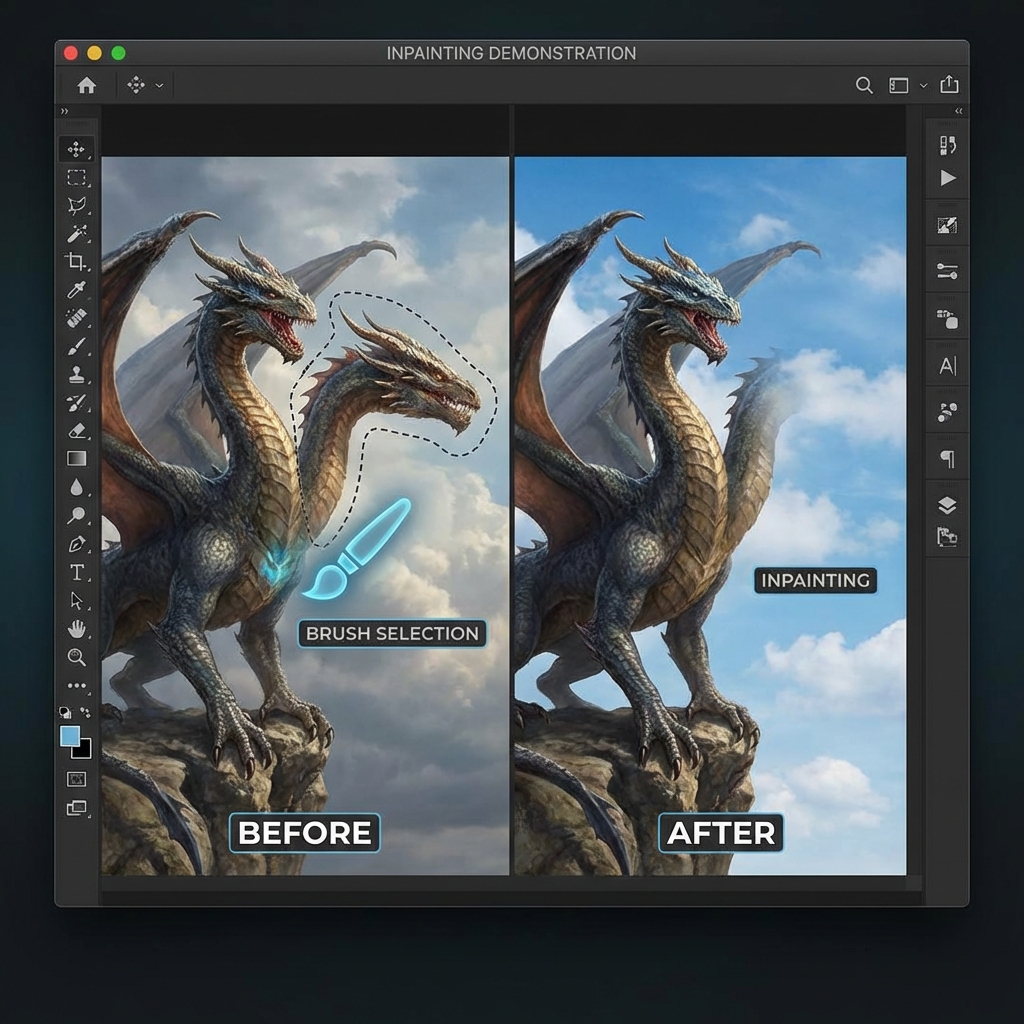
Inpainting (The Edit)
You love the "Dragon" image, but it has 2 heads. You want 1. "Magic Eraser". You brush over the extra head. Typ "Sky". The AI replaces the head with empty sky, matching the clouds perfectly. This allows for granular refinement of the generated loot.
Step-by-Step Guide: Creating a Campaign Asset
Let's make a "Big Bad Evil Guy" (BBEG).
Step 1: Character Definition
Prompt: "A Necromancer King, wearing tattered black robes, skeletal face, glowing green eyes, holding a staff of bone, standing in a crypt." Style: Select "Dark Fantasy 2.0". Ratio: Select "Portrait (2:3)".
Step 2: Generation
Action: Click "Summon". Variations: The AI generates 4 options. Select: You like Option 3, but the eyes are blue.
Step 3: Refinement (Inpainting)
Tool: Click "Edit". Action: Highlight the eyes. Prompt: "Glowing Green Eyes." Result: The eyes change color. The rest of the image stays exactly the same.
Step 4: Tokenizing (For VTT)
Tool: Click "Make Token". AI Action: The system automatically crops the face into a circle, adds a "Gold Ring" border, and makes the background transparent (PNG). Export: Download the token file ready for Roll20.
Step 5: Animation (Optional)
Tool: Click "Animate". Prompt: "Green mist swirling, eyes glowing." Result: A 4-second loop of the Necromancer breathing with magical fog around him.
Troubleshooting: Fantasy Issues
Too Many Limbs
Complex prompt.
✓ AI struggles with "Centaur" (6 limbs). Simplify the prompt to "Human torso on horse body" to help it understand the anatomy.
Blurry Details
The composition is too distant or crowded.
✓ Move the main subject closer in the prompt, reduce the number of competing elements, and describe the materials and lighting you want to keep sharp.
Wrong Color
Color bleed.
✓ If you type "Blue Cape, Red Boots," sometimes the cape turns red. Use syntax weighting: "(Blue Cape:1.5)" to force the AI to prioritize that color binding.
Item Held Wrong
Sword floating.
✓ Hands are hard. Use the "Reference Image" feature (ControlNet). Upload a crude stick figure drawing of the pose you want. The AI will adhere to that skeleton.
Comparison: Art Tools
| Feature | Midjourney | FlowVideo AI | |
|---|---|---|---|
| Prompt Understanding | High | N/A | High (D&D Tuned) |
| Consistency | Low (Random) | N/A | High (Style LoRAs) |
| Editing | Hard (Discord) | None | In-Browser Inpainting |
| Animation | No | No | Yes |
| Token Maker | No | No | Integrated |
Industry Use Cases
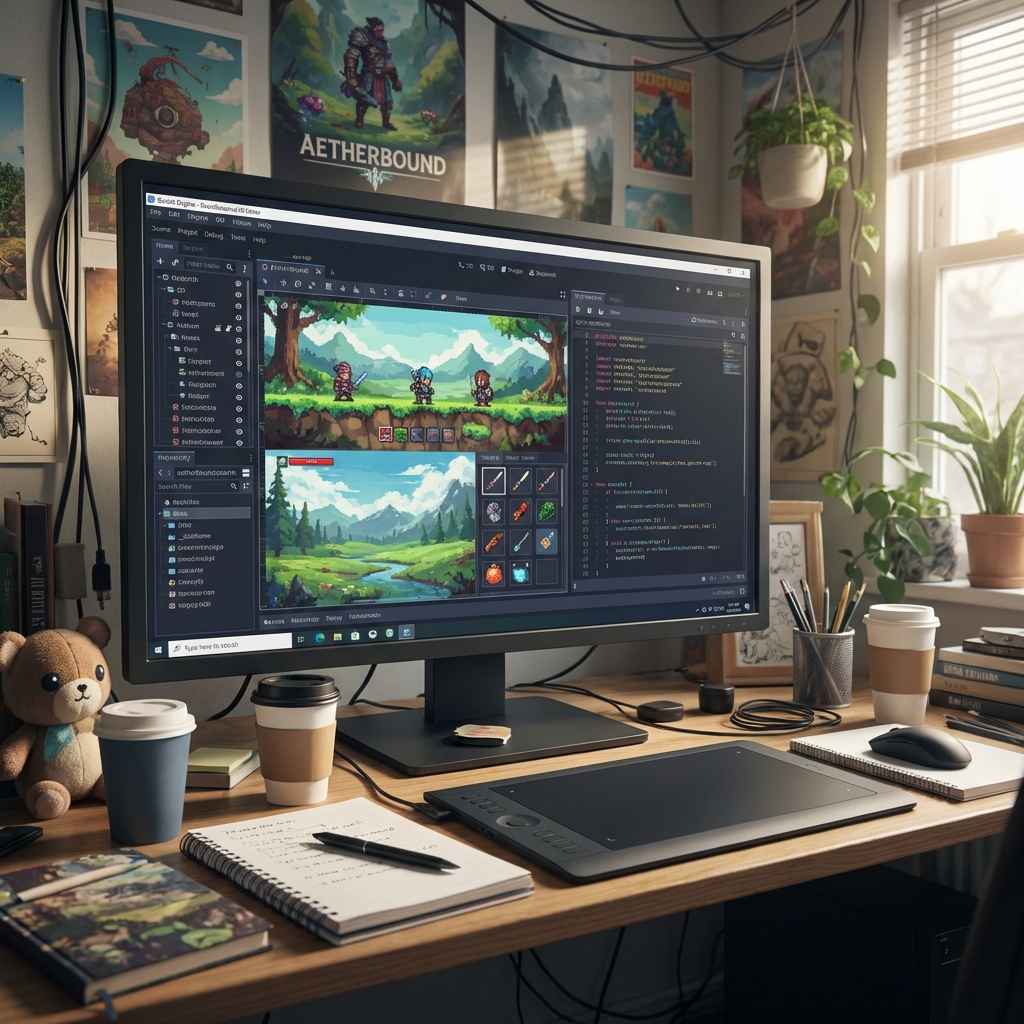
Indie Game Devs
Asset: UI Icons. Prompt: "Potion bottle, red liquid, pixel art style." Result: 50 variations of potions generated in 1 minute.
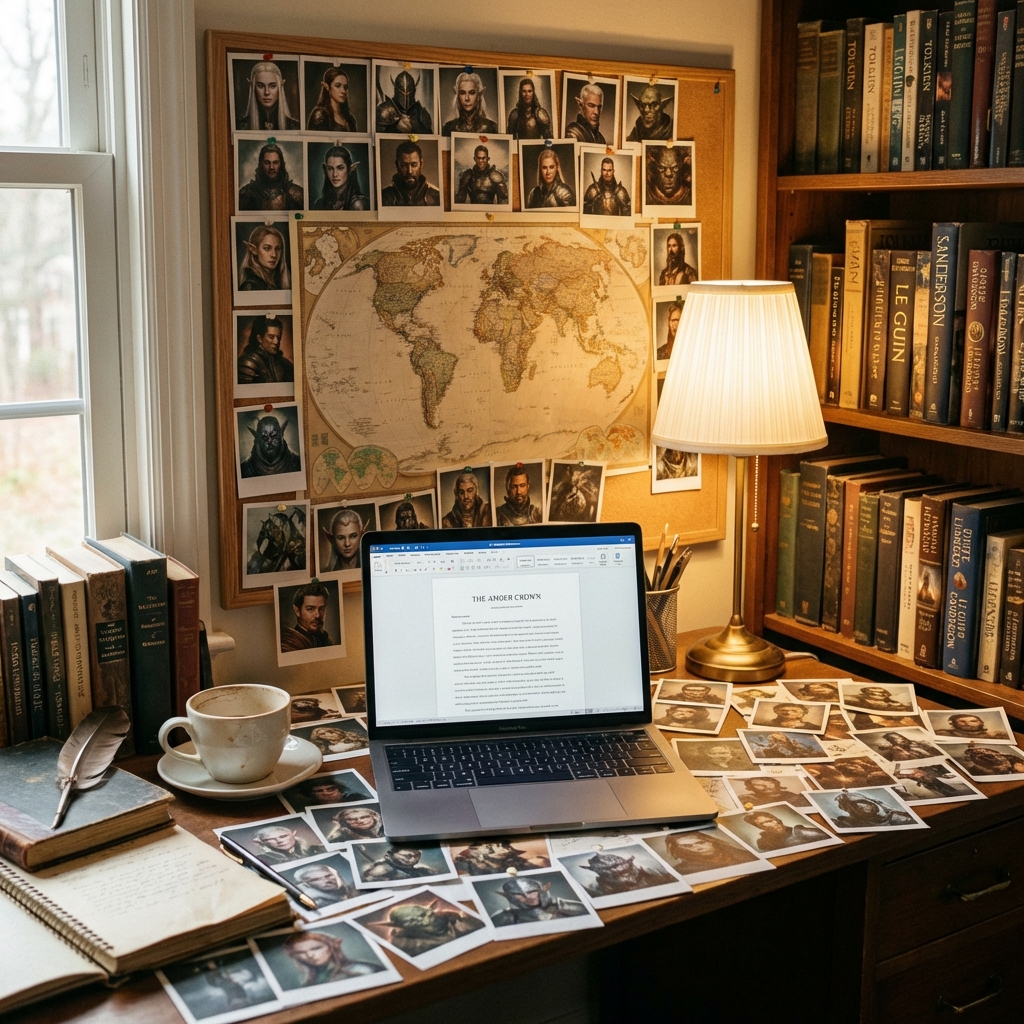
Fantasy Writers
Asset: Book Cover. Prompt: "A lone tower on a cliff, storm clouds, title text space." Result: High-res marketing asset for Kindle Direct Publishing.
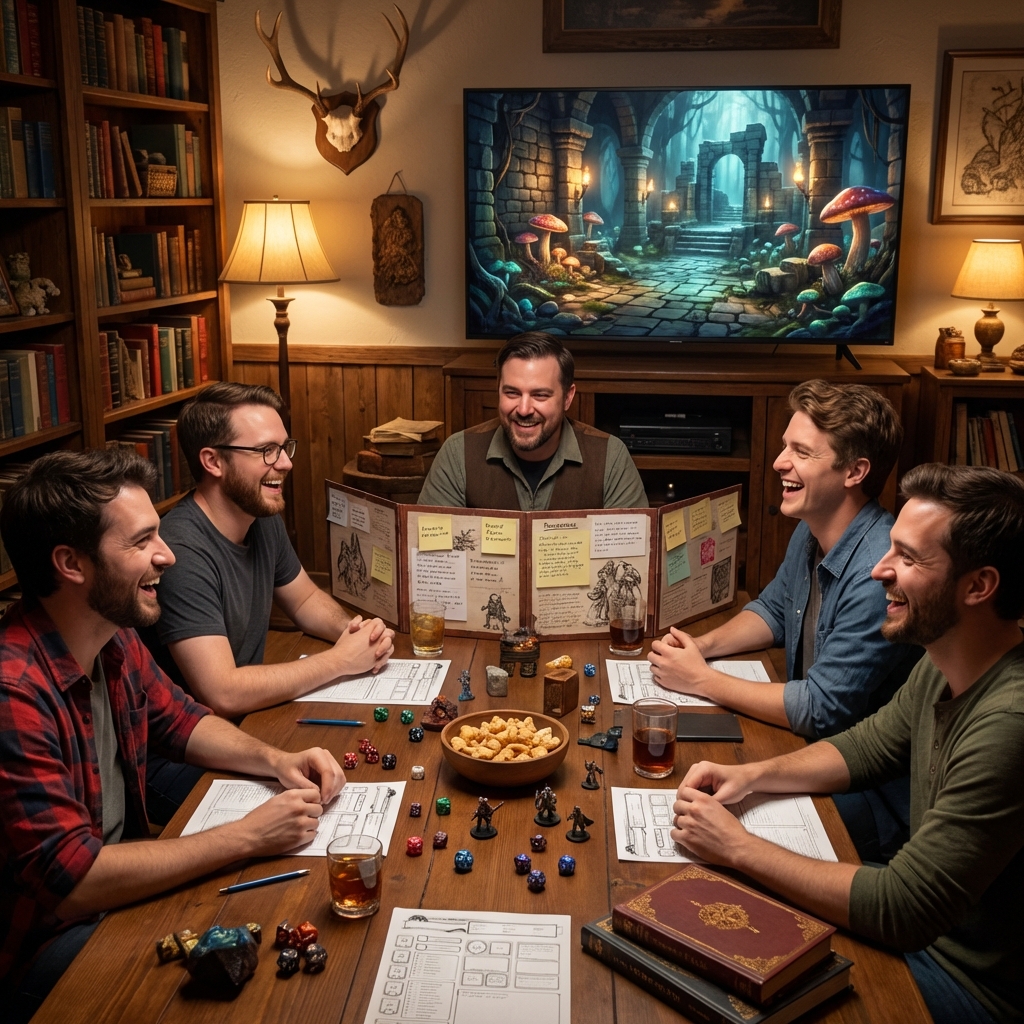
Dungeon Masters
Asset: "Handout." Prompt: "A crumpled letter with bloodstains written in elvish." Result: A prop to give to players to read.
Verify the workflow before generation
Review the inputs, model, estimated credit cost, output type, and limitations shown on this page.
Frequently Asked Questions about Fantasy Gen
The "Theater of the Mind" is powerful, but the "Theater of the Eye" is unforgettable. FlowVideo AI's Fantasy Generator bridges the gap between your words and their vision. Build worlds that feel real.
AI Fantasy Generator: Build Immersive Worlds with Text-to-Image Diffusion
From Written Lore to Visual Spectacle
Tabletop campaigns, fantasy novels, and indie RPGs share a common bottleneck: turning vivid descriptions into finished artwork costs time, money, and specialized skill. A Dungeon Master might spend hours explaining a crumbling elven watchtower, yet players still picture something different. FlowVideo AI fantasy generator closes that gap by converting plain-text prompts into high-fidelity illustrations within seconds. The underlying diffusion model has been fine-tuned on concept art, rulebook imagery, and high-fantasy paintings, so it grasps terms like Tiefling, Paladin, and Mimic without extra clarification. Instead of commissioning individual pieces at a hundred dollars each, worldbuilders can produce dozens of consistent assets in a single session and keep their narrative momentum intact.
Style Locking Keeps Every Asset Cohesive
One of the most frustrating problems with general-purpose image generators is inconsistency. The first output may look like an oil painting, while the next resembles a Saturday-morning cartoon. FlowVideo addresses this through Style LoRAs, lightweight model adapters that lock your entire project into a single visual language. Choose Oil Painting for a classic Magic: The Gathering feel, Sketch for pencil-journal aesthetics, or Anime for a JRPG vibe. Once engaged, every character portrait, dungeon map, and item card shares the same tonal palette and brushwork. That cohesion is what separates a polished campaign handout from a scrapbook of mismatched downloads.
Editing Without Starting Over
Generating an image is only half the workflow. Real projects demand precision adjustments, and FlowVideo delivers them through in-browser inpainting. Suppose you produce a dragon with two heads instead of one: rather than re-rolling the entire composition, you brush over the unwanted head, type a replacement element like sky or stone wall, and the AI fantasy generator reconstructs only that region while preserving everything else. Negative prompts add another layer of control by automatically excluding modern objects such as cars, streetlights, and contemporary clothing from your medieval scenes. These two features together make refinement fast and non-destructive, keeping the parts you love untouched.
Ambient Animation for the Table
Static art sets the scene, but subtle motion deepens immersion. FlowVideo can transform any generated image into a looping cinemagraph: a tavern interior where the fireplace flickers and dust motes drift, or a moonlit forest clearing with swaying branches. The animation engine identifies elements that should move and leaves everything else perfectly still, producing a short MP4 suitable for a second monitor or TV display behind your game table. Dungeon Masters who use virtual tabletops like Roll20 or Foundry VTT can drop these loops directly into their scenes for atmospheric backgrounds that run indefinitely without distracting transitions.
Practical Applications Beyond the Campaign
While tabletop gaming is the most obvious audience, the ai fantasy generator serves a wider creative ecosystem. Indie game developers use it to batch-produce UI icons, potion sprites, and inventory assets in pixel-art or painterly styles. Fantasy novelists generate cover art and chapter illustrations that match their written aesthetic, saving thousands on artist commissions. Cosplayers reference the outputs for armor and prop construction. The tool even supports sketch-to-image workflows: upload a rough napkin drawing of a continent, add a prompt like high fantasy map on parchment, and watch the generator fill in mountain ranges, rivers, and forests with cartographic detail.
Getting Started in Five Steps
Building your first asset takes under two minutes. Write a descriptive prompt that names the creature or scene, select a style preset such as Dark Fantasy 2.0, and choose your aspect ratio. Click generate to receive four variations. Pick the strongest option and use inpainting to correct any details like eye color, weapon grip, or background elements. If you need a VTT token, the built-in tokenizer crops the portrait into a transparent-background circle with a decorative ring border. Finally, the optional animation step adds gentle particle effects or ambient motion for a polished finishing touch. Every output belongs to you with full commercial rights, ready for print, digital distribution, or streaming overlays.