
Introduction
Writing for the screen is different from writing for the page. And writing for the ear (Voiceover) is even harder.
The Screen: Needs visual cues. 'Show, don't tell.'
The Ear: Needs rhythm. It needs 'Breath Points' so the speaker doesn't pass out.
Most AI writers generate 'Textbook' prose that sounds robotic when read aloud. It's too dense. It lacks musicality.
FlowVideo AI's Script Generator is a specialized production writer. It has been trained on screenplays, radio ads, and viral transcripts. It features a 'Dual Mode' engine: Screenplay Mode: Generates Scene Headers, Visual Descriptions [CameraPans], and Dialogue. Voiceover Mode: Generates rhythmic copy optimized for lung capacity, checking for 'Tongue Twisters' and adding SSML tags for AI Voices.
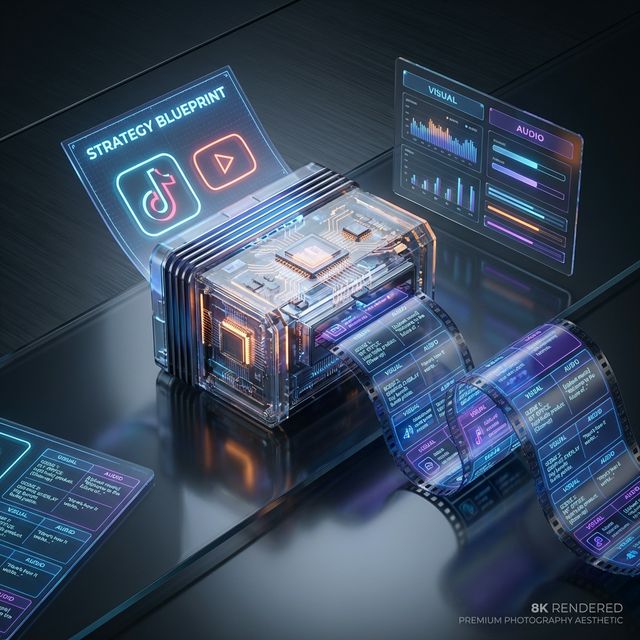
Why Use an AI Script Generator?
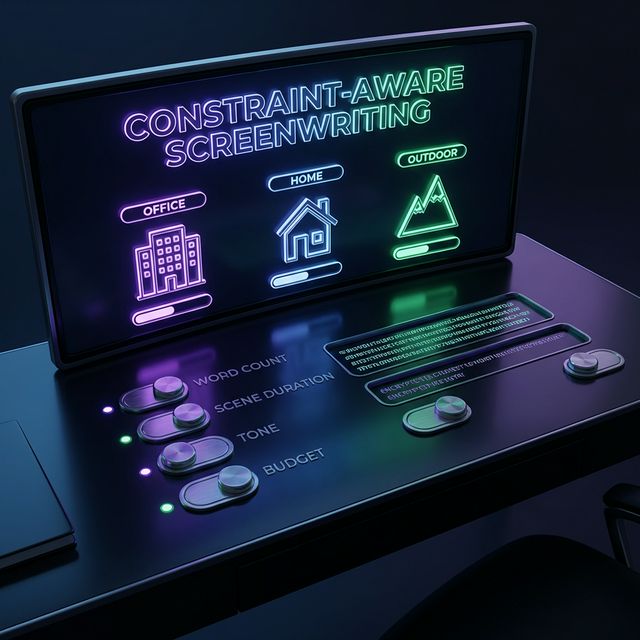
The 'Retention Architecture'
Viral videos follow a blueprint. The Hook (0-5s): The AI forces a strong opening to stop the scroll. The Open Loop: It structures the middle to keep curiosity high. The Payoff: It delivers the value at the end to maximize Watch Time.
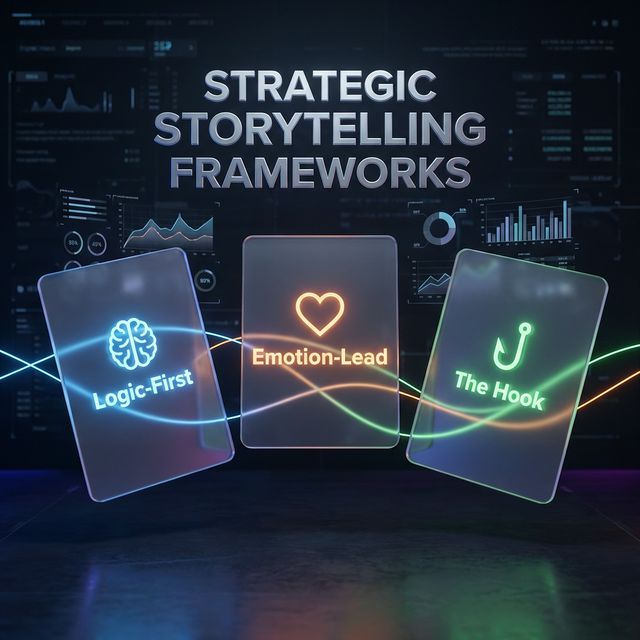
Writing for the Ear
A reader can re-read a sentence. A listener cannot re-listen. Lung Capacity: Our voiceover engine inserts invisible 'Breath Points.' It ensures no sentence is longer than 15 words without a pause. It simulates the human lung, ensuring the script is physically speakable. Sibilance Check: It scans for 'Clashing Sounds' (e.g., 'She sells sea shells') which cause harsh microphone noise, and suggests smoother synonyms.
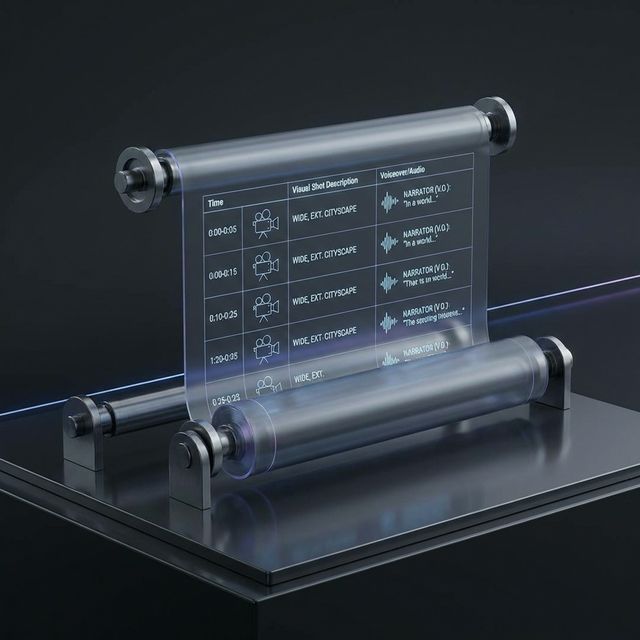
Tone Calibration
Humorous: Injects self-deprecating jokes. Corporate: Uses active verbs and removes fluff. Conversational: Forces contractions ('It is' -> 'It's') to sound authentic and human, not robotic.
Visual Thinking
The Mistake: Writing 'I went to the store.' The Fix: Writing '[Sound of Bell Chime] [Cut to Feet walking on pavement] Narrator: 'I went to the store.' The AI: It automatically generates a 'Visual Column' next to your text, forcing you to think in images, which makes the final video infinitely more engaging.
Step-by-Step Guide: From Concept to Cue
1. Choose the Format
YouTube Video: Long-form, educational, segmented. TikTok/Reel: Vertical, fast-paced, loopable. Voiceover / Podcast: Audio-only, rhythmic, descriptive. Commercial: Strictly timed (e.g., exactly 30 seconds).

2. Input the 'Seed'
Topic: 'How to bake bread.' Tone: 'Witty, like Ryan Reynolds.' Goal: 'Sell my recipe book.'

3. Generate and Refine
The Output: You get a script. Read Aloud: Click the 'Read Aloud' button to hear a temp AI voice perform it. Fix Rhythm: If a sentence sounds clunky, highlight it and click 'Resynthesize for Rhythm.'
4. Export to Teleprompter
Format: Copy as pure text (for Teleprompter apps) or CSV (for Editor import).