
Video Upscaling & Restoration
Transform Blurry Videos into 4K Masterpieces
Using advanced deep learning, upscale your low-resolution, blurry, or old videos to 4K Ultra HD. Fix noise, enhance details, and make every frame stunning.
Upload Your Video
Supports MP4, MOV formats (Max 16MB)
Fixed price per enhancement
Enhanced video will appear here
My Enhancement History
Sign in to view your enhancement records
Why Choose Our AI Video Enhancement Tool?
Our enhancement engine does more than just resize. It intelligently predicts missing pixels, fills in details, and removes compression artifacts for a cinematic visual experience.
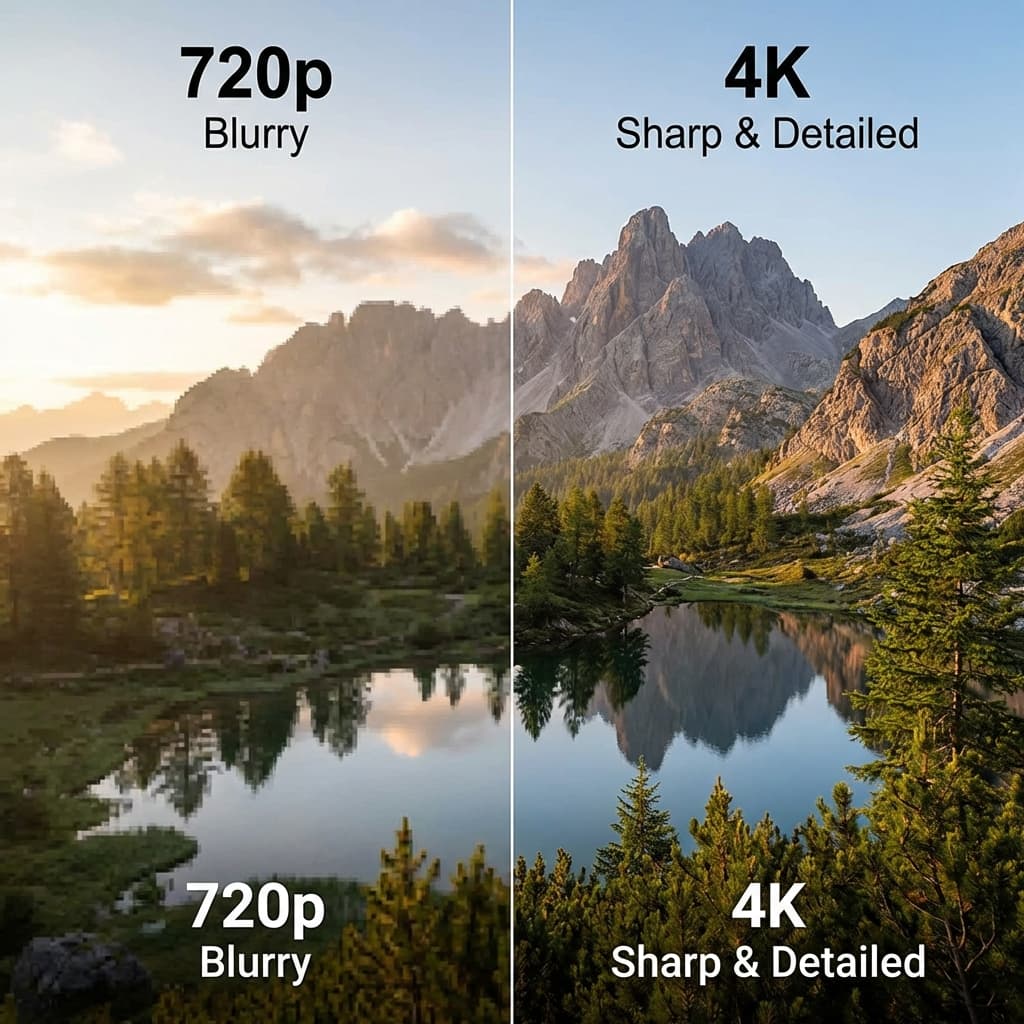
4K Ultra Resolution
Powered by Runwayml Upscale-v1, precisely upscale 720p or 1080p videos to 4K while maintaining natural texture and clarity.
- Up to 4096px width
- Maintain aspect ratio
- Smooth detail transitions
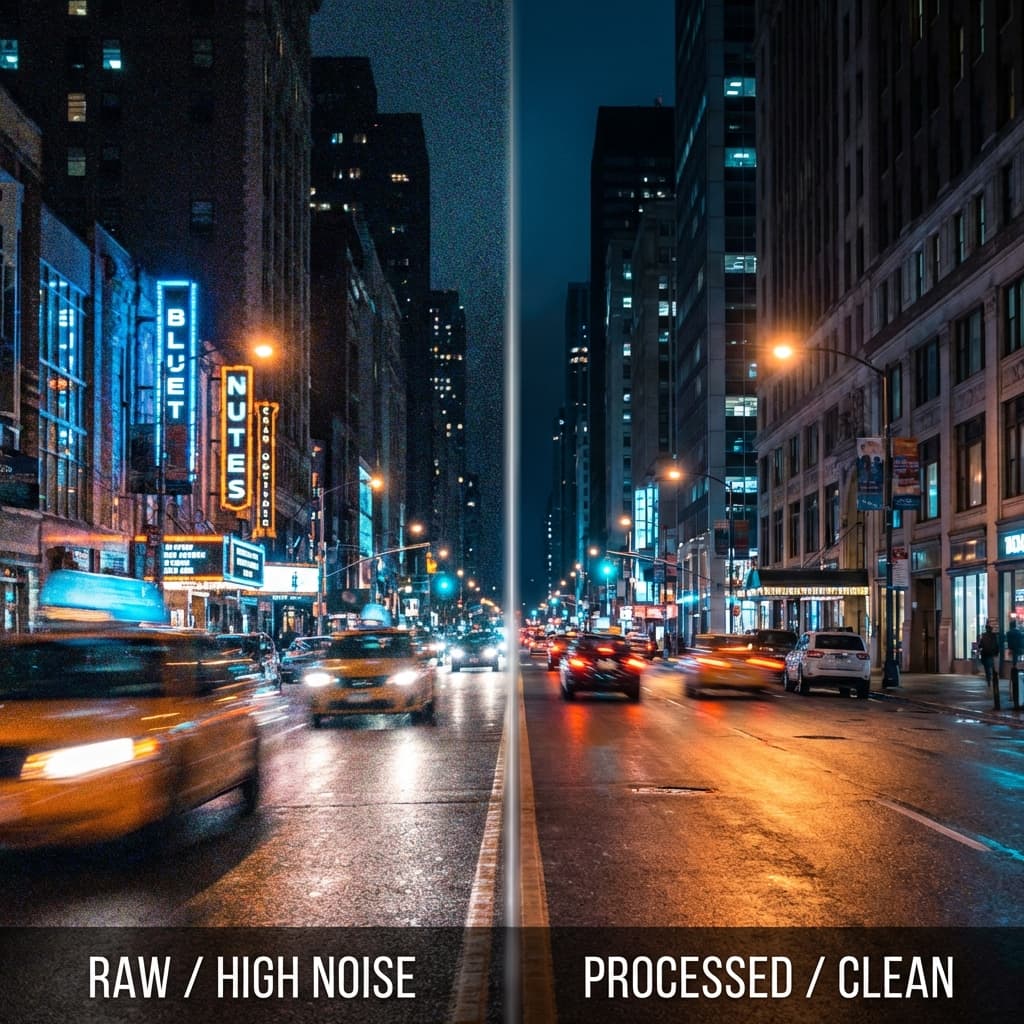
Smart De-noising
Automatically identify and remove noise and compression blocks caused by low bitrate or sensor limits.
- Dynamic noise reduction
- Fix compression damage
- Preserve natural texture
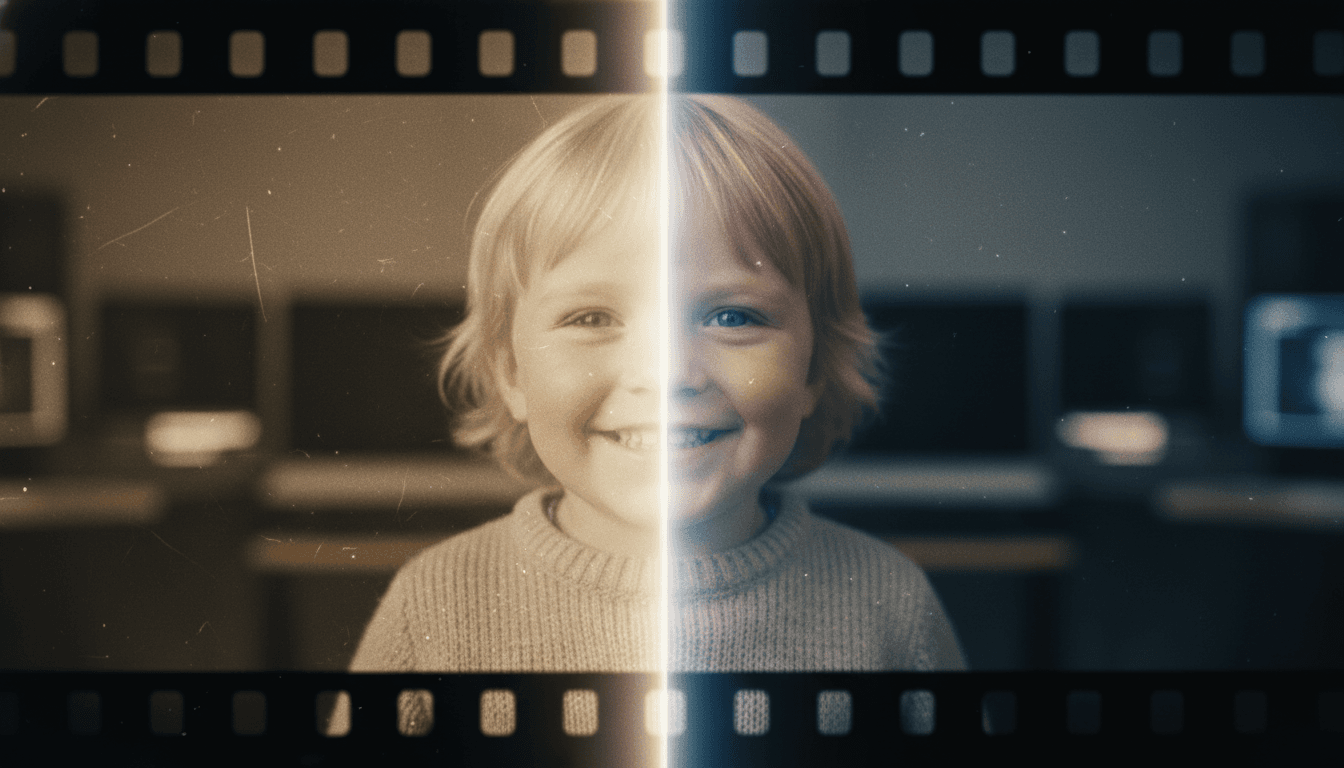
Old Footage Restoration
Perfect for restoring home tapes, old movies, or early mobile phone captures, making the past clearer.
- Recover textures and edges
- Stabilize flicker
- Color optimization
How to Use Video Enhancement
Upload Your Video
Click or drag to upload the video you want to enhance. Ensure the file is under 16MB and in MP4 or MOV format.
Confirm Information
The system detects video duration for processing estimates. Billing is a fixed 141 credits per enhancement.
Start Enhancement
Click the 'Enhance Now' button. The AI engine will start processing your video, reconstructing details for 4K clarity.
Download Result
Once processing is complete, preview the enhanced video and download it to your device with one click.
Common Questions About Video Enhancement
Learn more about upscaling, billing, and technical specifications.
Video Enhancement with AI: From Grainy Footage to Broadcast Quality
The Real Problem with Low-Resolution Video
Every content creator has a folder of footage they wish looked better. Maybe it was shot on an older phone, recorded in poor lighting, or compressed too aggressively for upload. The result is the same: soft edges, visible noise, and a general lack of sharpness that makes the content feel dated. Traditional upscaling just stretches pixels, producing blurry enlargements that fool nobody. AI video enhancement takes a fundamentally different approach. Instead of interpolating between existing pixels, the neural network behind FlowVideo's video upscaling engine predicts what detail should exist based on patterns learned from millions of high-quality frames. The difference is visible immediately: text becomes legible, fine textures become clearer, and background elements gain definition they never had at the original resolution.
How the Upscale-v1 Engine Reconstructs Detail
FlowVideo uses Runway's Upscale-v1 model, a deep-learning architecture trained specifically for video super-resolution. Unlike image-only upscalers, this model processes temporal information across consecutive frames, which prevents the flickering artifacts common with frame-by-frame approaches. When you upload a 720p or 1080p clip, the engine analyzes motion vectors, texture frequency, and luminance gradients to build a 4K output where each pixel carries meaningful information. The process also includes automatic noise reduction. Low-bitrate footage often carries compression blocks, especially in dark areas or fast-motion sequences. The model distinguishes between genuine texture and compression artifacts, removing the latter while preserving grain that contributes to a filmic look. The maximum output width reaches 4096 pixels, and the original aspect ratio stays intact throughout.
Practical Workflow: Enhancing a Vlog Clip
Suppose you have a 30-second vlog clip recorded indoors at 1080p on a two-year-old smartphone. The highlights are fine, but shadow areas show noticeable grain. First, export the segment as an MP4 under 16 MB. Upload it to FlowVideo's video enhancement tool, where the system automatically detects the duration and calculates the credit cost at a fixed 141 credits per enhancement. Hit Enhance Now and wait roughly three to five minutes. The result is a 4K file with cleaner shadows, clearer edges, and crisper text overlays. Download and drop it back into your editing timeline. Because the aspect ratio and frame rate remain unchanged, it slots in without re-syncing audio or adjusting keyframes. This same workflow applies to product demos, tutorial recordings, and archival home videos that deserve a second life on modern displays.
Where AI Video Enhancement Falls Short
Honesty matters. AI upscaling is not a magic wand. Extremely dark footage where subjects are barely visible will not suddenly look like a studio shoot. The model needs some signal to amplify, so source material with at least moderate lighting produces the best gains. Similarly, heavily corrupted files with missing frames or broken containers should be repaired with a tool like FFmpeg before uploading. The 16 MB file-size cap means longer clips need trimming or splitting, which is actually good practice since enhancing only the key segments saves credits and processing time. For clips that are already 4K, the tool offers diminishing returns because there is less missing detail to reconstruct. Understanding these boundaries helps you get the most value from every enhancement run.
Cost Comparison: AI Enhancement vs. Manual Grading
Hiring a colorist or post-production house to clean up and upscale footage costs anywhere from fifty to several hundred dollars per minute of video, depending on complexity. A freelance editor charging forty dollars an hour might spend two hours manually denoising and sharpening a single clip in DaVinci Resolve. FlowVideo's credit-based model costs a fixed 141 credits per enhancement, and credits start at a fraction of a cent each on higher-tier plans. A 30-second clip processes in minutes rather than hours, and the output quality competes with manual work for the vast majority of use cases. For professional colorists, the tool serves as a useful first pass that handles the mechanical heavy lifting, freeing human expertise for creative decisions like color grading and stylistic choices that AI cannot replicate.
Start Your 4K Journey
No professional equipment needed. Get professional-grade 4K quality in just a few clicks.