
The Ultimate All-in-One video solution
Convert, resize, crop, and transform your videos instantly with AI-powered processing.
A comprehensive suite of video utilities for every creator's needs. From format conversion to advanced resizing. 10 credits per task.
Video Toolkit
Upload your video and select the transformation you need.
Processed video result will appear here
My Task History
Sign in to view your video toolkit history
Every Tool In One Place
Stop jumping between different apps. Our toolkit handles complex video transmutations in a single unified interface.
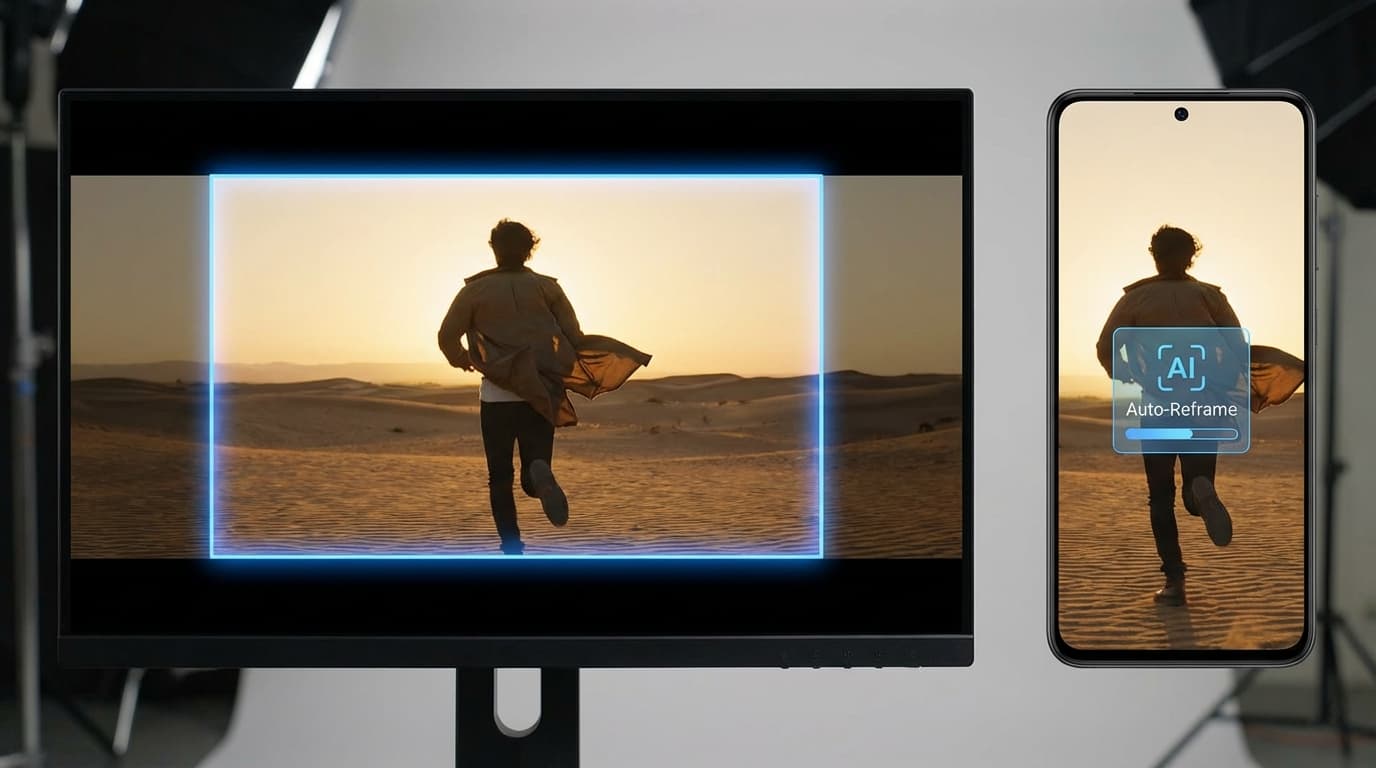
Smart Resizing
Effortlessly convert videos between landscape, portrait, and square formats for all social platforms.
- 9:16 Vertical
- 1:1 Square
- Auto-crop
Format Conversion
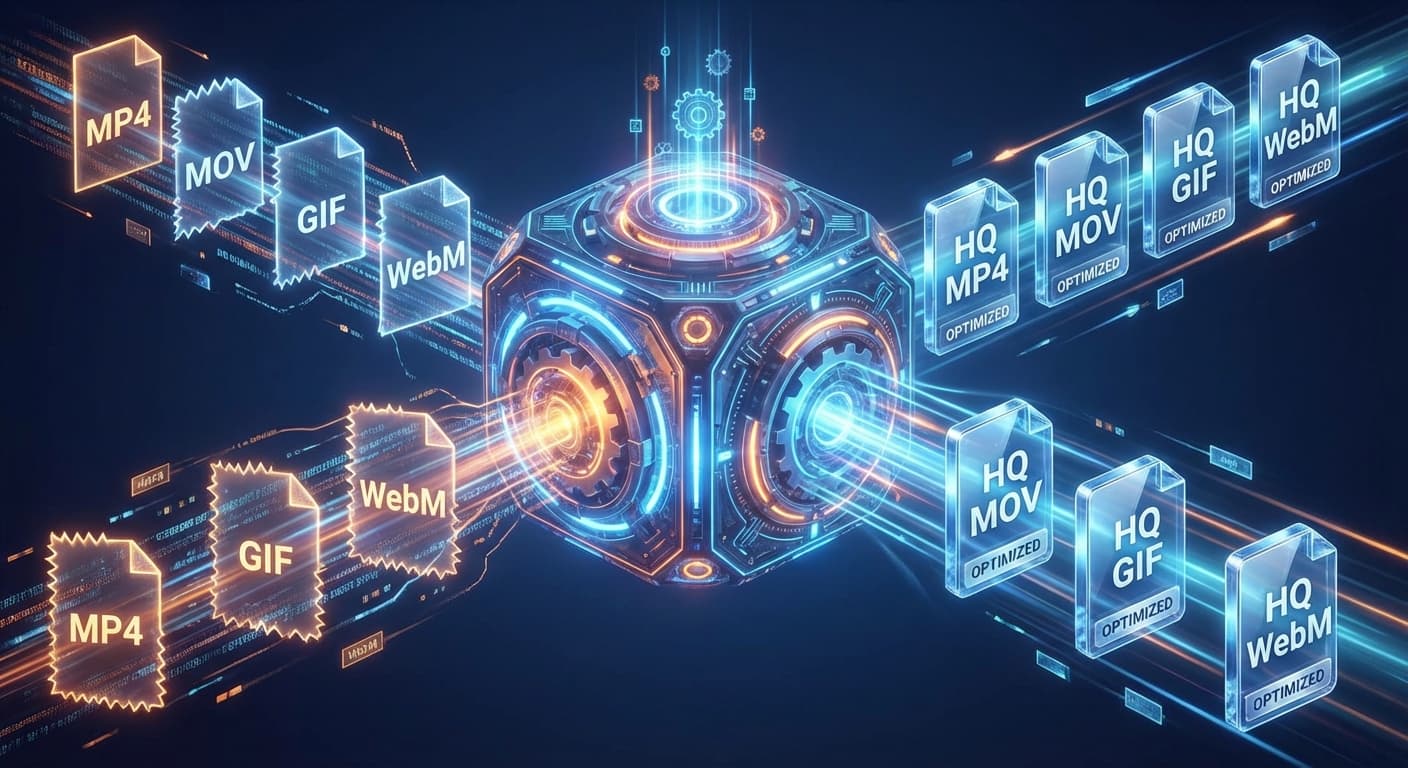
Convert between MP4, MOV, WebM, and high-quality GIFs with optimized compression.
- Lossless quality
- Fast transcoding
- Web-ready results
Audio Extraction
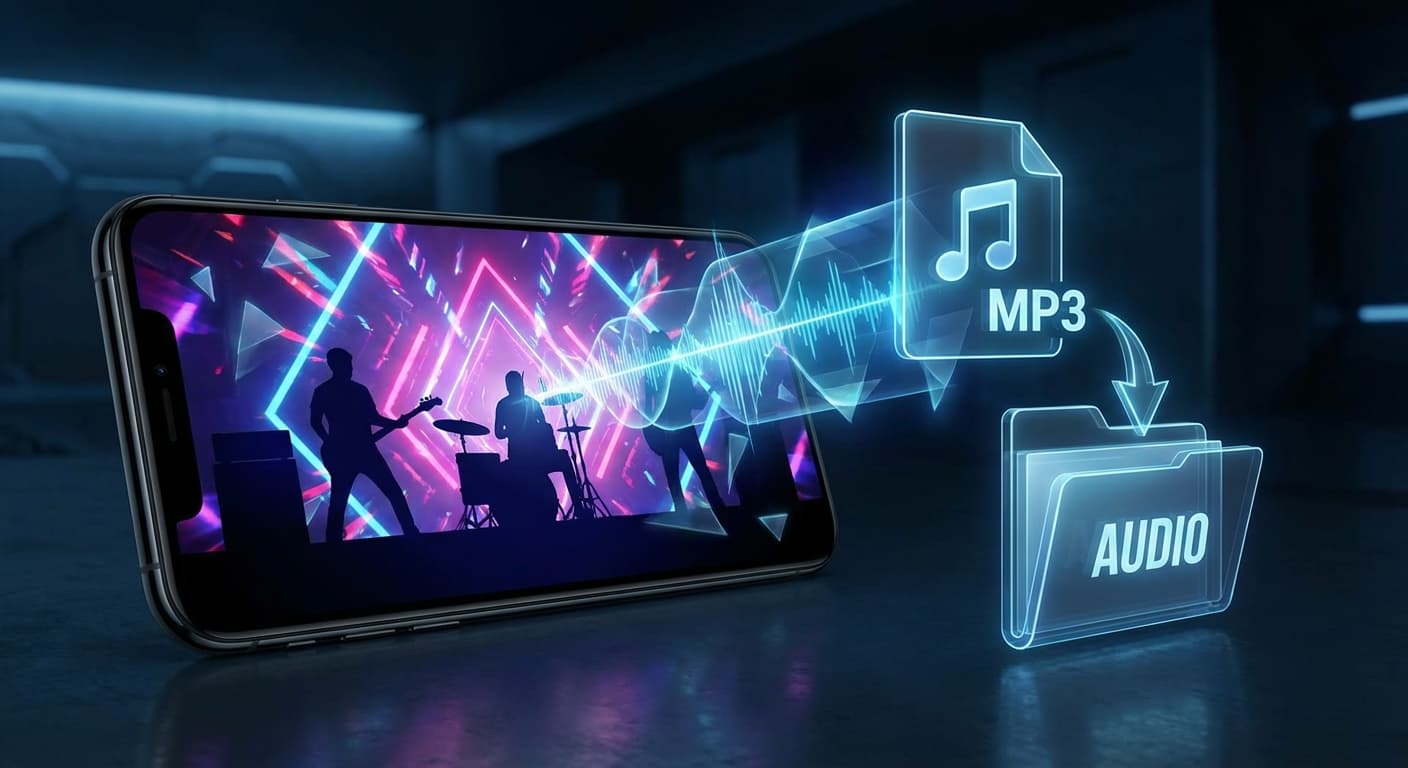
Need just the sound? Instantly extract high-fidelity audio tracks from any video file.
- MP3/WAV/AAC
- Clear sound
- Background noise removal
How to Use Video Toolkit
Upload Video
Select your source video file from your device.
Define Task
Tell the AI what transformation you need in the instructions box.
Process
Our powerful cloud engine processes your request using FFmpeg and AI optimization.
Download
Preview the result and download the processed file instantly.
Toolkit FAQ
Common questions about the Video All-in-one Toolkit.
Online Video Toolkit: Convert, Resize, and Extract Audio in One Place
Why Creators Need a Unified Video Toolkit
Managing video content across platforms means dealing with dozens of format requirements, aspect ratios, and file size limits. A TikTok vertical clip needs 9:16, an Instagram post demands 1:1, and a YouTube thumbnail export requires a completely different pipeline. Jumping between standalone converters, resizers, and audio extractors wastes hours every week. FlowVideo Video Toolkit consolidates these operations into a single browser-based interface. Upload once, define your task in plain language, and let the cloud engine handle the rest. No software installation, no watermarked exports, and no repeated file uploads across different services. The toolkit processes each request through an FFmpeg-powered backend paired with optimization routines that preserve visual fidelity while keeping output files lean enough for web distribution.
Smart Resizing for Every Social Platform
Platform algorithms favor native aspect ratios. A landscape video cropped to vertical with black bars signals low effort and gets suppressed in recommendation feeds. The video toolkit smart resizing feature analyzes frame composition and applies intelligent auto-crop to keep subjects centered during format conversion. Switch between 16:9 landscape, 9:16 vertical, and 1:1 square outputs without manually positioning crop regions. This matters for creators repurposing a single shoot across YouTube, Instagram Reels, and TikTok. Instead of re-editing in a timeline, upload the source file, specify the target ratio, and download a properly framed version within seconds. The processing pipeline handles resolution scaling alongside the crop, so output files match platform-recommended pixel dimensions.
Format Conversion with Optimized Compression
Not every platform accepts every container format. WebM works well for web embedding but fails on some mobile editors. MOV files from iPhone recordings need conversion before uploading to certain CMS platforms. The video toolkit handles conversion between MP4, MOV, WebM, and animated GIF with compression settings tuned for each output type. Lossless transcoding preserves the original bitrate when quality matters, while web-optimized presets reduce file size for faster page loads. GIF conversion is particularly useful for product demos, tutorial snippets, and social media previews where autoplay without sound is the expected behavior. The toolkit applies frame rate optimization and palette reduction to produce GIFs that load quickly without sacrificing visual clarity.
Audio Extraction and Sound Isolation
Podcasters, music producers, and educators frequently need to pull audio tracks from video recordings. Screen recordings of interviews, conference talks captured on phone cameras, or webinar archives all contain useful audio locked inside video containers. The video toolkit audio extraction feature outputs MP3, WAV, or AAC depending on your downstream needs. MP3 suits podcast distribution where file size matters. WAV preserves full fidelity for further editing in a DAW. AAC offers a middle ground with strong compression and broad device compatibility. The background noise removal option cleans up recordings captured in less-than-ideal acoustic environments, reducing hiss and ambient room tone before export.
Practical Workflow for Content Teams
Content teams operating on tight schedules benefit most from a streamlined video toolkit workflow. The four-step process starts with uploading a source file up to 50MB. Next, describe the transformation in the instruction box using natural language. Requests like "resize to 9:16 and convert to MP4" or "extract audio as MP3" are interpreted by the processing engine and executed in the cloud. Results typically arrive within 30 to 60 seconds depending on file length and task complexity. Processed files appear in your task history, making it straightforward to revisit previous conversions or download results again later. For teams managing multiple social accounts, this eliminates the need for separate desktop applications and keeps the entire post-production pipeline accessible from any browser.
Simplify Your Video Workflow
Ready to handle all your video tasks in one place? Try the Video Toolkit now.