
Digitize Any Image with AI OCR
Instantly extract text from documents, receipts, screenshots, and photos with industrial-grade precision.
Powerful Optical Character Recognition that understands context and formatting. Only 2 credits per scan.
AI Image OCR
Upload an image to extract text content.
Scanned text will appear here. Supports multiple languages and handwriting.
My Scan History
Sign in to view your scan history
Intelligent Text Extraction
Our OCR doesn't just see characters—it understands layout and context to provide the most accurate digital text possible.
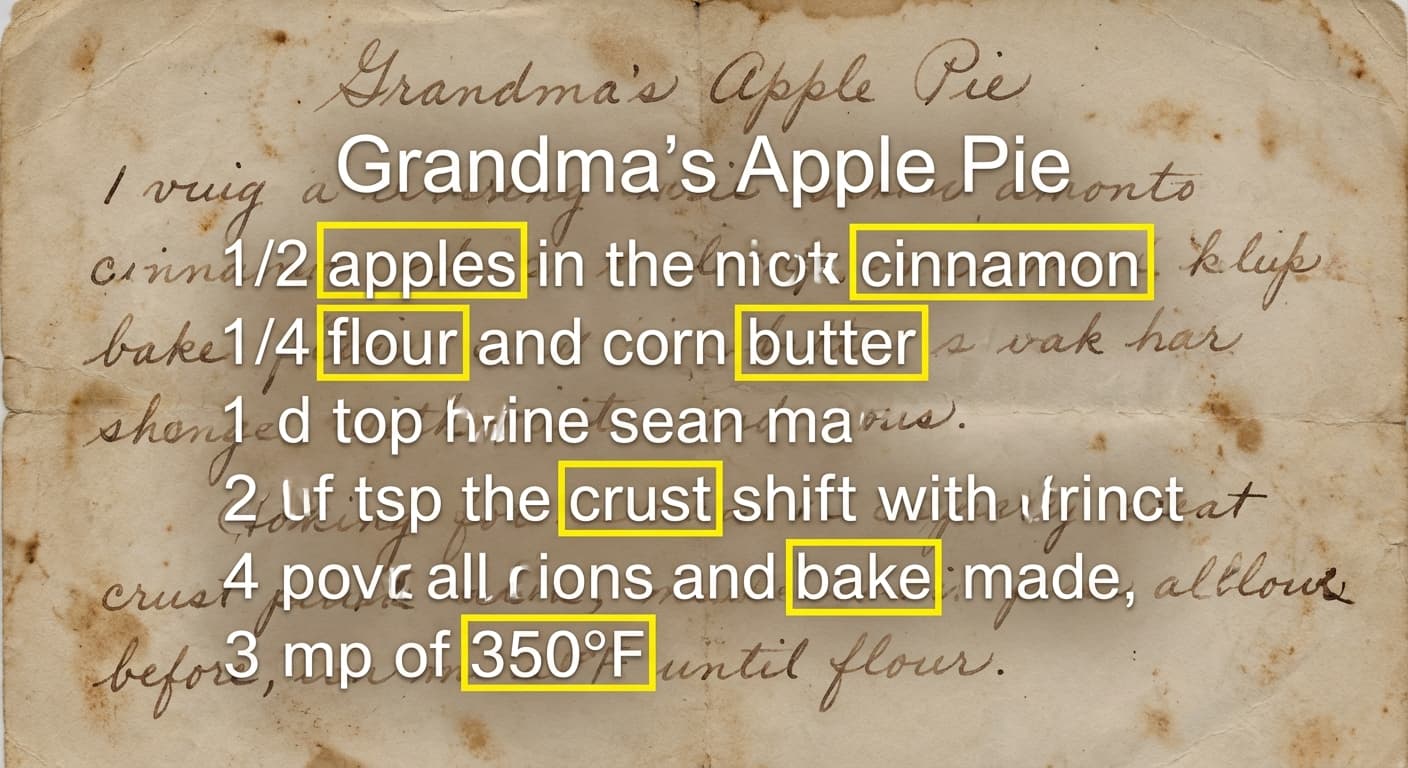
Precise Accuracy
Handles complex fonts, handwriting, and blurred text better than traditional OCR engines.
- Handwriting support
- Multi-font detection
- High precision
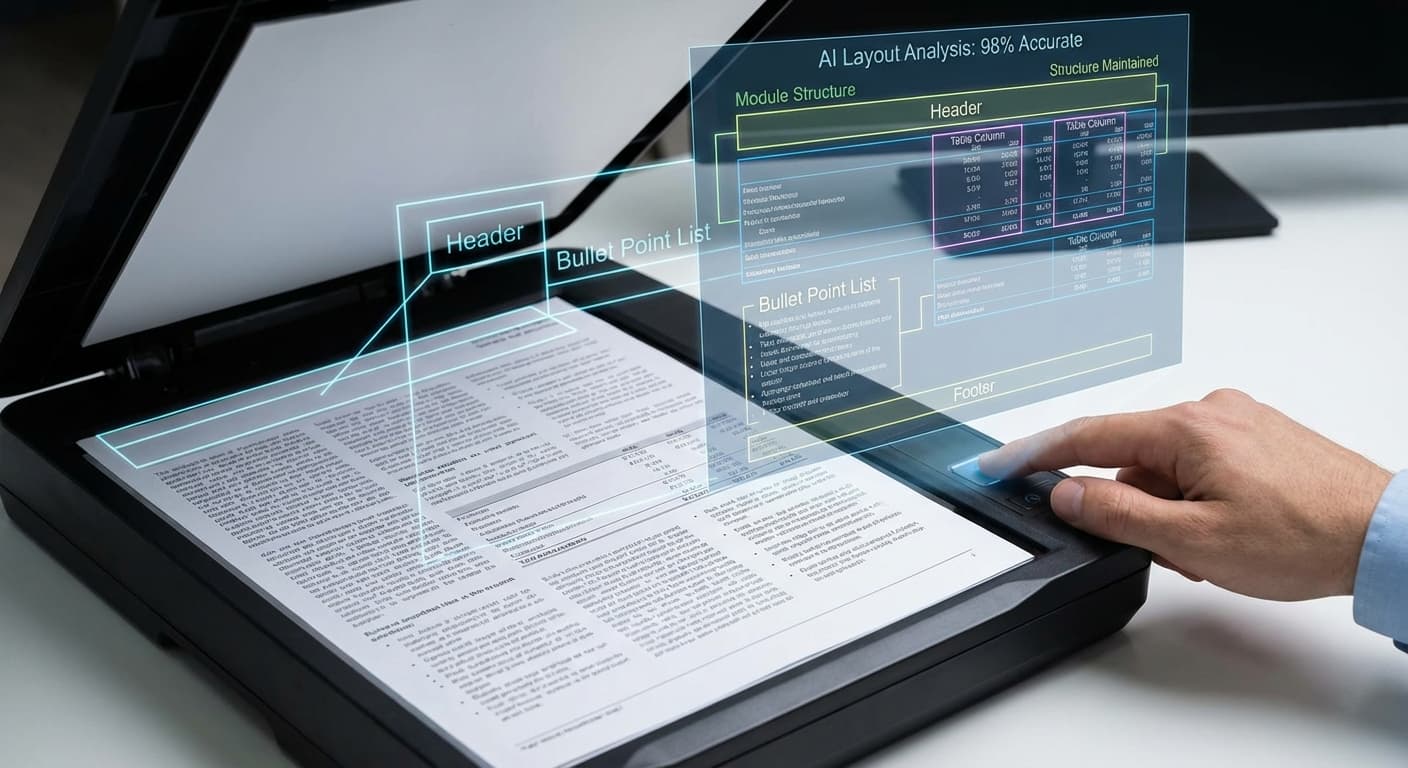
Layout Preservation
Smartly detects paragraphs, lists, and structure to maintain the original meaning of your documents.
- Paragraph detection
- List recognition
- Structure aware
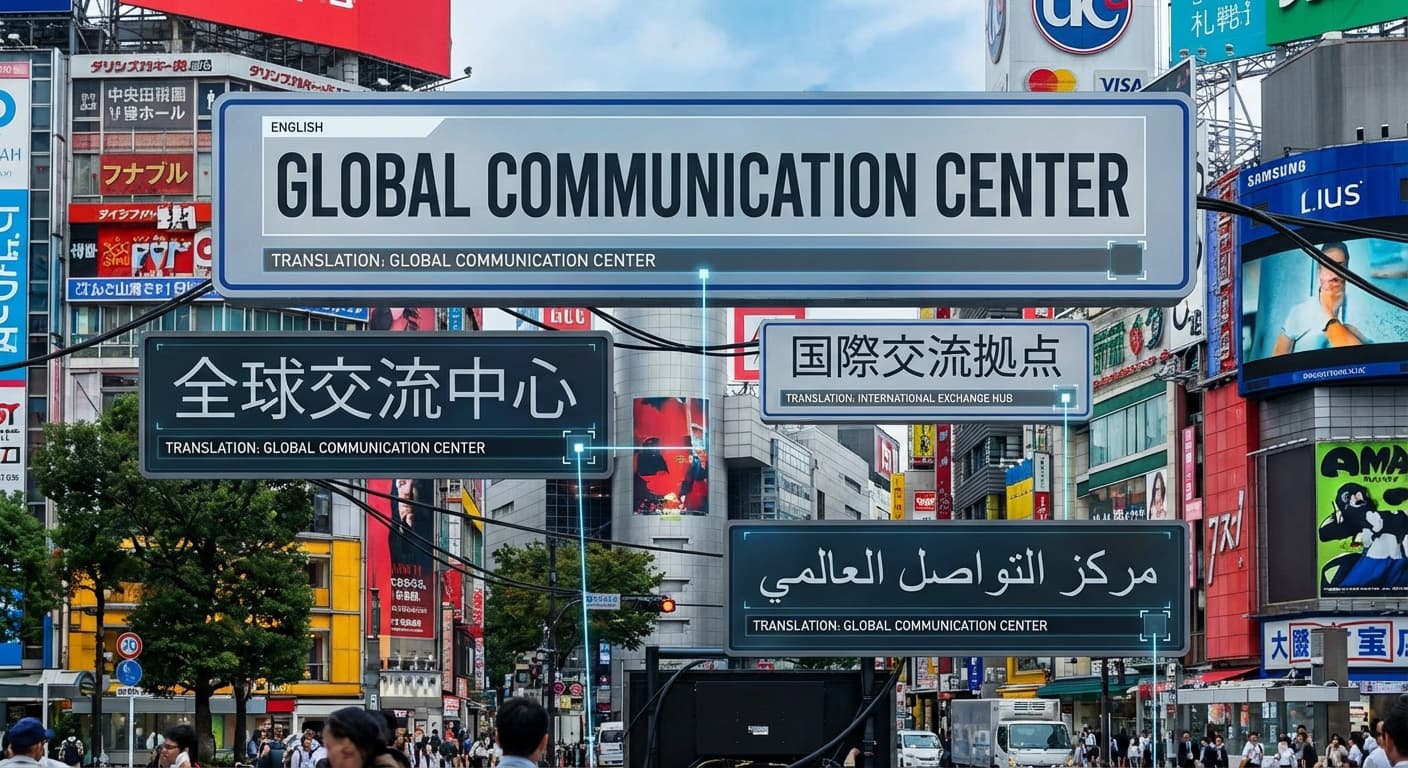
Multi-Language Support
Global language support including English, Chinese, Japanese, European languages, and more.
- Global languages
- Script detection
- Dialect support
How to Use AI OCR
Upload Document
Upload a photo of a document, a screenshot, or a digital image.
Vision Scan
The AI vision model scans the visual field for character patterns.
Text Extraction
Visual data is converted into editable digital text strings.
Ready for Use
Copy the results to your clipboard or download them as a text file.
OCR FAQ
Common questions about our text recognition tool.
AI OCR for Images: Accurate Text Extraction Without the Retyping
Why Retyping Still Happens in 2025
Despite decades of digitization, enormous amounts of text remain locked inside images. Whiteboards photographed after meetings, receipts snapped for expense reports, screenshots of error messages, scanned contracts in shared drives. Traditional OCR software often requires careful preprocessing: straightening, thresholding, deskewing. Skip a step and accuracy drops. FlowVideo's AI OCR eliminates that friction. The vision model accepts raw photos, tilted scans, and low-resolution screenshots without manual adjustment. It identifies character patterns across 110 languages, preserves paragraph breaks and table structures, and delivers editable text you can paste directly into a document or spreadsheet. Two credits per scan, no subscription required for the first twenty images each month.
How the Vision Engine Reads Your Image
Legacy OCR works by matching pixel patterns against a fixed font library. When the font changes, the angle shifts, or the background is noisy, recognition breaks down. FlowVideo's OCR uses a transformer-based vision model that understands spatial context. It reads a line of text the way a human does, inferring missing strokes from surrounding characters and correcting unlikely letter sequences using language-level probability. The model handles printed text, cursive handwriting, and mixed-language documents in a single pass. Layout preservation mode detects columns, bullet lists, and tables, outputting structured text that mirrors the original formatting. Plain-text mode strips all structure for quick copy-paste into chat messages or notes.
Five Workflows Where AI OCR Saves Hours
First, expense reporting. Photograph a stack of restaurant receipts at the end of a business trip, upload them in batch, and export a CSV with vendor names, dates, and totals ready for your accounting software. Second, meeting notes. Snap the whiteboard before it gets erased, run OCR, and paste the text into your project management tool within minutes. Third, legal discovery. Digitize signed contracts from physical archives, making every clause searchable and indexable. Fourth, academic research. Extract passages from scanned journal articles or vintage books without retyping quotes. Fifth, inventory management. Photograph product labels or barcodes and convert serial numbers into a database-ready format. Each of these tasks traditionally takes minutes to hours of manual typing. AI OCR compresses them to seconds.
Accuracy: What to Expect and What Affects It
On clean printed documents at 300 DPI or above, FlowVideo's OCR consistently achieves above 98 percent character accuracy. Handwritten text accuracy varies with legibility but typically falls between 85 and 95 percent for reasonably neat handwriting. Factors that reduce accuracy include extreme blur where characters merge, very low contrast between text and background, and heavily stylized decorative fonts. For best results, ensure the image is well-lit and the text occupies a significant portion of the frame. The extraction focus field lets you guide the model, for example telling it to extract only dates or to treat the image as a table. This targeted mode improves precision for structured data.
Privacy and Data Handling
Documents often contain sensitive information: financial figures, personal names, medical terms. FlowVideo processes all OCR scans on encrypted GPU infrastructure with no persistent storage. Once your session ends, the uploaded image and extracted text are deleted from the server. No data is used for model training. For organizations with strict compliance requirements, this means you can digitize confidential documents without creating a copy that lingers on third-party servers. The entire extraction happens in real time, typically completing in three to eight seconds, so there is minimal window during which data exists outside your device.
Go Paperless with AI
Turn your physical documents into editable digital data in seconds. Try AI OCR today.