
Verwandeln Sie Text sofort mit KI in Video
Write Prompts, Get Videos
Verwandeln Sie Ihre Drehbücher in filmische Realität mit dem fortschrittlichsten KI-Videogenerator und Text-zu-Video-Engine der Welt.
Built for transparent creative workflows
Generator Settings
Cost: 60 Credits
1 = Static, 10 = High Action
Text to Video Engine
Enter a prompt and adjust physics settings to start generating.
Introduction
For decades, creating a specific video shot—"A golden retriever jumping into a pool in slow motion at sunset"—required three things: a dog, a pool, and a camera crew. If you didn't have those, you couldn't have the shot.
FlowVideo AI's Text to Video AI breaks this causal link. It does not look up existing stock footage; it hallucinates new reality. By training on petabytes of video data, our model has learned the relationship between words and visual concepts. It knows what "sunset" looks like (orange light, long shadows). It knows what "slow motion" looks like (frame interpolation). It knows how water behaves when a dog hits it (fluid dynamics).
This tool allows you to summon video existence from the void. Whether you need a shot of a futuristic cityscape for a sci-fi film, or a macro shot of a coffee bean roasting for a commercial, you simply describe it, and the AI renders it frame by frame. It is the ultimate creative tool for directors, marketers, and dreamers who refuse to be limited by their physical resources.
Why Use Text to Video AI?
Beyond simple pattern matching. True understanding.
Infinite B-Roll (The Stock Footage Killer)

The Technology: World Simulators

Spatiotemporal Diffusion
The model generates the video as a 3D block of data. It understands that if a character turns their head 45 degrees in Frame 10, they must continue turning in Frame 11. It maintains "Temporal Coherence." It doesn't treating every frame as a new image; it treats the video as a fluid object.

The Physics Engine (Learned vs. Coded)
In video games, physics are coded (Gravity = 9.8). In AI, physics are learned. By watching millions of videos of dropping vases, the AI learns that "Glass shatters when it hits the ground." It learns that "Smoke rises." This allows for realistic simulations of complex phenomena like fire, water, and cloth movement without running a single line of simulation code.
Resolution and Framerate
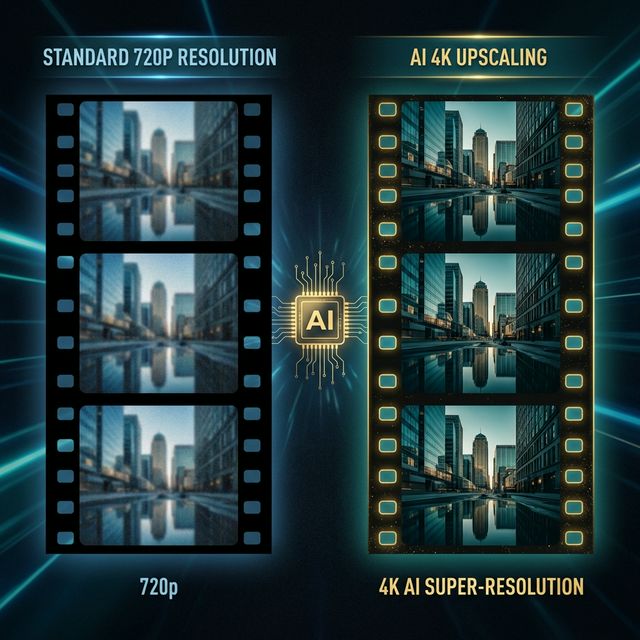
Native 24fps: We generate at the cinematic standard of 24 frames per second. Upscaling: The raw output is 720p. Our integrated "Super-Resolution" module (Real-ESRGAN for video) upscales this to 1080p or 4K, adding distinct detail to textures like skin pores or brick walls.
Step-by-Step Guide: Writing the Perfect Prompt
Subject + Action + Context
Formula: [Subject] + [performing usage Action] + [in Context/Location]. Example: 'A robot' + 'painting a canvas' + 'in a sunlit art studio.'
Add Camera Directions
Keywords: 'Drone view,' 'Close-up,' 'Macro,' 'Wide angle,' 'Tracking shot,' 'Handheld shake.' Effect: 'Handheld shake' adds realism to horror or documentary style shots.
Add Lighting and Style
Keywords: 'Golden hour,' 'Neon cyberpunk,' 'Soft studio lighting,' 'Hard shadows,' 'Film grain,' 'Kodak Portra 400.' Effect: Lighting sets the mood. 'Cyberpunk' triggers blue/pink color palettes.
Motion Control
Slider: Use the 'Motion Bucket' slider. Low (1-3): The video is mostly static, like a cinemagraph (only coffee steam moving). High (8-10): High action. Cars driving fast, people running. (Warning: High motion can cause artifacts/morphing).
Comparison: The Generative Landscape
| Feature | OpenAI SORA | Runway Gen-2 | FlowVideo AI |
|---|---|---|---|
| Access | Closed Beta | Public | Public |
| Resolution | 1080p | 1080p | 1080p / 4K |
| Cost | N/A | Credits | Free / Pro |
| Focus | Demo | Creative | Commercial |
Industry Use Cases
Marketing Agencies
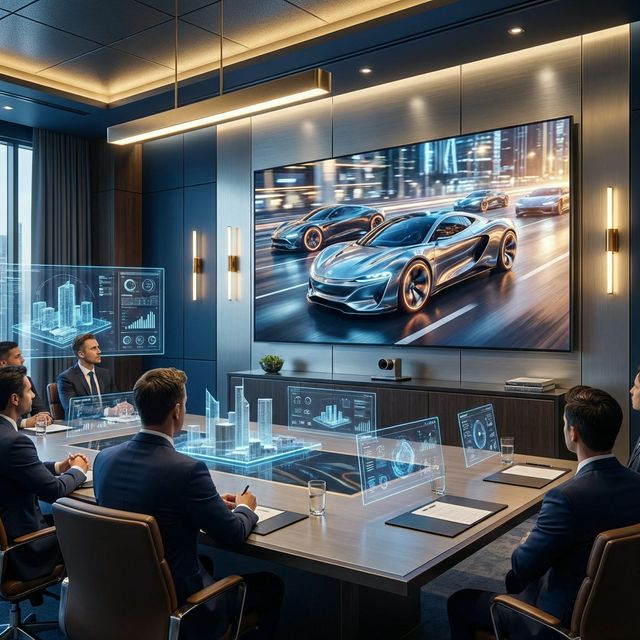
Creating 'Mood Films' for brand pitches. Instead of spending days searching for images to represent 'The future of mobility,' they generate a 1-minute video montage of futuristic electric cars to set the tone for the client meeting.

E-Commerce
Generating product lifestyle videos. 'A bottle of perfume sitting on a rock in a misty river.' It creates a premium look for a product launch without an on-location photo shoot.
Game Development
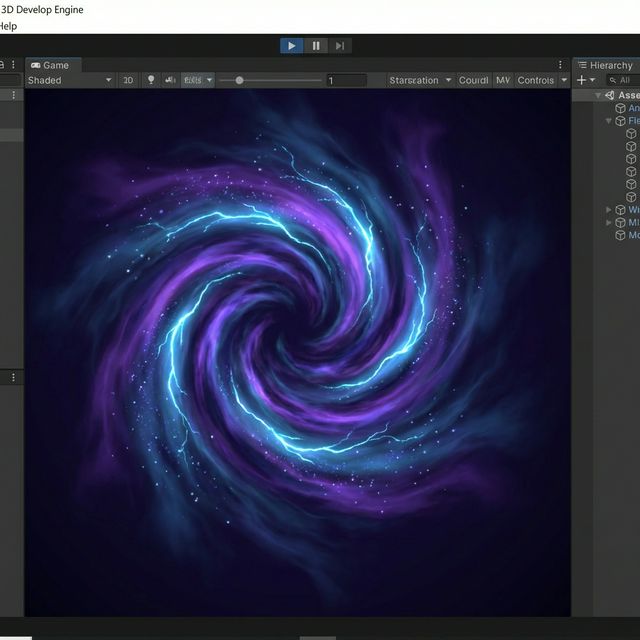
Generating animated textures. A developer needs a 'Magic Portal' texture. They prompt 'Swirling purple energy vortex, seamless loop,' and apply the resulting video to a flat plane in Unity.
Verify the workflow before generation
Review the inputs, model, estimated credit cost, output type, and limitations shown on this page.
Troubleshooting Common Glitches
Morphing objects
Motion too high. Lower the Motion Strength slider from 10 to 5. The AI needs to hallucinate less movement to stay stable.
Extra limbs
Complex action. Avoid prompts with complex interactions like 'holding hands' or 'eating spaghetti.' AI struggles with object boundaries. Keep actions simple ('looking,' 'walking').
Blurry face
Subject too far. The AI allocates pixels based on importance. If a person is far away, their face is only 10 pixels. Use 'Close-up' or 'Portrait' prompts to force high-detail faces.
Frequently Asked Questions about Text to Video
Verwandeln Sie Text sofort mit KI in Video
Raw output from the diffusion model renders at 720p and twenty-four frames per second, the cinematic baseline. FlowVideo's integrated super-resolution module, built on a video-adapted enhancement network, upscales this to 1080p or 4K by adding texture detail to surfaces like brick walls, skin pores, and fabric weaves. The upscaling is not simple interpolation; it reconstructs high-frequency detail that the base model omitted due to compute constraints. The final export supports MP4 with H.264 or H.265 encoding, ready for direct upload to YouTube, Vimeo, or any editing timeline. For creators who need raw material for further post-production, a ProRes option preserves maximum quality for color grading and compositing.
Practical Workflow: Concept to Published Video in Under an Hour
A working text to video AI workflow starts with writing three to five structured prompts, one per scene. You generate each clip, review the outputs, and regenerate any that miss the mark by refining the prompt language. Once all clips are approved, you arrange them on FlowVideo's built-in timeline, add transitions, overlay captions or a voiceover track, and export in your target aspect ratio. The entire cycle from blank page to published video typically takes thirty to fifty minutes for a sixty-second piece. Compare that to the traditional pipeline of scripting, storyboarding, shooting, and editing, which spans days or weeks. This compression does not sacrifice creative control; it reallocates time from mechanical tasks to the decisions that actually shape the final product.